

Key Takeaways
- The "Stadium Cam" ad format creates viral Meta ads that look like unscripted broadcast footage caught on camera
- You can produce these ads in under 30 minutes using Claude + GPT Image 2 + Seedance 2.0
- This workflow eliminates traditional production costs ($5,000+ shoot days) and 3-week edit timelines
- The format works best for products that solve visible physical discomfort (heat, sun, dryness, sweat)
- Three-step process: Claude generates concepts and prompts → GPT Image 2 creates the anchor frame → Seedance animates into broadcast-quality video
Introduction
The most viral ad format on Meta right now does not look like an ad at all. It looks like a broadcast camera accidentally caught someone in the audience during a live game. They are sweating, uncomfortable, and then naturally reach for a product that solves their problem. No script. No setup. Just a candid human moment that happens to feature your product.
This format is crushing it because it mirrors how people actually behave. Social media users scroll past polished commercials. They pause for content that feels real, unplanned, and relatable. The "Stadium Cam" format delivers exactly that.
What makes this possible today is a three-tool AI workflow that replaces the entire traditional production pipeline. No crew. No location. No talent fees. Just your product URL, a reference image, and three AI tools working in sequence.
This guide breaks down the exact workflow step by step, including the prompts, tools, and pro tips needed to create Stadium Cam ads that look like stolen broadcast footage. Whether you run a DTC brand, manage client accounts at an agency, or build creative strategies, this workflow will cut your production time from weeks to minutes.
What is the Stadium Cam ad format and why does it work
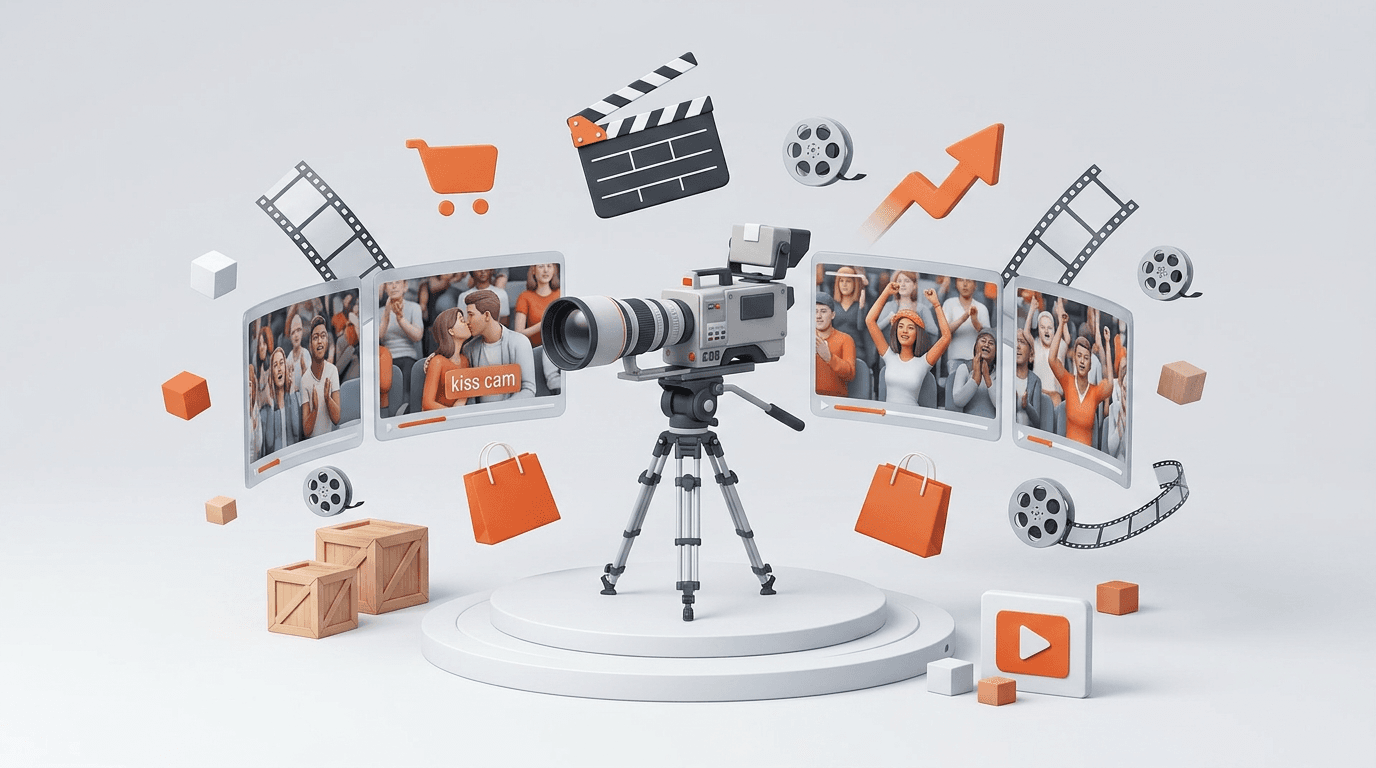
The Stadium Cam format mimics live sports broadcast footage. A telephoto camera zooms in on a crowd member who appears unaware they are on screen. The viewer sees a candid moment: someone dealing with heat, sun, dryness, or discomfort. Then the person naturally uses a product, and the problem visibly resolves.
This format works for three reasons.
First, it bypasses ad blindness. Viewers are trained to skip obvious ads. Content that looks like organic footage interrupts that pattern. The broadcast aesthetic — complete with shallow depth of field, crowd background noise, and on-screen graphics — signals authenticity rather than advertising.
Second, it shows the product solving a real problem. The discomfort is visible on the person's face. The relief is visible after they use the product. This creates a stronger association than any product claim or feature list could achieve.
Third, it triggers parasocial engagement. Viewers feel like they discovered something, not like they were sold something. This emotional response drives higher engagement rates, shares, and saves on platforms like Meta.
The format is particularly effective for products tied to physical comfort: portable fans, sunscreen, lip balm, sunglasses, snacks, beverages, cooling towels, and similar items. The key is that the problem must be readable on a face at broadcast distance.
What tools you need to create Stadium Cam ads
This workflow requires three AI tools and one reference image.
Claude handles the creative strategy. You feed it your product URL, and it analyzes the product, target customer, and natural usage moments. Then it writes the image generation prompt and the video animation prompt.
GPT Image 2 generates the start frame. This is the anchor image that establishes the person, environment, lighting, and broadcast aesthetic. You upload a reference image of the person or creator you want to use, then paste Claude's prompt to generate the frame.
Seedance 2.0 (accessed through HeyOz) animates the start frame into a 5–6 second video. You upload the generated start frame as the first frame, paste Claude's video prompt, and Seedance produces the final broadcast-quality video.
Your reference image is critical. Use a real photo of a real person, not an AI-generated face. AI-generated faces lose consistency between the image generation and video animation steps. A real reference image ensures the person looks identical in both the start frame and the final video.
Step 1 — Feed Claude your product URL and get ad concepts
Start by giving Claude your product URL and asking it to analyze the product. Use this exact prompt structure:
Visit this URL: [your product URL]
Analyze the product and tell me:
- What the product is and what problem it solves
- Who the target customer is
- What natural human moment or situation would make someone reach for this product
- What environment would make that moment feel the most real and relatable (e.g. stadium, beach, commute, park)
Then suggest 2–3 ad concepts using the caught on broadcast camera format — where a person is unaware of the camera, uses the product naturally, and the product solves a visible problem on screen. Keep each concept to 2–3 sentences.
Claude will return a set of concepts. Each concept describes a scene, the problem moment, and the product resolution. Pick the one that feels most natural for your product.
For example, if your product is a portable fan, a strong concept might be: A woman in a packed summer stadium wipes her forehead, pulls a small portable fan from her bag, and holds it to her face with visible relief while still watching the game.
Step 2 — Generate the start frame prompt for GPT Image 2
Once you have selected a concept, ask Claude to write the start frame image prompt. Use this prompt:
Based on concept [X], write me a start frame image prompt for GPT Image 2.
Rules:
- Do NOT describe the person's appearance. I will provide a reference image separately.
- Describe only the composition, environment, lighting, camera lens, and broadcast aesthetic.
- The shot should look like a real live sports broadcast camera accidentally caught someone in the audience.
- The person should be unaware of the camera — natural, unposed, candid.
- Include: telephoto lens specs, depth of field, crowd background detail, lighting conditions, broadcast color grade, and any relevant UI elements like a LIVE graphic or scoreboard.
- Output format: a single clean image generation prompt, ready to paste into GPT Image 2.
Claude will return a detailed prompt that specifies the technical camera settings and broadcast look without describing the person's face. This is important because you will provide the face through your reference image.
Take this prompt, go to GPT Image 2, upload your reference image, paste the prompt, and generate the start frame. Save the image you like best.
Step 3 — Generate the video prompt for Seedance 2.0
With your start frame image ready, return to Claude and ask for the video animation prompt:
Now write me the full video animation prompt for Seedance 2.0 based on the same concept.
Rules:
- Preserve the exact face, hairstyle, skin texture, and identity from the start frame image. Do not stylize or beautify.
- Output: single continuous live sports broadcast shot, 5–6 seconds, 16:9, 1080p, no cuts.
- The person starts unaware of the camera.
- The action sequence should follow this arc: [problem moment] → [reaches for product] → [uses product] → [visible relief or reaction].
- The product should be clearly visible and in focus for at least 2–3 natural seconds — never forced or posed.
- Include: exact second-by-second action breakdown, camera specs (telephoto 120–150mm, broadcast compression, shallow depth of field), environment details, mood, lighting, and broadcast color grade.
- End with either: the person still unaware of the camera (candid) OR the person noticing the camera and reacting naturally (joyful/surprised). Choose whichever fits the product better.
- Output format: a single clean video prompt, ready to paste into Seedance 2.0.
This prompt produces a detailed second-by-second breakdown of the action. The video prompt preserves the identity from your start frame while adding natural movement and product interaction.
Take this prompt, go to HeyOz (which provides access to Seedance 2.0), upload your generated start frame as the first frame, paste the video prompt, and generate the final video.
Full workflow at a glance
Here is the complete process from product URL to published ad:
- Product URL → Paste into Claude
- Claude → Generates ad concept (Step 1)
- Claude → Writes start frame prompt (Step 2)
- GPT Image 2 + Reference Image → Generates start frame image
- Claude → Writes full video prompt (Step 3)
- HeyOz (Seedance 2.0) + Start Frame Image → Produces final 5–6s video ad
- Ship the ad → Upload to Meta Ads Manager and launch
Total production time: under 30 minutes. Total cost: a fraction of a traditional shoot day.
Pro tips for better Stadium Cam ads
Choose products with visible problems. The best products for this format solve physical discomfort that shows on a face. Heat, sun, dryness, sweat, and hunger all create readable facial expressions that translate to broadcast distance. Abstract or emotional benefits are harder to communicate visually.
Use real reference images. AI-generated faces lose consistency between the image generation and video steps. Always use a real photo of a real person. This ensures the face in the start frame matches the face in the final video.
Time the product moment carefully. The product should appear between seconds 1.5 and 4 of the video. Too early feels staged. Too late and the video tool may not hold focus long enough. Aim for 2–3 seconds of clear product visibility.
Match environment to product. Daytime stadium or beach scenes work best for sun, heat, and outdoor products. Night game settings work better for beauty, food, or comfort products. The environment should reinforce the problem, not distract from it.
Never describe the product as advertised. The prompt should always treat the product as something the person naturally owns and reaches for. The camera caught them using their own item, not demonstrating a sponsored product. This maintains the candid aesthetic.
Test both endings. Try versions where the person remains unaware of the camera, and versions where they notice and react naturally. The unaware ending feels more documentary-style. The reaction ending creates a memorable hook. Test both to see which performs better for your product.
Real examples of Stadium Cam ads built with this workflow
This workflow has already produced multiple viral concepts.
Example 1: A woman in a packed stadium pulls out a portable fan on a hot day. She wipes her forehead, reaches into her bag, holds the fan to her face, and closes her eyes with relief while the game continues behind her.
Example 2: A woman squints in harsh afternoon sun, reaches for sunglasses in her pocket, puts them on, and then laughs as she notices the broadcast camera on her. The laugh feels genuine and unscripted.
Both ads look like stolen broadcast footage. Both feature natural product moments that do not feel forced. Both were built entirely with Claude, GPT Image 2, and Seedance — no production crew, no location, no talent fees.
Why this workflow replaces traditional ad production
Traditional ad production involves multiple stages that each add time and cost.
A typical shoot requires booking a location, hiring talent, coordinating schedules, filming multiple takes, editing footage, adding graphics, and running revision cycles. Even a single day of production can cost ,000 or more, with edit timelines stretching to three weeks.
The AI workflow eliminates every step.
- No location booking. The environment is generated.
- No talent coordination. The person is your reference image.
- No filming. The video is generated from the start frame.
- No editing. The output is a finished 5–6 second video.
- No revisions. Generate new versions in minutes instead of days.
This shifts budget from production to performance. Instead of spending on logistics, you spend on media. Instead of waiting weeks for creatives, you launch campaigns the same day you conceive them.
How HeyOz simplifies the video generation step
While Claude handles the creative strategy and GPT Image 2 creates the start frame, the video animation step requires a broadcast-quality video generation tool.
HeyOz provides direct access to Seedance 2.0, which is designed for exactly this type of cinematic video generation. The platform accepts your start frame as an anchor image and animates it based on your detailed prompt.
This integration means you do not need separate subscriptions or complex API setups. Upload your start frame, paste the prompt Claude wrote, and generate the final video within the same workflow.
For teams running multiple campaigns, this consolidation saves significant time. One platform handles the video generation, creative variations, and export formatting needed for Meta, TikTok, and other channels. Start your 3-day free trial
Conclusion
The Stadium Cam ad format represents a shift in what AI-generated advertising can achieve. It does not look like an AI ad. It looks like a real, unscripted human moment that happens to feature a product solving a real problem.
The three-tool workflow — Claude for creative strategy, GPT Image 2 for the anchor frame, and Seedance 2.0 for video animation — replaces the entire traditional production pipeline. Production time drops from weeks to minutes. Costs drop from thousands to a fraction of a shoot day.
For DTC brands, agencies, and solo marketers, this means infinite creative variations, faster testing cycles, and ads that actually stop the scroll. The broadcast aesthetic is just the beginning. The same workflow adapts to beaches, commutes, parks, concerts, and any environment where a candid product moment feels natural.
Start with your product URL, pick a concept, and ship your first Stadium Cam ad in under 30 minutes.
Frequently Asked Questions
What products work best for the Stadium Cam format?
Products that solve visible physical discomfort work best. Portable fans, sunscreen, lip balm, sunglasses, cooling towels, snacks, and beverages all create readable facial expressions that translate to broadcast distance. Abstract or emotional benefits are harder to communicate visually.
Do I need a real person for the reference image?
Yes. Use a real photo of a real person, not an AI-generated face. Real faces maintain consistency between GPT Image 2 and Seedance 2.0. AI-generated faces often shift in appearance during the video generation step.
How long does the entire workflow take?
From product URL to final video, the workflow takes under 30 minutes. Claude generates concepts and prompts in seconds. GPT Image 2 produces the start frame in minutes. Seedance 2.0 animates the final video in minutes.
Can I use this for products other than physical comfort items?
Yes, but you need a visible problem moment. Beauty products work at night games. Food and beverage products work in any crowded setting. The key is that the product use creates a visible change in the person's expression or behavior.
What makes this different from traditional UGC ads?
Traditional UGC ads feature creators talking to camera. Stadium Cam ads feature no talking, no direct address, and no awareness of being filmed. They look like documentary footage, not testimonials. This bypasses the ad recognition that causes users to skip UGC content.
How do I get access to Seedance 2.0?
Seedance 2.0 is available through HeyOz . The platform provides the video generation interface where you upload your start frame and prompt, then generate the final broadcast-quality video.
About the author
Ahad Shams
Ahad Shams is the Founder of HeyOz, an all-in-one ads and content platform built for founders and small teams. He has worked across consumer goods and technology, with experience spanning Fortune 100 companies such as Reckitt Benckiser and Apple. Ahad is a third-time founder; his previous ventures include a WebXR game engine and Moemate, a consumer AI startup that scaled to over 6 million users. HeyOz was born from firsthand experience scaling consumer products and the need for a unified, execution-focused marketing platform.