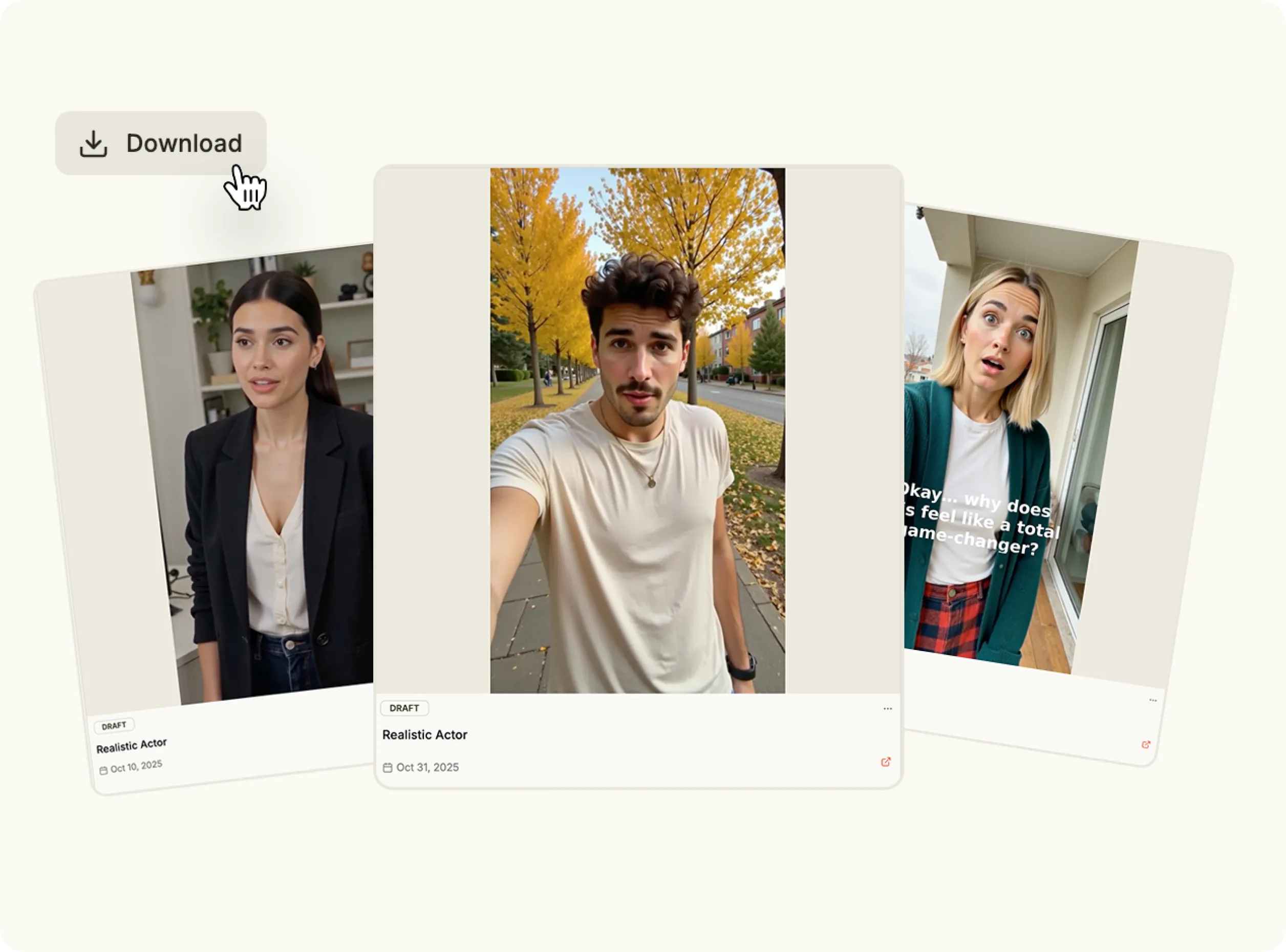
Create high-quality videos in minutes with a powerful AI video generator built for speed, flexibility, and scale. No filming, editing software, or production team required.
Video is the most effective content format, but traditional production is slow and expensive. With modern AI video generators, you can automate the entire process and create AI video content on demand. From ads to product demos, AI for video creation helps you move faster without sacrificing quality.

Add a link, prompt, or product.

Automatically generate video assets.

Customize style and format.

Publish anywhere in one click.

Produce complete videos automatically using advanced AI video generation models trained for marketing and social content.
Start from a product URL, existing assets, or text prompts using the AI video generator online workflow.
Create ads, promos, demos, and short-form content with different AI video generators built for specific use cases.
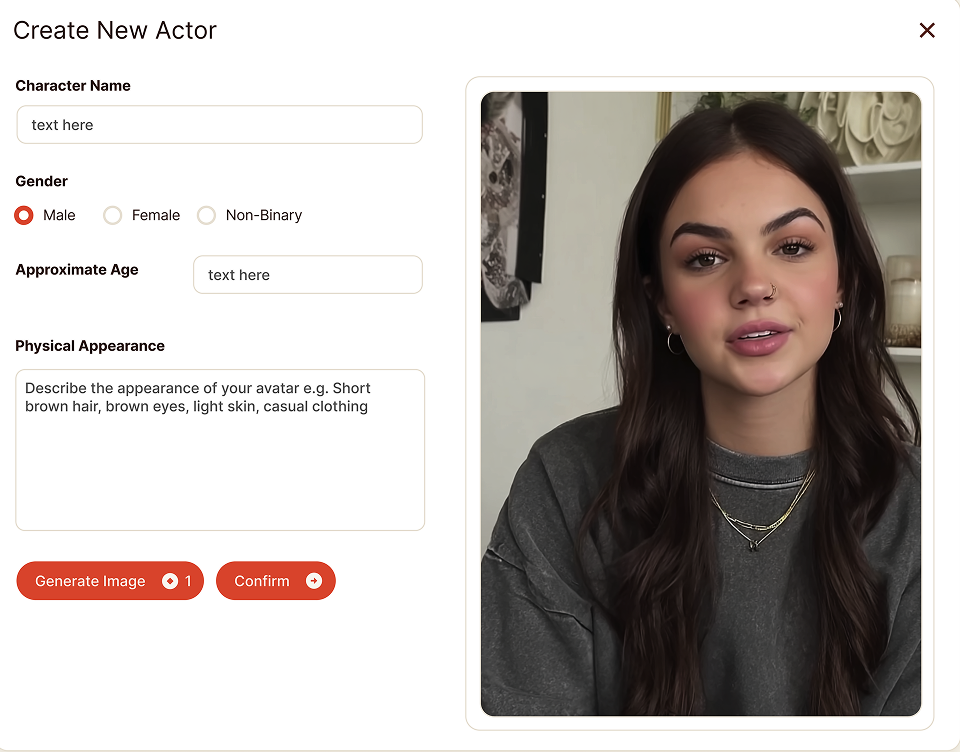
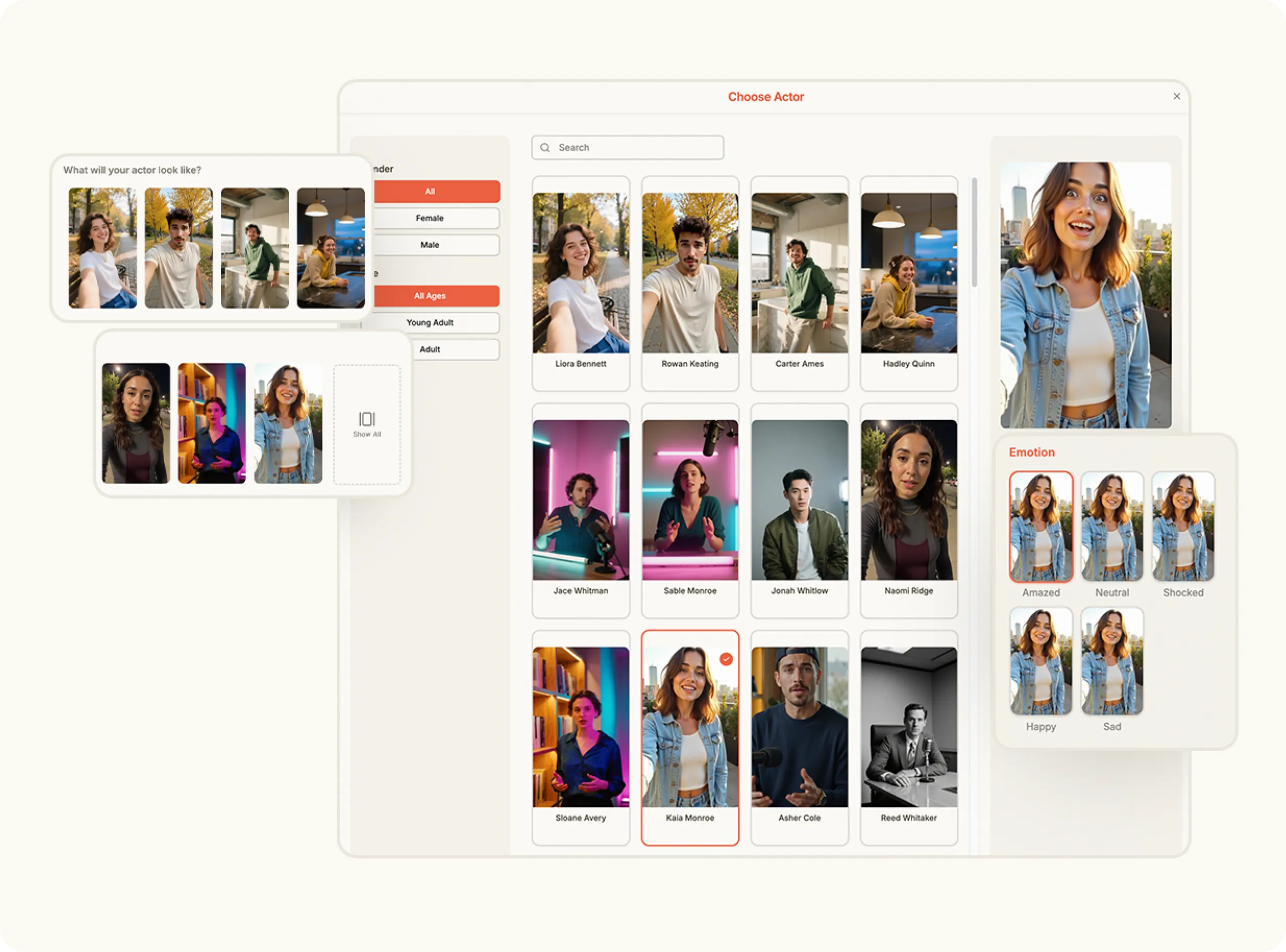
Guide how your video looks and feels using simple prompts, making AI for video creation easy and accessible.
Generate and test multiple versions quickly by choosing to create AI video variations without manual editing.
Use the AI video generator to create campaign videos, ads, and creative tests faster.
Turn product pages or assets into videos using AI video generation workflows.
Create short-form videos optimized for Reels, Shorts, and TikTok with AI video generator online tools.
Scale video output across channels using AI for video creation instead of traditional production.
From the New Product page, paste the product URL you want to turn into a video. Click Analyze and Oz scans the site to extract images, product descriptions, and brand colors automatically. You can accept or edit the results before finishing setup.
Open the Content Studio, click Video Formats, and select the format you want to use. Choose an image from the extracted brand assets or upload a new one, then confirm your selection to continue.
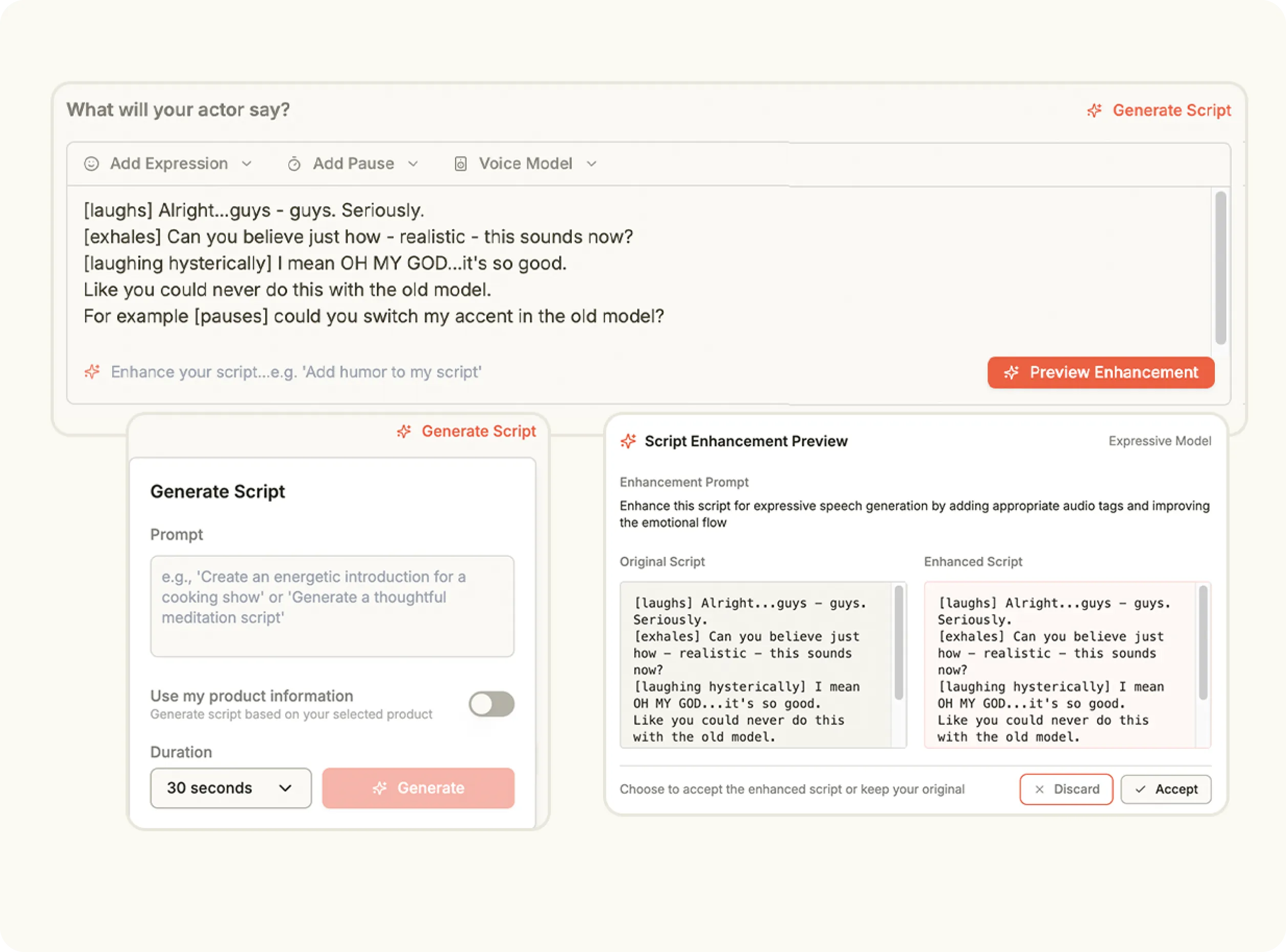
Enter a prompt describing how you want the video to be generated from your assets. Then select the video model you want to use to control motion style and visual output.
Set the video resolution and orientation, then click Create Videos. Once generation is complete, you can view, edit, and export the finished video directly from your creations panel.
Stop wasting time and money on complex marketing stacks. Oz streamlines your content creation and distribution, delivering results faster.
All-in-one platform for scaling your content
Everything you need to know about how Oz works and what it can do for you
An AI video generator is a tool that automatically creates videos using artificial intelligence, based on prompts, assets, or product information.
AI video generation combines extracted assets, prompts, and video models to assemble a complete video without manual editing.
Yes. You can create AI video content using existing images, text, or links—no camera required.
Absolutely. Many brands use AI video generators to produce ads, social videos, and product demos quickly and at scale.
Yes. Heyoz offers an AI video generator online, allowing you to create, edit, and export videos directly from your browser.
Use the AI video generator to streamline video creation, scale your output, and generate high-quality videos in minutes.