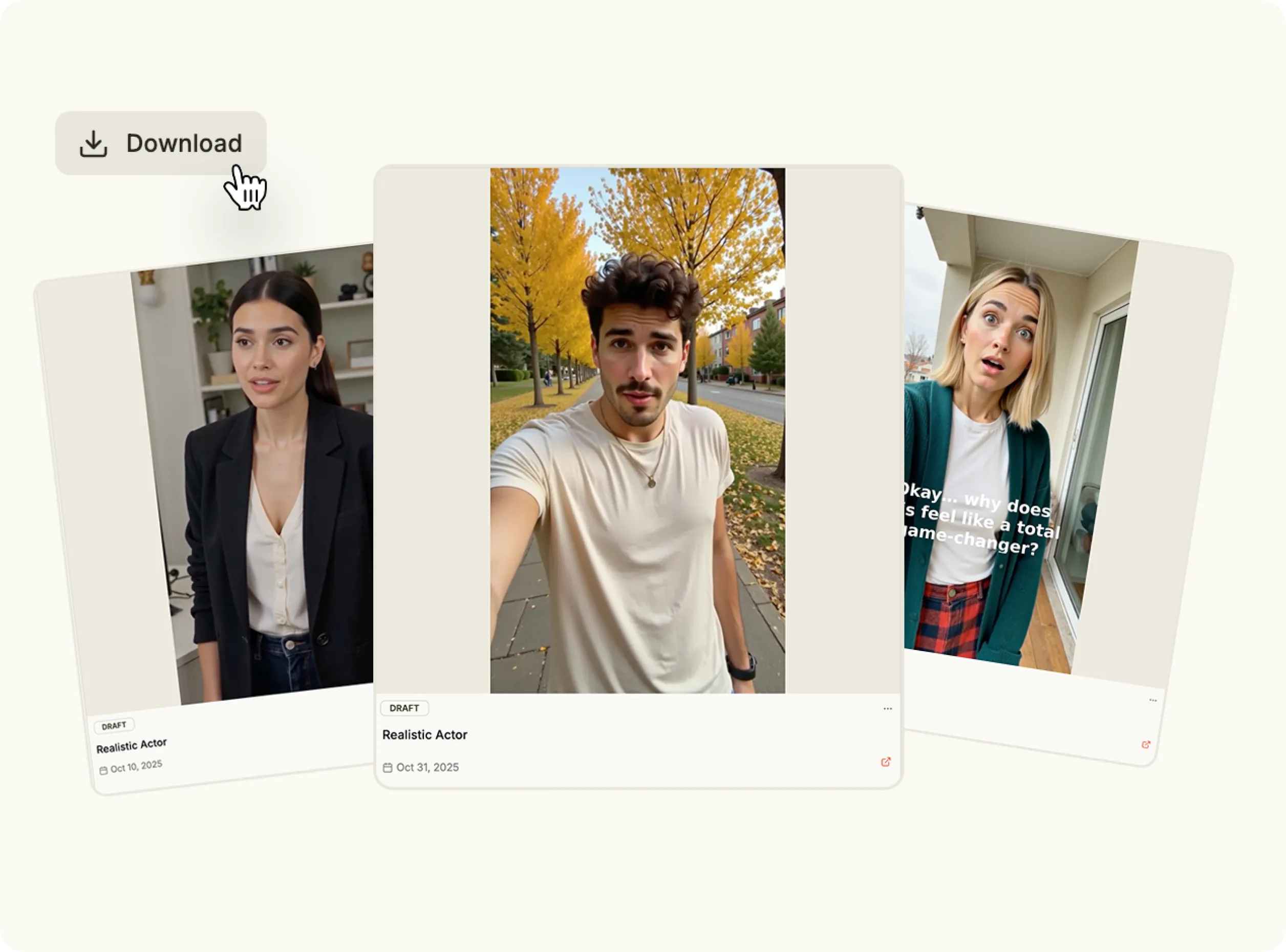
Create cinematic-quality videos in seconds. Add your prompt, choose a theme and let Veo 3.1 produce stunning visuals that capture emotion, motion and storytelling—powered by the most advanced Veo AI video generator yet.
Veo 3.1 redefines creativity. Built on Google’s newest video AI technology, it transforms simple ideas into detailed, high-resolution clips that feel handcrafted. The Veo 3 AI video generator creates smooth motion, precise lighting, and natural realism from any short text prompt.

Write a scene, prompt, or concept.

Choose cinematic, stylized or realistic modes.

Adjust camera motion and visual tone.

Generate your full Veo AI video in one click.

Use the Veo 3 AI video generator to produce breathtaking scenes with advanced depth, lighting and realism.
Describe a moment and watch Google Veo 3 AI video technology convert it into lifelike motion with camera-aware framing.
Fine-tune perspective, zoom and pacing using the adaptive Veo 3 video generator interface.
Create anything—from art films to branded shorts—with Veo AI’s visual intelligence.
Experience unmatched speed and quality from Google Veo, built to outperform all prior versions of Veo AI video generator.
Turn written ideas into cinematic pieces using Veo AI video for campaigns, art or narrative design.
Generate high-impact branded clips powered by Google Veo 3 video generator technology.
Use Veo 3.1 to quickly create short-form videos that look expertly filmed.
Design moodboards or animated storyboards instantly with Veo AI video generator tools.
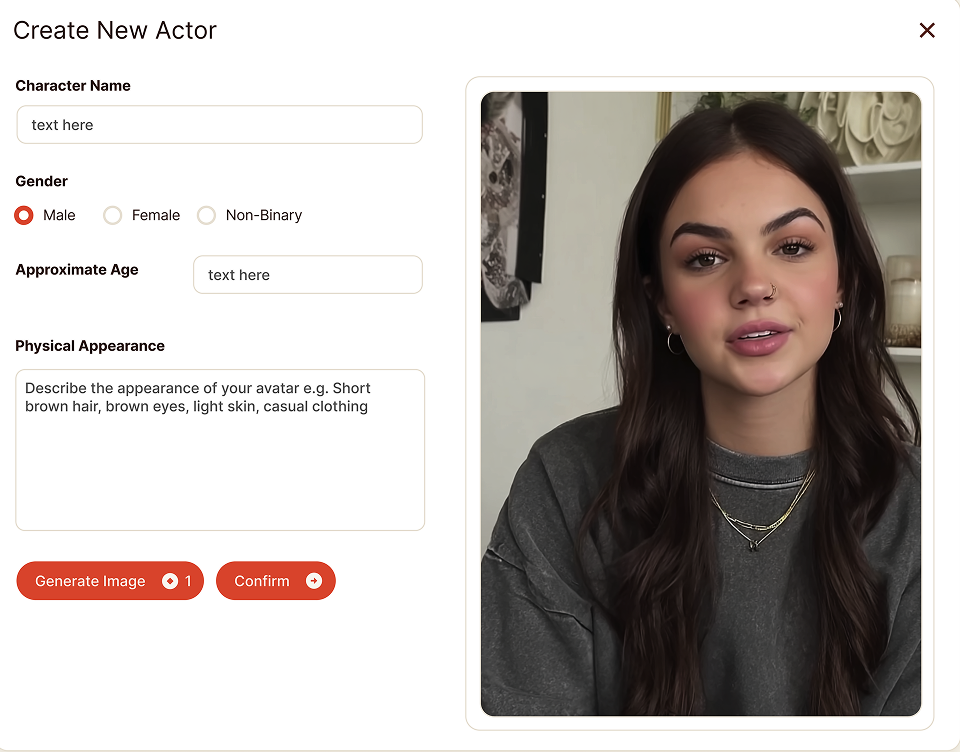
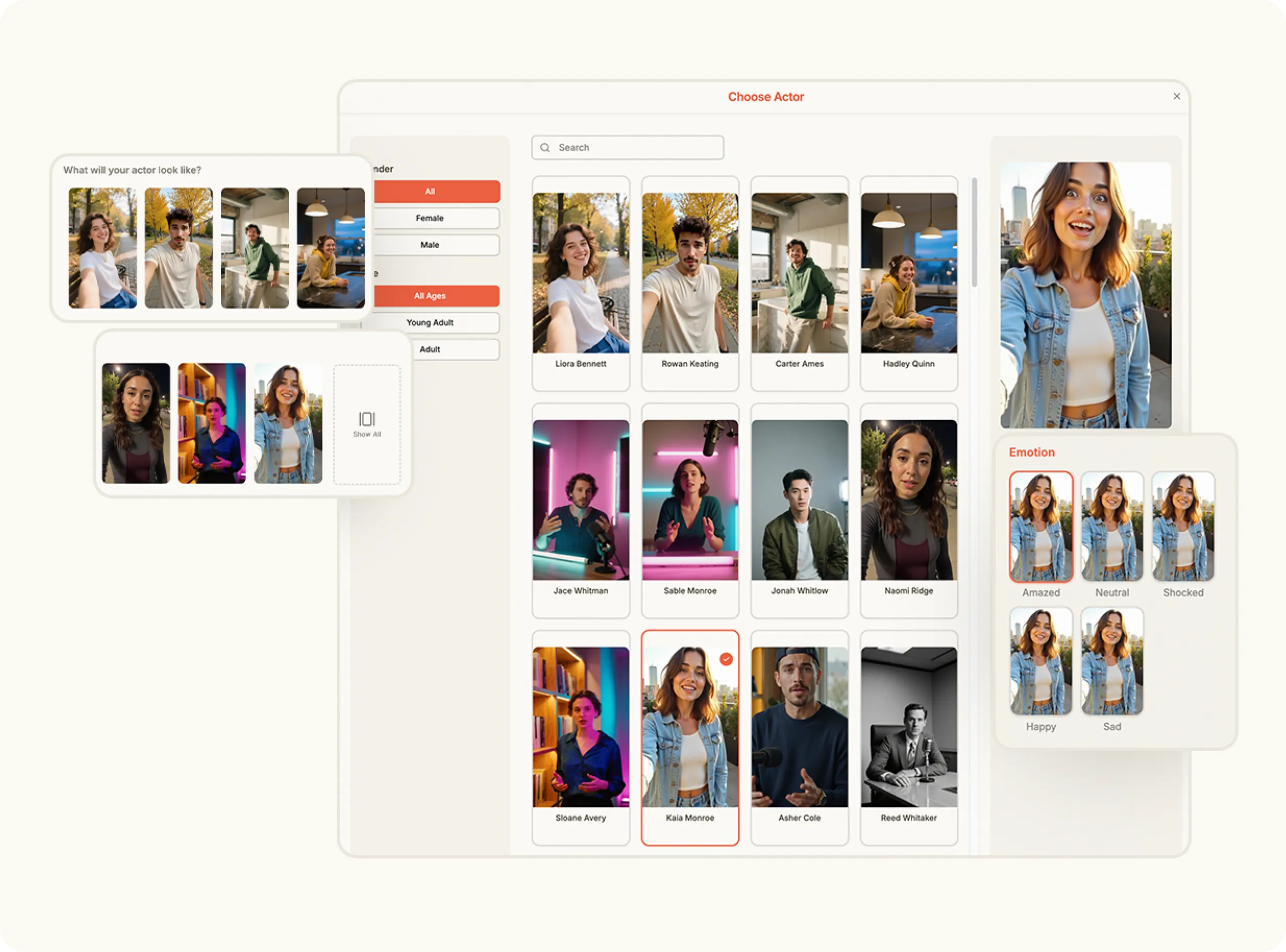
Open the Content Studio and choose Veo 3.1 from the list of Generative AI Models. This model specializes in cinematic, high-fidelity text-to-video generation, ideal for visually rich brand storytelling.
Choose an image from your Brand Assets or upload a new one to use as a reference or visual base. The system analyzes your image to guide motion, composition and scene context for more accurate generation.
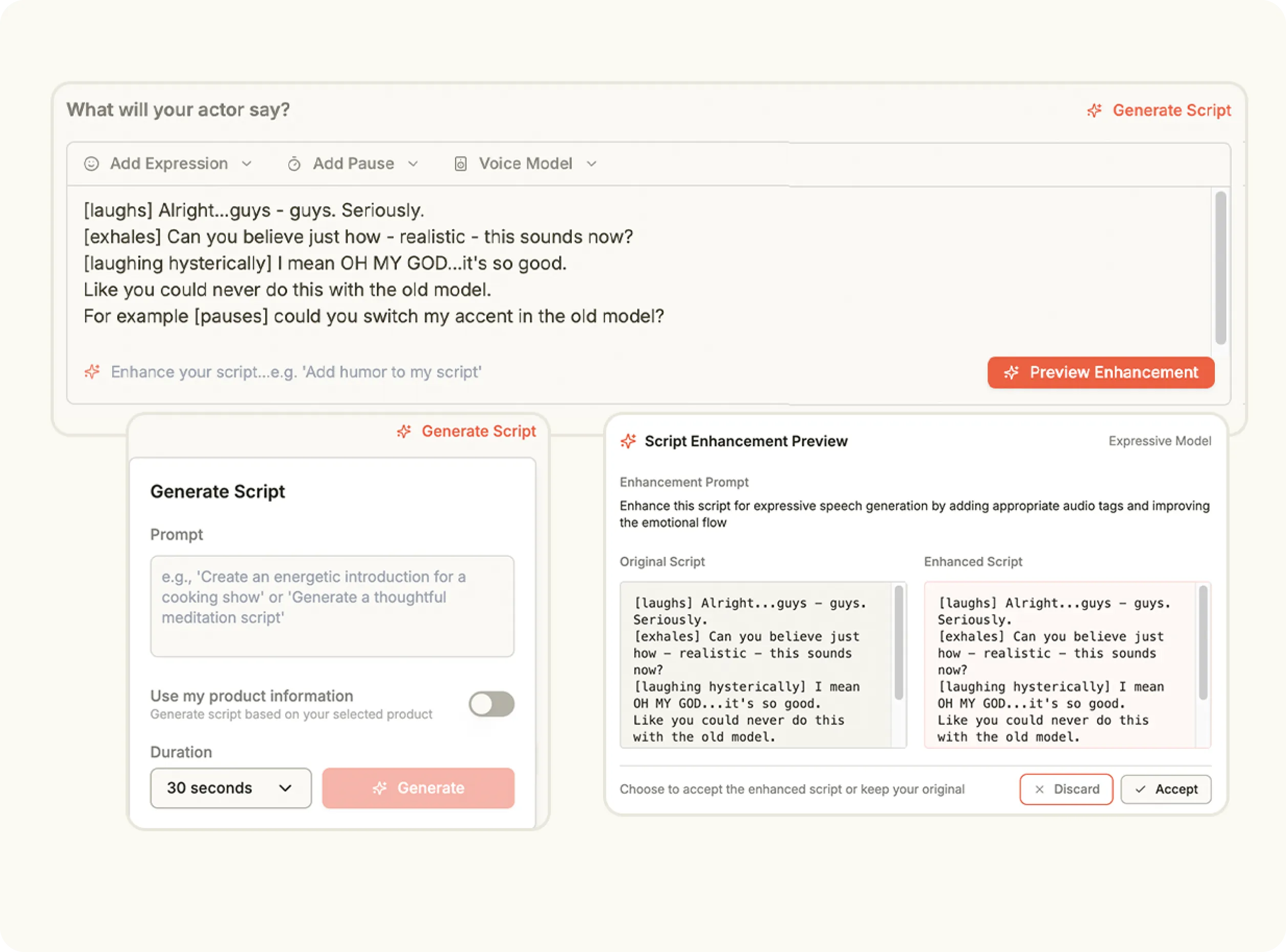
Write a short description of the scene you want to create. The Veo 3.1 model uses your text prompt to generate realistic video motion that reflects your intended tone, setting and perspective.
Select your video orientation—portrait or landscape—and set the resolution to 720p or 1080p. Once your inputs are ready, click Create to generate your finished video, rendered in just minutes and ready for review or publishing.
Stop wasting time and money on complex marketing stacks. Oz streamlines your content creation and distribution, delivering results faster.
All-in-one platform for scaling your content
Everything you need to know about how Oz works and what it can do for you
Veo is an advanced AI video generation model that creates high quality, realistic videos from text prompts or image inputs.
Yes. Veo is designed to support longer and more detailed video generation compared to standard short clip models.
It can be used for cinematic scenes, product visuals, explainer style videos, creative storytelling, and branded content.
Yes. Veo outputs high resolution videos suitable for professional use and marketing.
No. You only need to provide prompts or images. The video is generated automatically.
Experience the future of video with Veo 3.1—powered by Google Veo and built to redefine what’s possible in AI filmmaking.