Kling 2.5

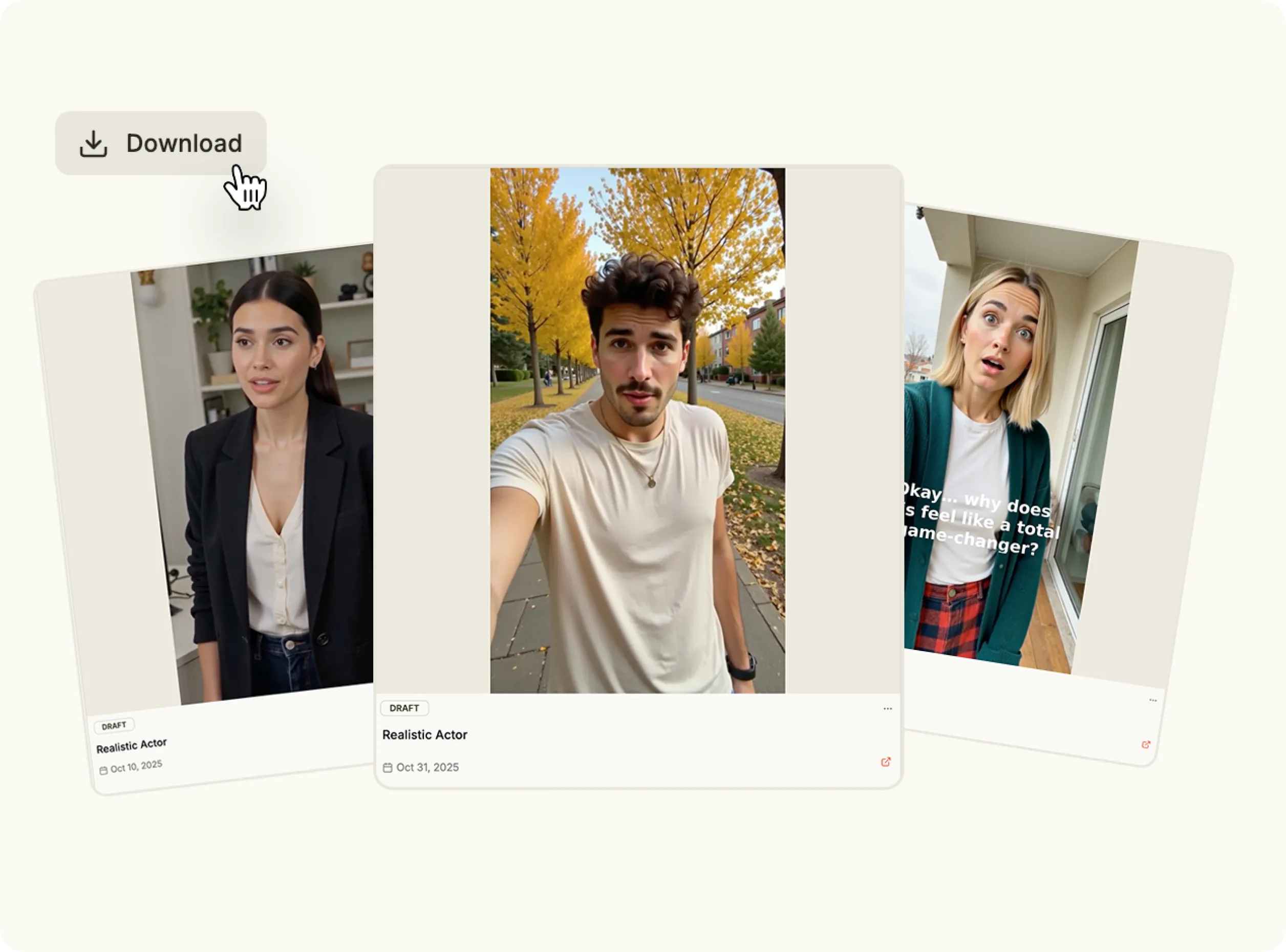
Create cinematic-quality videos in seconds. Add your idea or prompt, and let Kling AI bring it to life with smooth motion, realistic detail and storytelling precision powered by Kling 2.5.

Why choose Kling 2.5?

Kling 2.5 makes video creation effortless. Developed by Kuaishou, the Kling AI video generator transforms short text prompts into dynamic visuals that look professionally filmed. With Kling AI video, you can design branded content, stories or scenes instantly—without cameras or editing tools.

bullet

Write your script or visual prompt.

bullet

Choose lighting, motion and framing.

bullet

Generate your Kling AI video instantly.


bullet

Publish anywhere in one click.

Generate Videos Using Kling AI
Feature Image

Key Features

Text-to-Video Generation

Text-to-Video Generation

Produce stunning cinematic visuals from text using Kling AI video generator technology.

Realistic Motion & Lighting

Realistic Motion & Lighting

The Kling AI video engine captures lifelike shadows, reflections and smooth subject movement.

Multi-Scene Continuity

Multi-Scene Continuity

Create seamless transitions and consistent characters across clips with Kling AI video generation.

Creative Freedom

Creative Freedom

Customize camera angles, pacing and tone—Kling AI free gives full control over style and creativity.

High-Speed Rendering

High-Speed Rendering

Experience rapid generation and frame-by-frame clarity with the latest Kling 2.5 engine.

Use Cases

Marketing & Ads

Marketing & Ads

Generate cinematic campaign content with Kling AI tools designed for performance and polish.

Product Showcases

Product Showcases

Turn ideas or mockups into video ads using the Kling AI video generator.

Storytelling & Entertainment

Storytelling & Entertainment

Bring concepts to life through animated shorts and Kling AI video generation scenes.

Education & Tutorials

Education & Tutorials

Explain complex topics visually with smooth, engaging Kling AI video clips.

How It Works

Explore Kling AI Video Generator
1

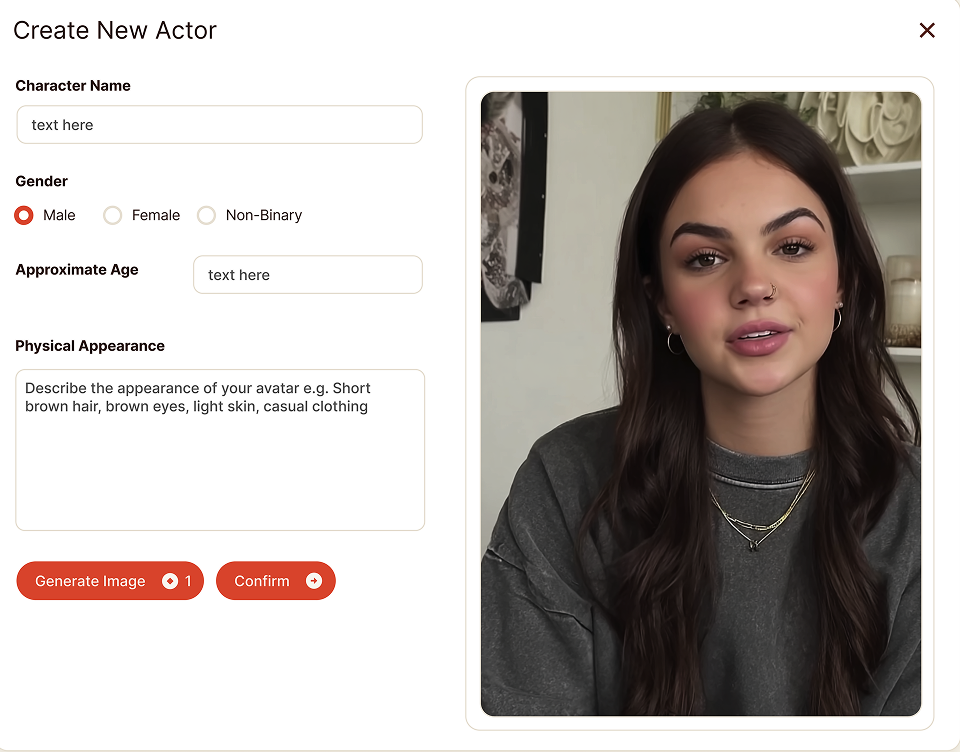
Select the Kling 2.5 Model

Open the Content Studio and choose Kling 2.5 from the available models. This advanced version of Kling AI is designed for generating cinematic videos with smooth motion, realistic detail and consistent subject rendering.

Media
2

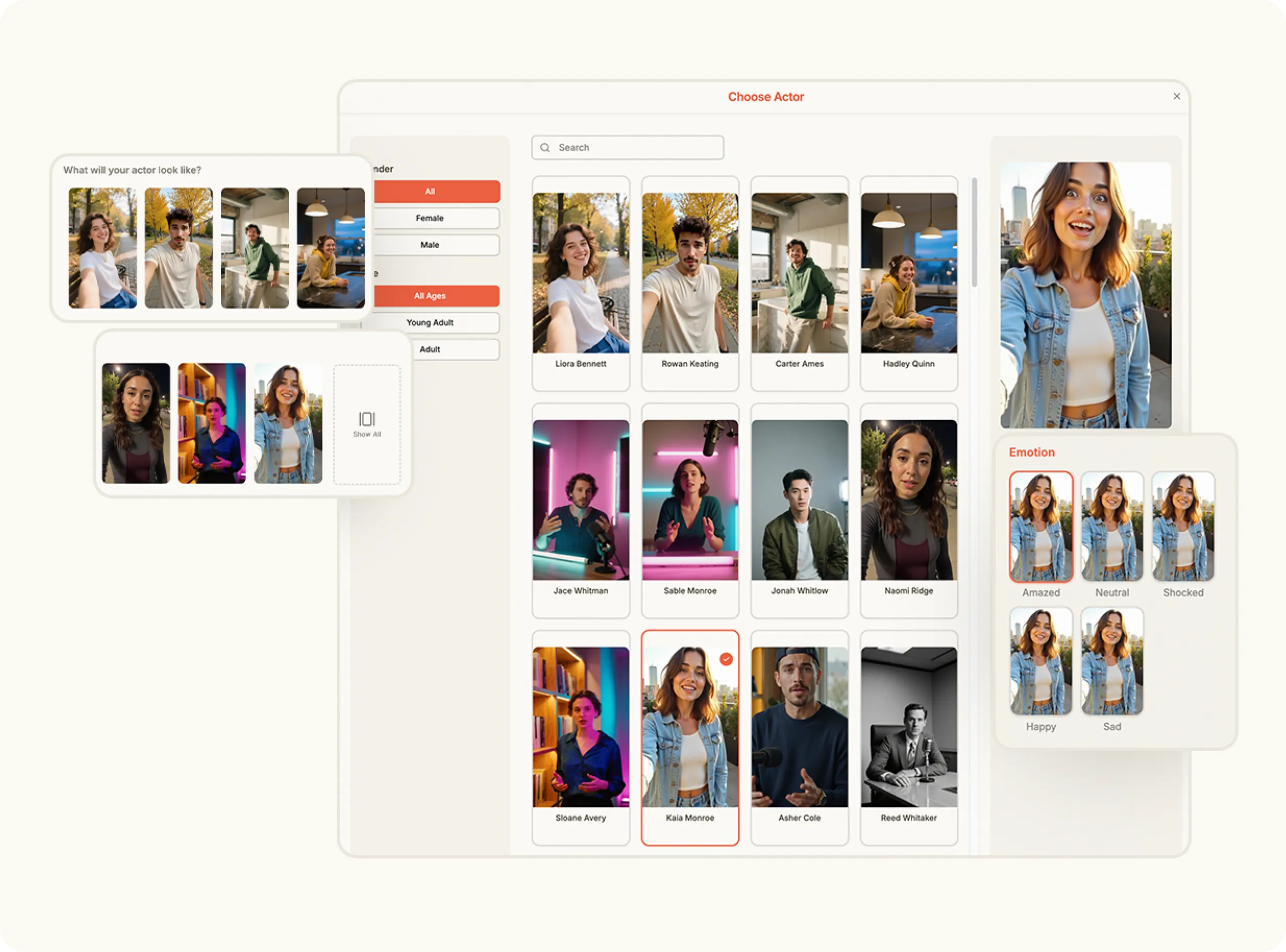
Add Your Image

Select an image from your Brand Assets or upload a new one to serve as the visual base for your product in the scene. The platform analyzes your image and uses it to place your product in the generated video.

Media
3

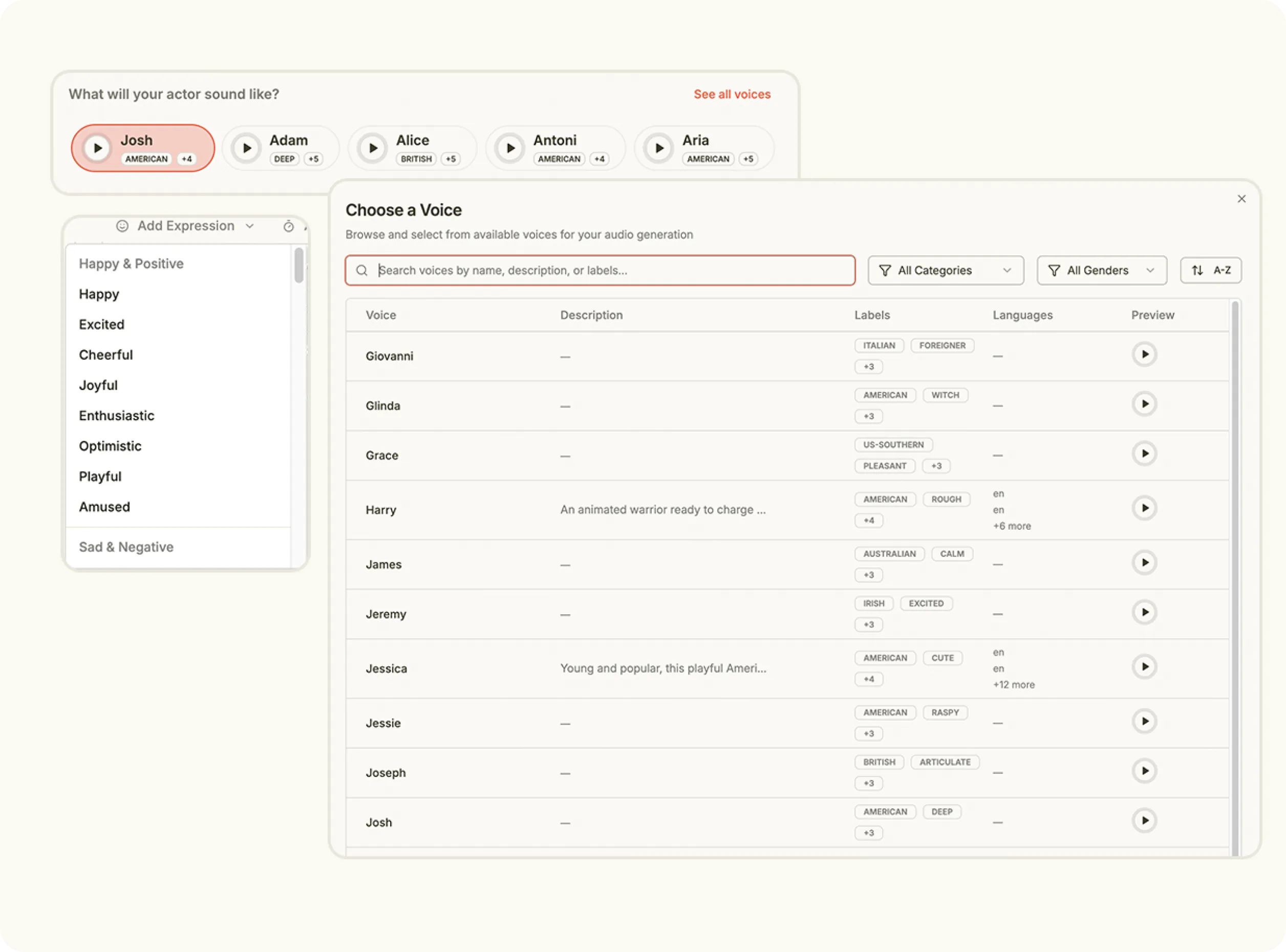
Enter a Scene Prompt

Write a short description of the scene or action you’d like to generate. Kling AI uses your prompt to create a realistic sequence that captures depth, motion and mood in every frame.

Media
4

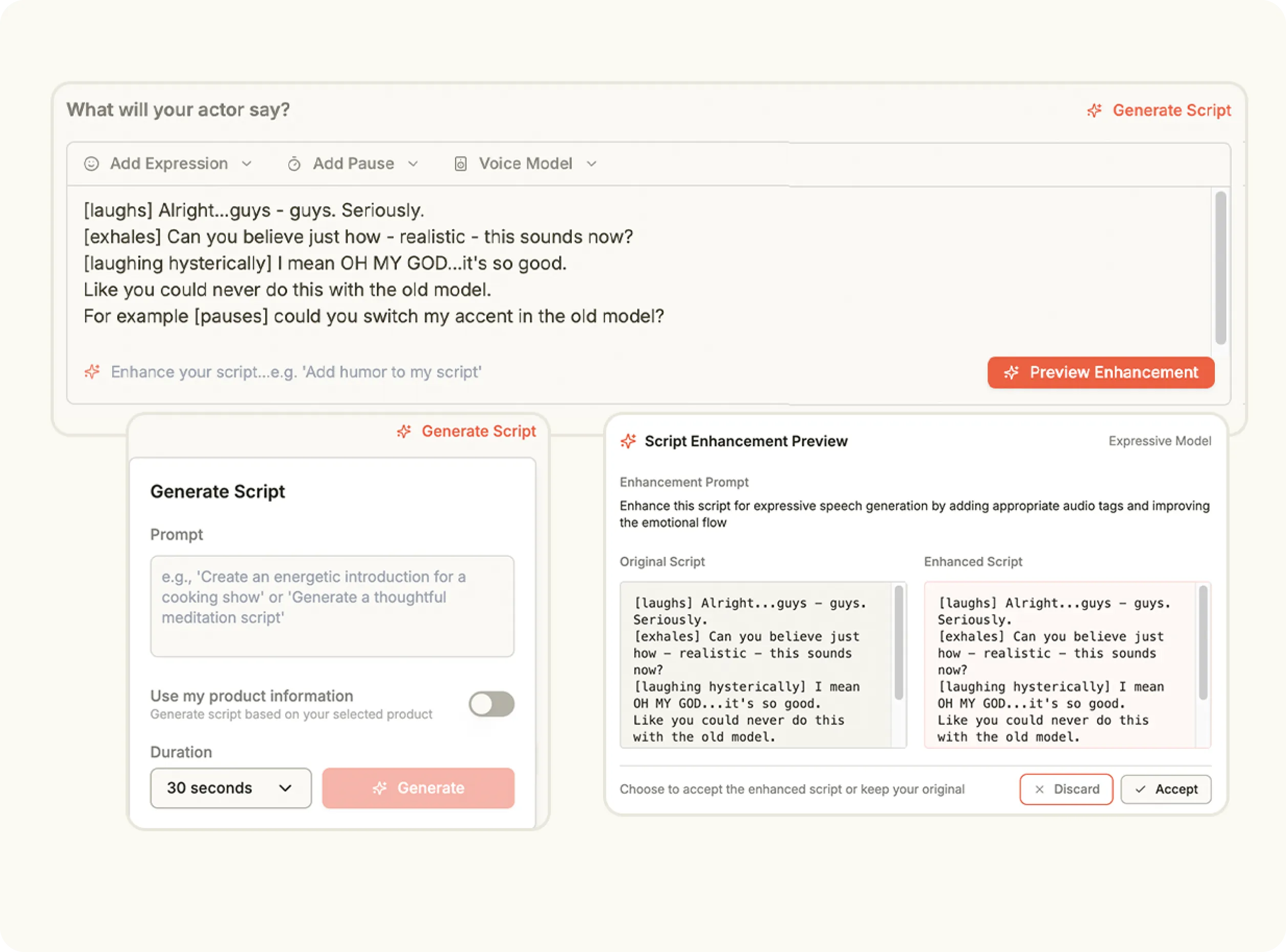
Adjust Settings and Create

Choose the duration and orientation for your video output. When everything looks ready, click Create to generate your finished clip—produced in minutes and ready to preview, edit or publish.

Media
Pricing Comparison

The quickest, most cost-effective way to grow your marketing

Stop wasting time and money on complex marketing stacks. Oz streamlines your content creation and distribution, delivering results faster.

Traditional Marketing

Staff

Marketing Agency $3,000+ / month
UGC Creators $2,500+ / month

Tools & Software

ChatGPT Plus $20 / month
AI Image Generator $20 / month
AI Avatar Generator $90 / month
Video Editor (e.g., CapCut Pro) $10 / month
Graphic Design Tool (e.g., Canva Pro) $10 / month

Estimated Total
$5,650+ / month
Best Value
Simplified with Oz
Starting From $44.99/ month

All-in-one platform for scaling your content

Curated Viral Templates
Powerful Built-in Editor
Advanced Customization
Seamless One-Click Publishing
All High-Performing Content Formats
Get Started with Oz
3-day free trial. No charge until day 3. Cancel anytime

Discover more:

FAQ

Frequently Asked Questions

Everything you need to know about how Oz works and what it can do for you

What is Kling AI used for?

Kling is an AI video generation model designed to create realistic motion videos with accurate physical movement.

Can Kling generate human motion and object movement accurately?

Yes. Kling specializes in realistic motion handling for both people and objects in generated videos.

What type of videos can be created using Kling?

It can be used for action scenes, product motion demos, character animation, and cinematic sequences.

Does Kling support high quality video resolution?

Yes. Kling supports professional quality video output suitable for marketing and creative work.

Is Kling suitable for creators and advertisers?

Yes. It is widely used by content creators, advertisers, and marketers for visual storytelling.

Ready to create with cinematic precision?

Transform your ideas into film-quality motion with Kling 2.5—powered by Kling AI and built for creators who move fast.