Create viral memes in seconds. Add your text, upload an image, and use our meme generator to create a meme that looks authentic, lands the joke, and drives engagement.
Memes travel faster than ads. Trends spread when humor feels timely and human. Oz helps you ship witty, on-brand content at scale with an AI meme generator that understands formats, timing and tone.

Write your meme idea or caption.

Choose your template or upload an image.

Customize text, layout and tone.

Publish anywhere in one click.

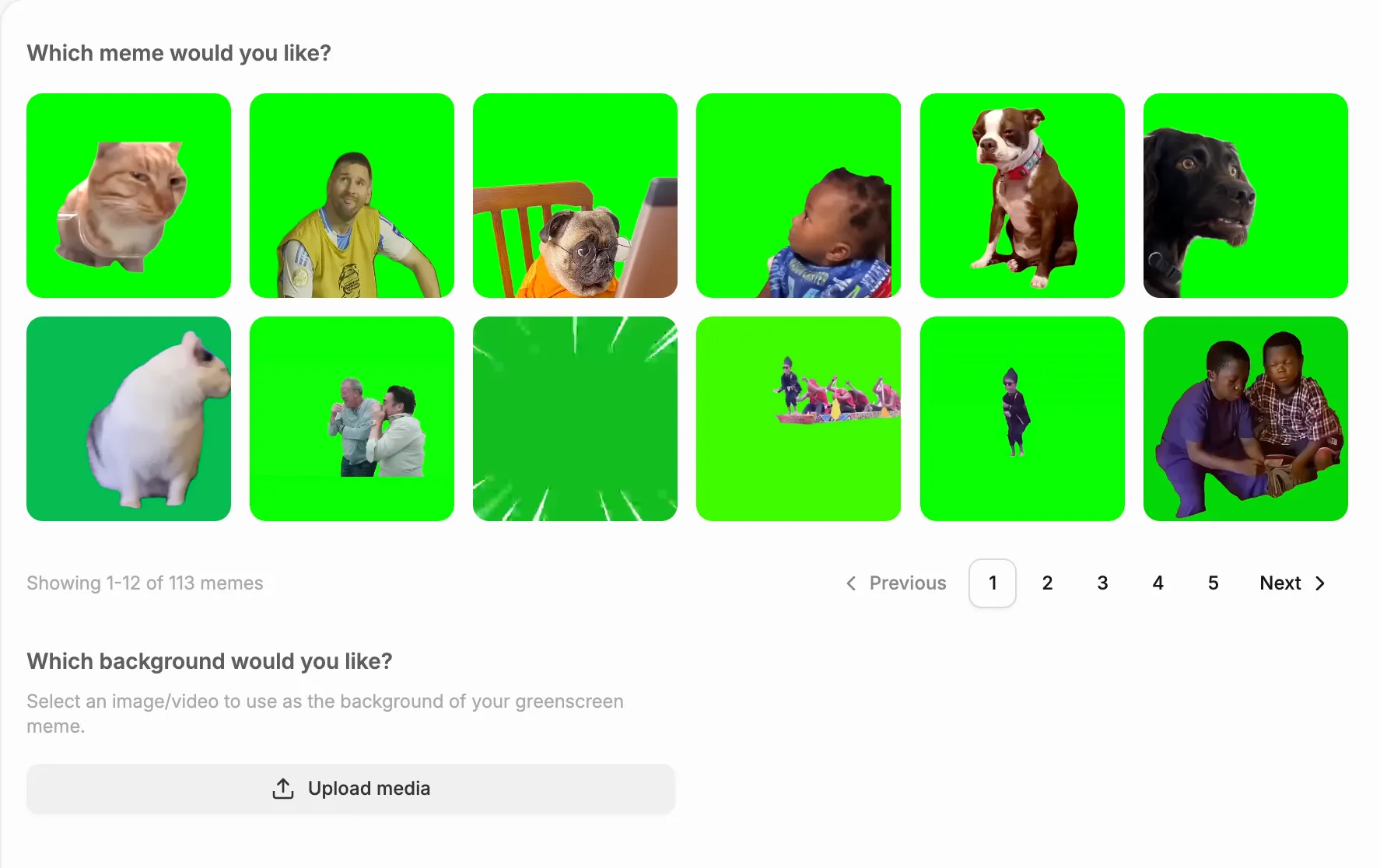
Browse and select from thousands of trending green screen clips.
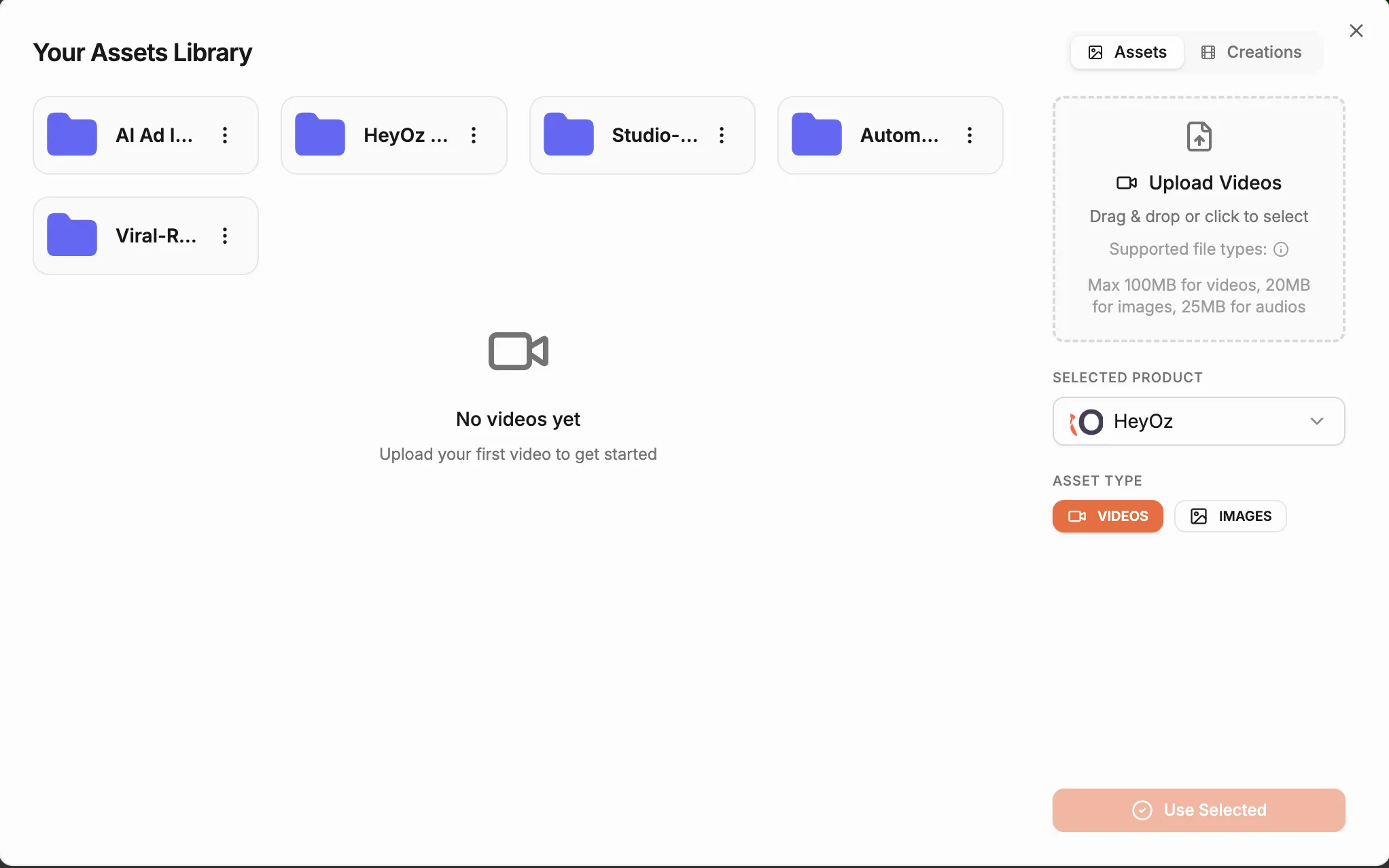
Upload any video or photo from your gallery to serve as the background for your meme.
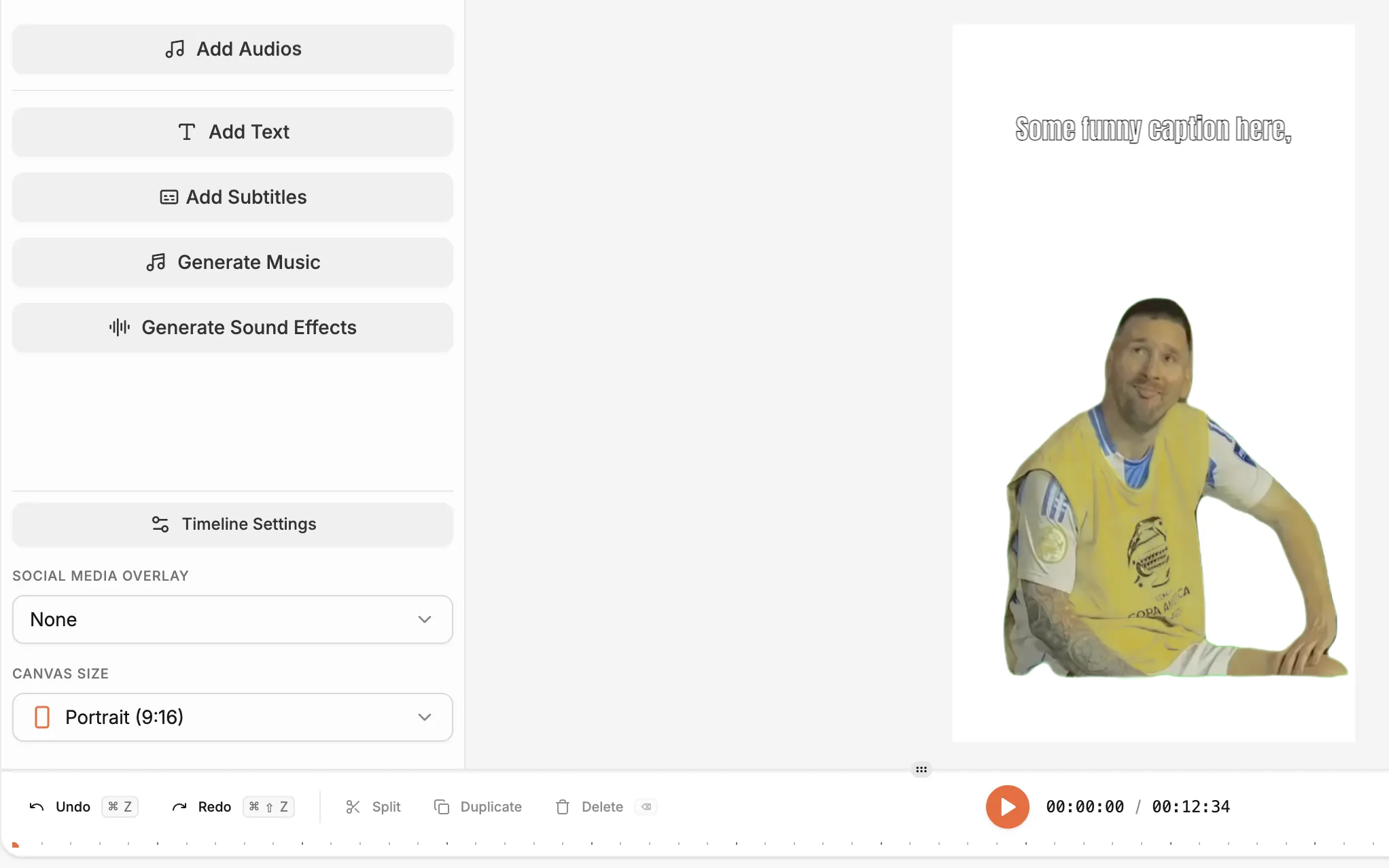
Automatically remove the green background from the meme with just one click so it fits perfectly on your video
Easily resize, move, and time the meme to appear exactly when you want it during the video.
Type out your jokes and place the text anywhere on the screen.
Easily add trending songs or funny sound effects to match the mood of your video perfectly.
Go to the Content Studio and select “Green Screen Meme” from the list of available content formats. This feature lets you create short, shareable meme videos using trending templates and custom backgrounds.
Browse the built-in library and choose a video meme recorded over a greenscreen. Each clip can be customized, making it easy to match your tone, style or current social trend.
Upload the image or video you’d like to appear behind your meme. The system automatically removes the green screen and replaces it with your chosen background to complete the scene.
Click Create Video to produce your finished meme. Within moments, you’ll have a fully rendered clip ready to preview, download or post directly to your favorite platforms.
Stop wasting time and money on complex marketing stacks. HeyOz streamlines your content creation and distribution, delivering results faster.
All-in-one platform for scaling your content
Everything you need to know about how HeyOz works and what it can do for you
Green screen meme is a content format which consists of a trending meme video, on top of a video or an image. The image/video in the background can be of your product or related to it. The high viral potential of this format makes it the perfect choice for generating attention for you. This content format performs well across all organic channels.
Fade-in meme is a really simple content format and easy to understand for the viewer. It consists of a text caption and an image which slowly fades into the view. This content format relies on the fact that the user quickly reads the text and then watches the whole video in anticipation of the image which is slowly fading into the canvas, driving up watch time and increasing the chances of the content to go viral.
You enter a text prompt or idea into the tool, then AI matches it with a suitable meme template or image, generates a meme with a caption, and lets you download or share it.
Yes. AI meme generators handle layout, caption placement, and formatting, so you do not need prior design knowledge to produce polished memes.
Yes. AI-generated memes can be created fast and frequently, which helps brands or creators stay relevant, respond to trends, and engage followers with relatable or humorous content.
AI meme tools support static image memes and some also support video or animated memes. Depending on the tool and settings you choose, you can create static memes, gifs, or short video memes.
Because AI saves time and effort. Instead of sourcing images, formatting text, and manually editing, AI can automatically generate meme images or videos, suggest captions or layouts, and let you create multiple variations in minutes.
Generate scroll-stopping content with our AI meme generator—the fastest way to create a meme that your audience will share.