Text to Video AI

Turn words into scroll-stopping videos in seconds. Add your script or prompt, pick a format and let the text to video generator create visuals that inform, engage and convert.

Why choose text to video AI?

Writing is faster than filming. With Oz, your ideas become motion content in moments. Use the AI text to video tool to transform ideas, tutorials or product pitches into high-performing video.

bullet

Paste your script or prompt.

bullet

Choose a format or voice.

bullet

Style the visuals and music.

bullet

Publish anywhere in one click.

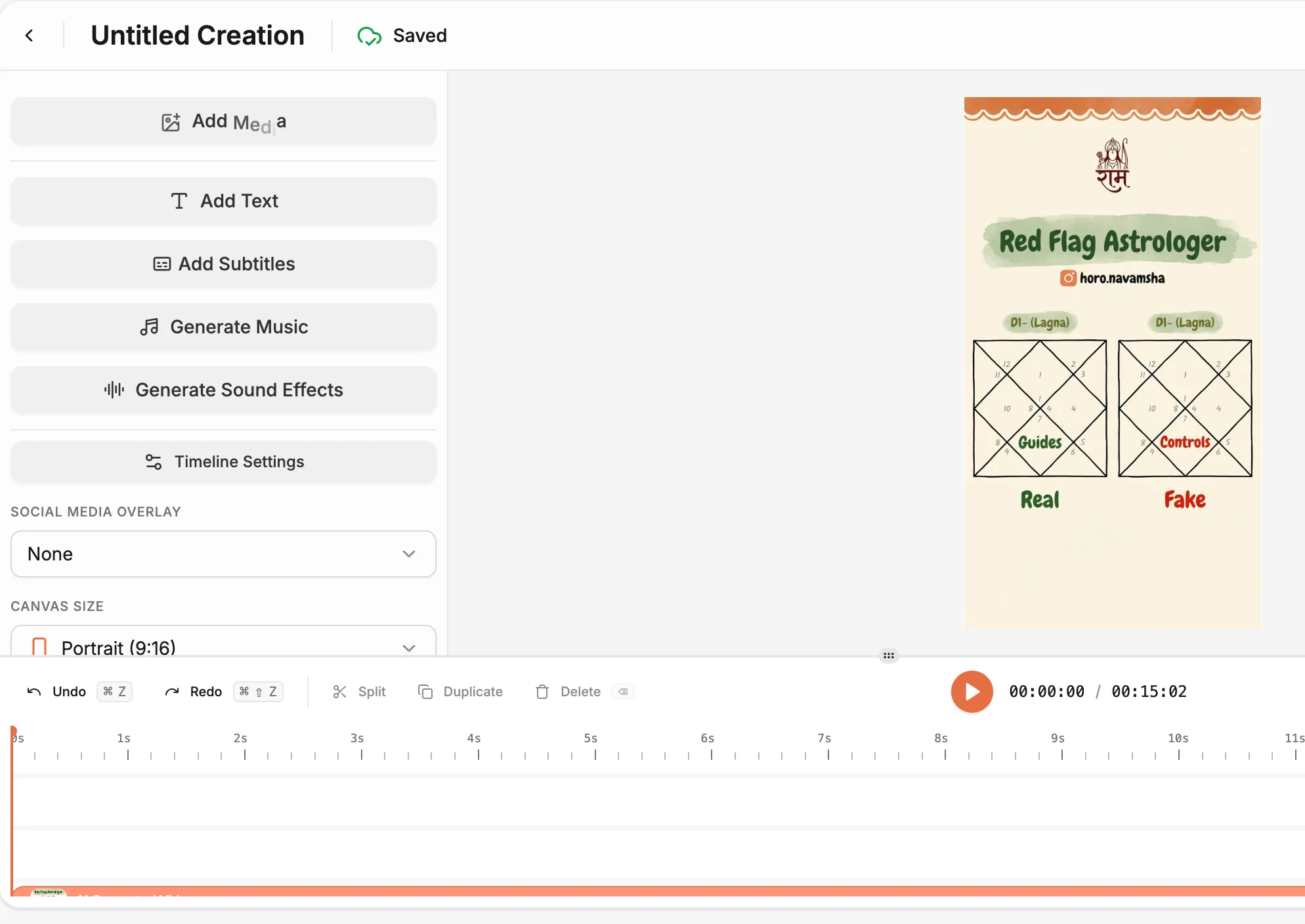
Generate a Video with Text
Feature Image

Key Features

Smart Text to Video Generator

Smart Text to Video Generator

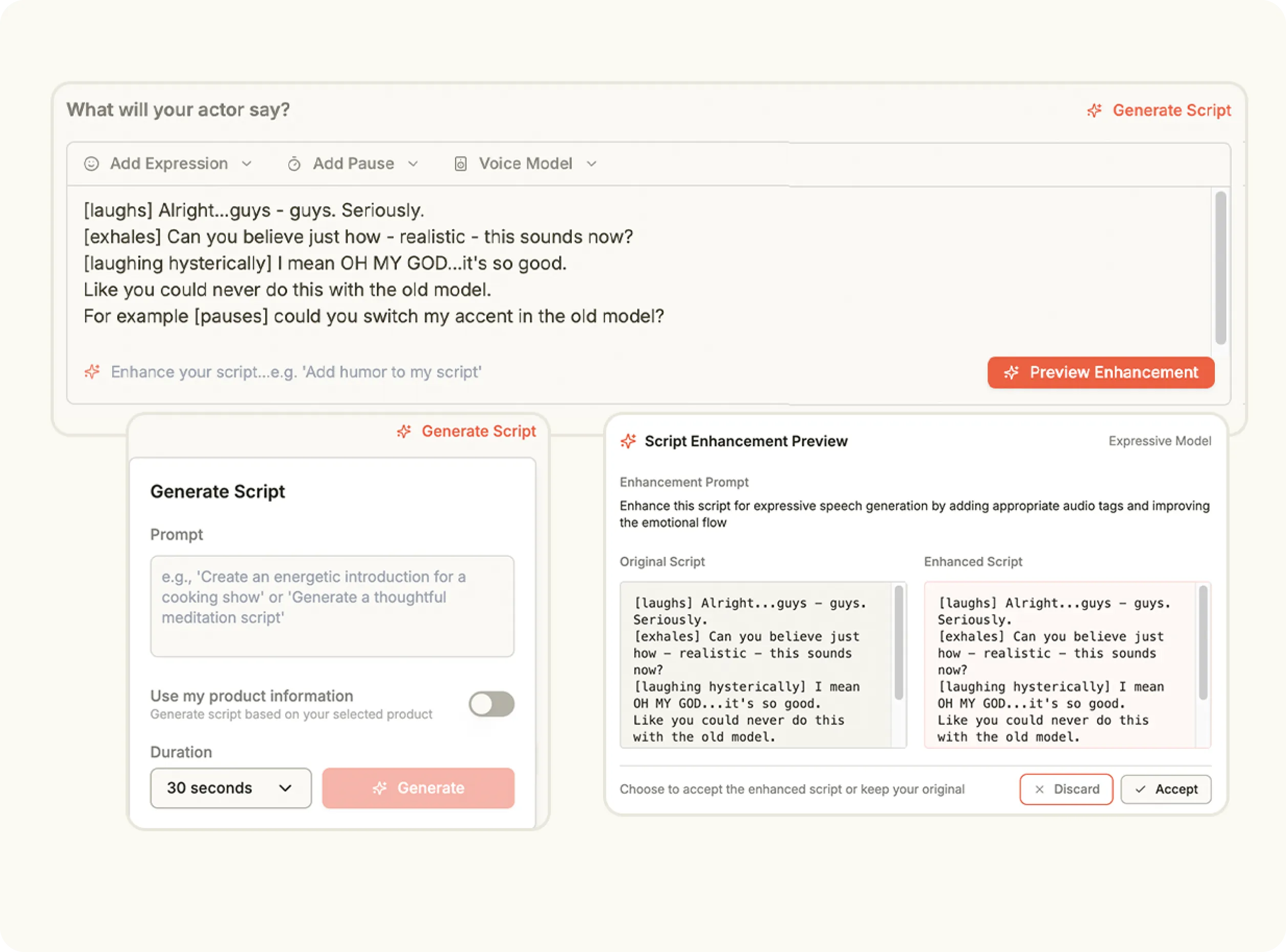
Oz’s text to video generator turns your writing into full videos with dynamic scenes and narration.

Prompt to Video Tools

Prompt to Video Tools

Go from prompt to video with styled transitions, animated text and music in one step.

Instant AI Video Creation

Instant AI Video Creation

Use the AI video generator from text to output Reels, Shorts or product explainers in minutes.

Avatar & Voice Sync

Avatar & Voice Sync

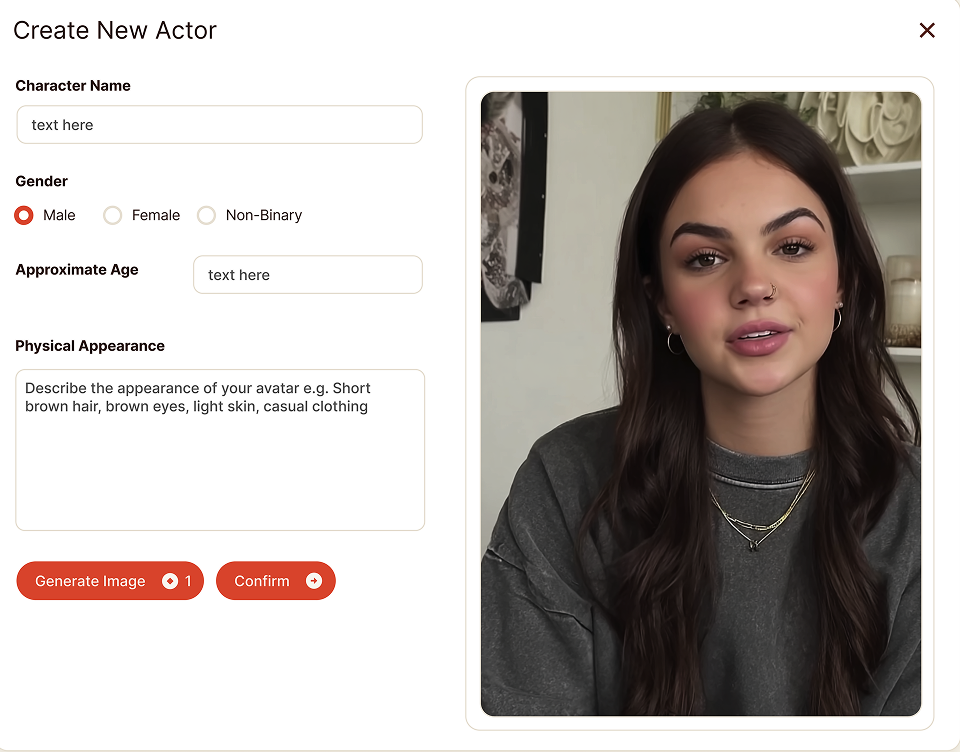
Create text to AI video content with realistic avatars that speak your message fluently.

Multi-Format AI Video

Multi-Format AI Video

Build videos for TikTok, YouTube or Instagram using Oz’s text to video AI engine.

Use Cases

Product Promos

Product Promos

Write your pitch and turn it into a complete AI text to video promo without cameras.

Educational Content

Educational Content

Break down ideas visually using short-form video with narration and motion.

Onboarding or FAQs

Onboarding or FAQs

Turn your help docs into watchable videos using text to video automation.

Content Repurposing

Content Repurposing

Convert blogs, tweets or ideas into fresh, platform-ready visuals.

How It Works

Convert Text to AI Video
1

Select a Text to Video Model

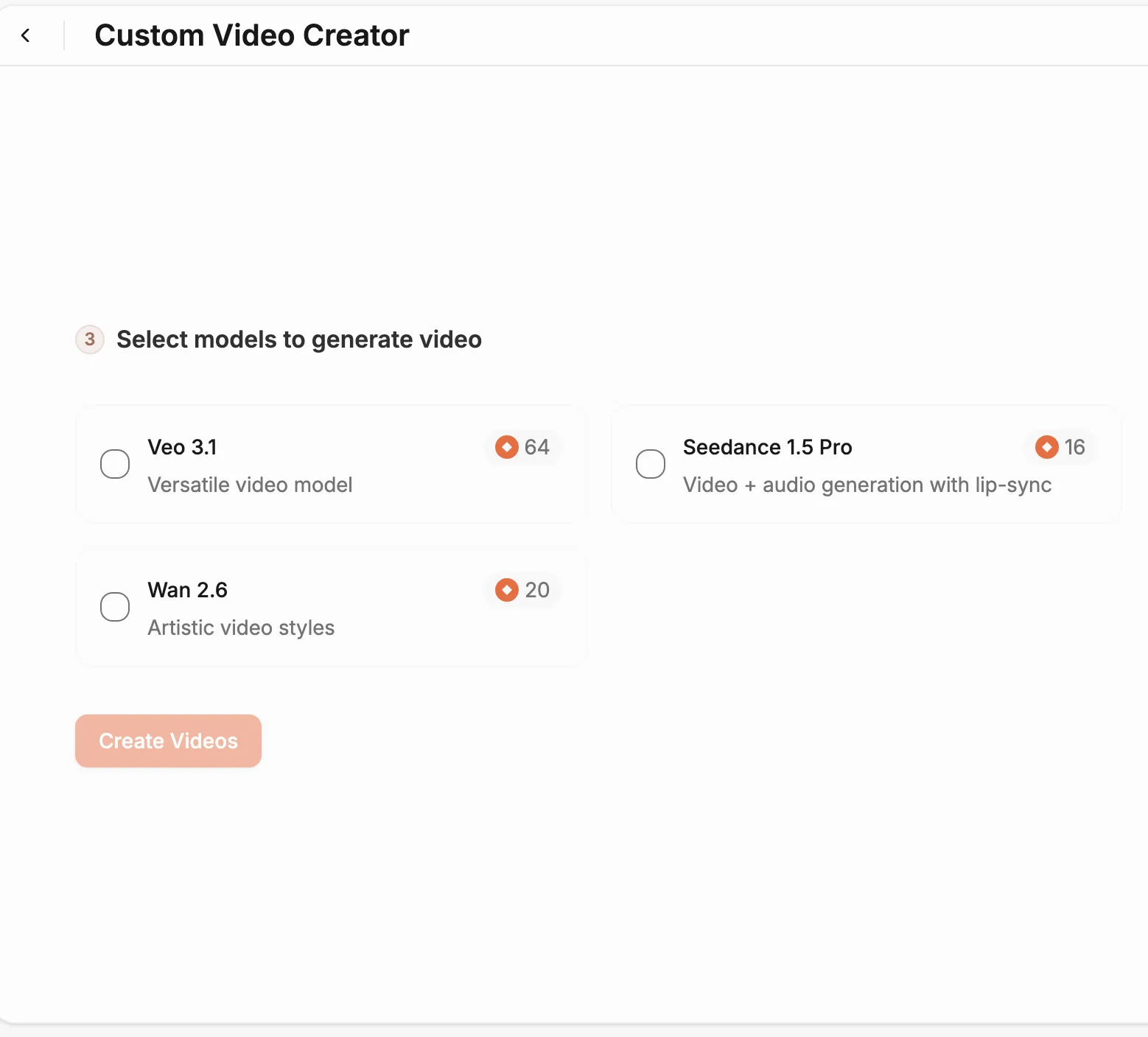
Open the Content Studio and scroll to the bottom of the page to view the available models. Choose one of the models labeled Text to Video, each designed to generate motion from written descriptions with cinematic precision.

Media
2

Describe Your Scene

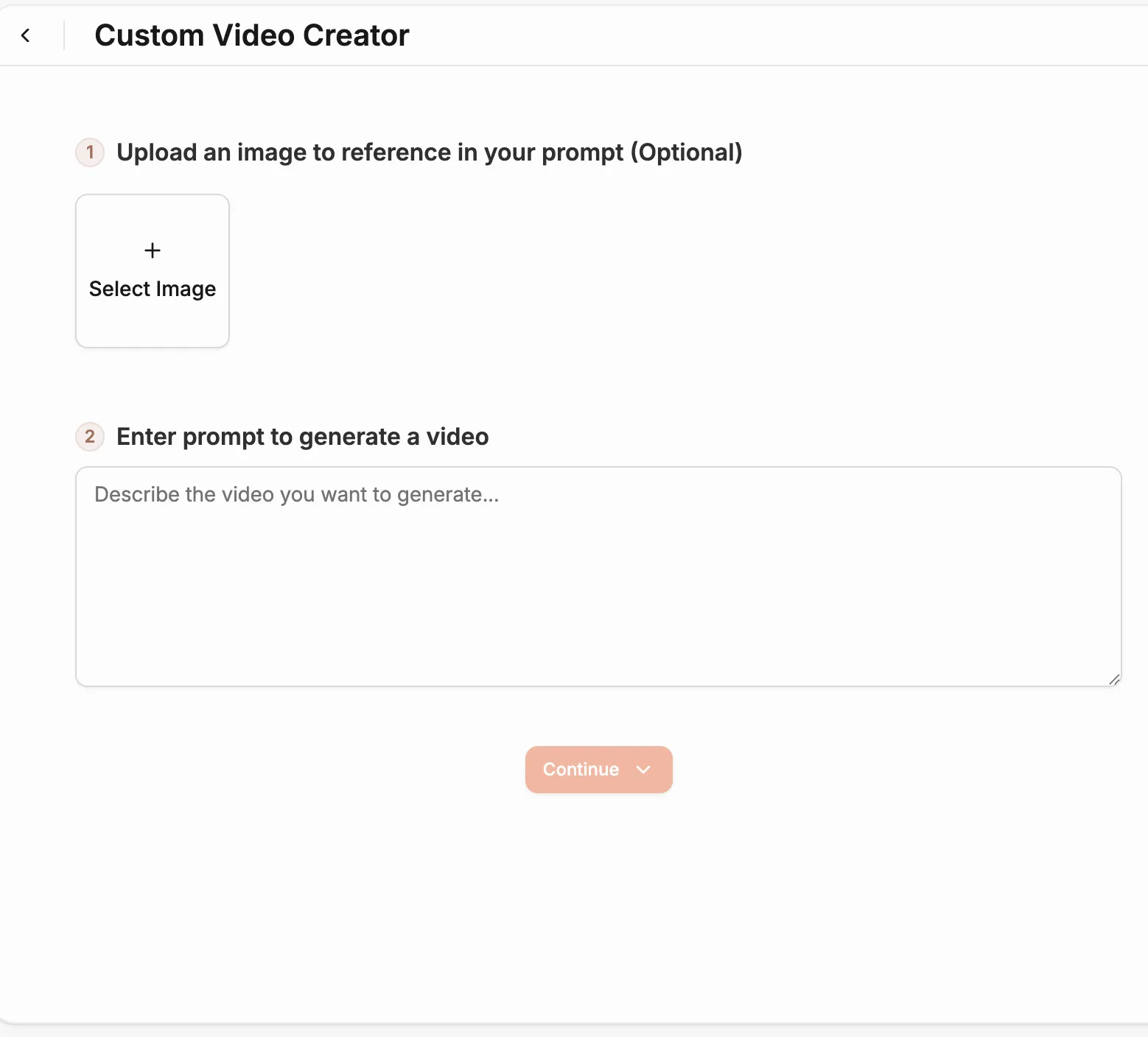
Enter your idea or concept in the input prompt field. Write a short, descriptive scene that defines what you want to appear in the video—such as setting, characters, lighting, or camera movement.

Media
3

Adjust Video Settings

Customize the details of your video by setting the duration, model version, orientation and resolution. These options help you control how your final output looks and feels, from aspect ratio to overall length.

Media
4

Generate Your Video

Click Generate to begin the creation process. The system will process your prompt and settings to produce a high-quality, AI-generated video ready for download or publishing.

Media
Pricing Comparison

The quickest, most cost-effective way to grow your marketing

Stop wasting time and money on complex marketing stacks. Oz streamlines your content creation and distribution, delivering results faster.

Traditional Marketing

Staff

Marketing Agency $3,000+ / month
UGC Creators $2,500+ / month

Tools & Software

ChatGPT Plus $20 / month
AI Image Generator $20 / month
AI Avatar Generator $90 / month
Video Editor (e.g., CapCut Pro) $10 / month
Graphic Design Tool (e.g., Canva Pro) $10 / month

Estimated Total
$5,650+ / month
Best Value
Simplified with Oz
Starting From $44.99/ month

All-in-one platform for scaling your content

Curated Viral Templates
Powerful Built-in Editor
Advanced Customization
Seamless One-Click Publishing
All High-Performing Content Formats
Get Started with Oz
3-day free trial. No charge until day 3. Cancel anytime

Discover more:

FAQ

Frequently Asked Questions

Everything you need to know about how Oz works and what it can do for you

How does text to video AI work?

You enter a script or short text prompt, choose a video style, and AI creates a complete video with visuals, animated scenes, and optional voiceover.

Can I create marketing videos using only text input?

Yes. Marketing videos, explainer videos, and social ads can be created from plain text using AI automation.

Does AI add voiceovers automatically to text videos?

Yes. You can choose from multiple AI voices and the system syncs the voice with the generated visuals.

How long does it take to generate a text based AI video?

Most AI text-to-video tools generate videos within a few minutes depending on length and complexity.

Do I need to upload any visuals for text to video generation?

No. Visuals can be generated automatically from the text, but you may upload images or clips if you want custom branding.

Ready to turn words into motion?

Start creating with the text to video generator—your fastest path from idea to publish-ready video.