AI Presenter

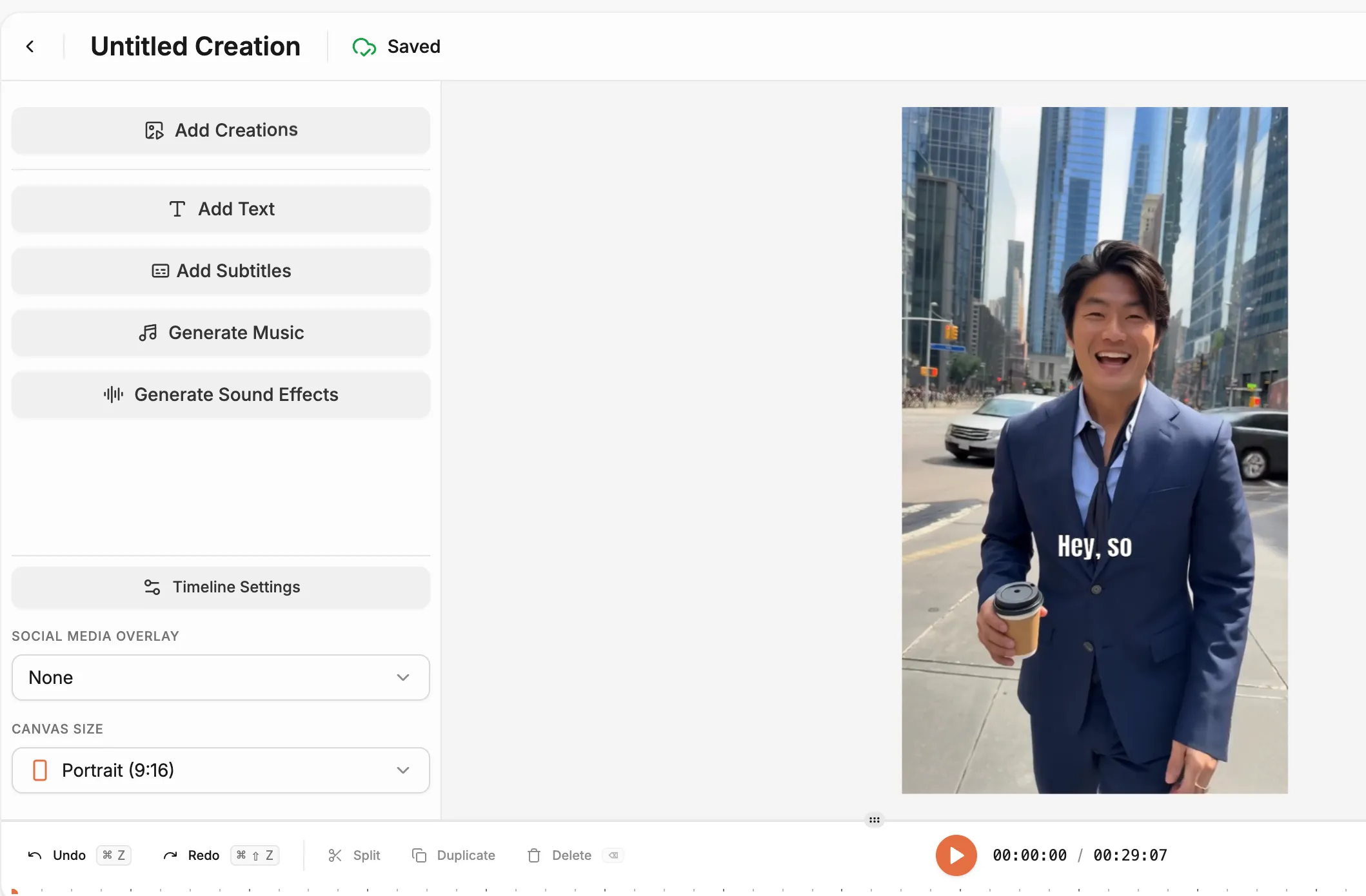
Your brand needs a face on camera. Not a camera crew. Write your script, pick a digital host, and the HeyOz AI presenter generator puts a realistic, on-camera spokesperson to work for you. Natural lip sync. Real expression. Delivery that holds attention and drives action.

Why Video Presenters Without HeyOz Are Costing You

The HeyOz AI presenter creator changes the math. You get a polished, human-like presenter on screen in minutes. No filming. No editing. No talent fees. No waiting three weeks for a final cut.

bullet

Add your text or script.

bullet

Choose an avatar and voice that fits your brand.

bullet

Set the tone and background.

bullet

Hit publish and send it live in one click.

Generate Videos with AI Presenter
Feature Image

Key Features

Realistic AI Presenter Videos

Realistic AI Presenter Videos

Every AI presenter video produced by HeyOz features accurate lip sync, natural expression, and tone that reads as human. Your audience watches. They do not skip.

Customizable Presenter Library

Customizable Presenter Library

Pick from dozens of pre-built digital hosts or build one that matches your brand's personality. The right face sells more than the right script alone.

Multilingual Voice Options

Multilingual Voice Options

Your AI presenter speaks with accurate accents across multiple languages, so your message lands the same way everywhere.

Scene & Background Control

Scene & Background Control

Adjust lighting, framing, and backdrops to match your campaign. A product launch looks different from a how-to video.

Instant Script-to-Video Generation

Instant Script-to-Video Generation

Paste your script. Get a finished AI presenter video clip in minutes. No queue. No back-and-forth with a production team.

Use Cases

How It Works

Make AI Presenter Videos
1

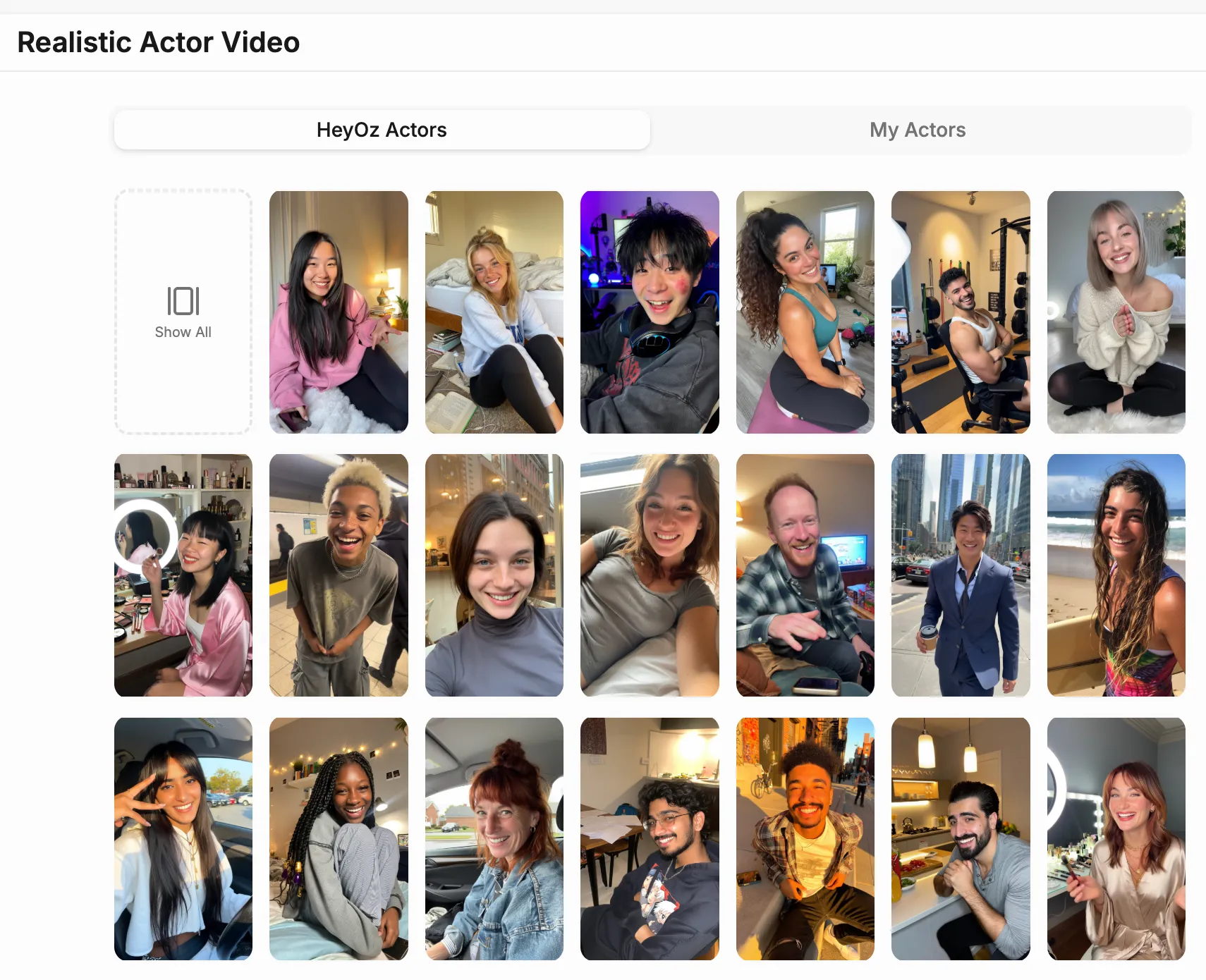
Step 1. Open the Content Studio

Select "Realistic Actor Video" from the list of content formats. This option lets you create lifelike, talking video content featuring an AI actor that speaks your custom script.

Media
2

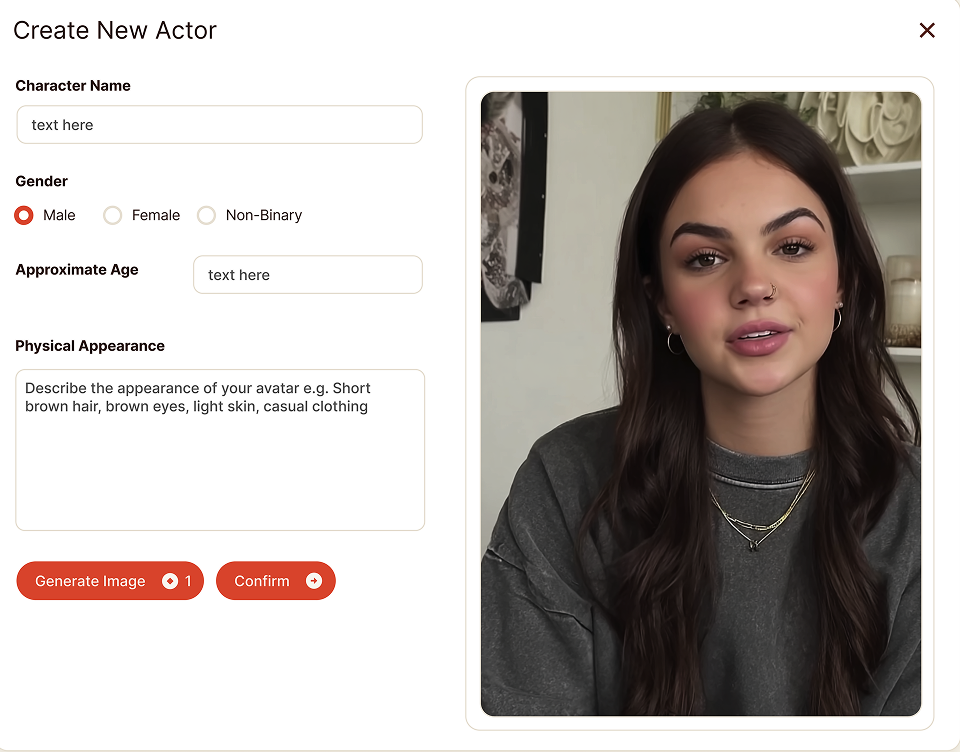
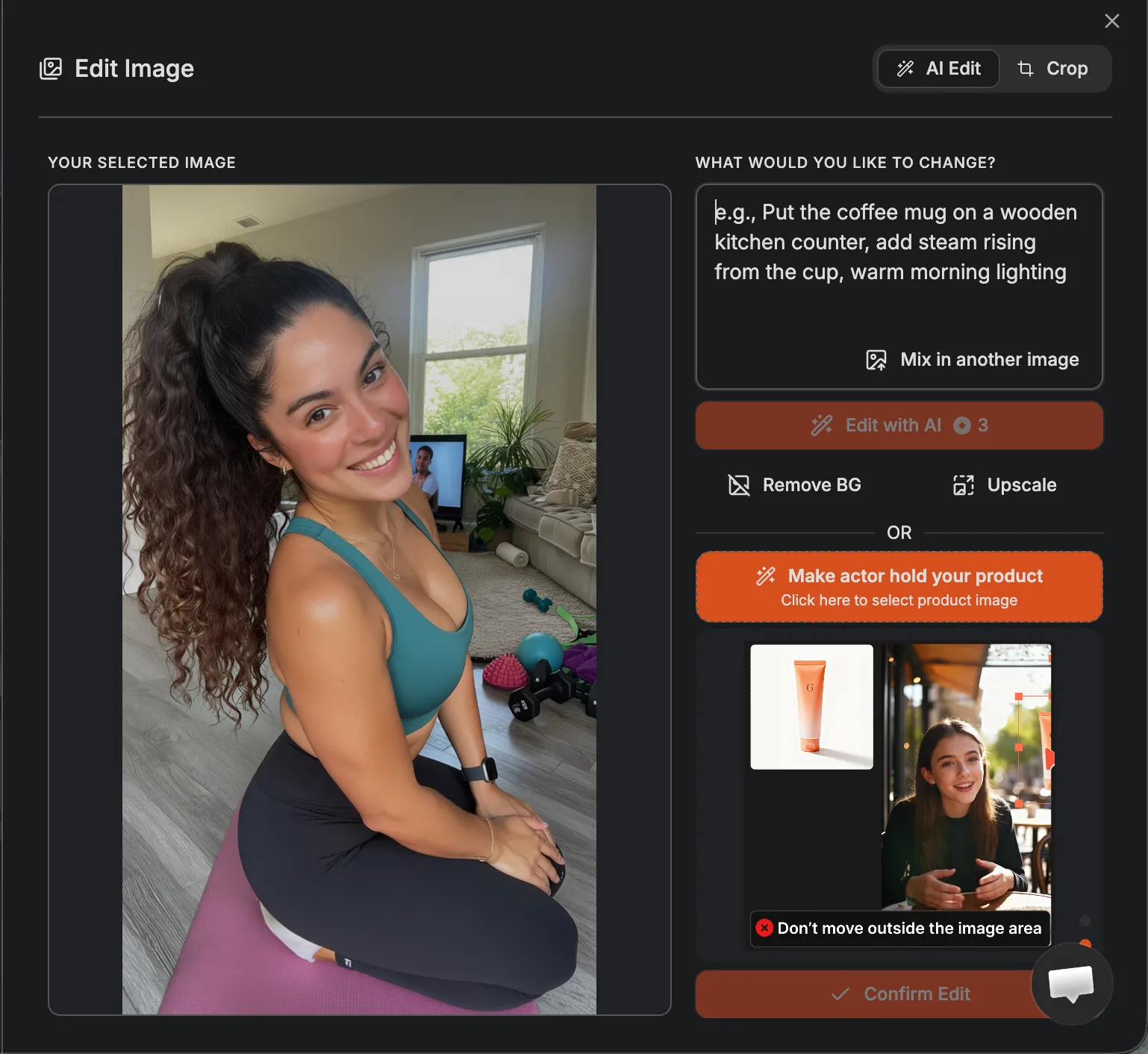
Step 2. Select what your actor will look like

Choose a matching voice from the preset options to define tone, accent, and delivery. Together, these set the personality and presence of your video.

Media
3

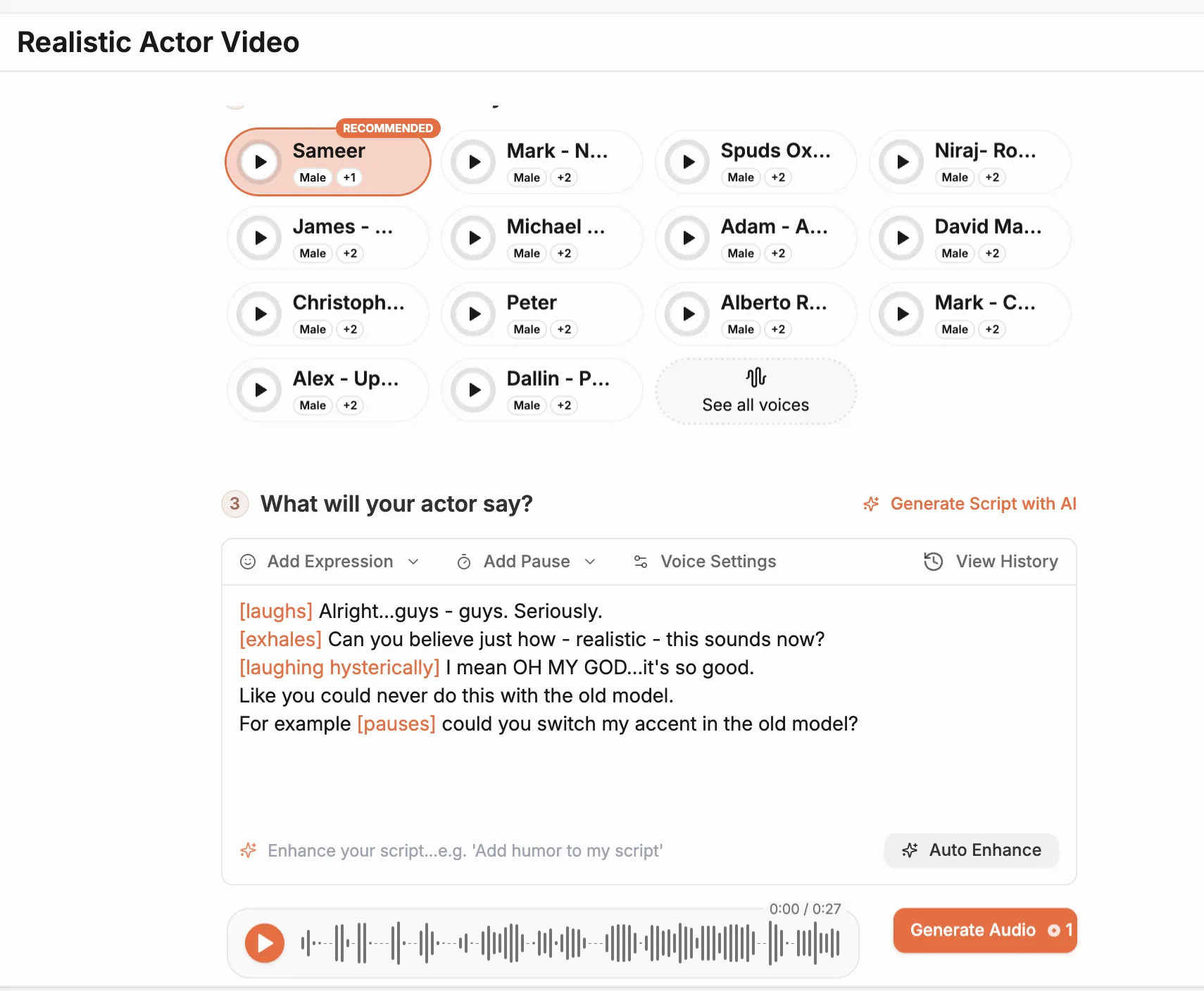
Step 3. Write your own script or use the built-in tool

Keep your lines short and clear. The system converts your text into professional-quality voiceover synced with your chosen actor.

Media
4

Step 4. Click Generate to create your final video.

The system produces your AI actor's performance in a few minutes, combining visuals, voice, and motion into one cohesive clip ready for instant review and publishing.

Media
Pricing Comparison

The quickest, most cost-effective way to grow your marketing

Stop wasting time and money on complex marketing stacks. HeyOz streamlines your content creation and distribution, delivering results faster.

Traditional Marketing

Staff

Marketing Agency $3,000+ / month
UGC Creators $2,500+ / month

Tools & Software

ChatGPT Plus $20 / month
AI Image Generator $20 / month
AI Avatar Generator $90 / month
Video Editor (e.g., CapCut Pro) $10 / month
Graphic Design Tool (e.g., Canva Pro) $10 / month

Estimated Total
$5,650+ / month
Best Value
Simplified with HeyOz
Starting From $44.99/ month

All-in-one platform for scaling your content

Curated Viral Templates
Powerful Built-in Editor
Advanced Customization
Seamless One-Click Publishing
All High-Performing Content Formats
Get Started with HeyOz
3-day free trial. No charge until day 3. Cancel anytime

Discover more:

FAQ

Frequently Asked Questions

Everything you need to know about how HeyOz works and what it can do for you

What is an AI presenter and how does it work?

An AI presenter is a digital human that delivers your script in a video format. You input your text, select a presenter, and the system generates a realistic talking video.

Can I use AI presenters for business and corporate videos?

Yes. AI presenters are commonly used for internal training, onboarding, marketing explainers, and corporate announcements.

Do AI presenters support different languages and accents?

Yes. Most AI presenter tools support multiple languages and a wide range of voice accents.

Can I customize the appearance of an AI presenter?

Yes. You can typically choose gender, age, clothing style, and background settings.

Do I need to record my own voice for AI presenter videos?

No. The system generates natural voiceovers automatically from your script.

Professional video used to mean professional spend. Not anymore.

HeyOz gives you an AI presenter generator free from the overhead. One flat plan covers your entire content operation, presenter videos included. More output. Faster turnaround. A budget that actually stretches. Your competitors are still booking studios. You could already be live.