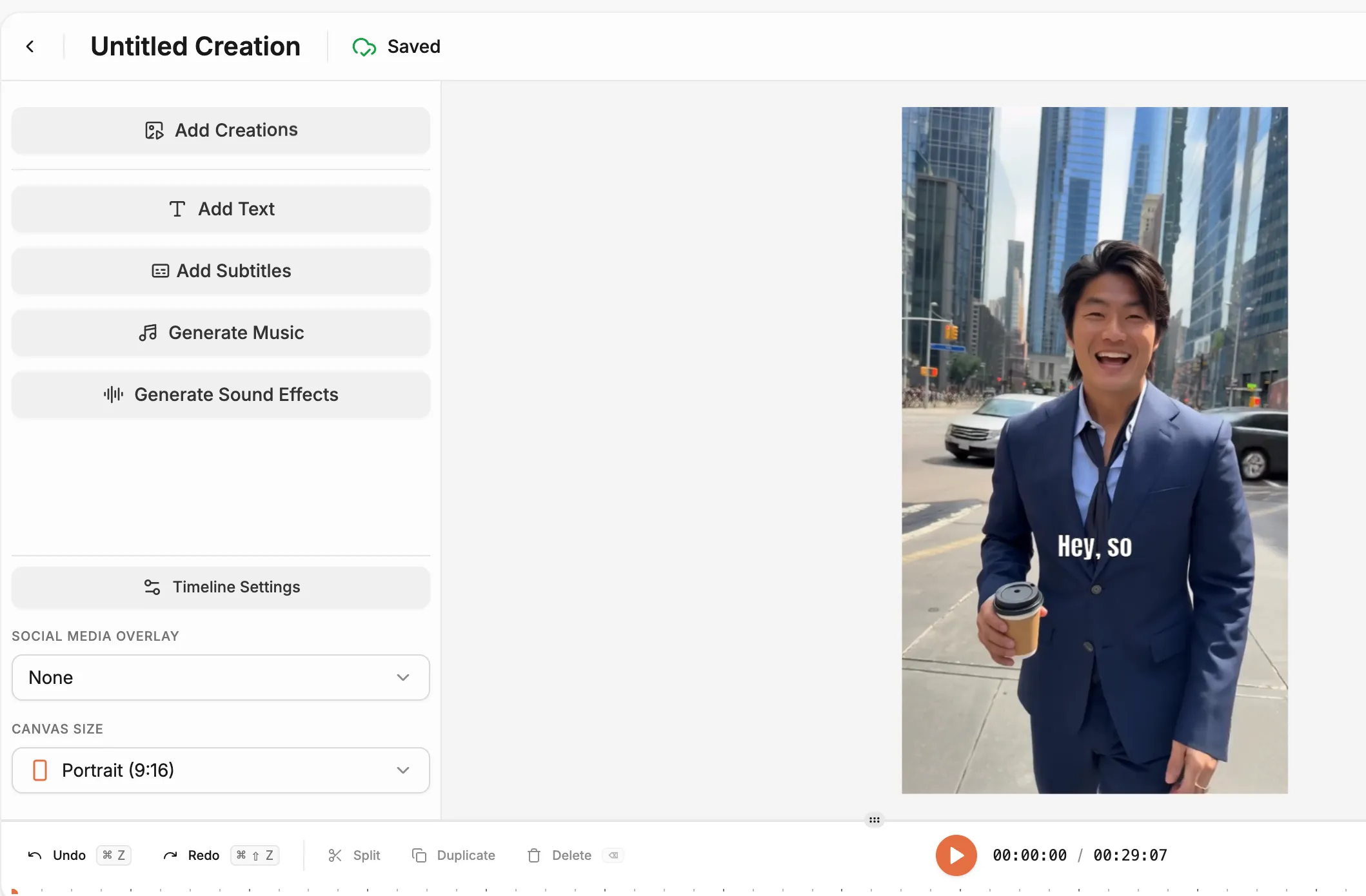
AI Talking Head

Create lifelike talking videos in seconds. Upload an image or choose a character, add your text or audio and let the AI talking head generator bring it to life with perfect expression and voice sync.

Why choose AI talking head?

Talking visuals capture attention faster than text. The talking head AI turns still photos or avatars into expressive, realistic videos that speak naturally—perfect for explainers, tutorials, or social content.

bullet

Upload your image or character.

bullet

Add your script or narration.

bullet

Customize tone, emotion and pace.


bullet

Publish anywhere in one click.

Generate AI Talking Heads
Feature Image

Key Features

Photo-to-Video Animation

Photo-to-Video Animation

Transform portraits or static images into AI talking head videos that move and speak authentically.

Text to Script

Text to Script

Generate a script adapted for your product just through a prompt.

Realistic Emotions & Gestures

Realistic Emotions & Gestures

State-of-the-art avatar model produce lifelike emotions and gestures for the AI avatars

Multi-Format Support

Multi-Format Support

Export AI head video generator outputs for Reels, Shorts, tutorials or presentations.

Ultra-Realistic Rendering

Ultra-Realistic Rendering

Produce smooth, high-fidelity motion with natural lip-sync and facial detail using the AI talking head system.

Use Cases

Educational Videos

Educational Videos

Turn instructors or photos into clear, engaging AI talking head videos.

Marketing Content

Marketing Content

Use AI talking avatars to present your brand or deliver messages with a human feel.

Customer Support

Customer Support

Automate greetings, FAQs or onboarding with a friendly AI talking character.

Entertainment & Storytelling

Entertainment & Storytelling

Animate portraits or heroes for games, comics or short films.

How It Works

Make AI Talking Person Videos
1

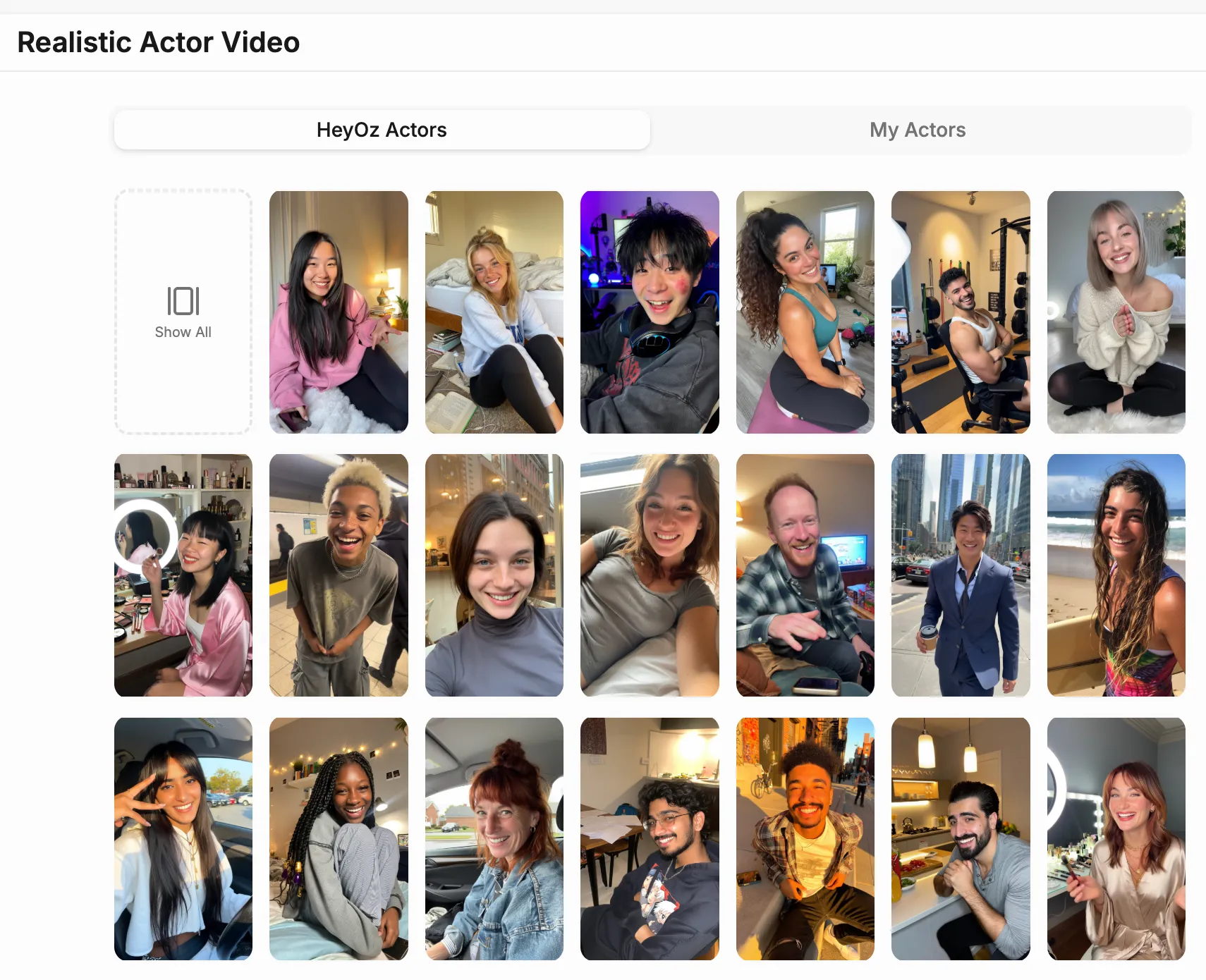
Choose the Realistic Actor Video Format

Open the Content Studio and select “Realistic Actor Video” from the list of content formats. This option lets you create lifelike, talking video content featuring an AI actor that speaks your custom script.

Media
2

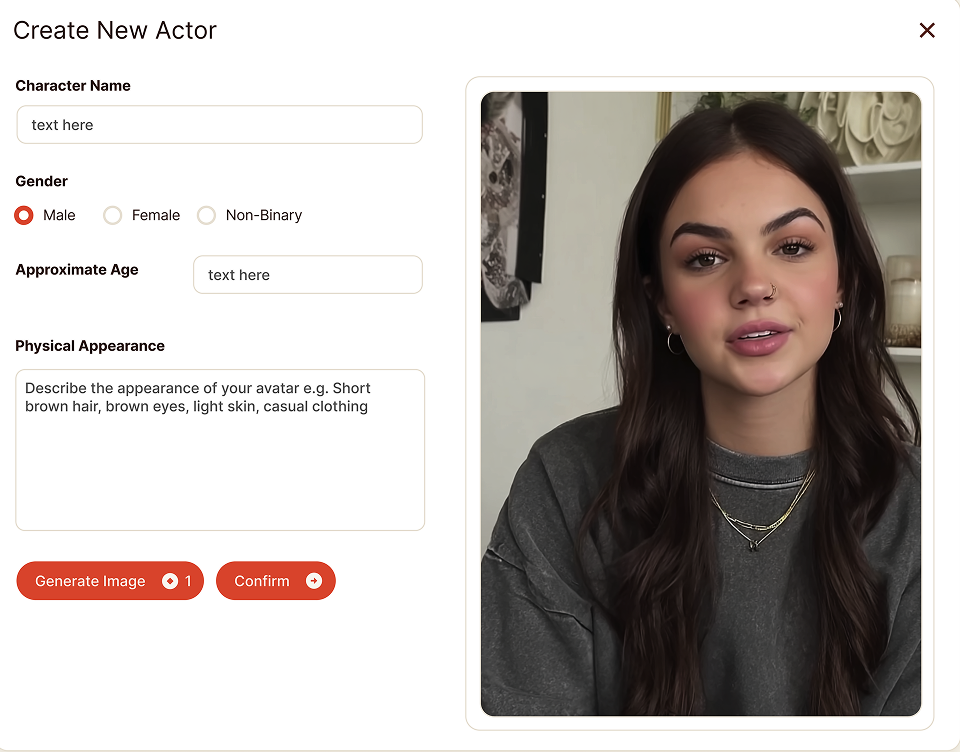
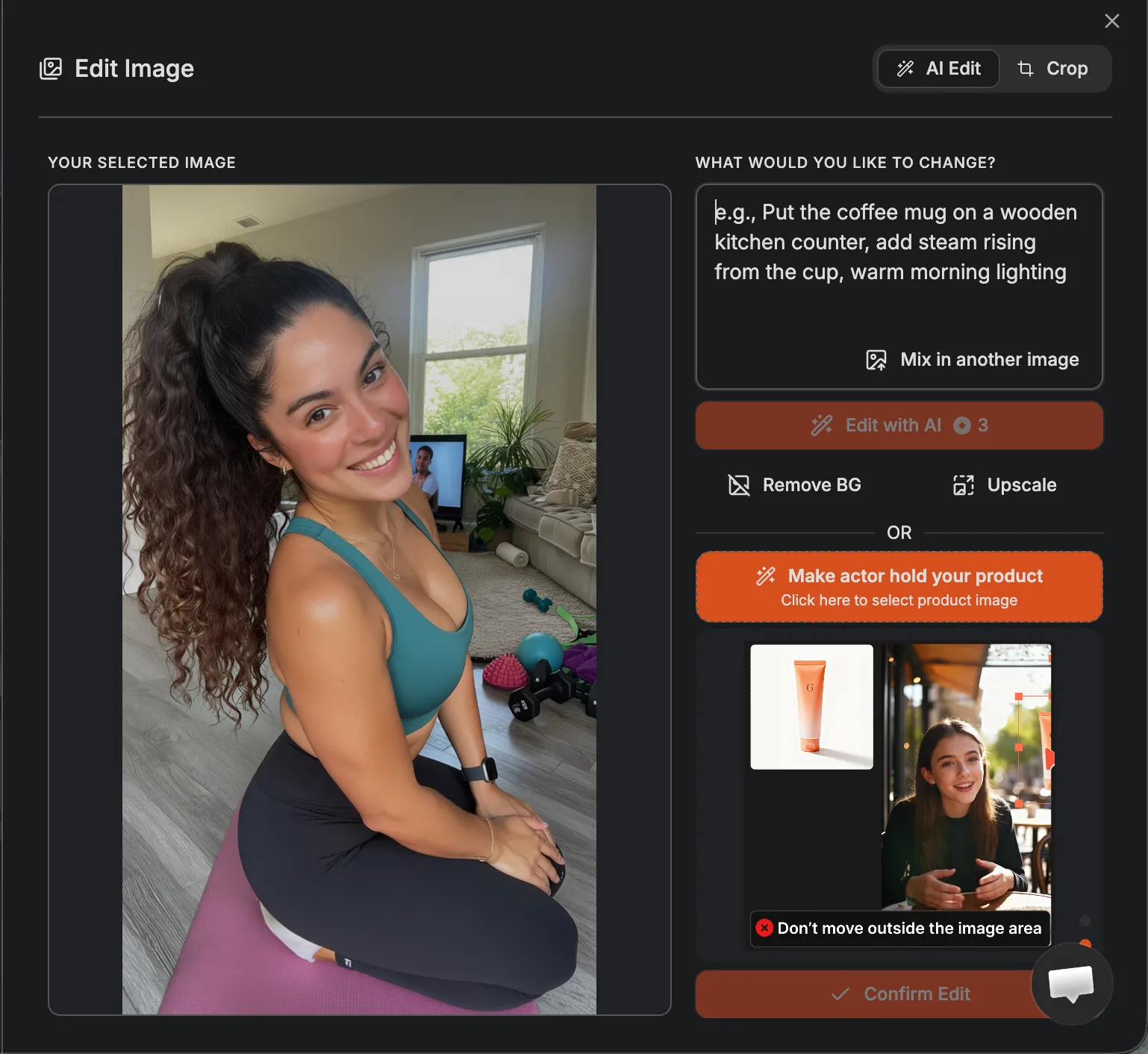
Customize Your Actor and Voice

Select what your actor will look like from the available actor library. Then choose a matching voice from the preset options to define tone, accent and delivery. Together, these set the personality and presence of your video.

Media
3

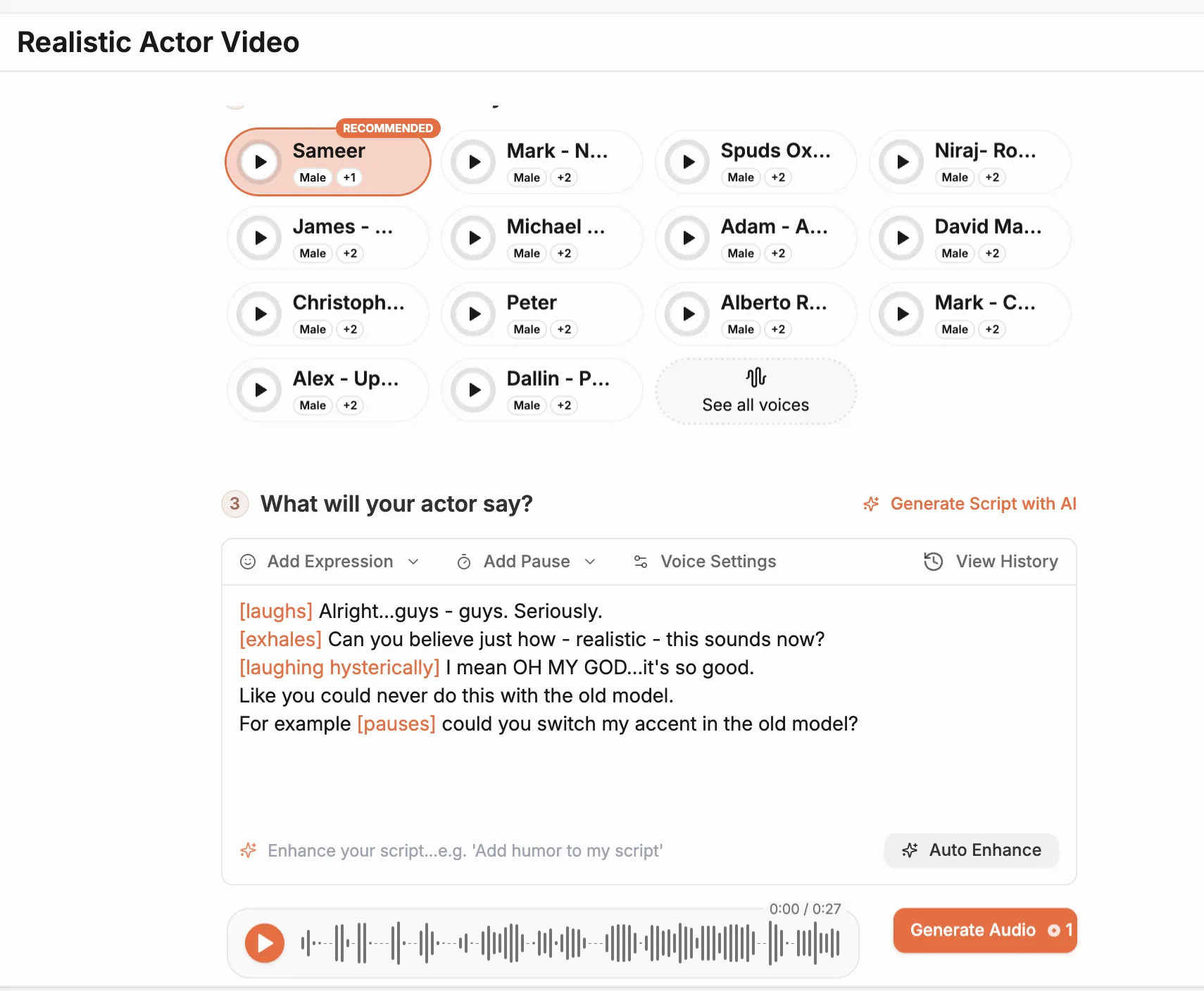
Add or Generate Your Script

Write your own script or use the built-in tool to generate one automatically. Keep your lines short and clear—the system will convert your text into professional-quality voiceover synced with your chosen actor.

Media
4

Generate and Publish Your Video

Click Generate to create your final video. The system produces your AI actor’s performance in a few minutes, combining visuals, voice, and motion into one cohesive clip ready for instant review and publishing.

Media
Pricing Comparison

The quickest, most cost-effective way to grow your marketing

Stop wasting time and money on complex marketing stacks. Oz streamlines your content creation and distribution, delivering results faster.

Traditional Marketing

Staff

Marketing Agency $3,000+ / month
UGC Creators $2,500+ / month

Tools & Software

ChatGPT Plus $20 / month
AI Image Generator $20 / month
AI Avatar Generator $90 / month
Video Editor (e.g., CapCut Pro) $10 / month
Graphic Design Tool (e.g., Canva Pro) $10 / month

Estimated Total
$5,650+ / month
Best Value
Simplified with Oz
Starting From $44.99/ month

All-in-one platform for scaling your content

Curated Viral Templates
Powerful Built-in Editor
Advanced Customization
Seamless One-Click Publishing
All High-Performing Content Formats
Get Started with Oz
3-day free trial. No charge until day 3. Cancel anytime

Discover more:

FAQ

Frequently Asked Questions

Everything you need to know about how Oz works and what it can do for you

What is a talking head video?

A talking head video features a person speaking directly to the camera, often used for presentations, ads, and tutorials.

Can I create talking head videos using only text input?

Yes. You enter your script and the system generates a talking head video automatically.

Are AI talking head videos realistic enough for marketing?

Yes. They use realistic facial movements, lip sync, and human style voice delivery.

Can I change the background of a talking head video?

Yes. You can choose or upload different backgrounds depending on the tool settings.

Are talking head videos good for social media ads?

Yes. They are widely used for short form ads, reels, and educational content.

Ready to make your visuals talk?

Turn photos into lifelike videos with the AI talking head generator—the simplest way to give your ideas a voice.