Content Scheduler

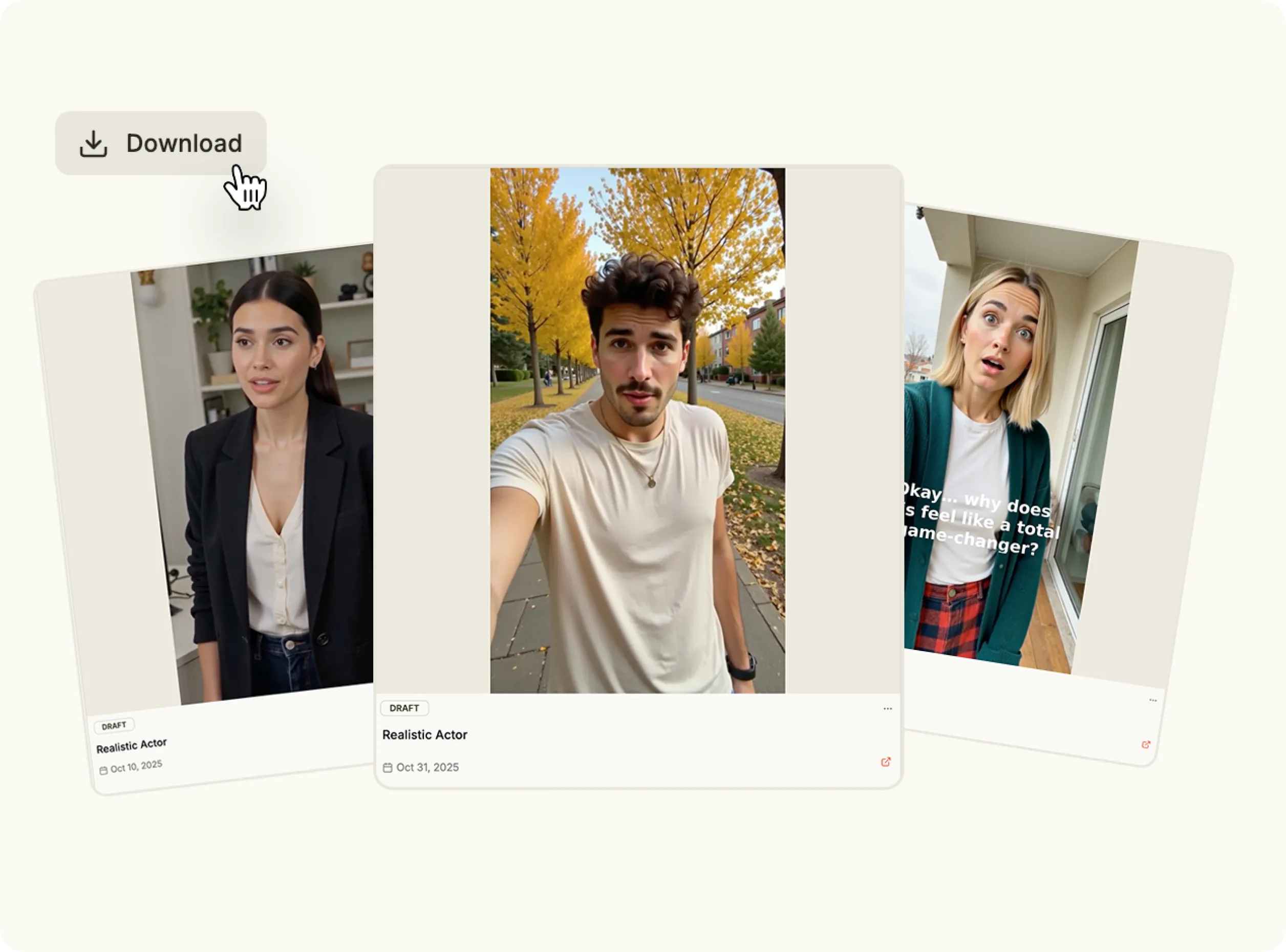
Most brands do not have a content problem. They have a consistency problem. The HeyOz content scheduler takes that off your plate. Create your content, set when and where it goes, and the platform handles the rest.

Why Showing Up on Schedule Beats Showing Up Inspired

The HeyOz content scheduler for social media fixes the slippage. Build your content in batches, queue it up, and let the platform post it on time while you work on something else.

bullet

Create your video, image, or carousel inside HeyOz or upload content.

bullet

Choose the platforms and the posting time for each piece of content.

bullet

Review everything in the calendar view before it goes live.

bullet

Publish automatically at the time you set, across every platform.

Start Content Scheduling
Feature Image

Key Features

Content Status View

Content Status View

The content status view shows every post, when it is scheduled, and whether it has gone live or is still pending. No spreadsheet. No guessing.

Social Media Scheduler

Social Media Scheduler

Switch between accounts, assign content to the right platforms, and manage everything without logging in and out of four different apps.

Content Calendar View

Content Calendar View

The content calendar view lays out your posting schedule visually so you can see gaps, spot bunching, and move posts around before they go out.

Post Scheduler

Post Scheduler

The content scheduler AI on HeyOz publishes your content at exactly the time you choose, without you having to be at your desk.

Multi-Platform Scheduler

Multi-Platform Scheduler

Select the accounts where you want a post to appear, set the time, and the content scheduler for social media handles the distribution.

Use Cases

How to Schedule Content on HeyOz

Schedule a Post
1

Step 1: Choose What You Want to Schedule

Go to your creations in HeyOz and select the video, image, or carousel you want to publish. You can schedule content you created inside the platform or upload assets you already have.

Media
2

Step 2: Open the Posting Interface

Click Post Now inside the video editor to open the posting options. This is where you control where and when your content goes out.

Media
3

Step 3: Add Your Post Details

Select the social accounts where the content should appear. Add a title, description, tags, or campaign notes to keep things organized.

Media
4

Step 4: Set the Schedule

HeyOz publishes your content automatically at the scheduled moment across every platform you selected.

Media
Pricing Comparison

The quickest, most cost-effective way to grow your marketing

Stop wasting time and money on complex marketing stacks. HeyOz streamlines your content creation and distribution, delivering results faster.

Traditional Marketing

Staff

Marketing Agency $3,000+ / month
UGC Creators $2,500+ / month

Tools & Software

ChatGPT Plus $20 / month
AI Image Generator $20 / month
AI Avatar Generator $90 / month
Video Editor (e.g., CapCut Pro) $10 / month
Graphic Design Tool (e.g., Canva Pro) $10 / month

Estimated Total
$5,650+ / month
Best Value
Simplified with HeyOz
Starting From $44.99/ month

All-in-one platform for scaling your content

Curated Viral Templates
Powerful Built-in Editor
Advanced Customization
Seamless One-Click Publishing
All High-Performing Content Formats
Get Started with HeyOz
3-day free trial. No charge until day 3. Cancel anytime

Discover more:

FAQ

Frequently Asked Questions

Everything you need to know about how HeyOz works and what it can do for you

What is a content scheduler and how does it work?

A content scheduler lets you plan, organize, and automatically publish posts across social platforms at selected dates and times.

Can I schedule posts for multiple social platforms at once?

Yes. A single post can be scheduled for multiple platforms from one dashboard if the platforms are supported.

Does scheduling content improve social media performance?

Yes. Consistent posting improves visibility, engagement, and audience growth over time.

Can I edit or reschedule posts after setting them live?

Yes. Scheduled posts can be edited, paused, or moved to a different time before publishing.

Is a content scheduler useful for teams and agencies?

Yes. It allows teams to collaborate, approve content in advance, and manage multiple client accounts efficiently.

Consistency Is a System, Not a Personality Trait

Build the content. Set the schedule. Let the platform keep you present while you focus on what actually needs your attention. Your first posts go out free.