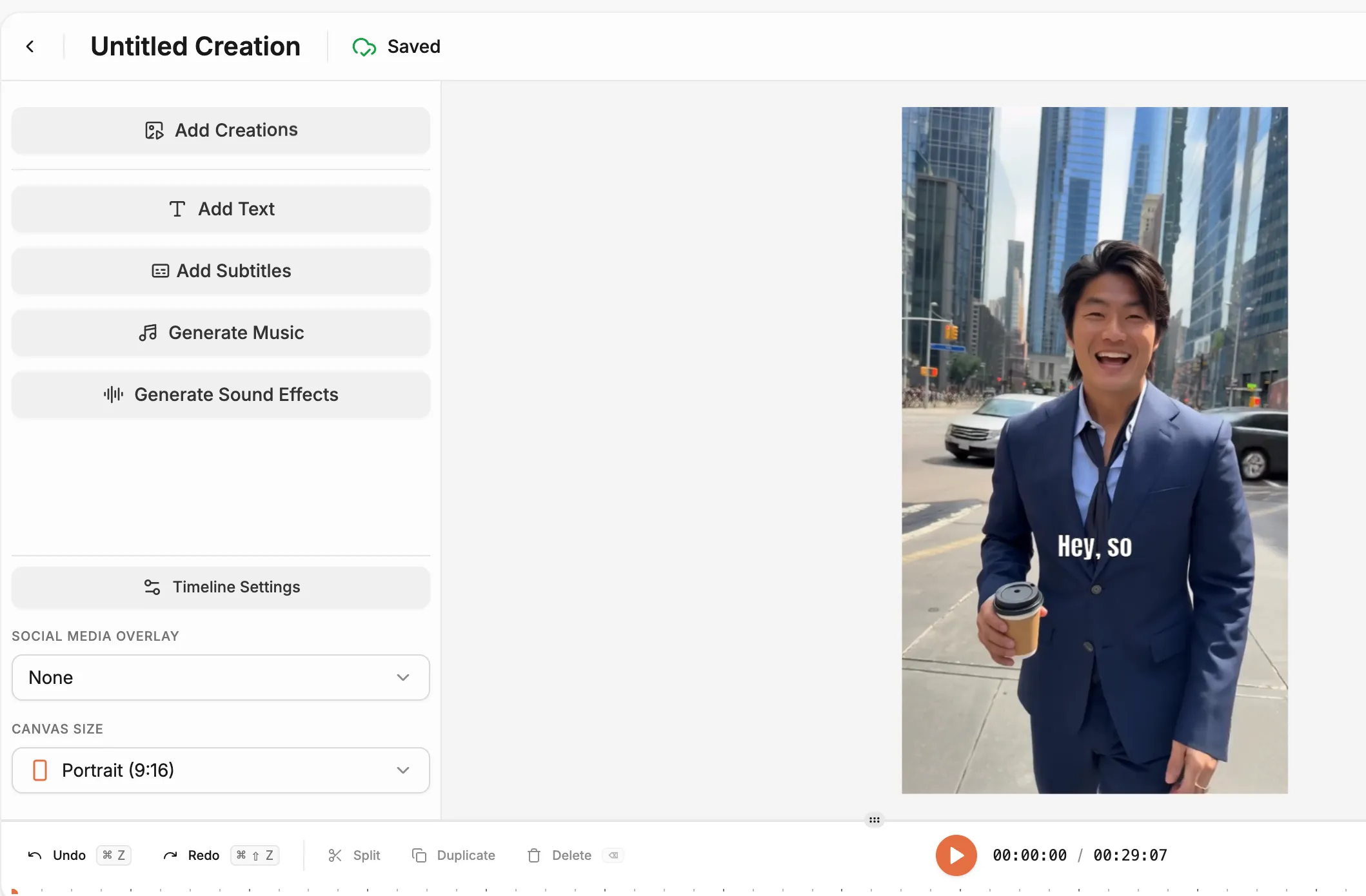
Booking a real actor means casting calls, agency fees, shoot days, usage rights, and a contract that limits what you can do with the footage afterward. Most brands skip video entirely because the production math never works out. HeyOz changes the calculation. Pick an AI actor from a library of real-looking presenters, write your script, add your CTA, and generate a finished video in minutes. No studio. No talent fees. No usage rights to negotiate.
The problem with actor-driven video has always been cost and speed. A single day of production for a commercial eats a budget that most brands cannot justify for a single ad. AI actors on HeyOz give you that on-camera presence without the overhead, and the output is good enough that viewers focus on the message, not the medium.

Write your hook and script, or generate one with the built-in tool.

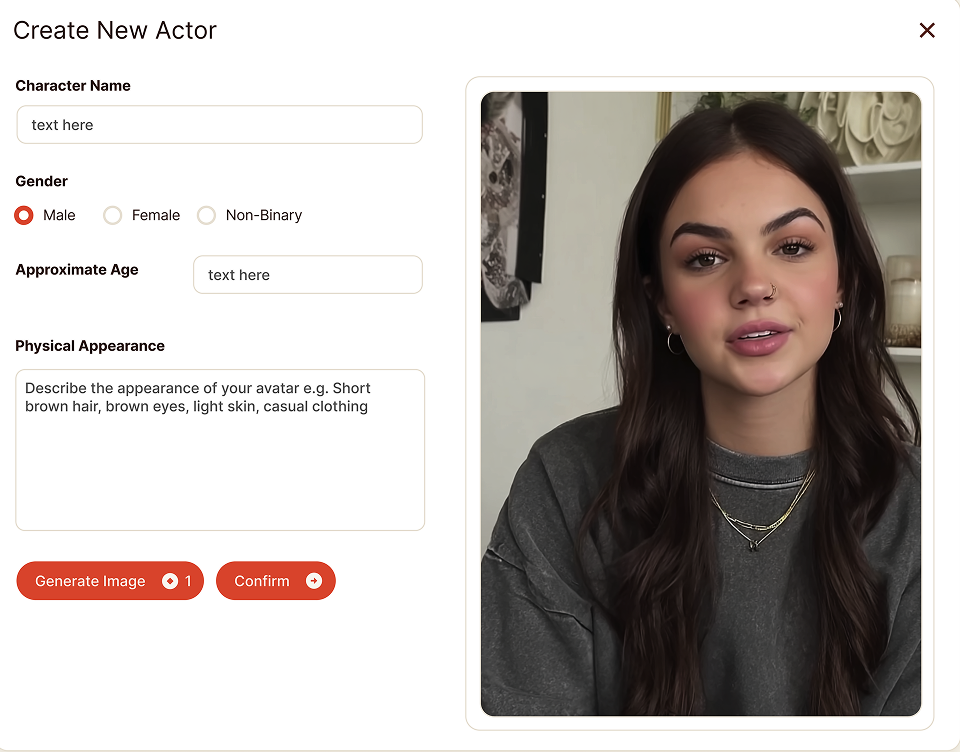
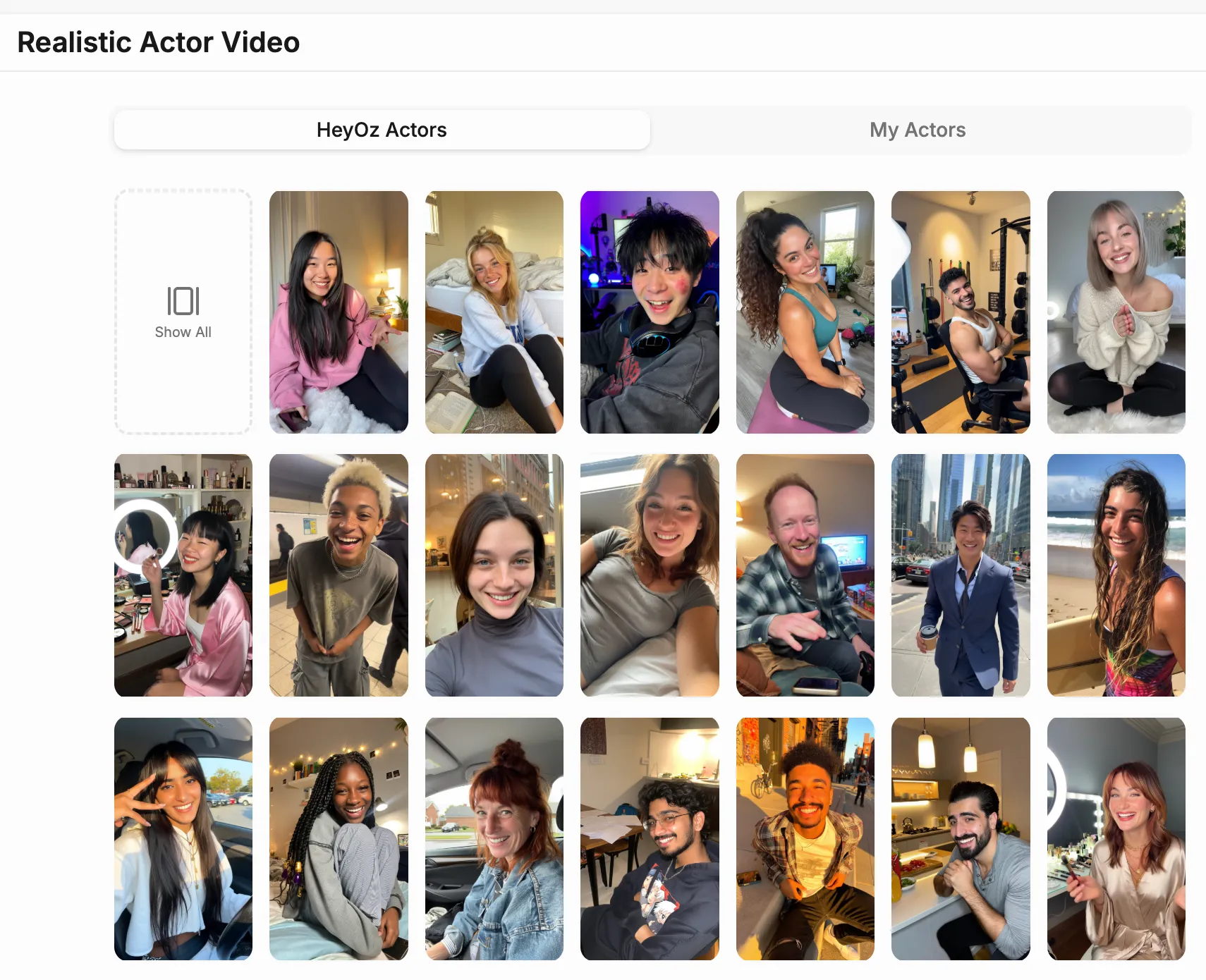
Pick from the AI actors library and choose the face that fits your brand.

Set the voice, adjust the expressions and background, add your CTA.

Publish your finished video directly to wherever your audience watches.

The HeyOz AI actors library is built from human-like avatars with natural expressions, realistic skin, and movement that does not trigger the part of the brain that knows something is off. Viewers watch the video. They do not study the actor. That is the goal, and it is what the library is built to deliver.
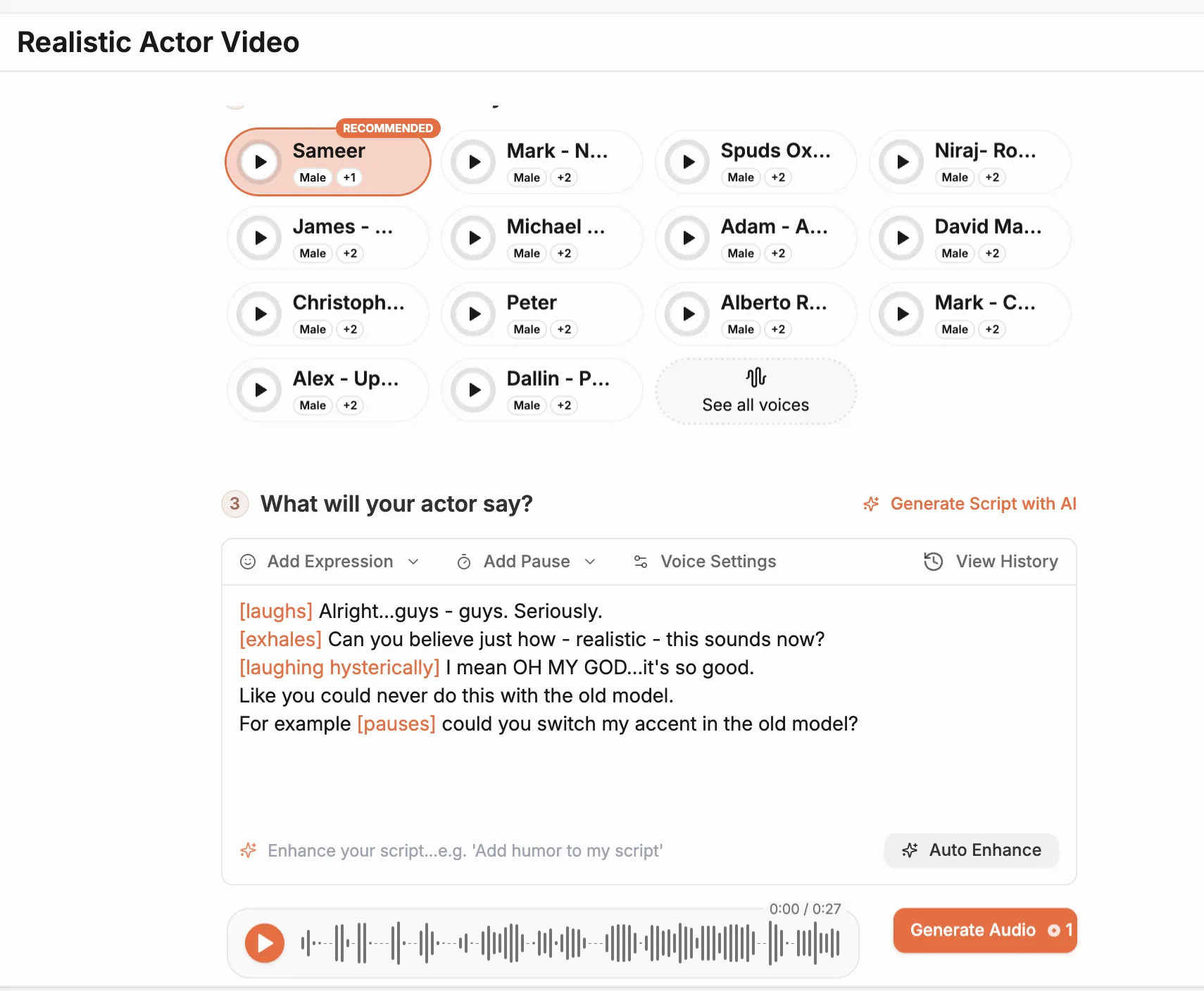
Choose from 30 plus AI voices covering different accents, registers, and delivery styles. The voice and the face are matched through the same pipeline so the lip sync holds, the timing feels natural, and the overall delivery sounds like a person who actually rehearsed the script.
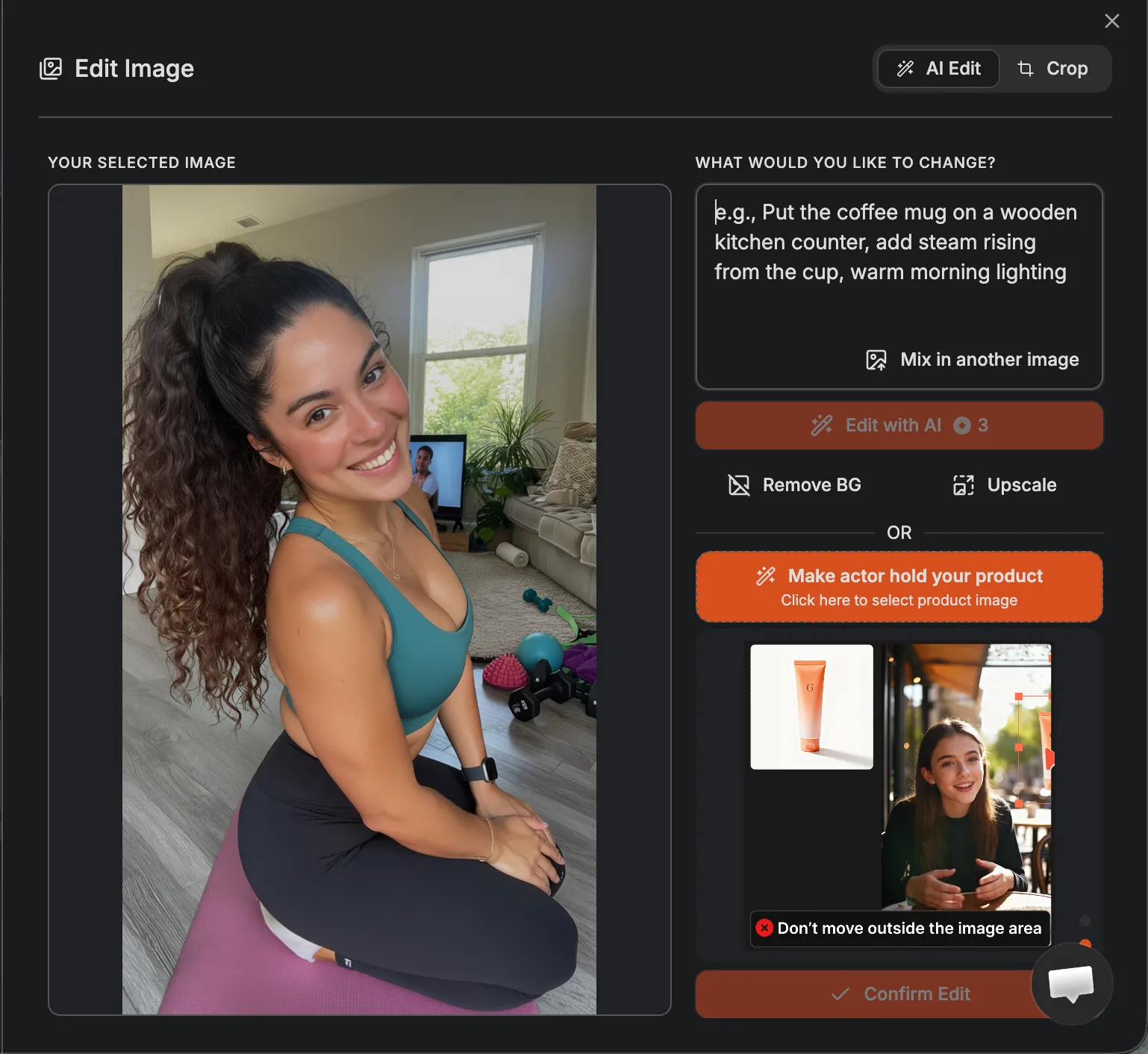
Adjust the actor's expression, outfit, and background to fit the video you are making. A product demo looks different from a brand awareness clip. The controls are there so every video you generate feels intentional rather than templated.
The AI actors free workflow on HeyOz produces a complete video with avatar, voice, and background in the time it used to take just to brief a production company. If the first version needs to change a line, update the script and generate again. The iteration cycle is fast enough that getting it right does not feel like a project.
The AI actress global use case is one of the more practical ones. Swap the voice to a different language, keep the same actor, produce a localized version of the same video for a different market. No rebooking. No travel. No re-editing. The content scales across regions the way digital assets should.
Log in to HeyOz and open the Content Studio. Select the Realistic Actor Video format. This is the starting point for every video you build with AI actors on the platform.
Browse the actor library and select the face that fits your campaign. Then choose a matching voice from the available options. Adjust the accent, tone, and delivery pace until the combination sounds like someone your audience would actually listen to.
Type your script directly into the editor or describe what you want to communicate and let the built-in script tool draft it for you. Short sentences and a clear structure produce the best results. Write the hook first. Make the CTA specific.
Click Generate. HeyOz produces your finished actor video with synced voice, natural movement, and your chosen background. Review it. If it is ready, publish it. If something needs adjusting, change the script and generate a new version. The whole process takes minutes.
Stop wasting time and money on complex marketing stacks. HeyOz streamlines your content creation and distribution, delivering results faster.
All-in-one platform for scaling your content
Everything you need to know about how HeyOz works and what it can do for you
AI actor videos use computer-generated actors to deliver your script. You choose a digital avatar, set a voice, give a script, and the system produces a video with realistic lip-syncing, expressions and studio-like visuals — no recording required.
Yes. The tool supports a “product with actor” format: you upload your product image or media, and the AI actor will hold, use or present the product naturally in the video or image.
You can customize the actor’s gender, age, ethnicity, outfit, background, expressions, and more. You also pick the voice style — including tone, accent, and emotional delivery — to match your brand or message.
You can create product demos, testimonials, explainers, announcements, training clips, ads or any content where a human-like presence helps.
No. Everything is generated digitally — you just need to input your script and optionally product visuals. The system handles the rest, eliminating the need for cameras, sets or physical actors.
Generate scroll-stopping realistic actor video content with AI generated actors and the AI actor generator. Start today. Your first video is free.