ASMR Video Generator

Create calming, scroll-stopping content with an ASMR video generator designed for product-focused, aurally soothing videos. Turn simple images into immersive ASMR videos that capture attention, trigger sensory engagement, and perform across social platforms.

Why choose an ASMR video generator?

ASMR content is proven to increase watch time and engagement. With an AI ASMR generator, you can produce high-quality, relaxing visuals without filming, microphones, or complex editing. Whether you’re showcasing products or building ambient brand content, you can make ASMR videos with AI quickly and consistently.

bullet

Choose an ASMR video format.

bullet

Upload a product image or visual.

bullet

Generate calming, loop-friendly content.

bullet

Publish anywhere in one click.

Create ASMR videos
Feature Image

Key Features

AI Generated ASMR Visuals

AI Generated ASMR Visuals

Create smooth, aurally soothing AI generated ASMR content optimized for attention and retention.

Product-Focused ASMR Videos

Product-Focused ASMR Videos

Turn static product images into engaging ASMR videos designed for Ecommerce and social discovery.

Template-Based Creation

Template-Based Creation

Use curated ASMR templates built to emphasize motion, texture, and subtle aural rhythm.

Fast, No-Filming Workflow

Fast, No-Filming Workflow

Skip cameras and microphones—use the ASMR video generator to produce content in minutes.

Built for Social Platforms

Built for Social Platforms

Easily make ASMR videos formatted for TikTok, Reels, Shorts, and ads.

Use Cases

How It Works

Generate AI ASMR videos
1

Select the ASMR Video Format

From the Content Studio, open Video Formats and choose ASMR. This starts the workflow for creating calming, product-focused ASMR content using Oz’s built-in editor.

Media
2

Add Your Visual and Template

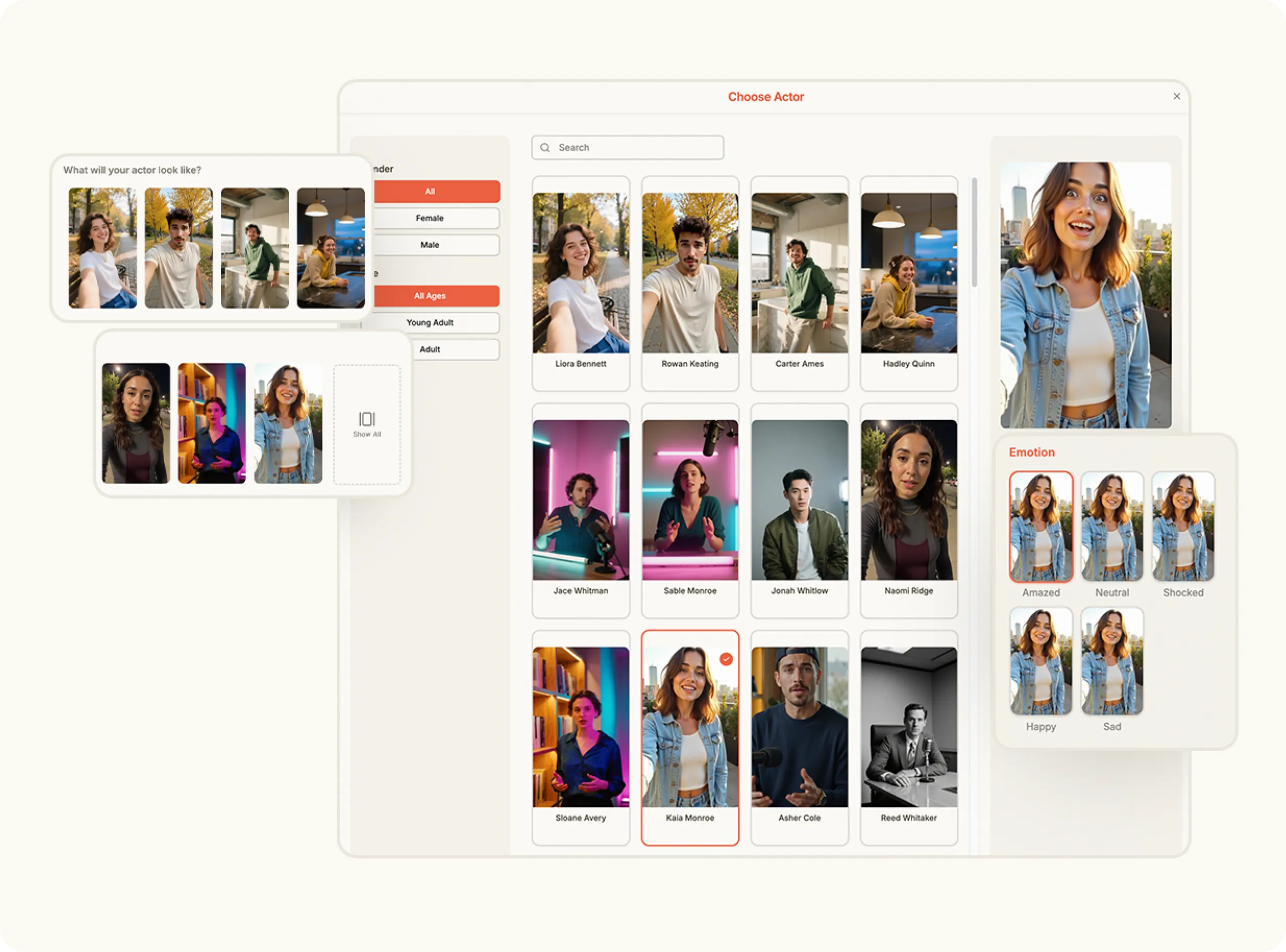
Select an image from your Brand Assets or upload a new one, then choose a template from the ASMR template library or upload your own. These templates define the motion and pacing of the final video.

Media
3

Choose Video Settings

Set your preferred orientation (portrait or landscape) and resolution (720p or 1080p). These options ensure your ASMR video is optimized for the platform where it will be published.

Media
4

Generate and Export

Click Create to generate your video. Once complete, you can preview the finished ASMR video, make edits if needed, or export and post it directly.

Media
Pricing Comparison

The quickest, most cost-effective way to grow your marketing

Stop wasting time and money on complex marketing stacks. HeyOz streamlines your content creation and distribution, delivering results faster.

Traditional Marketing

Staff

Marketing Agency $3,000+ / month
UGC Creators $2,500+ / month

Tools & Software

ChatGPT Plus $20 / month
AI Image Generator $20 / month
AI Avatar Generator $90 / month
Video Editor (e.g., CapCut Pro) $10 / month
Graphic Design Tool (e.g., Canva Pro) $10 / month

Estimated Total
$5,650+ / month
Best Value
Simplified with HeyOz
Starting From $44.99/ month

All-in-one platform for scaling your content

Curated Viral Templates
Powerful Built-in Editor
Advanced Customization
Seamless One-Click Publishing
All High-Performing Content Formats
Get Started with HeyOz
3-day free trial. No charge until day 3. Cancel anytime

Discover more:

FAQ

Frequently Asked Questions

Everything you need to know about how HeyOz works and what it can do for you

What is an ASMR video generator?

An ASMR video generator uses artificial intelligence to create calming videos designed to trigger sensory responses such as relaxation or focus, often combining soothing visuals, movements, and sound patterns.

How do AI ASMR video generators work?

AI ASMR video generators analyze visual and motion patterns commonly associated with ASMR and generate smooth, repetitive, and calming video sequences automatically without manual animation or filming.

What are ASMR videos commonly used for?

ASMR videos are commonly used for relaxation, stress relief, improved focus, sleep support, brand engagement, and social media content where calming or satisfying visuals increase watch time.

Can ASMR videos be used for marketing and social media?

Yes. Many brands use ASMR-style videos for product promotion, social ads, and awareness campaigns because the calming visuals often improve engagement, retention, and scroll-stopping performance.

Which is the best ASMR video generator?

Heyoz is the best ASMR video generator for creating visually soothing, high-quality ASMR-style videos quickly.

Ready to create calming content that converts?

Use the ASMR video generator to make ASMR videos with AI and turn simple visuals into immersive, high-engagement content.