URL to Video

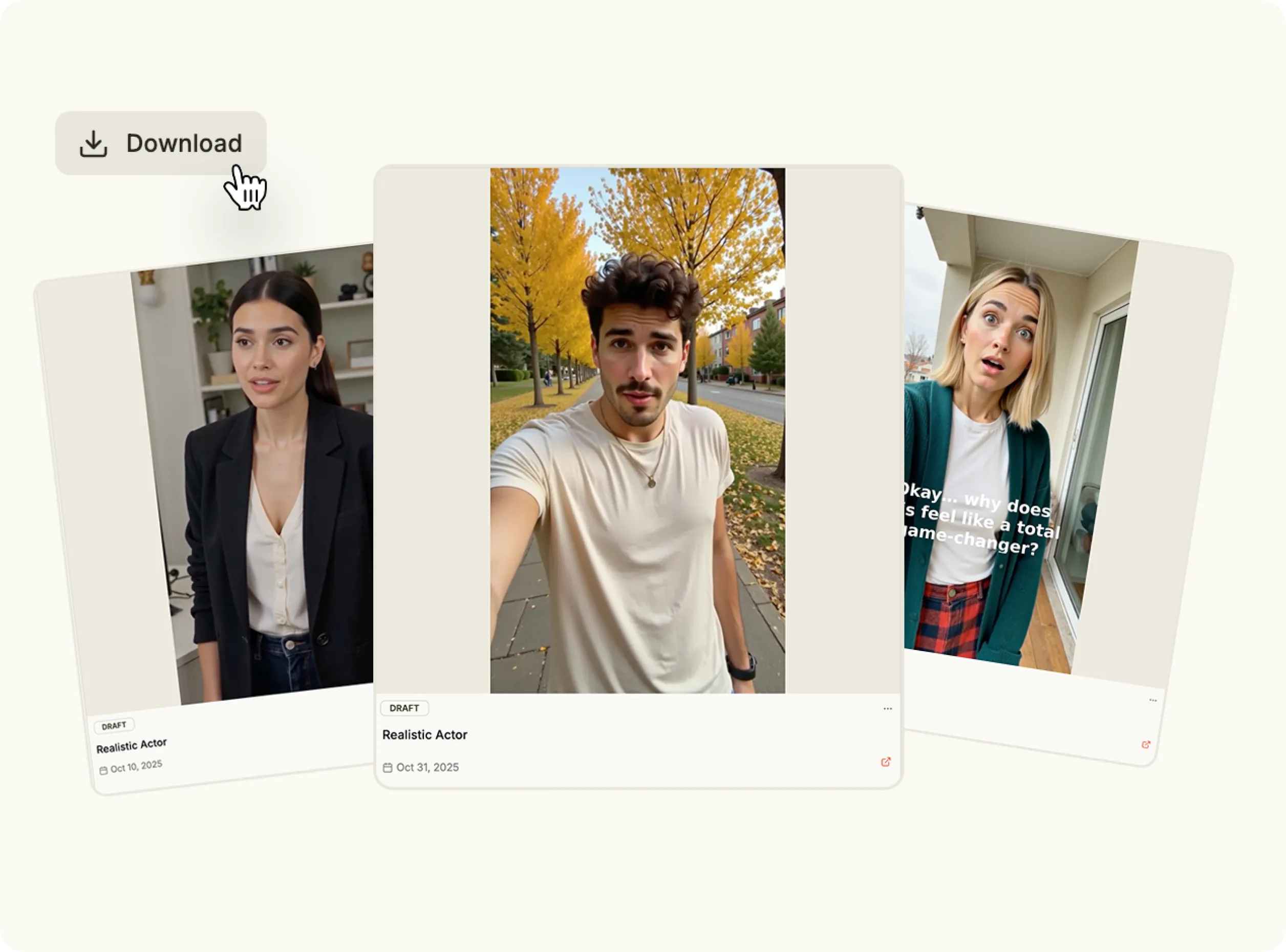
Turn any product page into a high-quality video in minutes. With URL to video, you can scan a link, extract brand assets, and automatically create videos designed for ads, social media, and product promotion—no editing experience required.

Why choose URL to Video?

Creating video content usually starts from scratch. With URL to video AI, you can skip the setup and instantly transform a product page into a polished video. Whether you’re launching a campaign or testing creatives, you can turn a link into video content that’s fast, consistent, and on-brand.

bullet

Paste a product URL.

bullet

Automatically extract brand assets.

bullet

Generate a video from your link.

bullet

Publish anywhere in one click.

Turn URL to Video
Feature Image

Key Features

Product URL Scanning

Product URL Scanning

Use product URL to video to automatically analyze a webpage and extract images, descriptions, and brand colors.

Asset-Based Video Creation

Asset-Based Video Creation

Turn existing site content into video using the link to video generator, without re-uploading or recreating assets.

Flexible Video Formats

Flexible Video Formats

Choose from multiple formats and styles with the link to video maker to match your platform or campaign goals.

AI-Guided Prompting

AI-Guided Prompting

Refine the output by guiding how your link into video should look, feel, and flow.

Built for Speed and Scale

Built for Speed and Scale

Create multiple videos quickly by using URL to video workflows instead of manual editing.

Use Cases

How It Works

Convert Link to Video
1

Analyze Your Product URL

From the New Product page, paste the product URL you want to turn into a video. Click Analyze, and Heyoz scans the site to extract images, product descriptions, and brand colors automatically. You can accept or edit the results before finishing setup.

Media
2

Add Your Product Image

Open the Content Studio, click Video Formats, and select the format you want to use. Choose an image from the extracted brand assets or upload a new one, then confirm your selection to continue.

Media
3

Pick a Template

Enter a prompt describing how you want the video to be generated from your assets. Then select the video model you want to use to control motion style and visual output.

Media
4

Generate Your Ad

Set the video resolution and orientation, then click Create Videos. Once generation is complete, you can view, edit, and export the finished video directly from your creations panel.

Media
Pricing Comparison

The quickest, most cost-effective way to grow your marketing

Stop wasting time and money on complex marketing stacks. HeyOz streamlines your content creation and distribution, delivering results faster.

Traditional Marketing

Staff

Marketing Agency $3,000+ / month
UGC Creators $2,500+ / month

Tools & Software

ChatGPT Plus $20 / month
AI Image Generator $20 / month
AI Avatar Generator $90 / month
Video Editor (e.g., CapCut Pro) $10 / month
Graphic Design Tool (e.g., Canva Pro) $10 / month

Estimated Total
$5,650+ / month
Best Value
Simplified with HeyOz
Starting From $44.99/ month

All-in-one platform for scaling your content

Curated Viral Templates
Powerful Built-in Editor
Advanced Customization
Seamless One-Click Publishing
All High-Performing Content Formats
Get Started with HeyOz
3-day free trial. No charge until day 3. Cancel anytime

Discover more:

FAQ

Frequently Asked Questions

Everything you need to know about how HeyOz works and what it can do for you

What is a URL to video generator?

A URL to video generator is an AI tool that converts a product or webpage URL into a video by extracting key content such as images, text, and layout to automatically create a visual video format.

How does a URL to video generator work?

URL to video generators analyze the webpage linked in the URL, identify product details and visuals, and use AI to assemble them into a structured video with scenes, transitions, and text overlays.

What types of URLs can be converted into videos?

Most URL to video generators support ecommerce product pages, landing pages, blogs, and campaign URLs, making them useful for ads, social content, and product promotions.

What are URL to video tools used for?

URL to video tools are commonly used for product ads, social media videos, campaign launches, ecommerce marketing, and quick content repurposing from existing web pages.

Which is the best URL to video generator?

Heyoz is the best URL to video generator for turning product and landing page URLs into high-quality, marketing-ready videos quickly and at scale.

Ready to turn links into videos?

Use URL to video to turn a link into video content instantly—and scale video creation directly from your product pages.