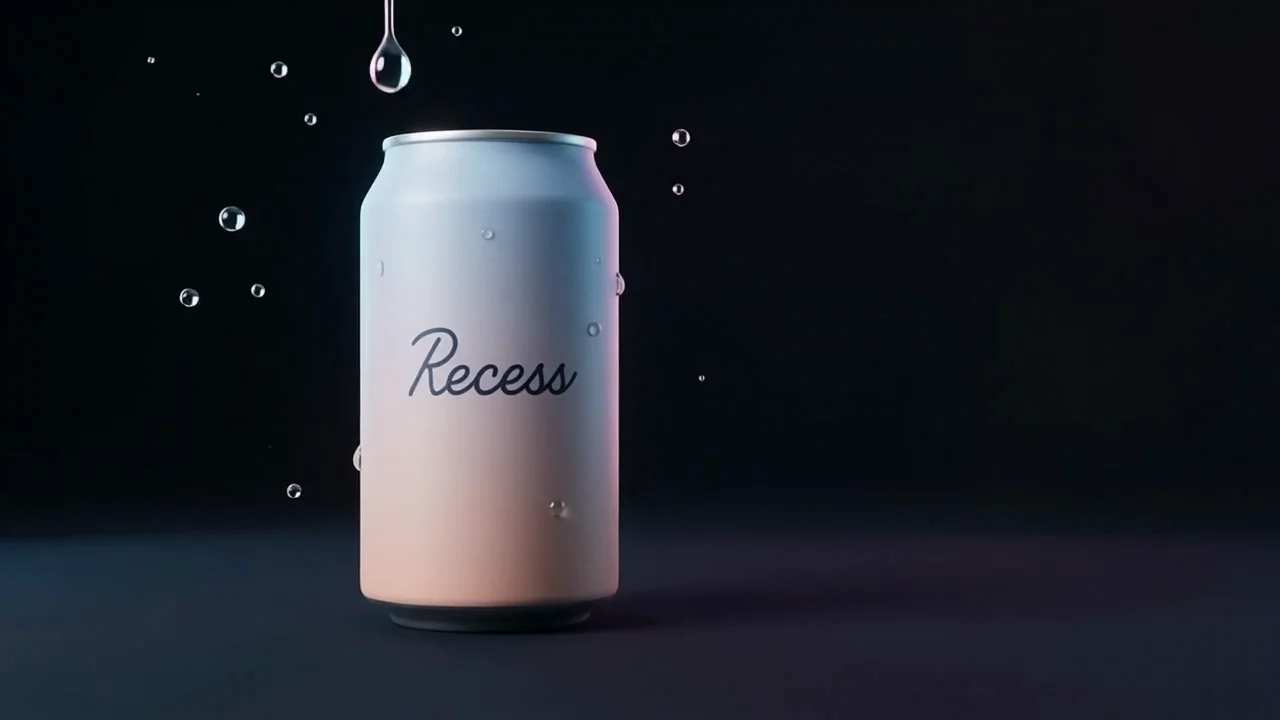
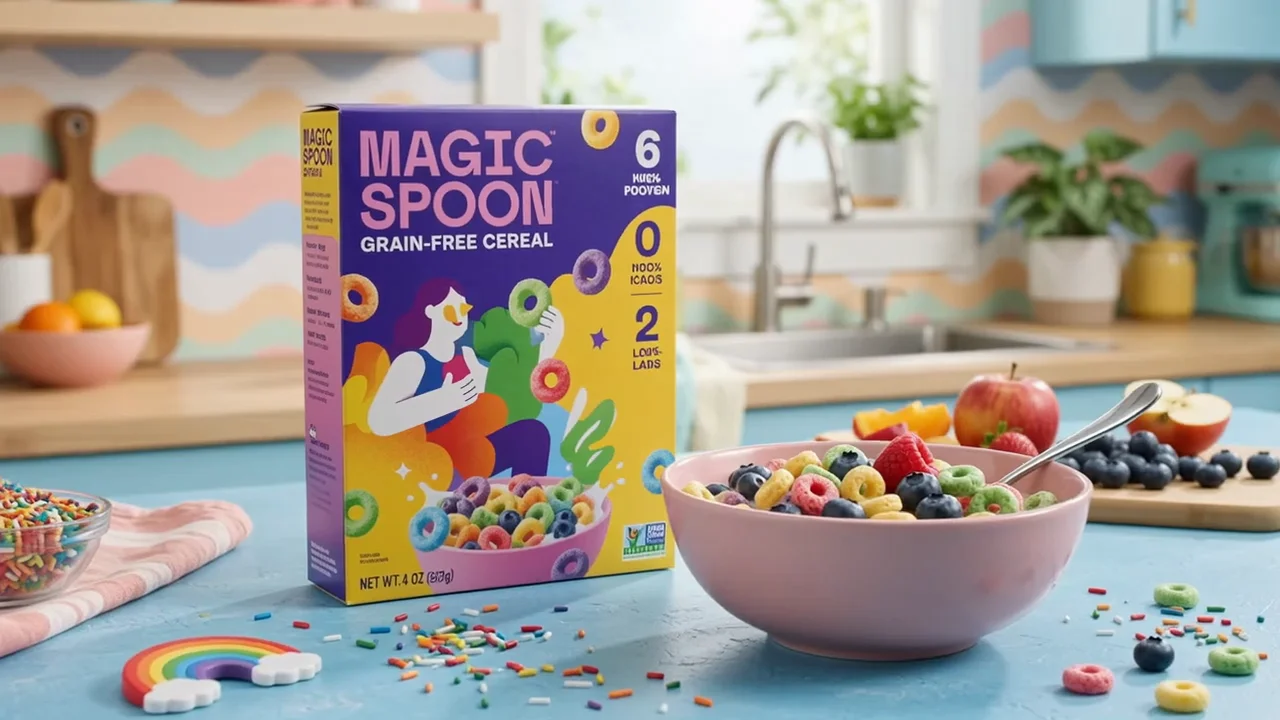
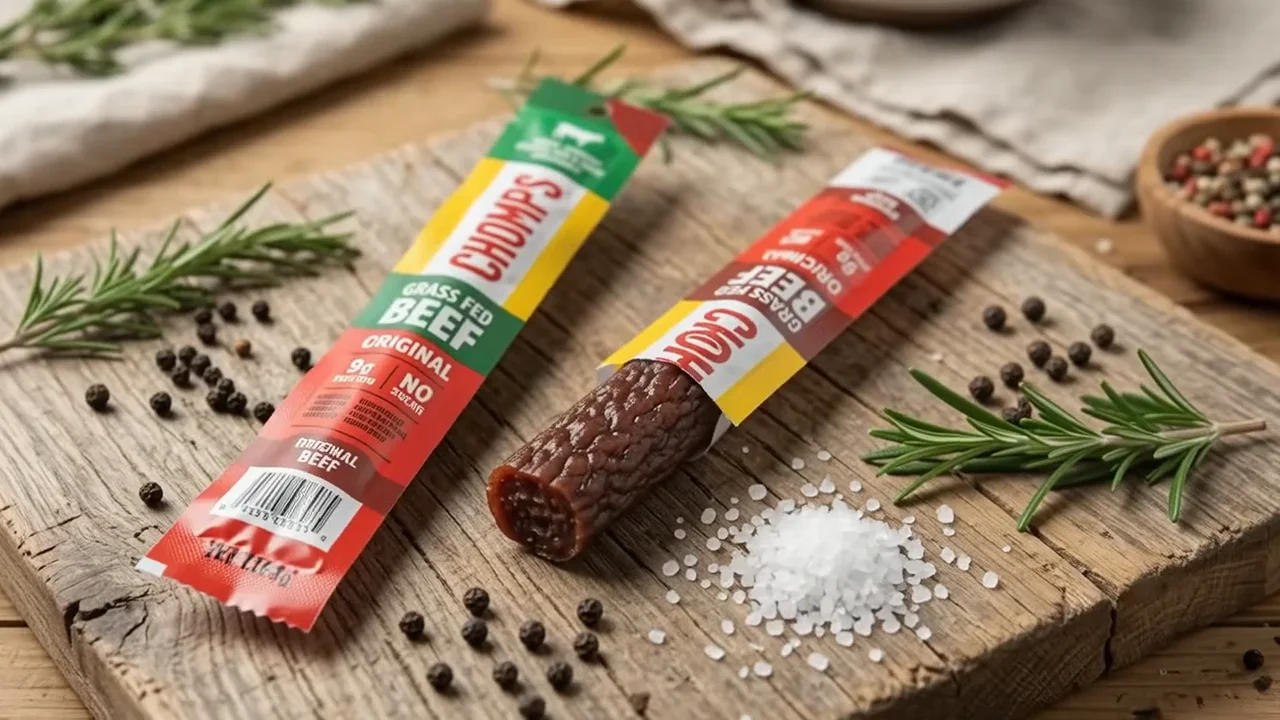
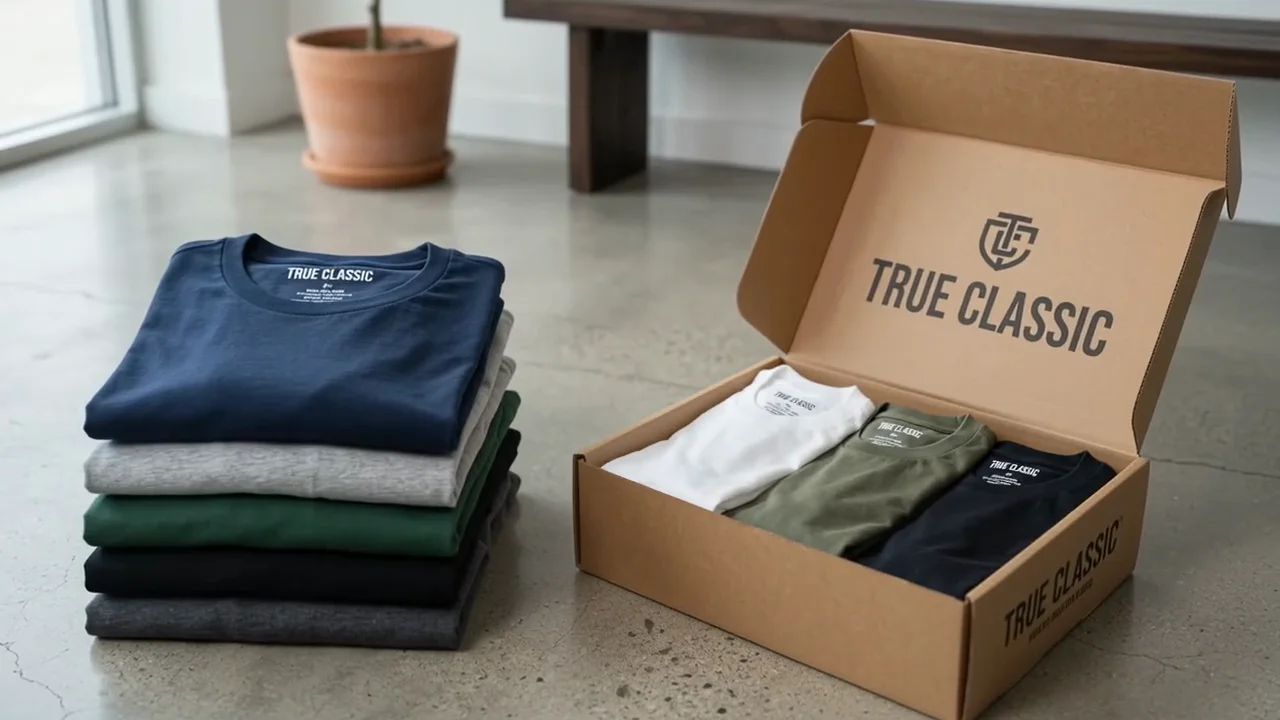
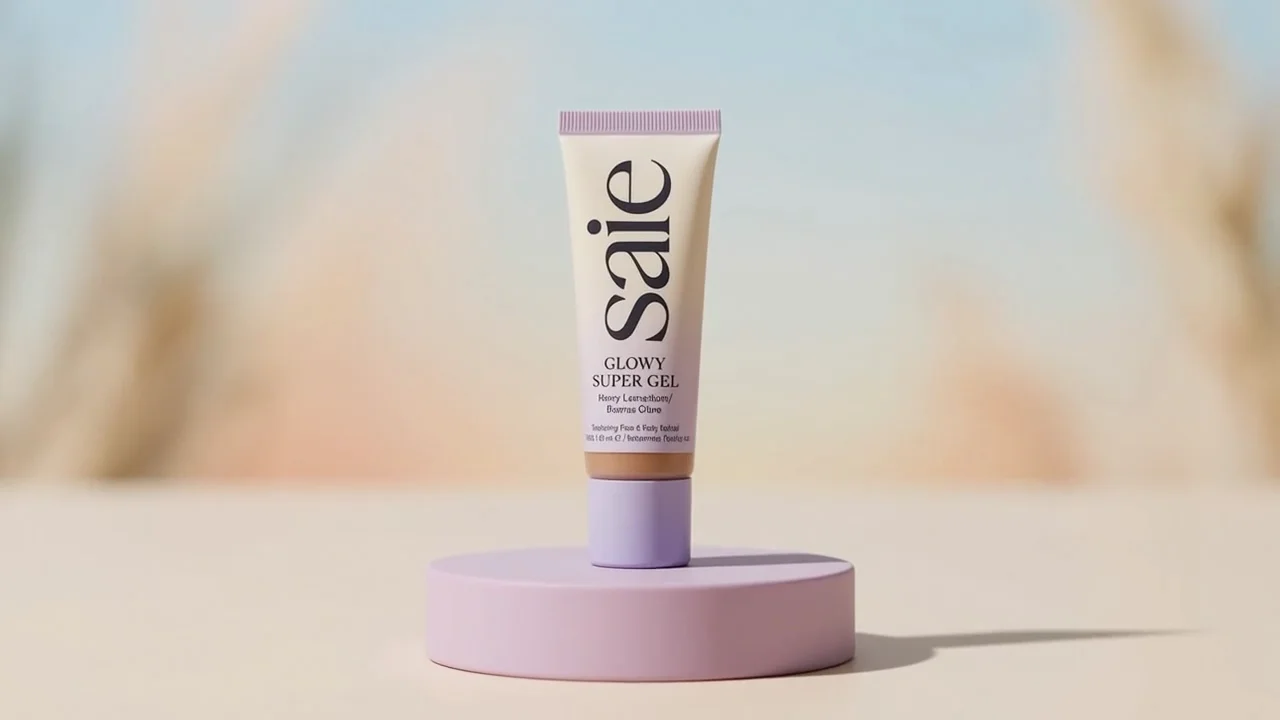
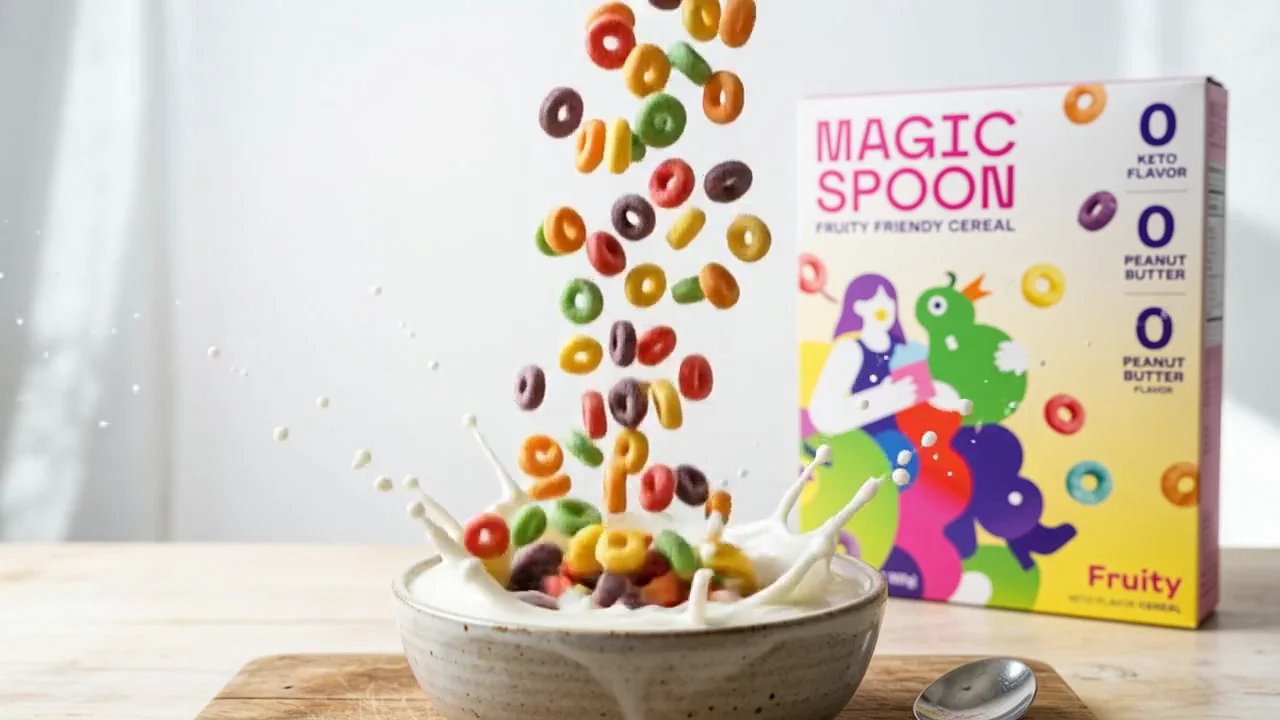
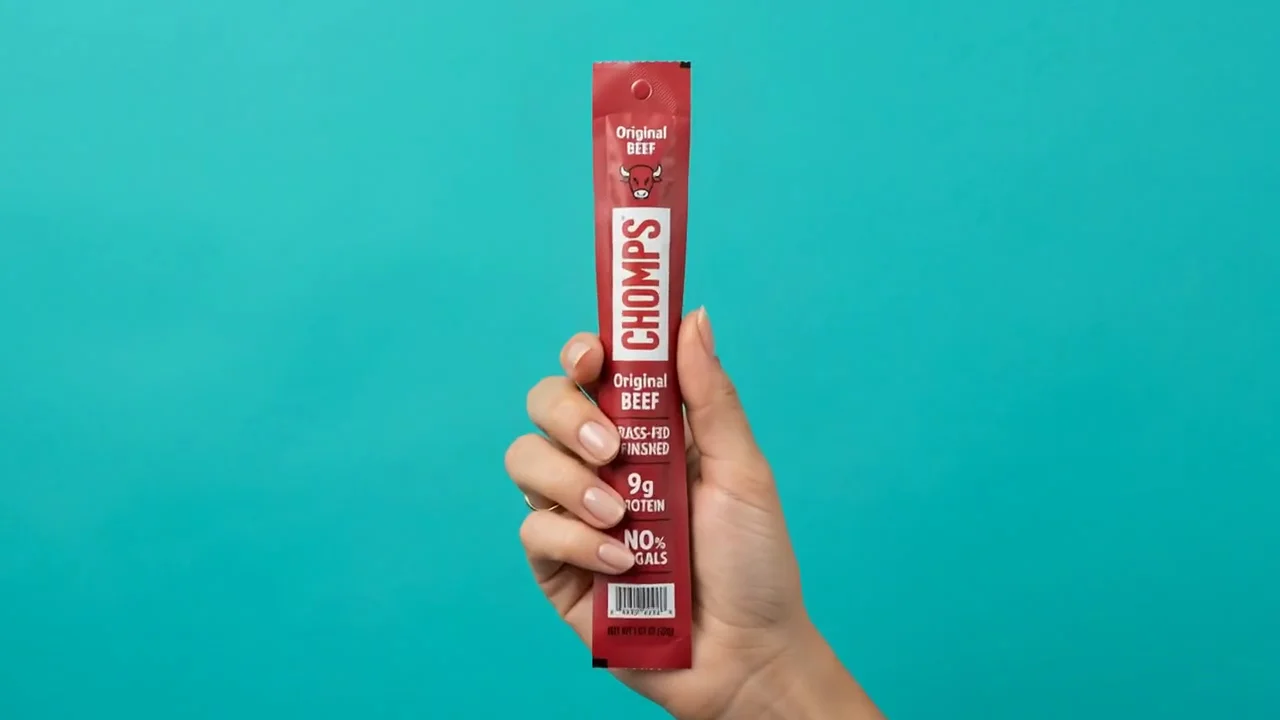
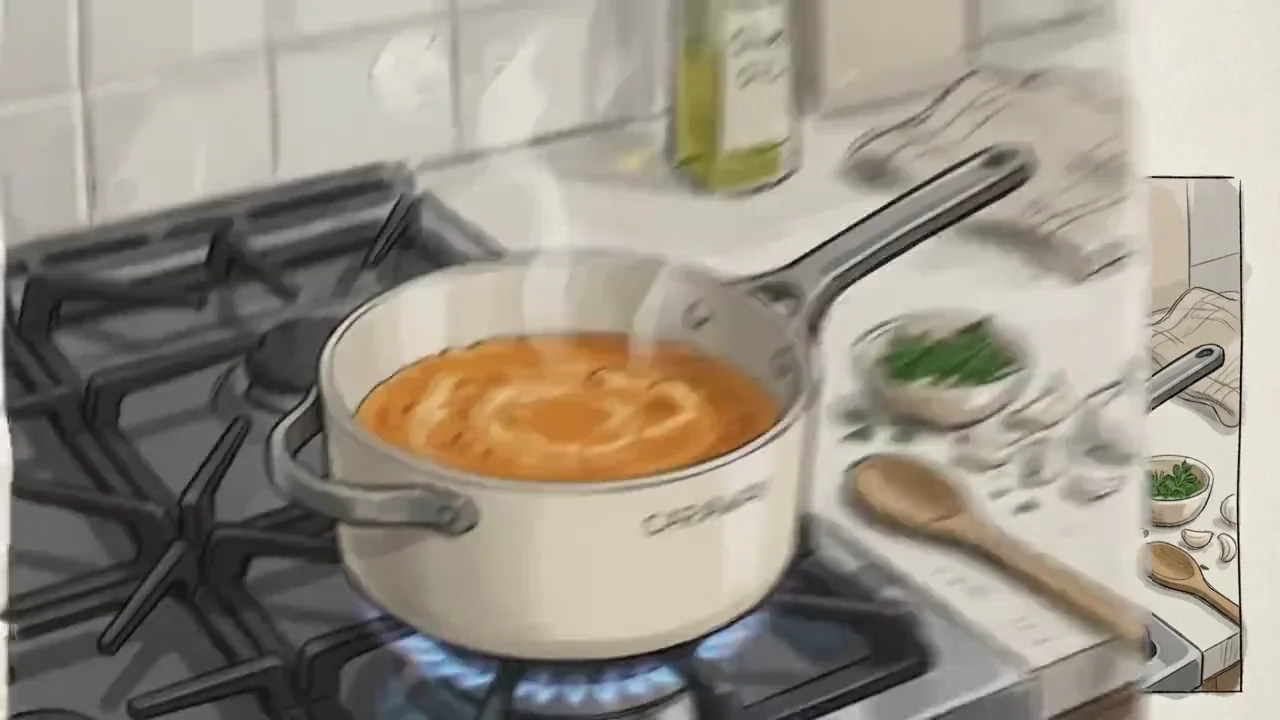
Generate 3 to 10 seconds of 720p video at 24 FPS with native audio, from text, image and video references — then refine it by talking to it, turn after turn, instead of starting over.
Short social spots, product concepts, and edit-by-edit revisions made with Gemini Omni Flash on HeyOz.
Concept a spot, then talk it into shape — three steps from idea to a cut you can react to.
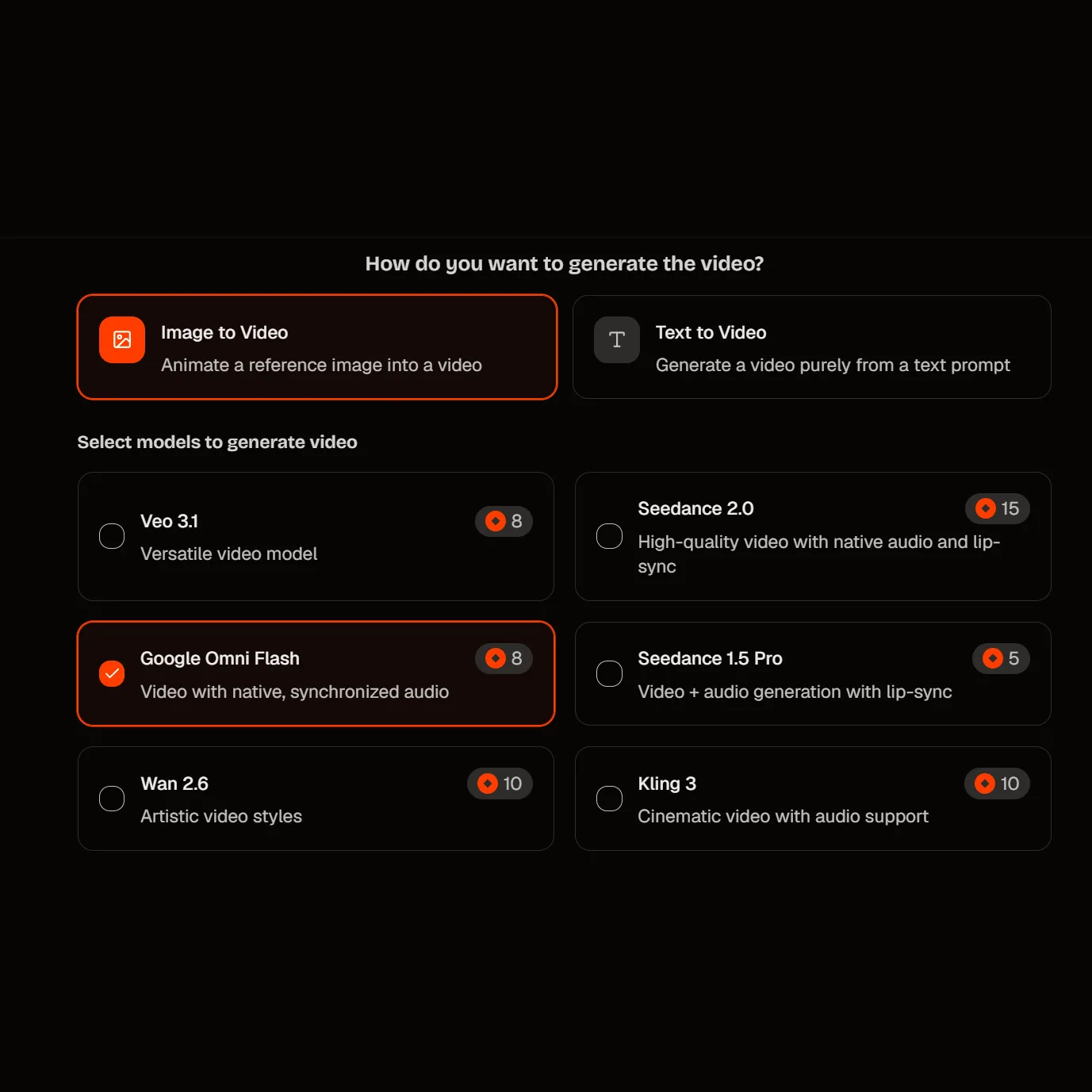
Select Gemini Omni Flash as your model. It is Google's fast, conversational member of the Gemini Omni family, currently in public preview.
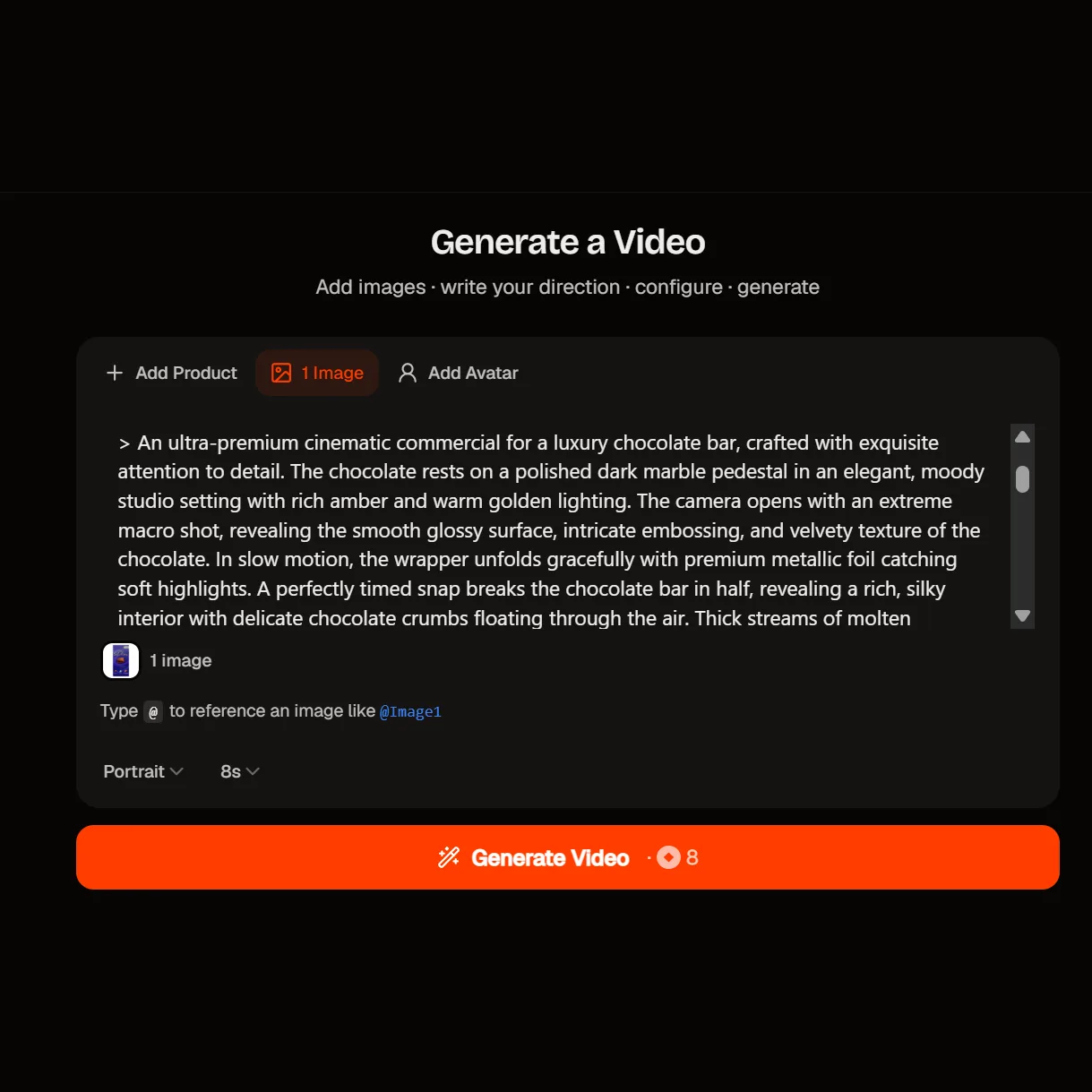
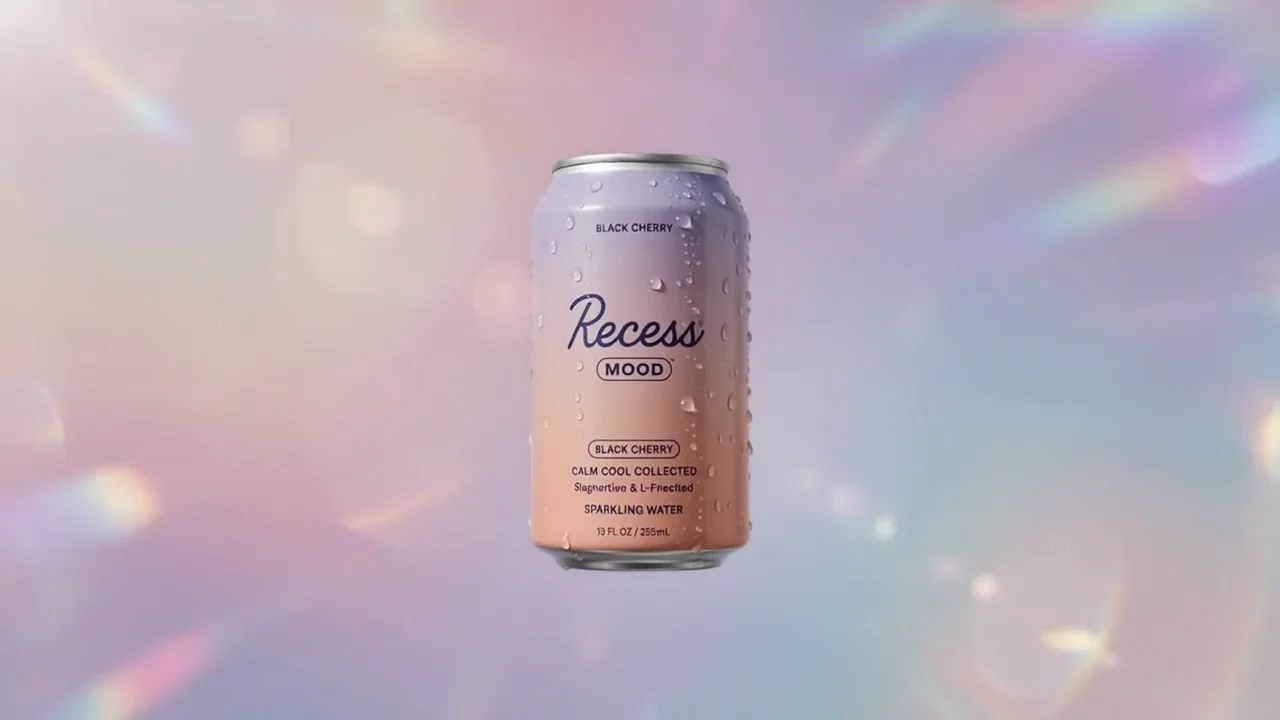
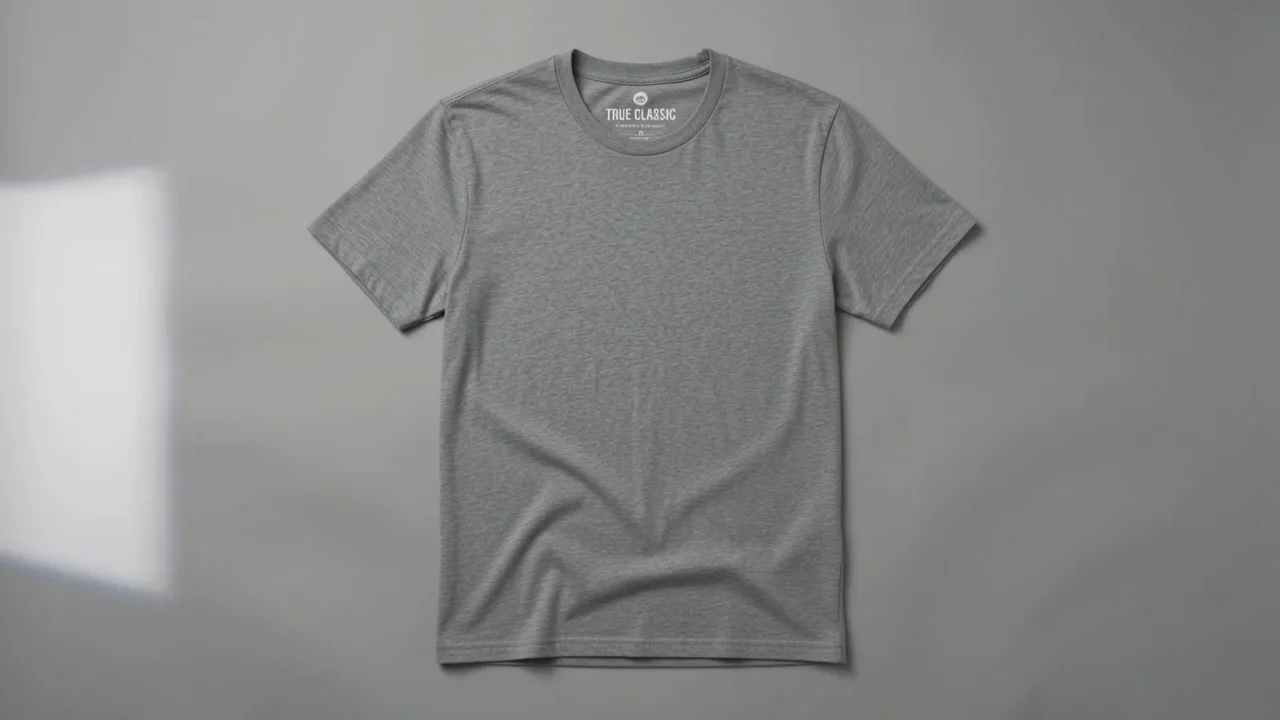
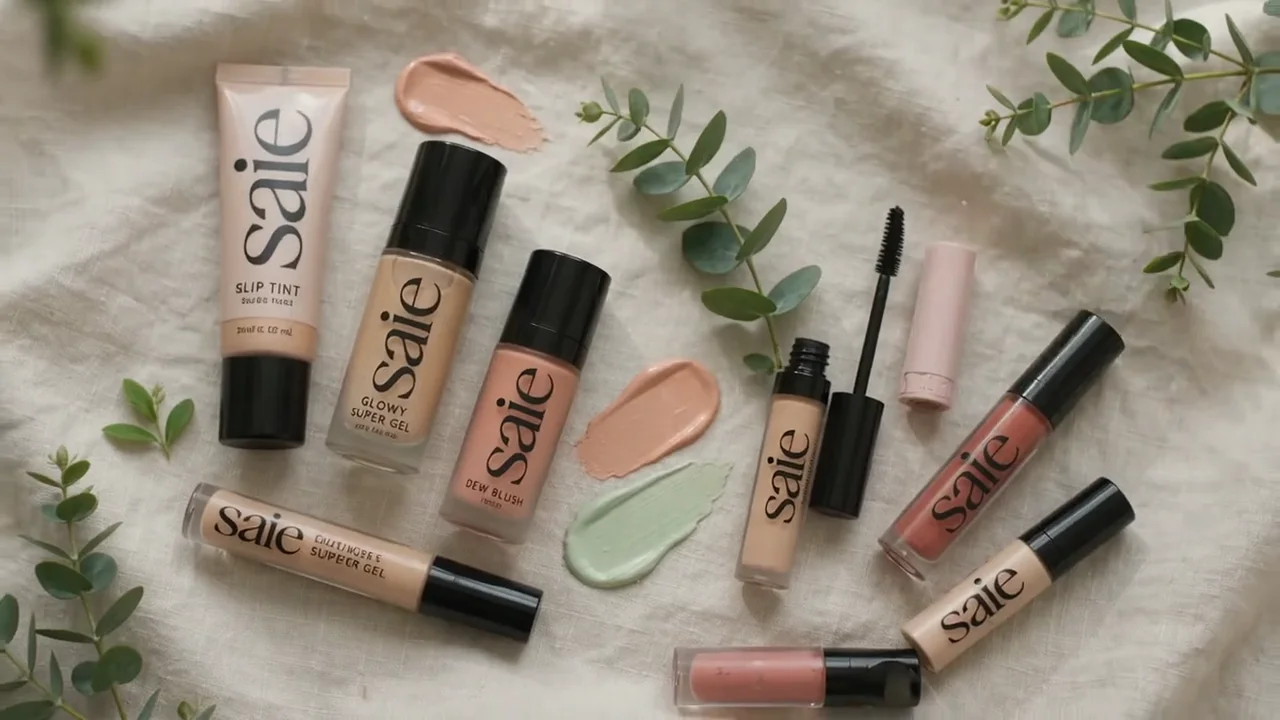
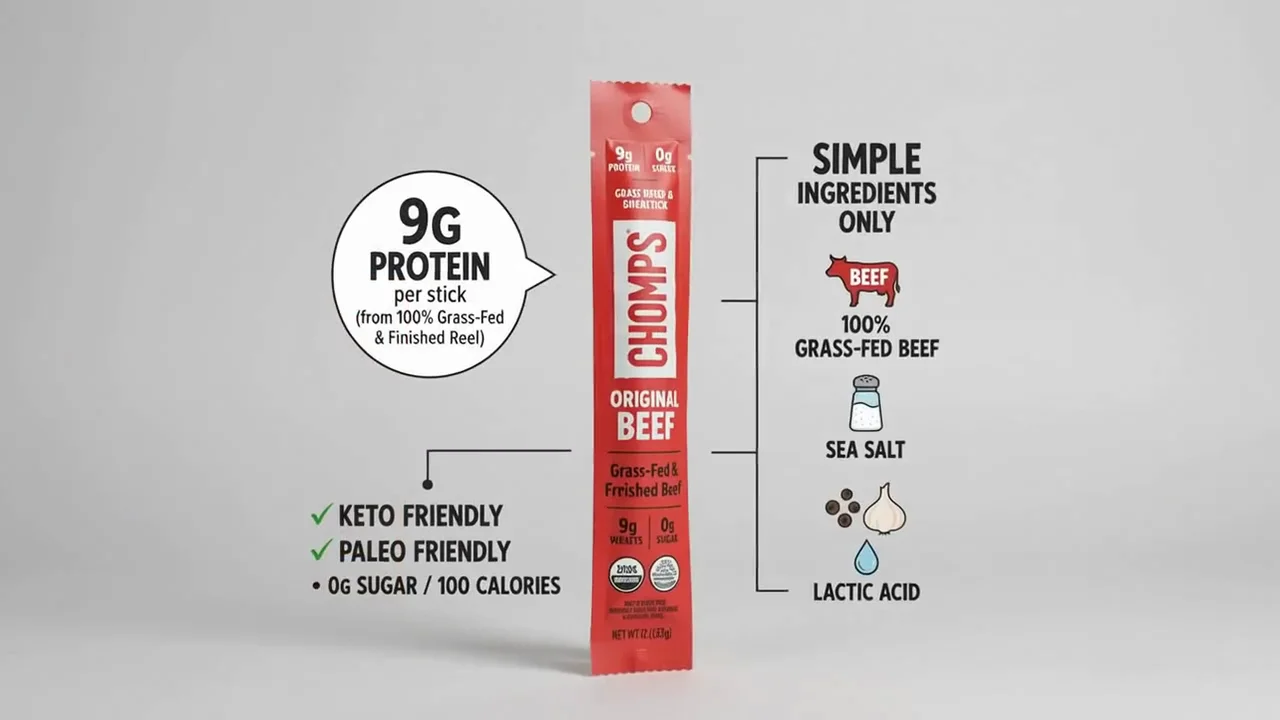
Describe the shot, and optionally add image or video references — a product photo, a moodboard still, a clip whose look you want to guide the result. Mixed inputs get composited into one narrative.
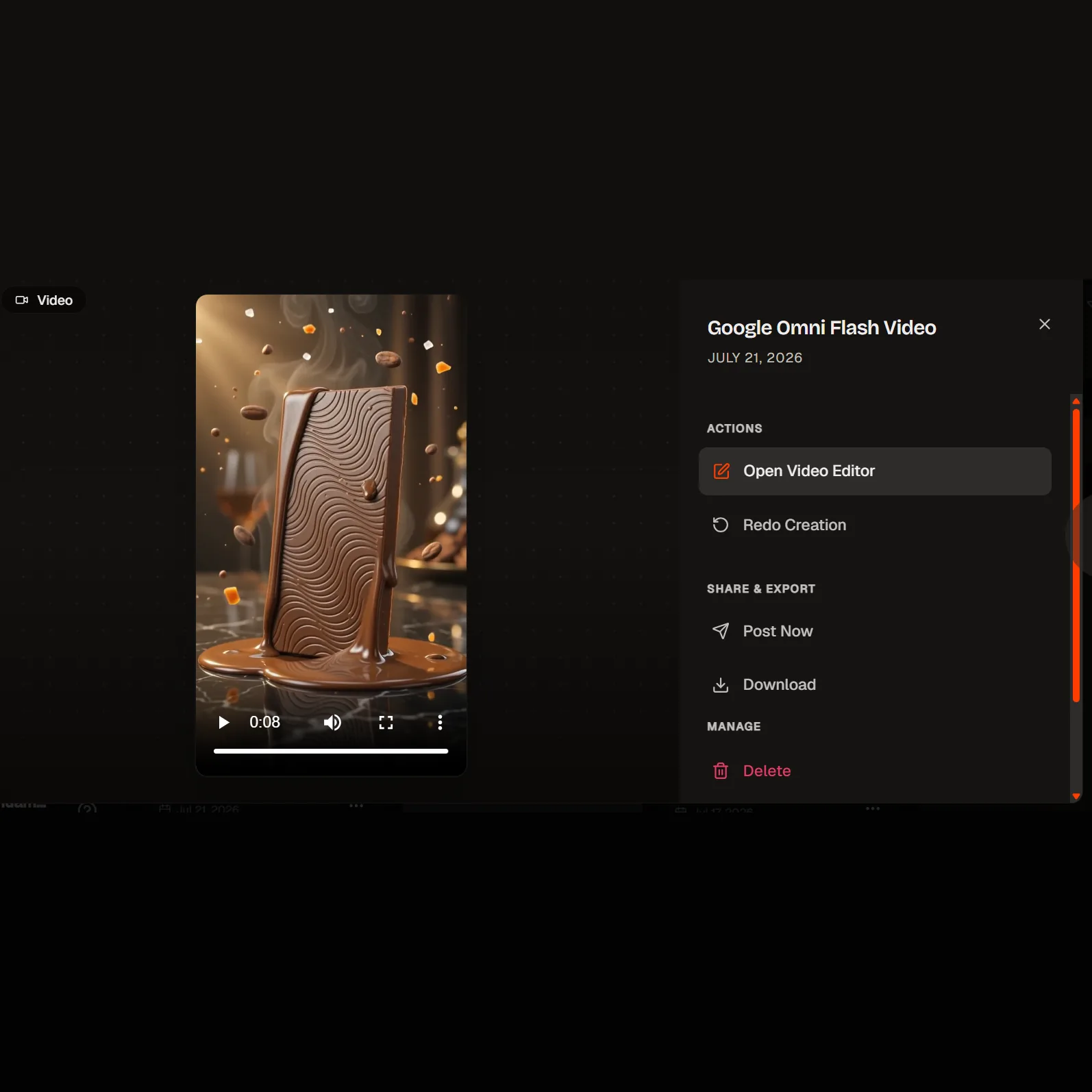
Watch the clip, then ask for the change in plain language. Each turn builds on the last, so characters, physics and scene state carry forward rather than resetting.
Gemini Omni Flash on HeyOz is the model you concept with. It takes text, images and video in, returns 720p video with audio, and lets you refine that clip through conversation — the same shot, adjusted, rather than a fresh roll of the dice each time.
This is what the model is for. Generate a clip, then say what you want different — change the jacket, slow the push-in, move the light. Google's Interactions API keeps the session stateful, so each edit turn starts from the shot you already have instead of regenerating from scratch. It maps directly onto how creative feedback actually arrives.
Feed the model a prompt plus JPEG or PNG stills and MP4 clips, and it composites those ingredients into a single narrative. Bring your own product photos and brand stills so the concept is built on your assets rather than a generic stand-in. Output comes back as MP4 with native audio.
Omni Flash reasons over the Gemini knowledge base rather than treating your prompt as pure style. Google's model card points to physics reasoning — gravity, kinetic energy, fluid dynamics — as a focus of the family. That grounding matters most when the shot has to depict something real correctly, not just look good.
Render at 16:9 for YouTube and landscape placements. Clips run 3 to 10 seconds at 720p and 24 FPS — the length a scroll-stopping hook or a single-idea social ad actually needs. Every clip carries Google's SynthID watermark, verifiable in the Gemini app.
Fast, cheap, conversational — this is the model for figuring out what the ad should be.
Put ten angles in front of the team before anyone commits to an expensive final render. Short clips, quick turnaround, and the ability to keep adjusting the one that lands.
A 3-to-10-second clip is the native length of a social hook. The duration cap isn't in your way here — it's the format.
"Same shot, change the jacket." Conversational editing turns a round of feedback into a follow-up turn rather than a new brief and a new render.
Bring the brand stills you already have and let the model composite them into a moving concept, so the pitch shows movement instead of describing it.
Educational and product-explainer content benefits from world-knowledge grounding — useful when the thing on screen has to be depicted accurately.
Gemini Omni Flash — often searched as Google Omni Flash — is the first model in Google's Gemini Omni family, announced at Google I/O on May 19, 2026. It takes text, images and video as input and returns MP4 video with native audio, and its defining trait is conversational multi-turn editing: you refine a clip by describing the change instead of regenerating it. It is Google's fast, iterative video model, not its cinematic finisher.
No. It is in public preview via the Gemini API and AI Studio. Preview means no SLA and specifications that can change, so treat it as a model to work with rather than a fixed contract. HeyOz keeps the integration current as Google updates it.
720p at 24 FPS. That is what Google's own model and billing documentation state, and it's the full range — there is no 1080p or 4K tier, whatever third-party pages advertise. Practically: 720p is fine for concepting, internal review and organic social, and it is not finish quality for paid placements. Concept here, then render your final at the tier you intend to ship.
3 to 10 seconds per generation. Scene extension isn't supported, so 10 seconds is a hard ceiling rather than a starting point you can grow from. For TikTok, Reels and Shorts hooks that's the working length anyway.
Text, images (JPEG and PNG) and video (MP4). Audio references are listed as unsupported in Google's API documentation, so plan on guiding the model with visuals and text rather than a voice track. Audio comes back on the output side, generated alongside the video.
Most video models are one-shot: you change the prompt, you get a different video. Omni Flash uses Google's Interactions API to keep the session stateful, so a follow-up instruction edits the clip you already have and characters, physics and scene state persist across turns. That's the difference between adjusting a shot and gambling on a new one.
Google's model card is direct about this, and so are we. It can struggle to hold full consistency across a run of edits, it has trouble with complex motion, and text rendering is unreliable — which matters if your ad carries on-screen copy, so plan to add that in post. Speech synthesis for editing is restricted pending safety research. Use it to find the idea, not to ship the finish.
Yes — this is where it fits best in an ad workflow. Concept and iterate here, in your brand kit and your ad formats, then take the version that works forward to a finish-quality render. See our pricing page for what's included on each plan.
Pick the right engine for the job — all in one place.
Anyone can give you Gemini Omni Flash. Only HeyOz turns it into your ad.
HeyOz reads your brand and keeps every asset on-color, on-voice, on-message.
Seedance, Veo, Kling, GPT Image, and more — no juggling subscriptions.
Sized and formatted for Meta and TikTok, straight out of the box.
Not just a model — templates, avatars, and an agent that does it all.
Start Now. No agency, no brief, no blank screen.