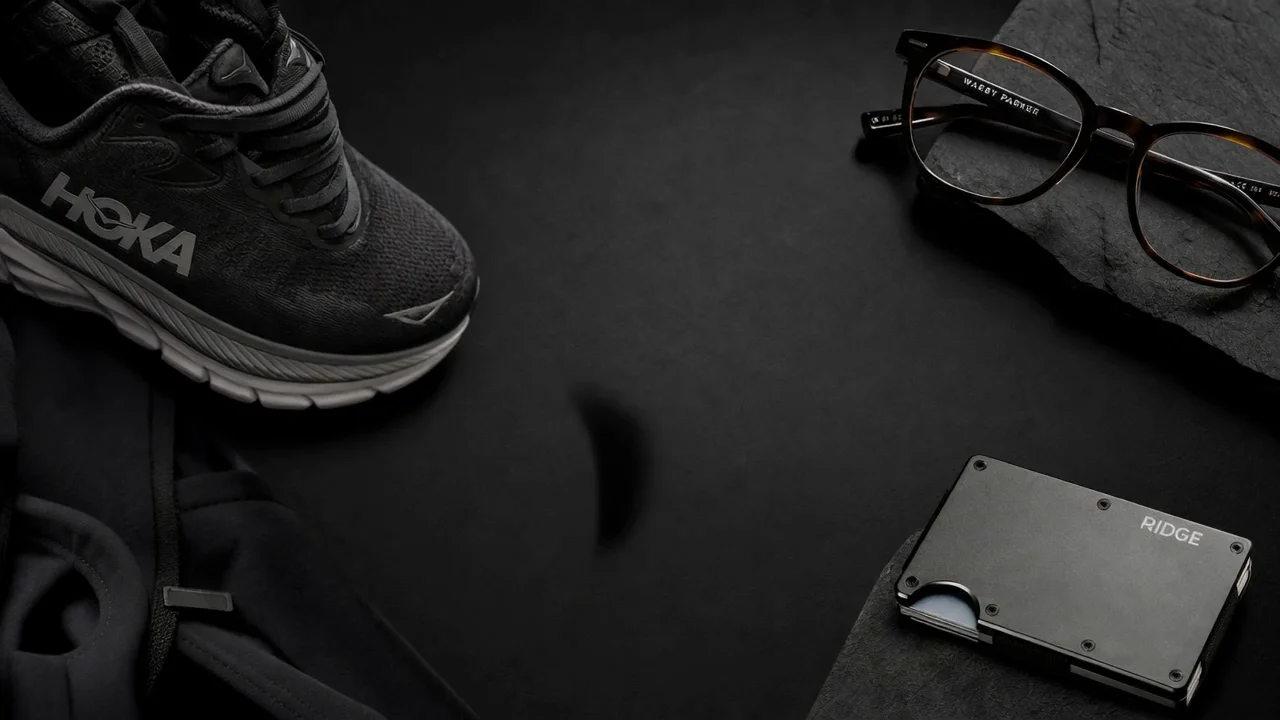
OpenAI's first image model that thinks before it renders. Plan a layout, write real headline copy into the frame, and output at almost any size you need — from a 1024x1024 feed post to a 3,840px-wide banner.
Static ads, posters, product shots and infographics made with GPT-Image-2 — laid out, captioned and sized for the placement they ship to.
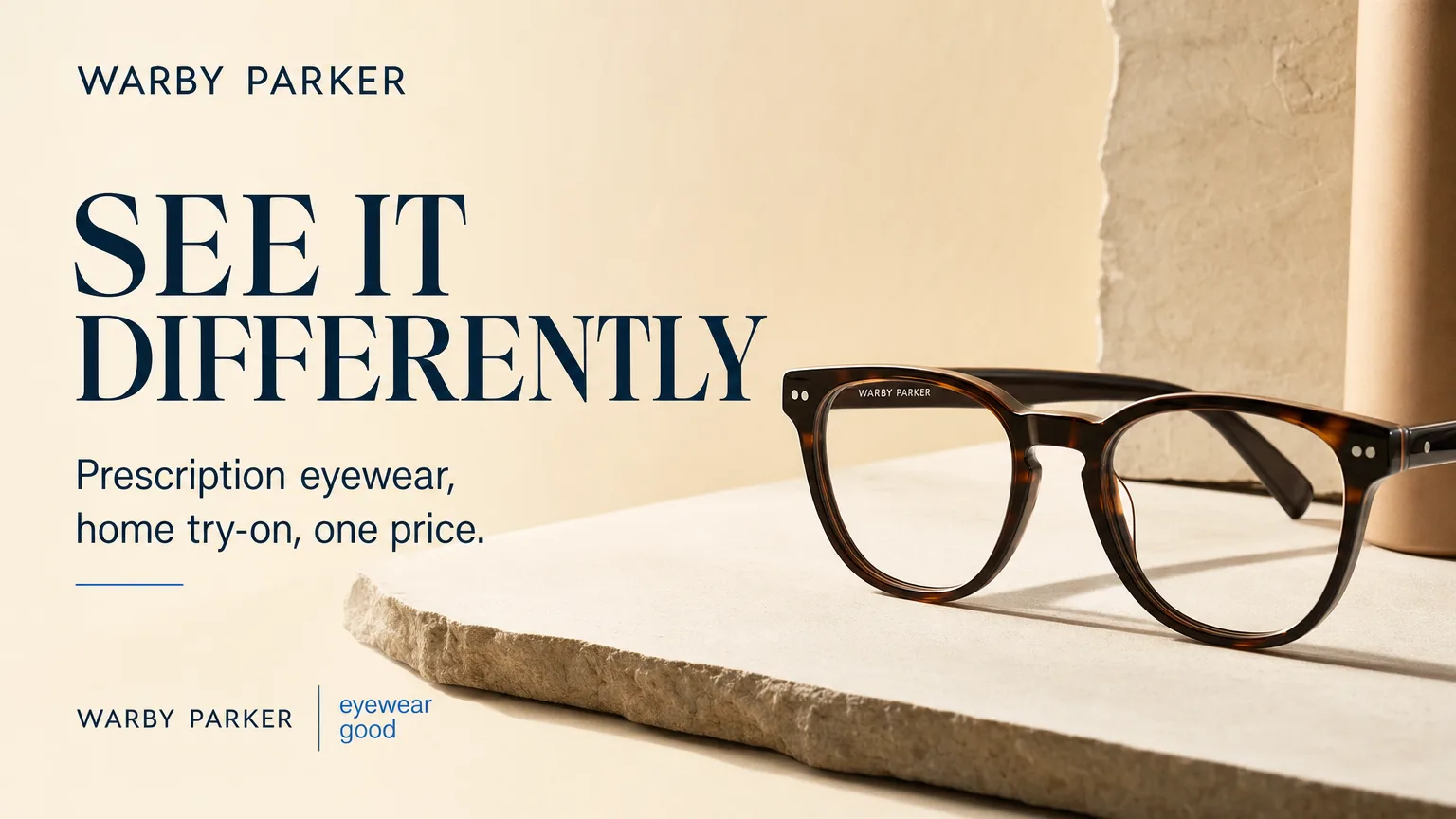
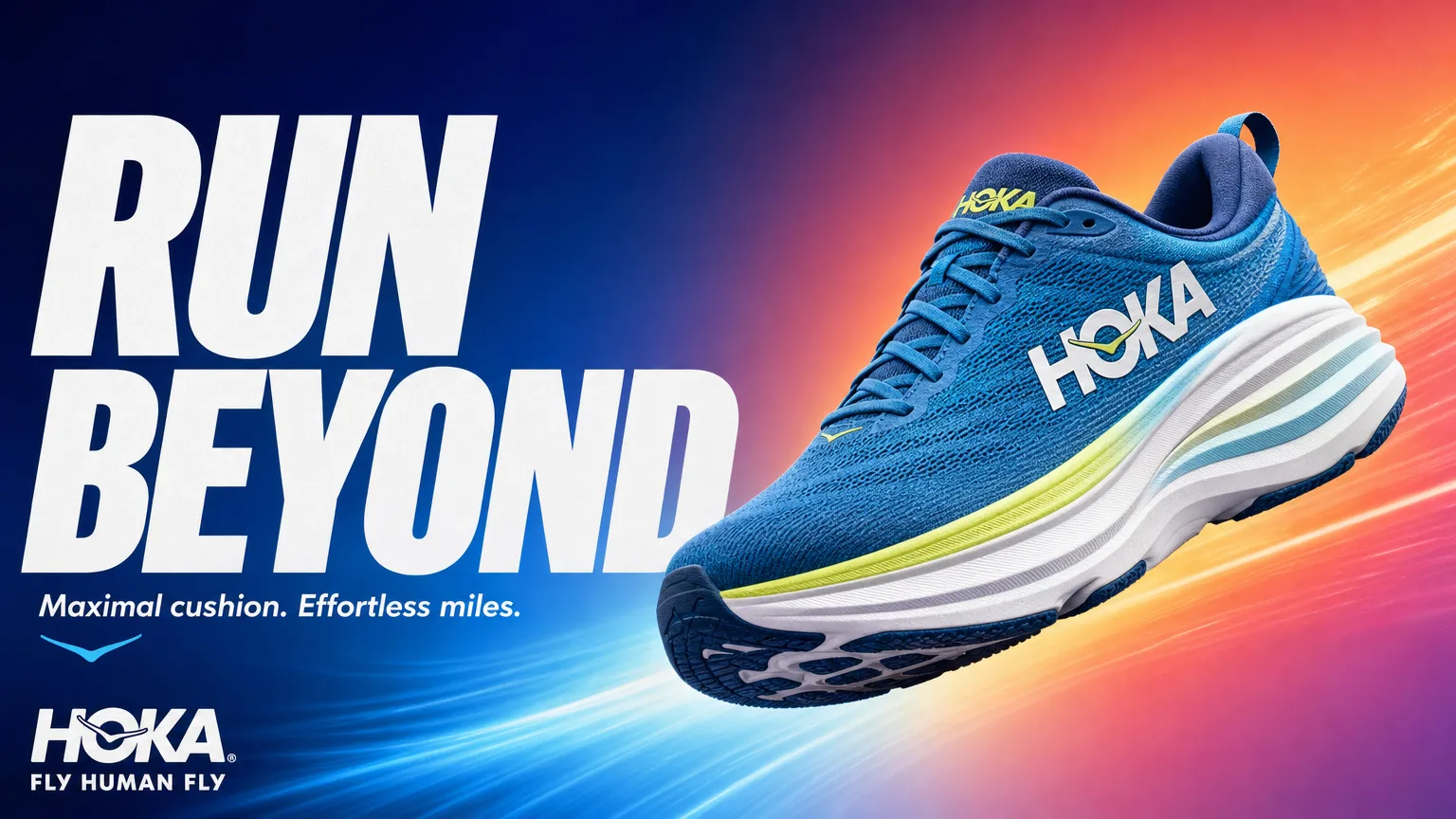
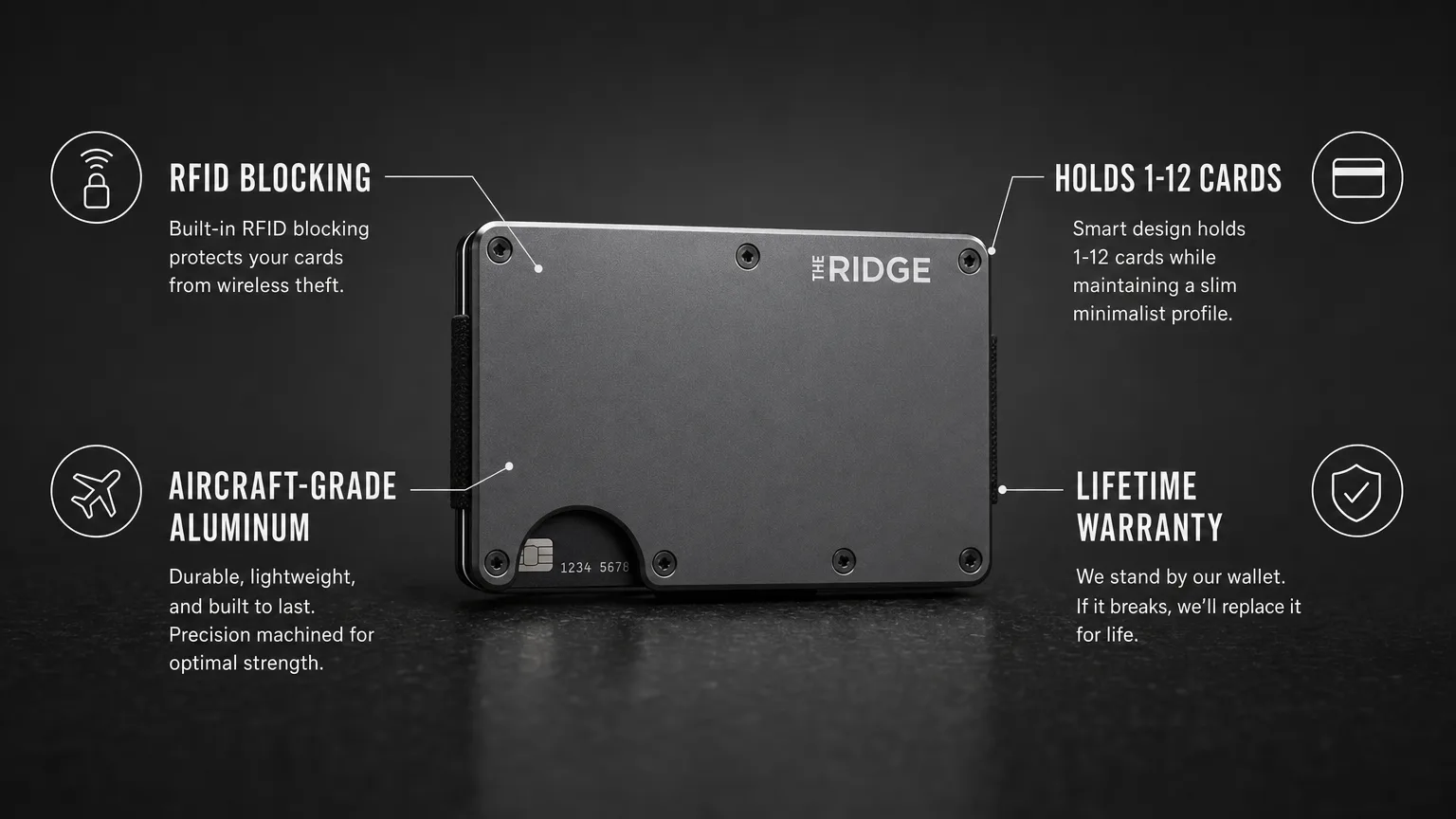
Turn a product and a line of copy into a finished ad with OpenAI GPT-Image-2 in three steps.
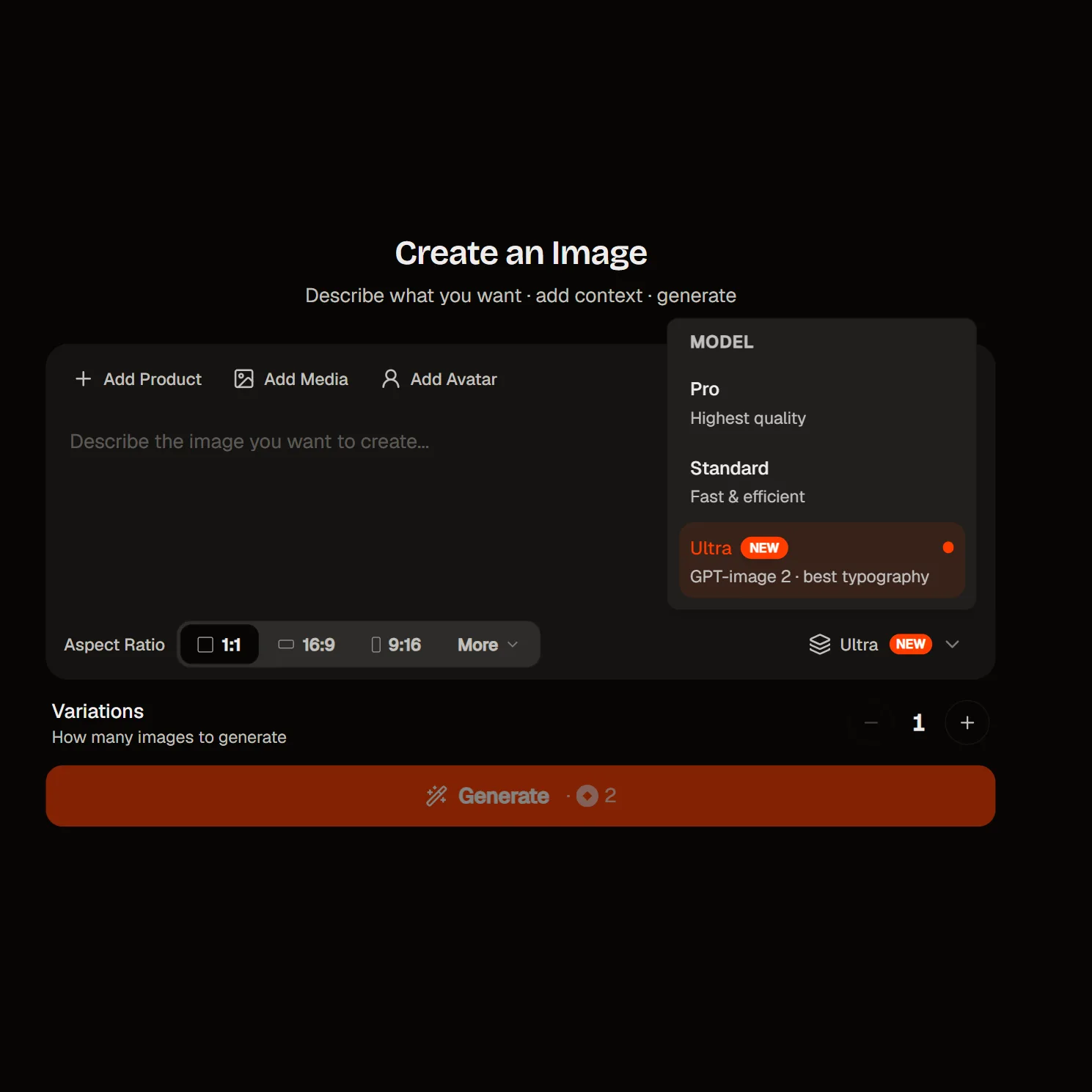
To get started, select the GPT-Image-2 AI image model as your starting point.
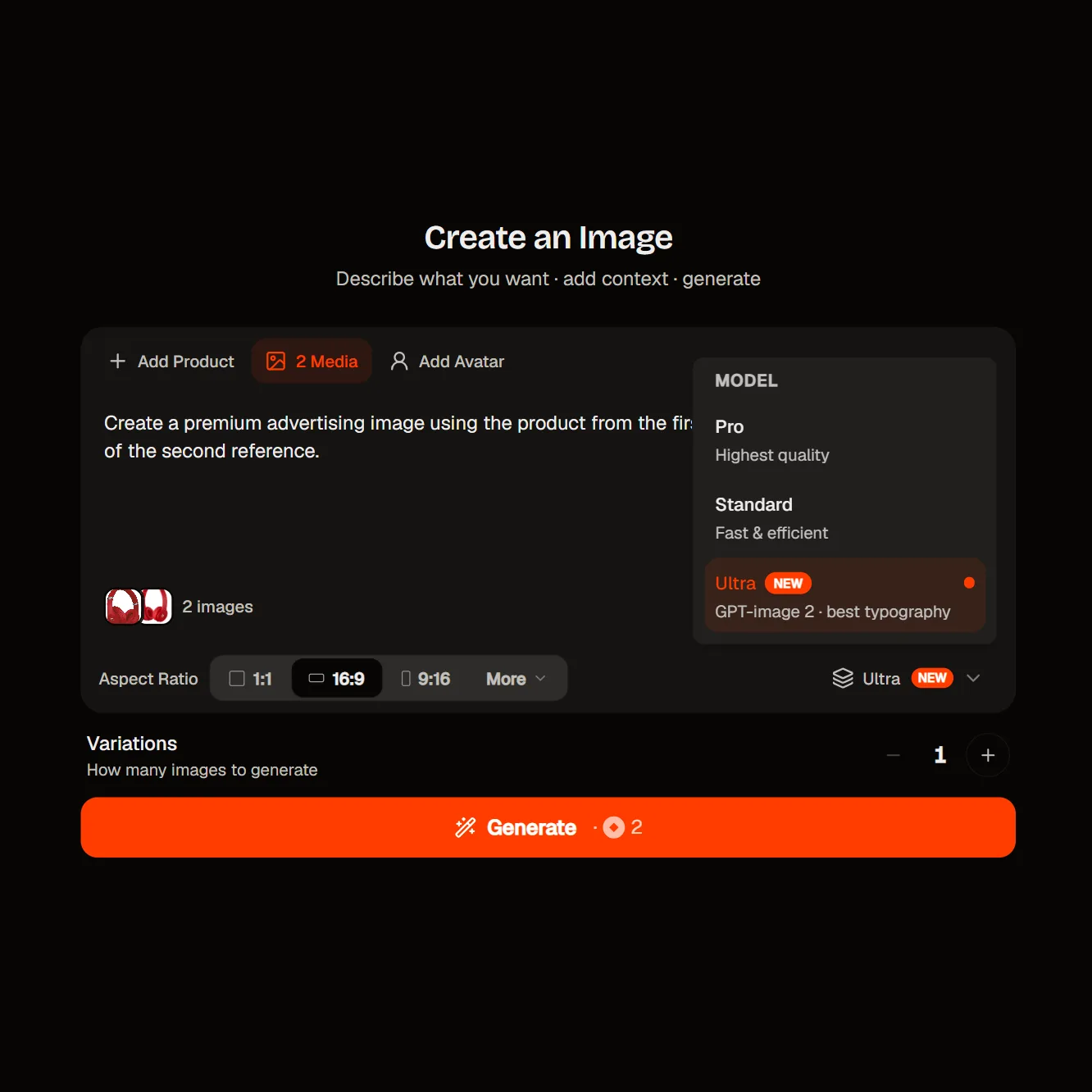
Describe the image, or upload reference photos of your product, packaging or brand assets. You can pass several references in one go to combine a subject with a style, and every input is read at high fidelity by default.
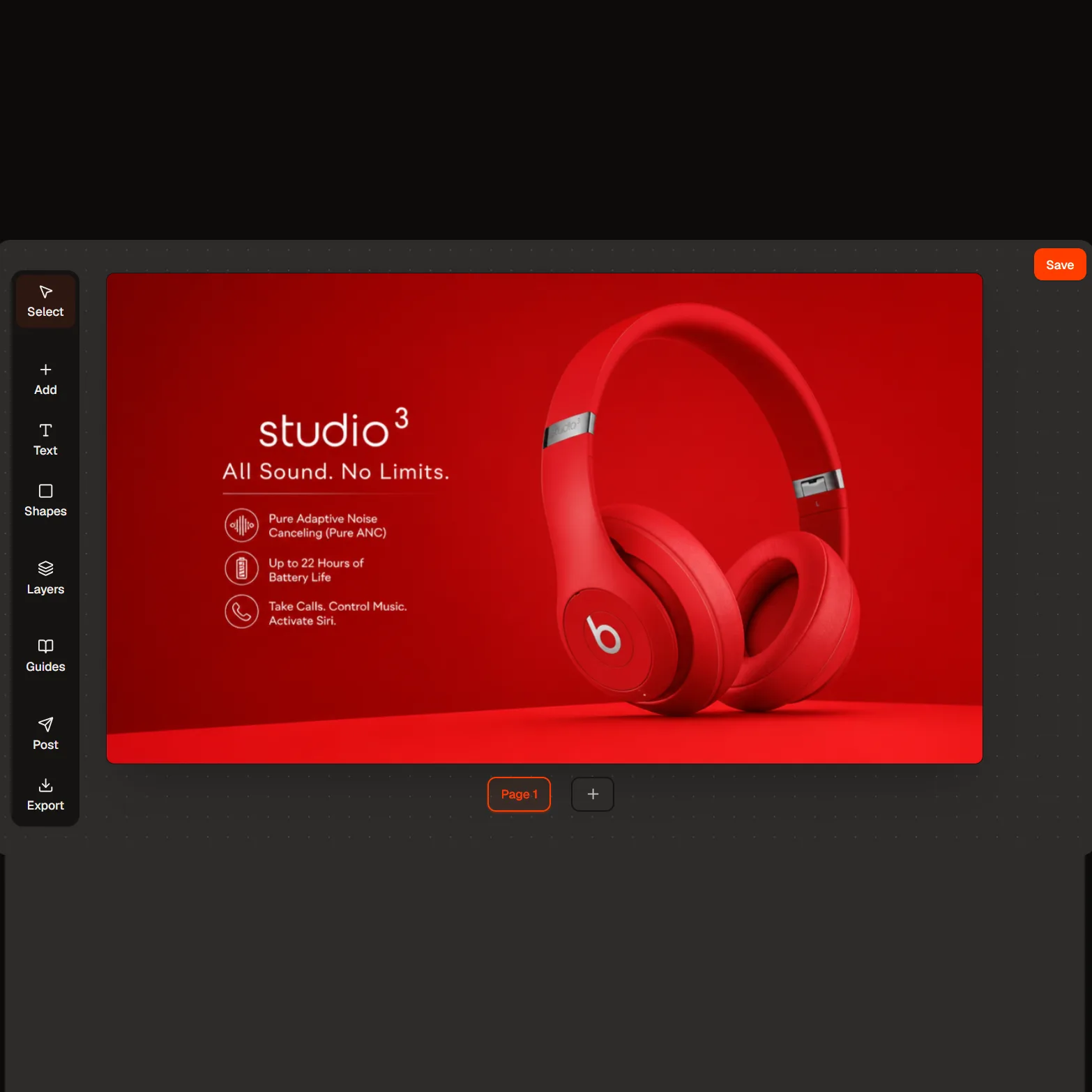
Review the result, then refine the prompt, swap the size, or mask a region and edit just that part of the frame.
GPT-Image-2 on HeyOz is built for the visual work an ad actually needs: layouts that hold, copy set inside the image, and product references that survive the render. OpenAI describes it as designed for complex visual tasks, with stronger editing, better layouts, improved text rendering and more reliable instruction-following than the model it replaces.
GPT-Image-2 is OpenAI's first image model with reasoning built in. Turn on thinking and it works out the layout, searches the web for reference when the prompt calls for it, tries variations, and checks its own output before rendering. That planning step is what makes dense briefs — a poster with a hierarchy, a chart with labels, a three-panel ad — land closer on the first pass. Its predecessor, gpt-image-1.5, has nothing like it.
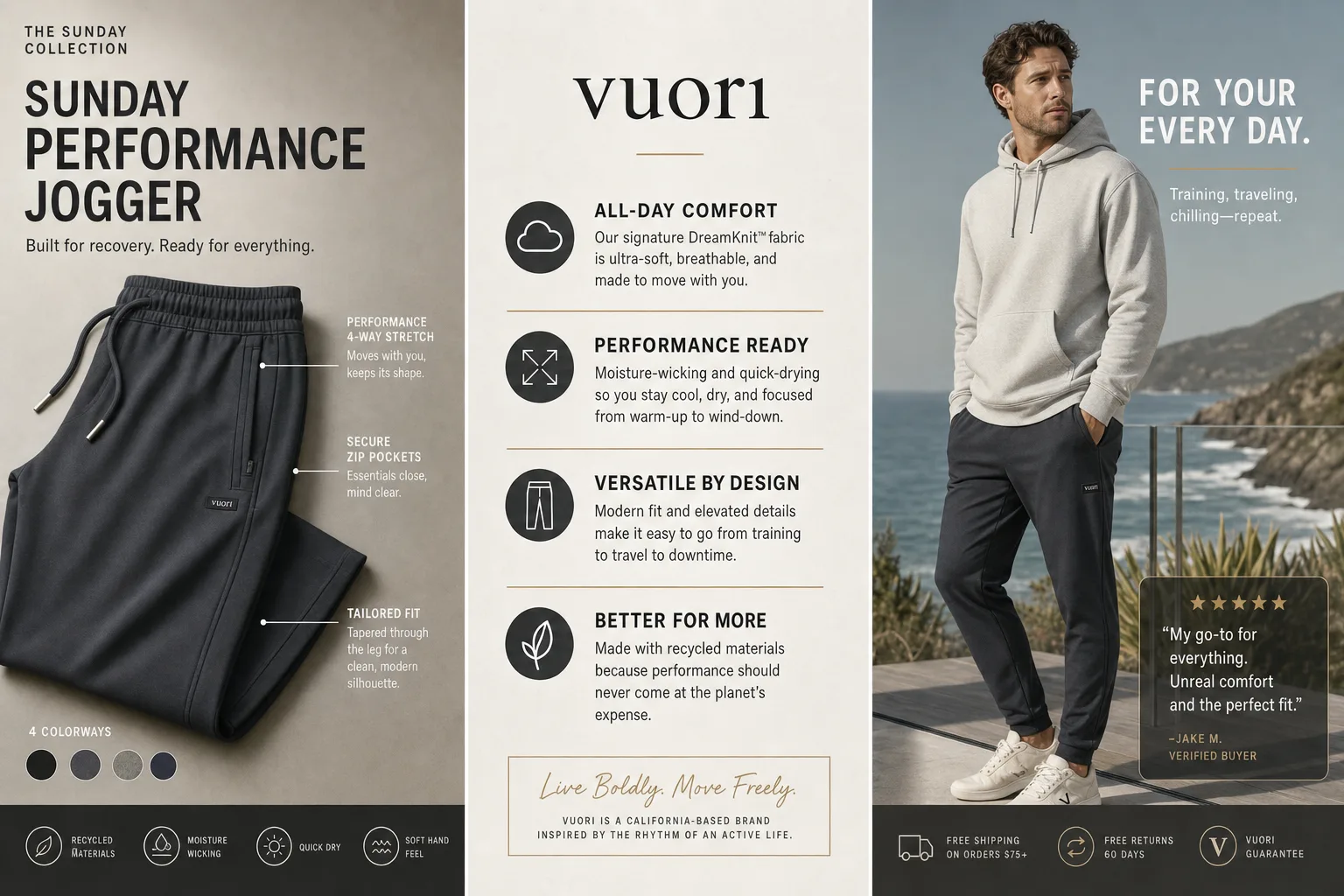
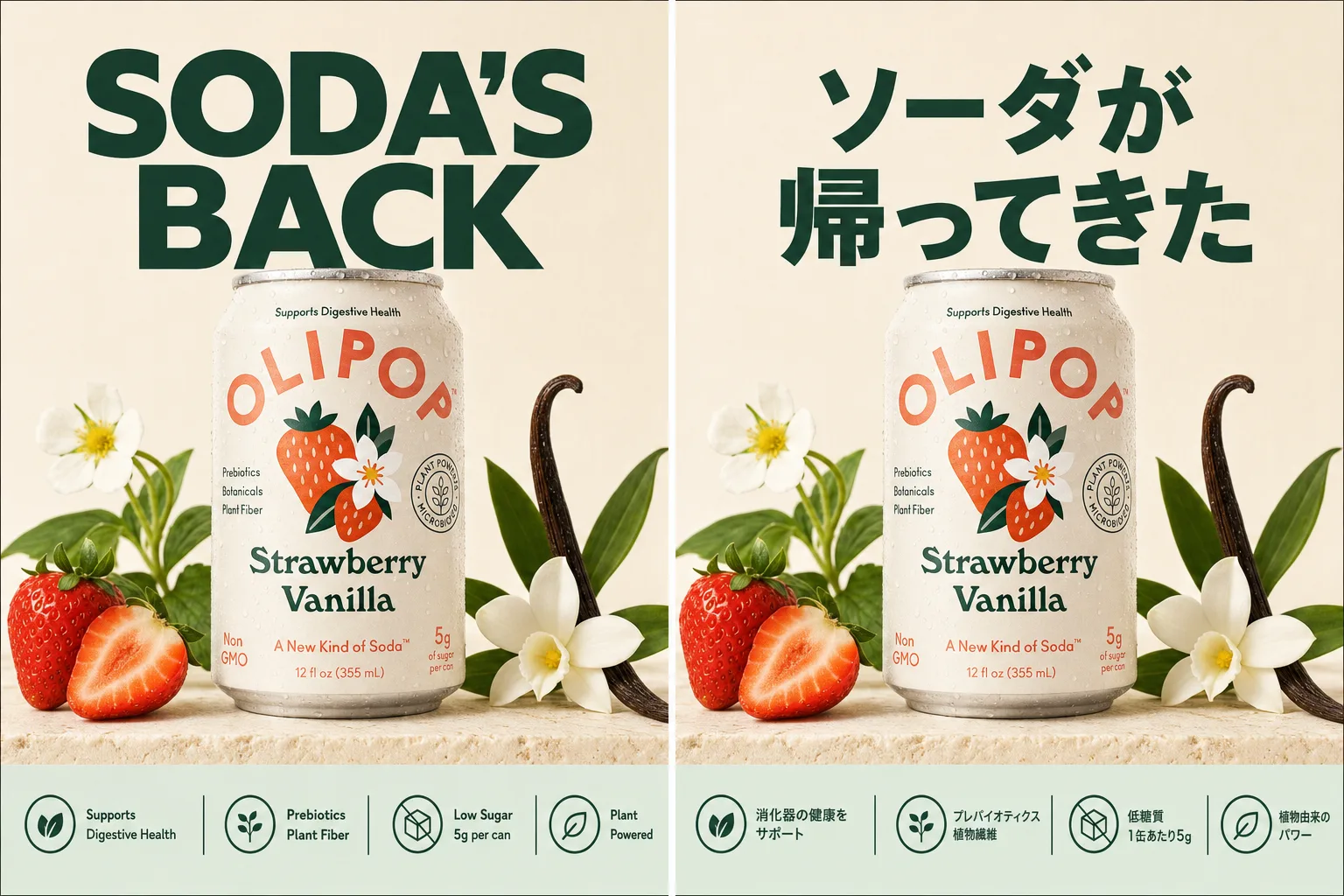
Text rendering is significantly improved over the previous generation, and it isn't limited to Latin script — Chinese, Japanese, Korean, Hindi and Bengali render too. That makes one brief into a localised set: the same product ad, the same layout, the copy set in the market's own language. OpenAI is straight about the ceiling, and so are we — the model can still struggle with precise text placement and clarity, so proof your copy before it ships.
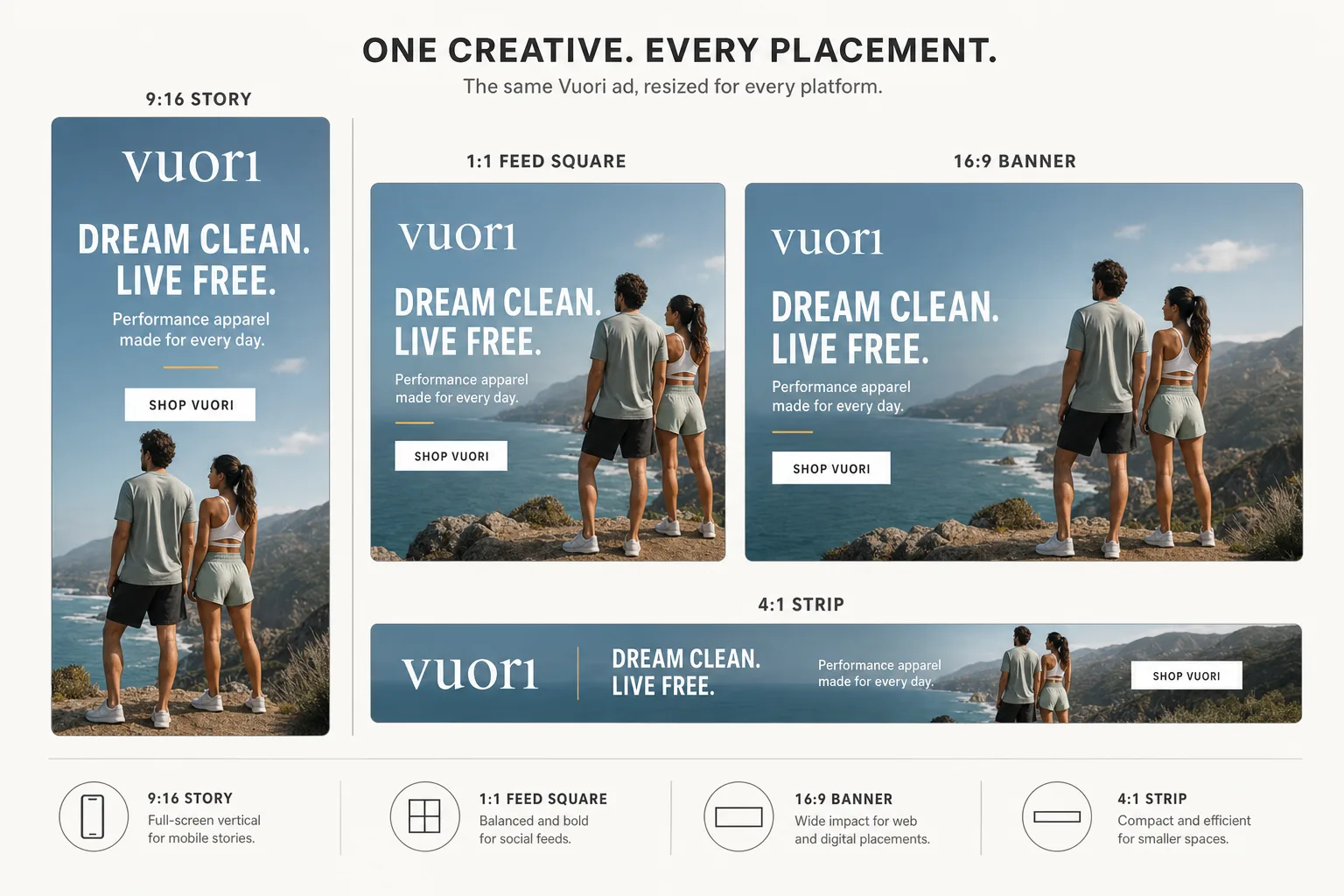
gpt-image-1.5 gave you three fixed sizes. GPT-Image-2 takes close to arbitrary dimensions instead: a long edge up to 3,840px, both edges as multiples of 16, and any ratio up to 3:1. Presets cover the usual jobs — 1536x1024 for landscape, 1024x1024 for feed, 2048x2048 for print-adjacent detail, and 3840x2160 for a 16:9 banner. Output as PNG, JPEG or WebP at low, medium or high quality.
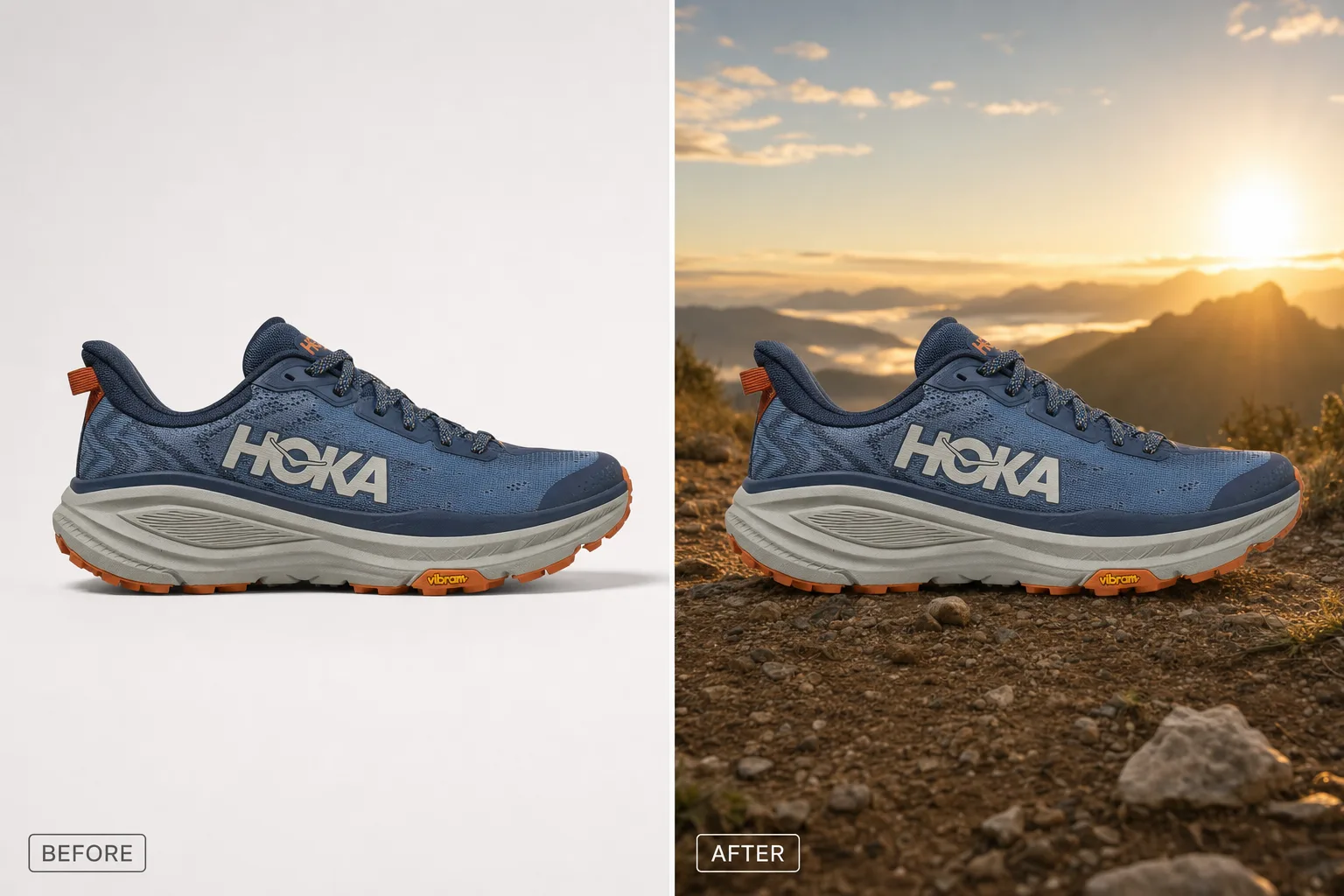
Swap a background, remove an object, composite a scene, or translate the text already sitting inside an image. Mask the area you want changed and the rest of the frame stays put. Pass multiple references to combine a subject with a style — one gotcha worth knowing: when you send more than one image, the mask applies only to the first. You can also request up to 10 images in a single call when you're testing angles.
OpenAI points this model at apps, ads, product flows, social, presentations and docs. Here is what that looks like on HeyOz.
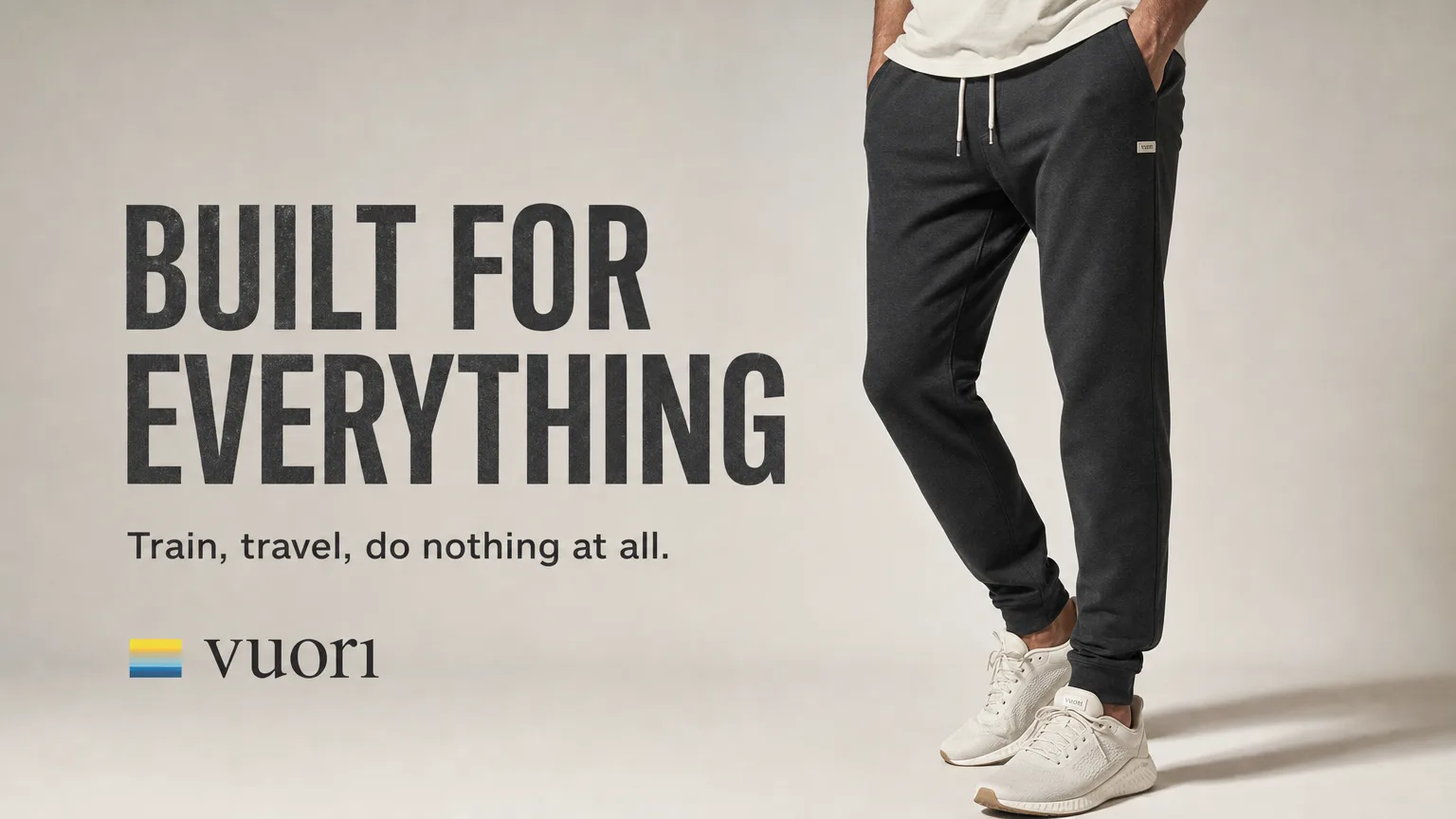
Headline, subhead and product in one frame — written into the image rather than pasted over it in a second tool.
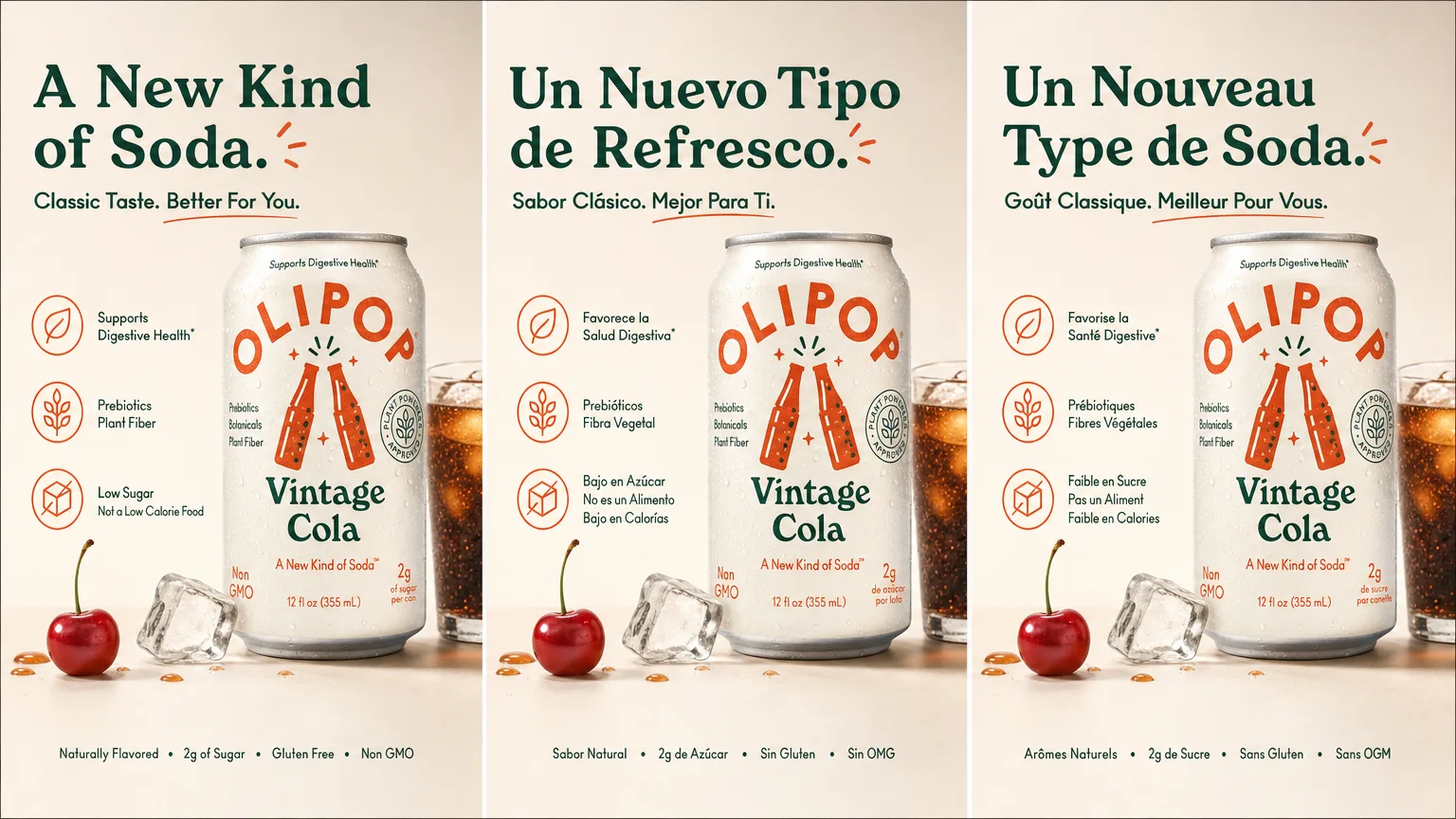
Run one layout across markets and let the model set the copy in Chinese, Japanese, Korean, Hindi or Bengali as well as Latin script.
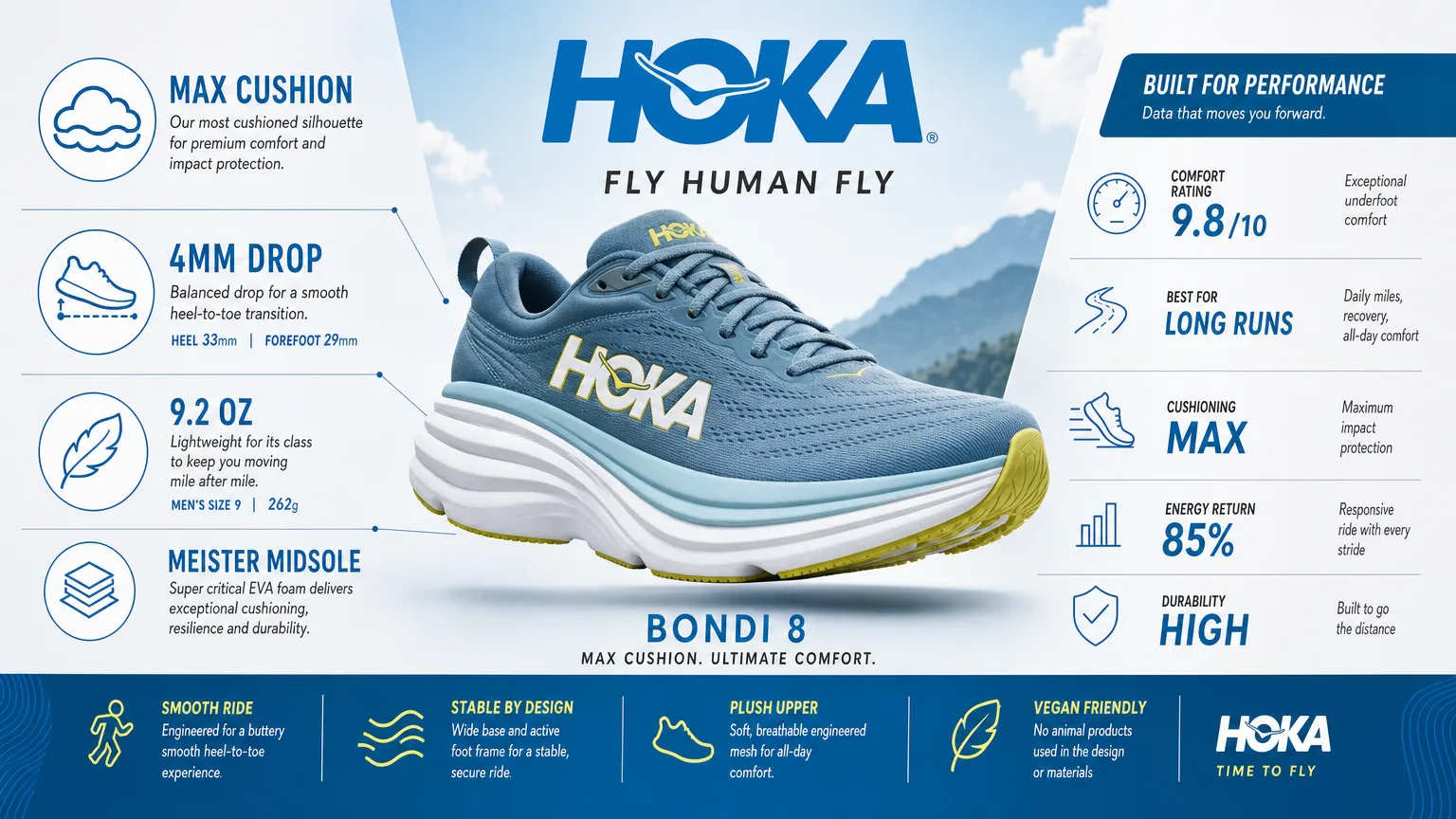
Structured generation is a use case OpenAI names directly. Dense labels and a deliberate hierarchy are what the thinking step is for.
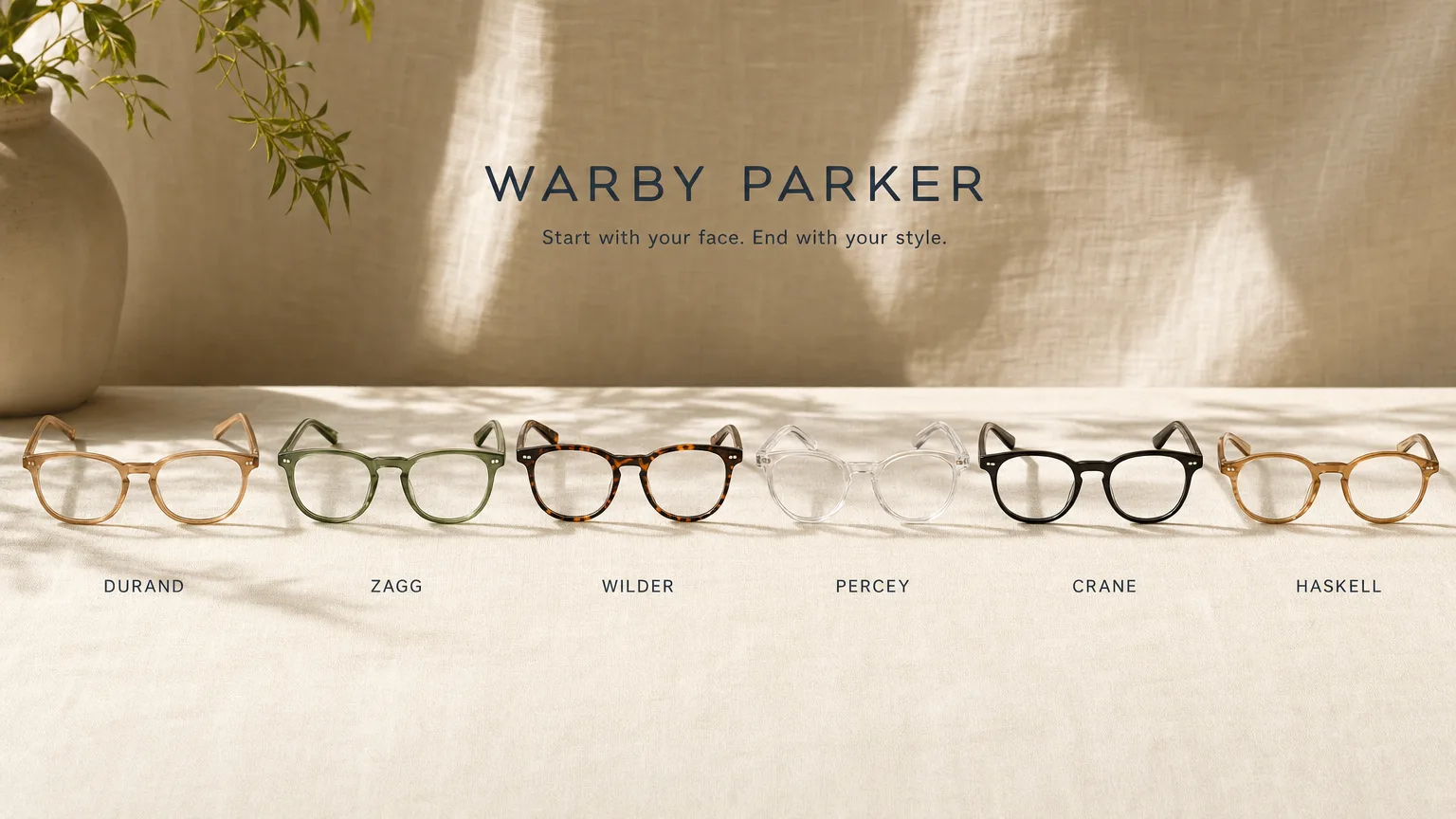
Upload the actual packaging and keep the SKU and label right while the scene, surface and lighting change around it.
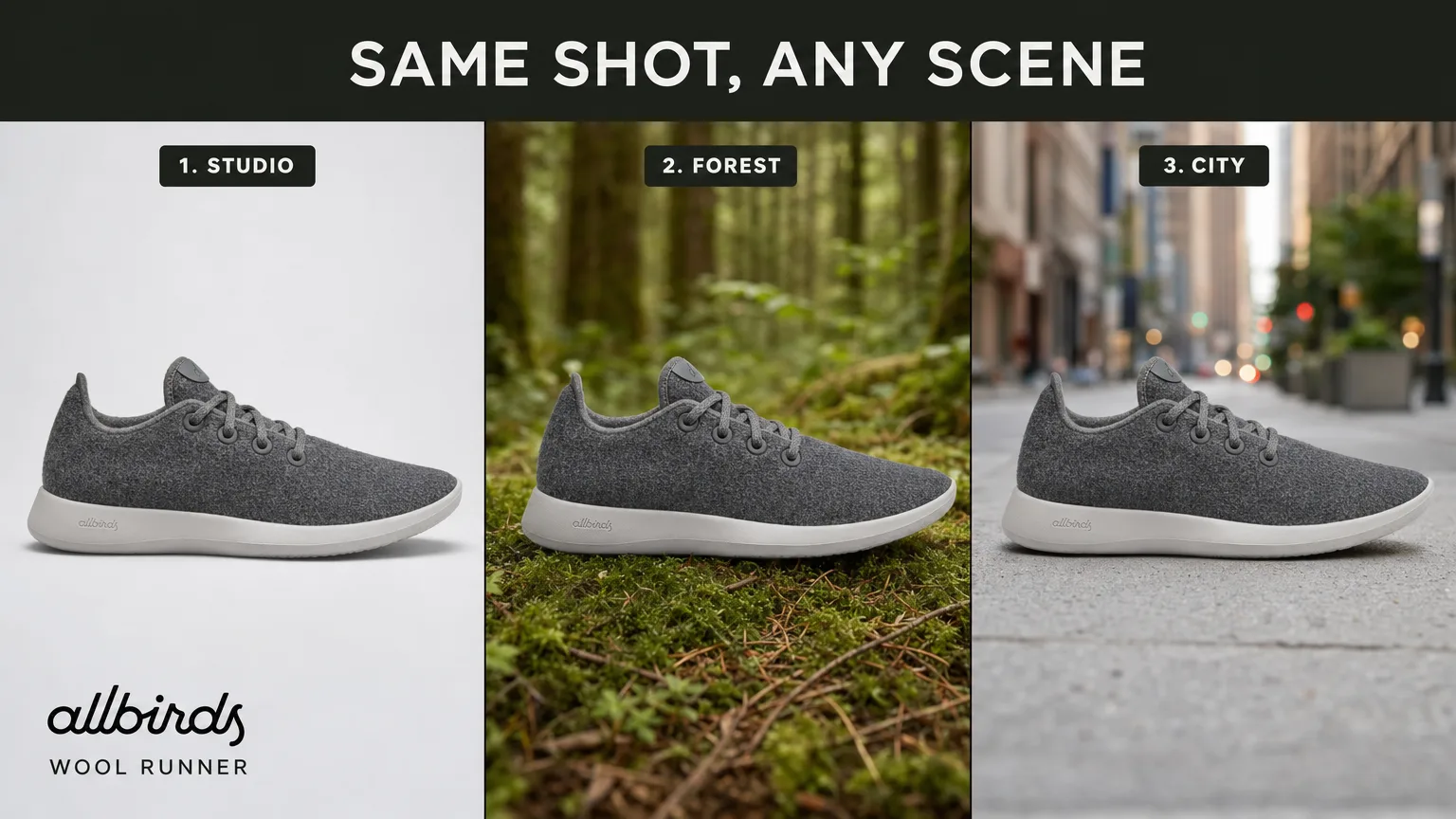
Take an approved shot and move it to a new setting, drop an object out, or re-stage the scene without reshooting.
GPT-Image-2 is OpenAI's image generation and editing model, released on 21 April 2026 as the snapshot gpt-image-2-2026-04-21. It takes text and images in and returns an image, and it's the first OpenAI image model with a reasoning mode. On HeyOz it's wired straight into your brand kit and ad formats.
Select it as your model, write your brief or upload reference photos, then generate and refine. If something is close but not right, mask the region and edit it rather than re-rolling the whole frame.
That's what HeyOz is built for. Ads are one of the use cases OpenAI names for this model, and every image comes out on-brand and sized for Meta, TikTok, and more.
You can start creating on HeyOz without paying up front. Our pricing page covers what each plan includes.
Better than the previous generation, and good enough that writing a headline into the frame is a reasonable thing to ask for — including in Chinese, Japanese, Korean, Hindi and Bengali. It is not a guarantee. OpenAI's own documentation puts it plainly: although significantly improved, the model can still struggle with precise text placement and clarity. Treat the render as a draft you read before it ships, not typeset artwork.
No — and you should know that before you plan a workflow around it. Transparent background output is not supported on GPT-Image-2, which is a step back from gpt-image-1.5, where it worked. If you need cutout PNGs for compositing, use gpt-image-1.5 for that step or run a separate matting pass. Everything else here still applies.
Near-arbitrary dimensions within three limits: the long edge tops out at 3,840px, both edges must be multiples of 16, and the long:short ratio can't exceed 3:1. In practice that covers 16:9 up to 3840x2160 for landscape and display, 3:2 for wider crops, and 1:1 for feed. Choose the size you intend to ship at rather than generating small and upscaling later.
Four things worth the switch. A thinking mode that plans layout and self-checks before rendering, where 1.5 has none. Flexible sizing, where 1.5 offered three fixed dimensions. Multilingual text rendering across several non-Latin scripts. And every image input read at high fidelity automatically, with no toggle to remember. The trade: 1.5 keeps transparent background output, and GPT-Image-2 doesn't.
Pick the right engine for the job — all in one place.
Anyone can give you GPT-Image-2. Only HeyOz turns it into your ad.
HeyOz reads your brand and keeps every asset on-color, on-voice, on-message.
Seedance, Veo, Kling, GPT Image, and more — no juggling subscriptions.
Sized and formatted for Meta and TikTok, straight out of the box.
Not just a model — templates, avatars, and an agent that does it all.
Start Now. No agency, no brief, no blank screen.