Write the spot, get the spot. Kling 3.0 turns a prompt into 3 to 15 seconds of cinematic video with sound already in it — up to six directed shots in one generation, at 720p, 1080p, or the 4K tier.
Multi-shot spots, product hero shots from a single still, and dialogue scenes that arrive with their own audio.
Turn a written idea into a finished cut with Kling 3.0 in three steps.
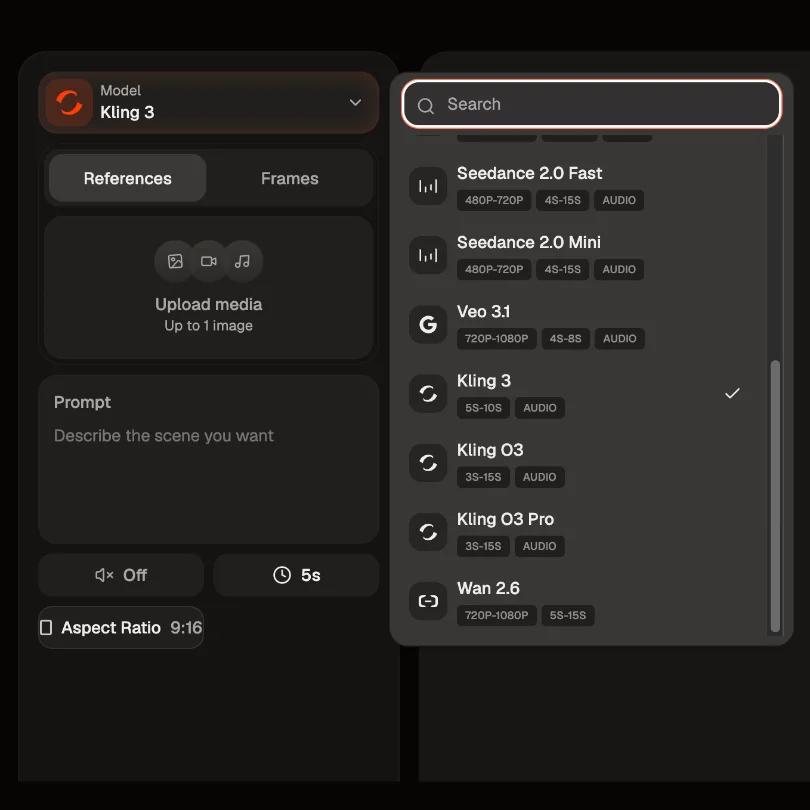
Select Kling Video 3.0 as your model, then choose your mode: Standard at 720p to draft, Pro at 1080p to finish, or the 4K tier when the placement demands it.
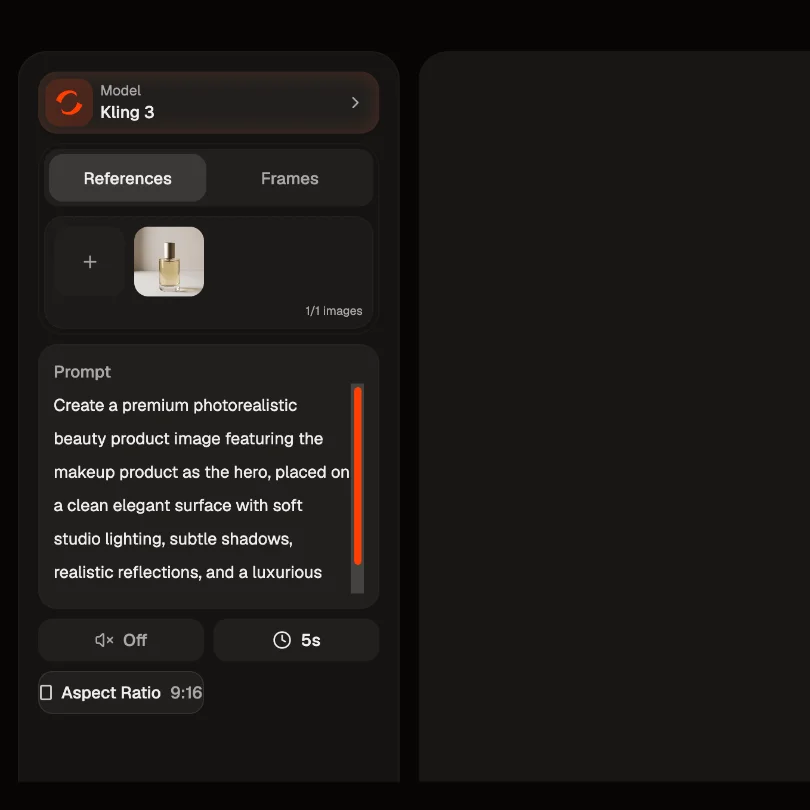
Describe what you want. Break it into as many as six shots and give each one its own line — what happens, how long it runs, how the camera moves. Add a product photo as the opening frame if you want the real SKU on screen.
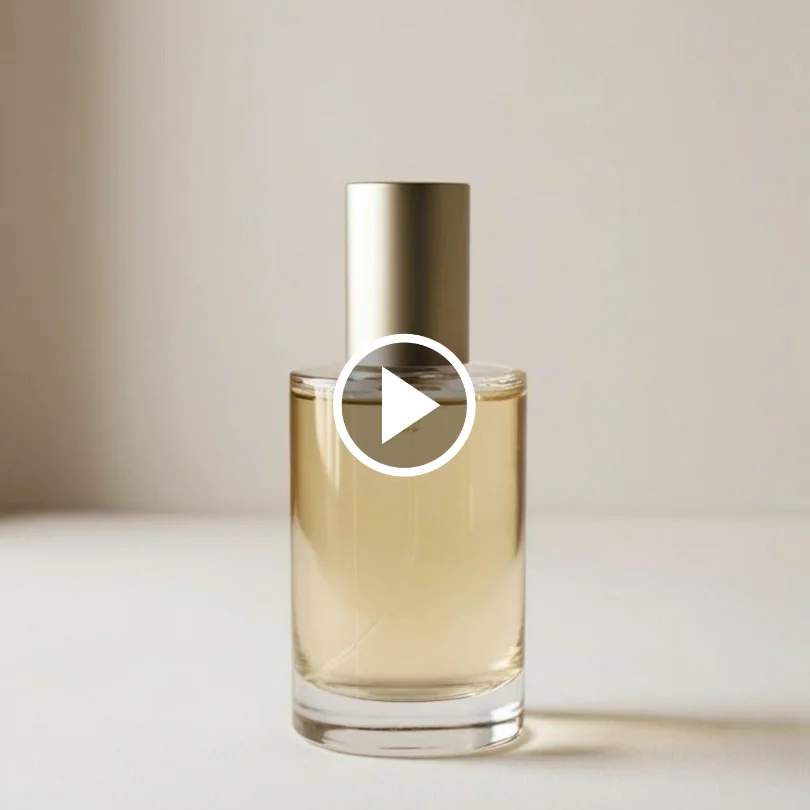
Watch it back with the audio in place, then rewrite the shot that missed and run it again. Only the prompt changes.
Kling 3.0 on HeyOz is the prompt-driven line of the Kling family — you describe the film and it directs it. Six shots, arbitrary durations, and native sound come out of one generation, so a spot that used to need an edit, a voice pass, and a sound pass now needs a paragraph.
Hook, demo, CTA — write them as separate shots and Kling 3.0 renders up to six of them in a single pass, each with its own duration, shot size, and camera move. The cuts happen inside the generation, so there's no stitching and no drift between clips you'd otherwise have to match by hand.
Dialogue, sound effects, and ambience are generated alongside the picture rather than laid over it afterwards. Earlier Kling models were silent. Voice Binding lets you attach a voice profile to a specific character, so a two-hander doesn't come back with one voice for both. Audio can't be combined with a reference video in the same generation — pick one per run.
Three modes: Standard outputs 720p and is the cheap, quick one for testing angles. Pro outputs 1080p. A separate 4K tier renders natively at 4K rather than upscaling afterwards, and it's image-to-video only — worth knowing that a 15-second 4K render can run past five minutes, so draft on Standard and finish where you intend to ship.
Set the runtime to whatever the cut needs. Kling 2.5 and 2.1 offered 5 or 10 seconds and nothing between them; 3.0 takes any duration in the 3-to-15-second range, and you can budget it shot by shot across the storyboard. Quality tends to drift once you chain past roughly 30 to 60 seconds, so treat 15 as the honest ceiling for one continuous piece.
The prompt-driven route through Kling — for when you know the film in your head and don't have footage to hand.
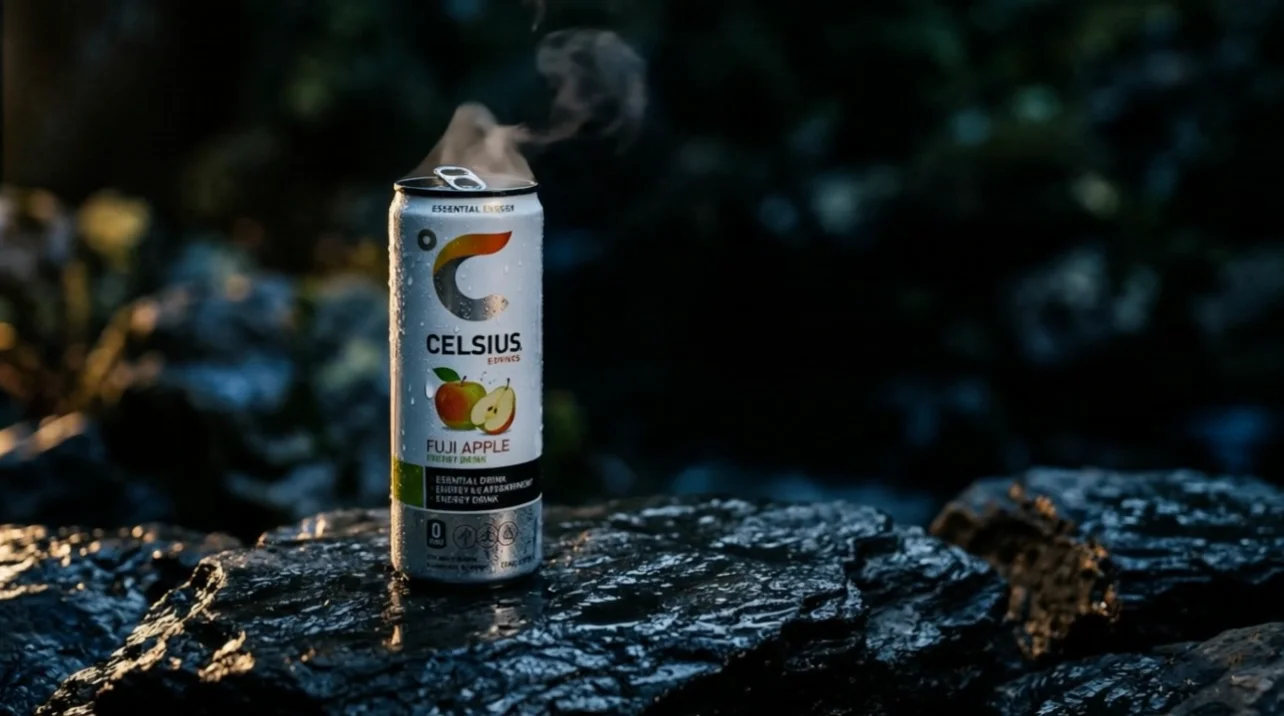
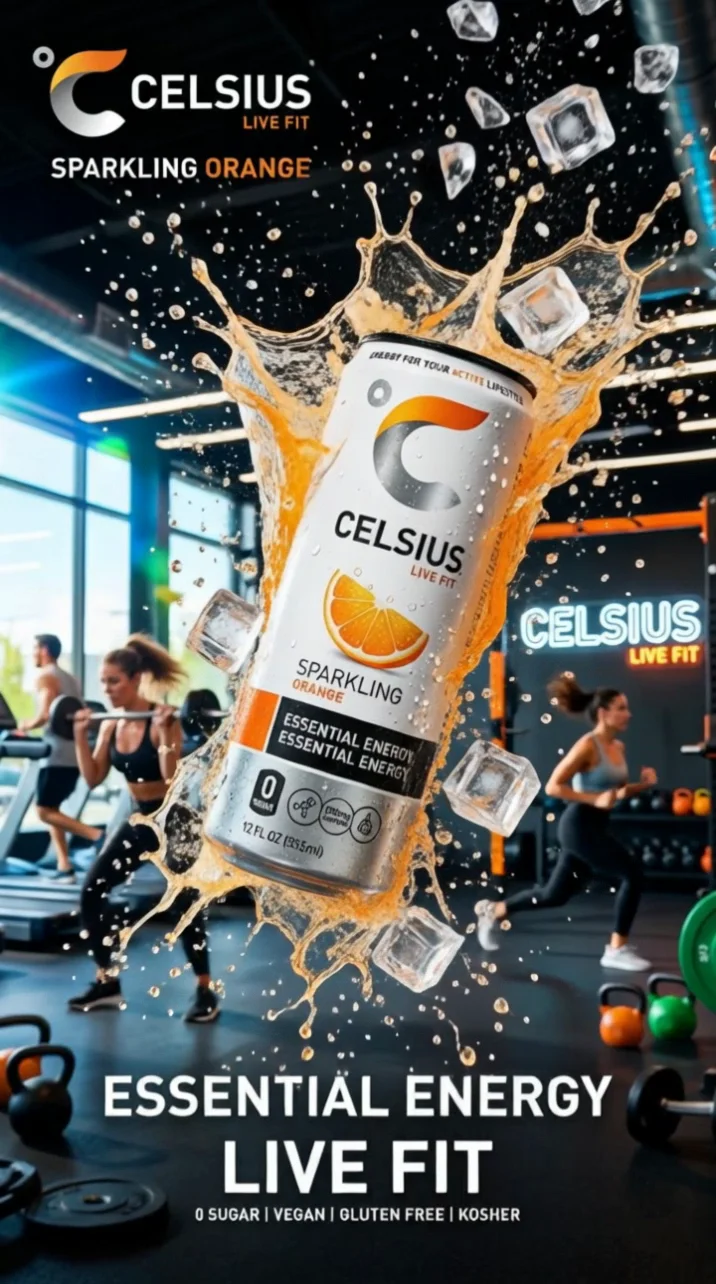
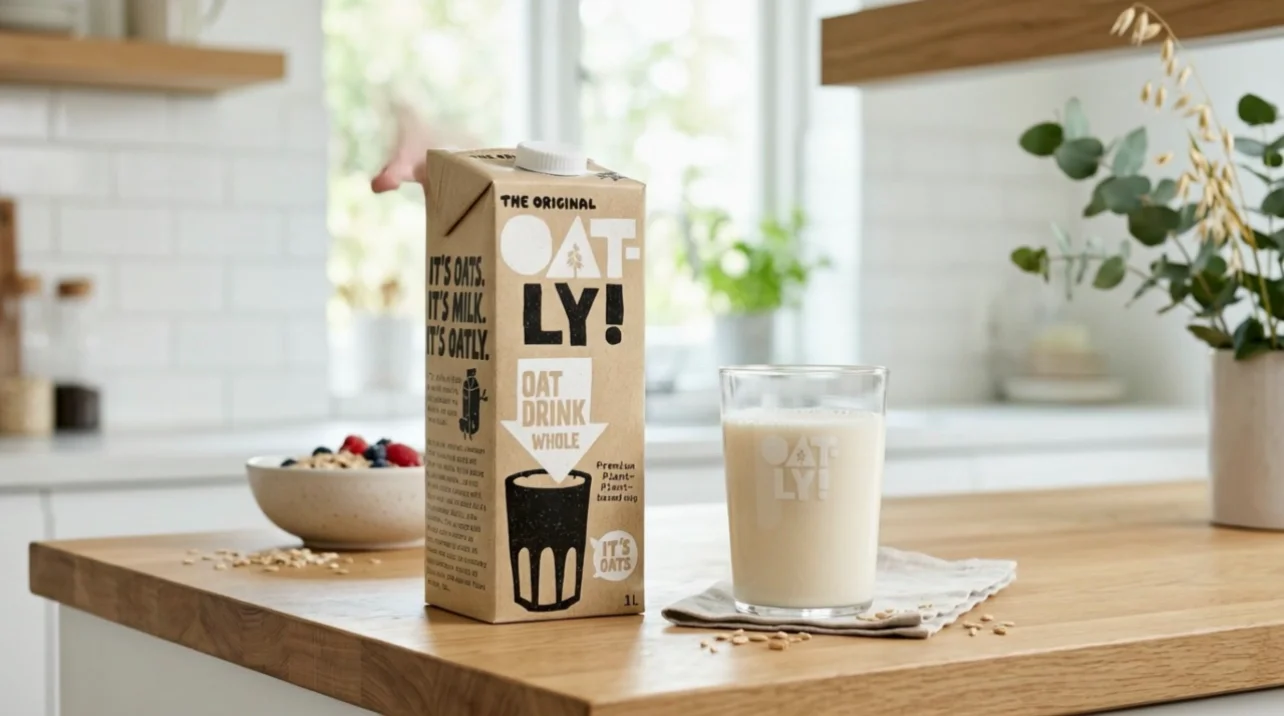
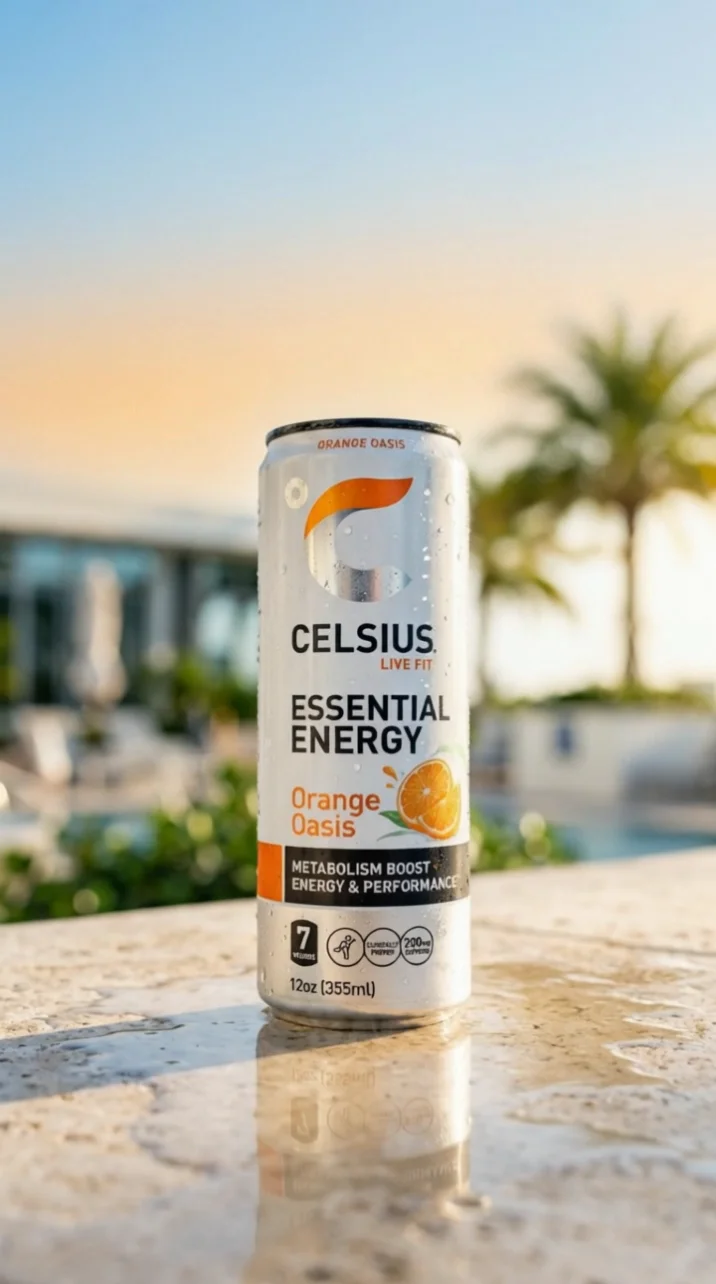
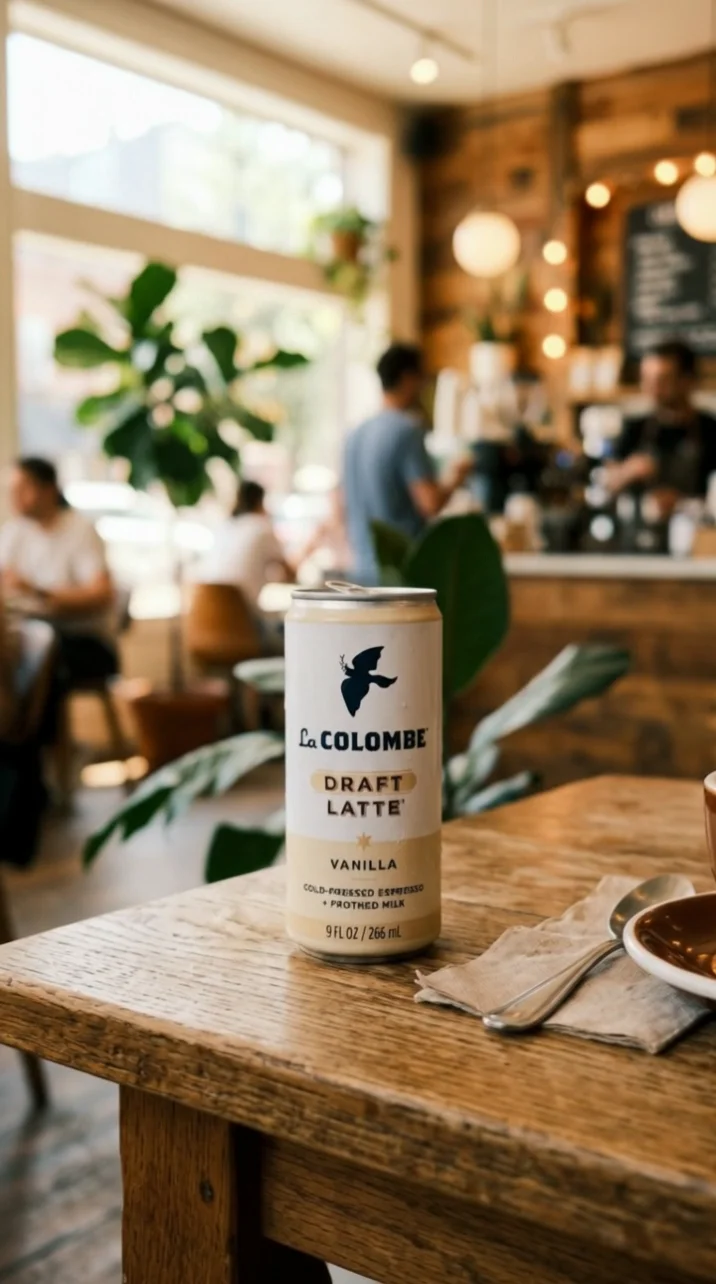
Hands-on reviewers rate image-to-video as the model's strongest move. Drop in a single product photo, describe the camera, and get a moving hero shot that keeps the real packaging on screen. The aspect ratio comes from the photo you upload, so crop before you generate.
Six shots and native sound in one generation means hook, demo, and CTA can land together — no separate voiceover session, no sound design pass, no timeline.
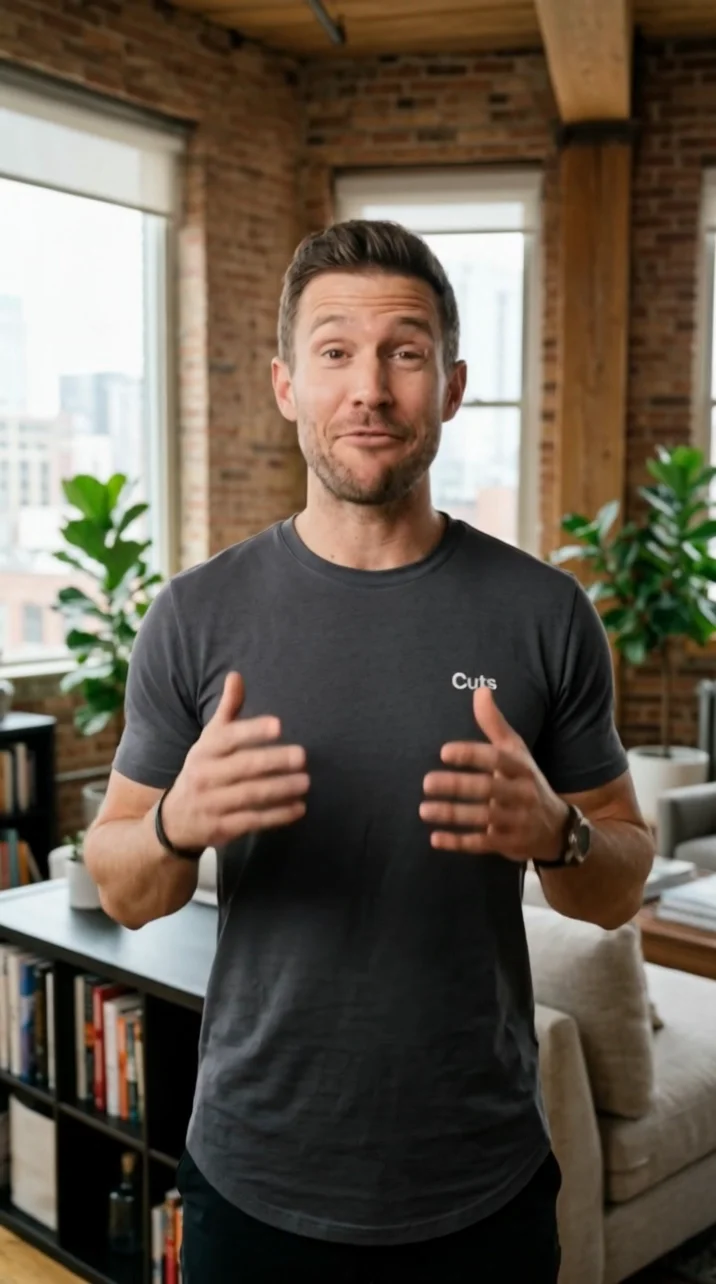
Write the line, bind a voice to the character, and the delivery is generated with the shot. Useful for talking-head creative where the script matters more than the casting.
Pitch the idea as a moving cut rather than a deck. Cheap enough at 720p to run several directions past a client in an afternoon.
Text-to-video gives you 16:9 for YouTube and display, plus 1:1 for feed. For image-to-video, the ratio is inherited from your input image instead.
Kling Video 3.0 — commonly called Kling 3.0 — is Kuaishou's prompt-driven cinematic video model, announced on February 5, 2026 and opened first to Ultra subscribers before wider availability. It generates 3 to 15 seconds of photorealistic video with synchronized native audio, and can direct up to six shots inside a single generation. On HeyOz it's wired into your brand kit and ad formats.
Pick Kling Video 3.0 as your model, write your shots, choose a mode, and generate. Rewriting a line and re-running is usually faster than trying to fix a shot after the fact.
Three steps: 720p in Standard mode, 1080p in Pro mode, and 4K on the dedicated 4K tier. 4K isn't the default — it's a separate tier, and on that tier generation runs from an input image rather than from text alone. Kuaishou's own launch release describes 4K for its Image 3.0 model and doesn't make a 4K claim for video, so treat the 4K video tier as an API-host capability rather than a headline vendor spec.
No. Pro is a mode you select, not a separate product, and there's no Master tier for 3.0 — that was part of the 2.1 lineup. Kling 3.0 replaced the old Standard/Pro/Master naming with generation modes.
Different jobs. Kling 3.0 is the prompt-driven line: you describe the film and it directs it, and it's the only one of the three with a 4K tier. Kling Video 3.0 Omni and its Pro mode are the reference-driven line, built for workflows that start from footage or assets you already have. Choose this page's model when the idea exists as words, not files.
Yes — dialogue, sound effects, and ambience are produced in the same pass as the picture, which is the biggest change from Kling 2.5 and 2.1, both of which were silent. Coverage of the language support is inconsistent: the launch release lists several languages, while the API documentation describes native generation in English and Chinese with other languages translated. Test your target language before you commit a campaign to it.
A start image and an optional end image, up to seven reference images, and a reference video of 3 to 10 seconds under 200MB. There's also a negative prompt and a guidance setting. Note that supplying a reference video turns off audio generation for that run.
Crowds get unreliable past about five or six faces, and hands and small on-screen text remain weak spots — keep legal lines and pack copy out of the frame or add them in post. Long renders take real time at the top tier. Plan around those and it holds up well.
Pick the right engine for the job — all in one place.
Anyone can give you Kling Video 3.0. Only HeyOz turns it into your ad.
HeyOz reads your brand and keeps every asset on-color, on-voice, on-message.
Seedance, Veo, Kling, GPT Image, and more — no juggling subscriptions.
Sized and formatted for Meta and TikTok, straight out of the box.
Not just a model — templates, avatars, and an agent that does it all.
Start Now. No agency, no brief, no blank screen.