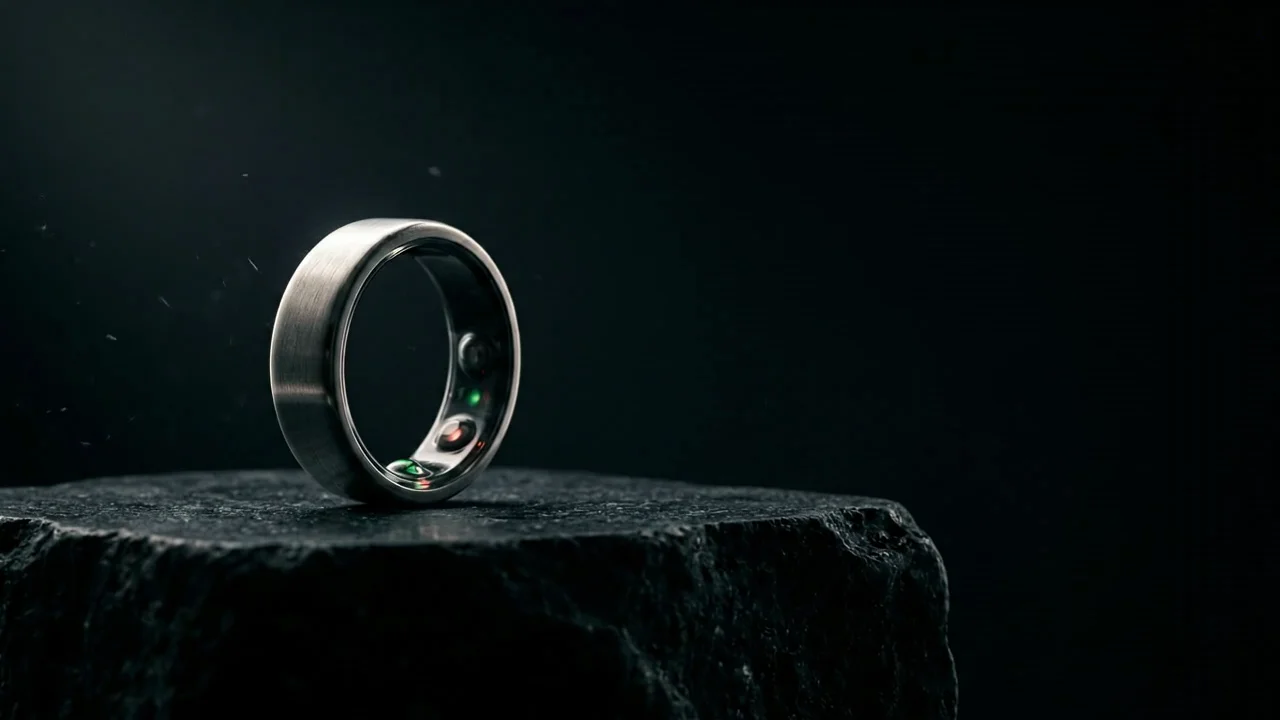
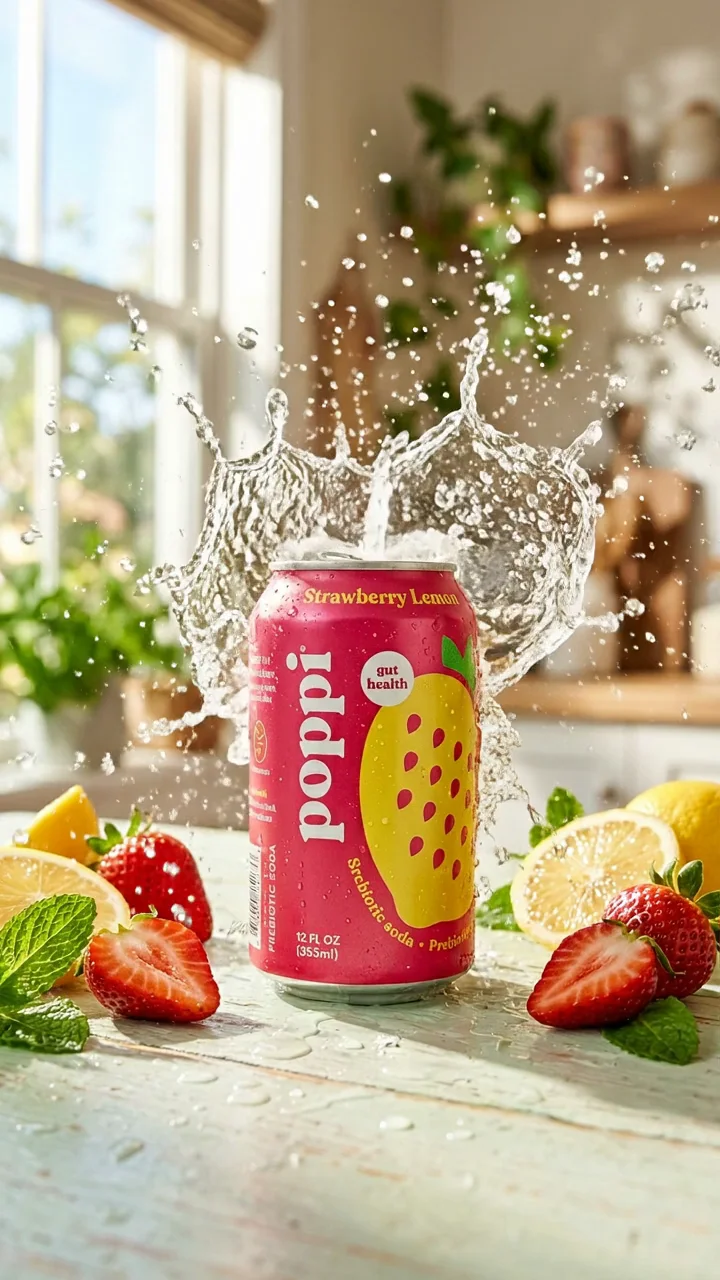
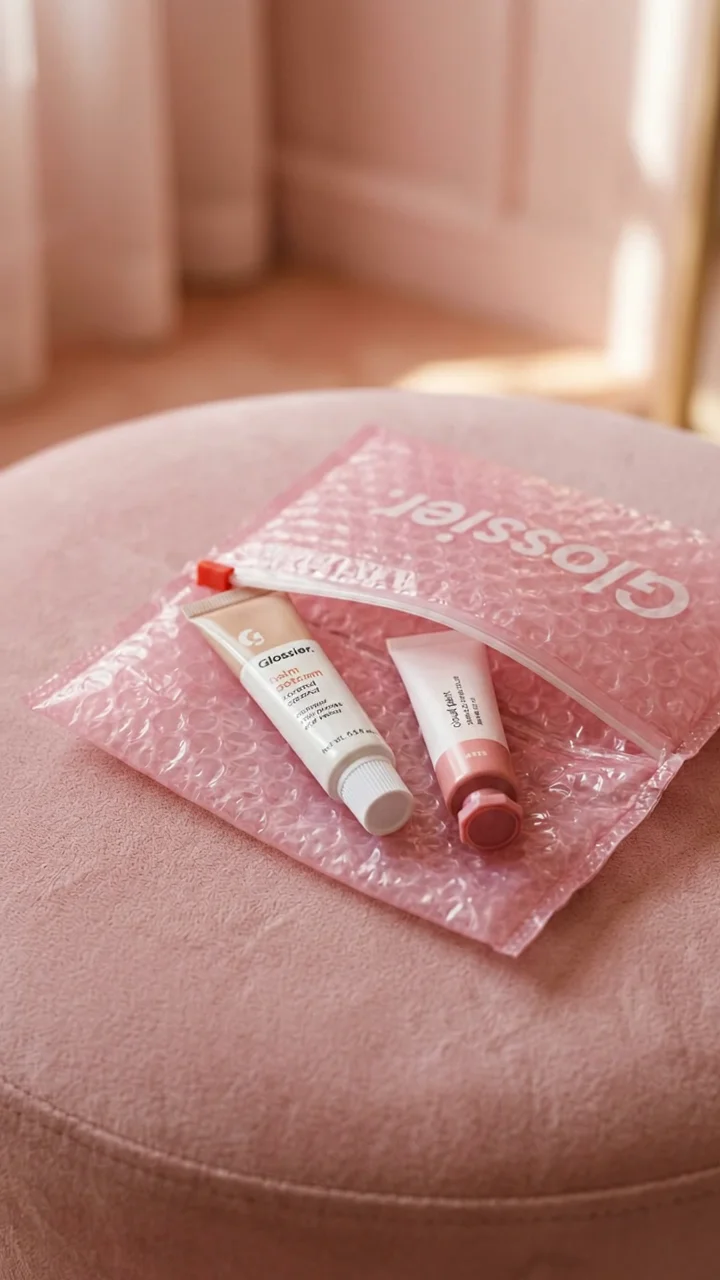
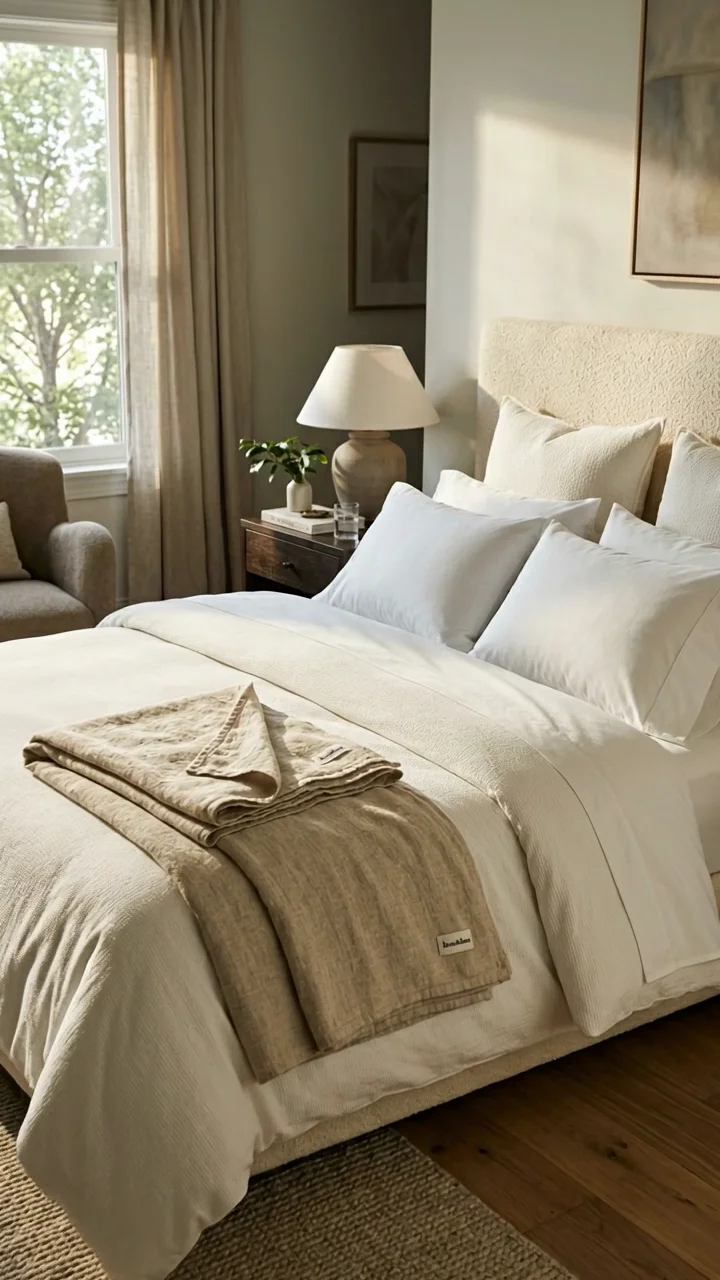
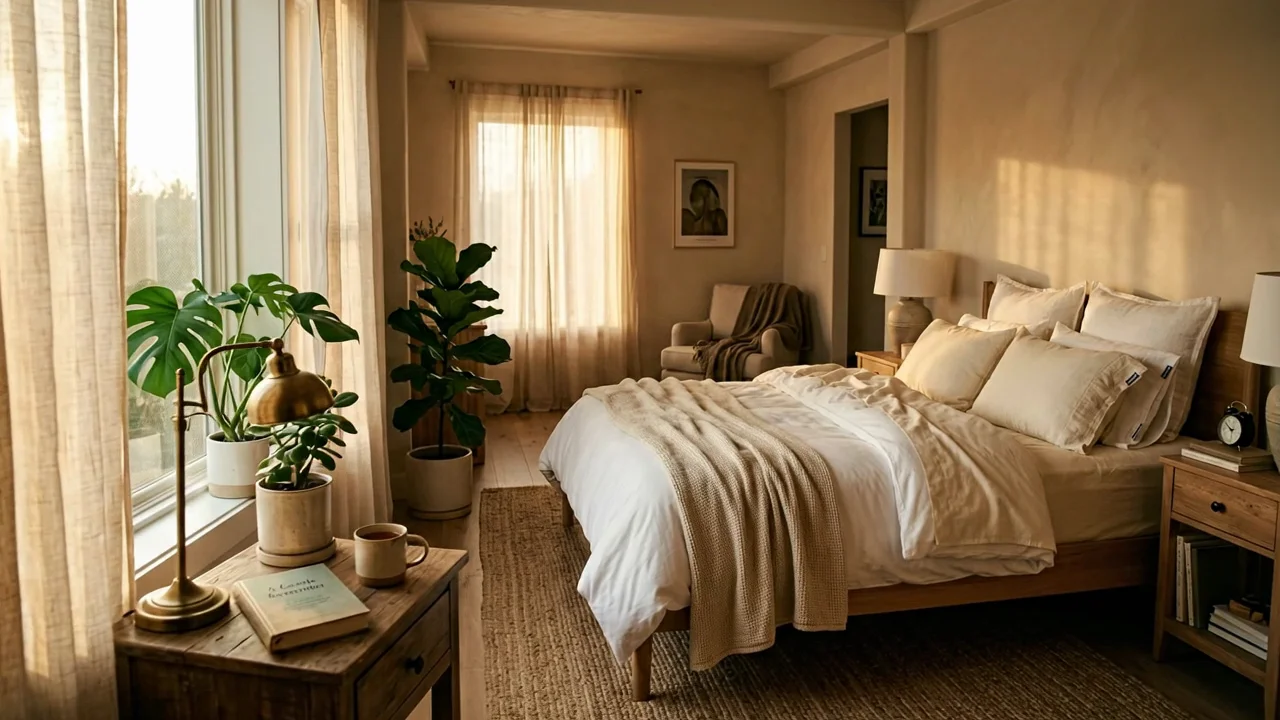
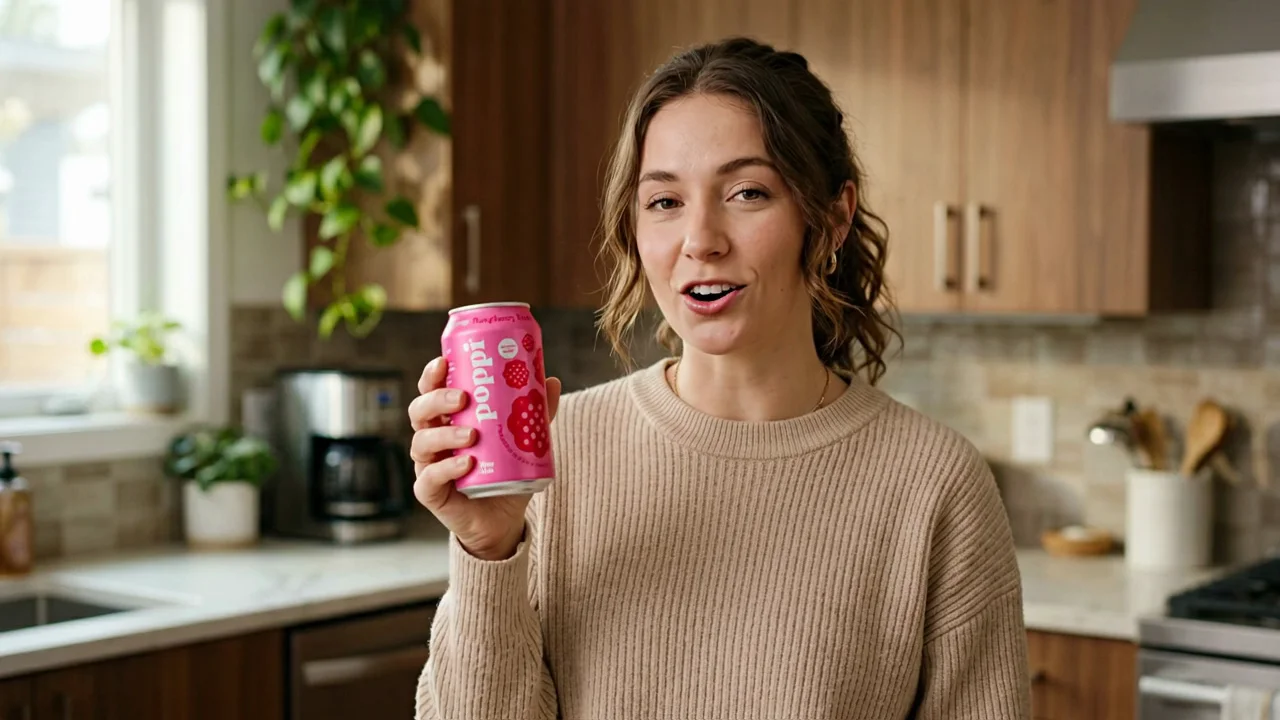
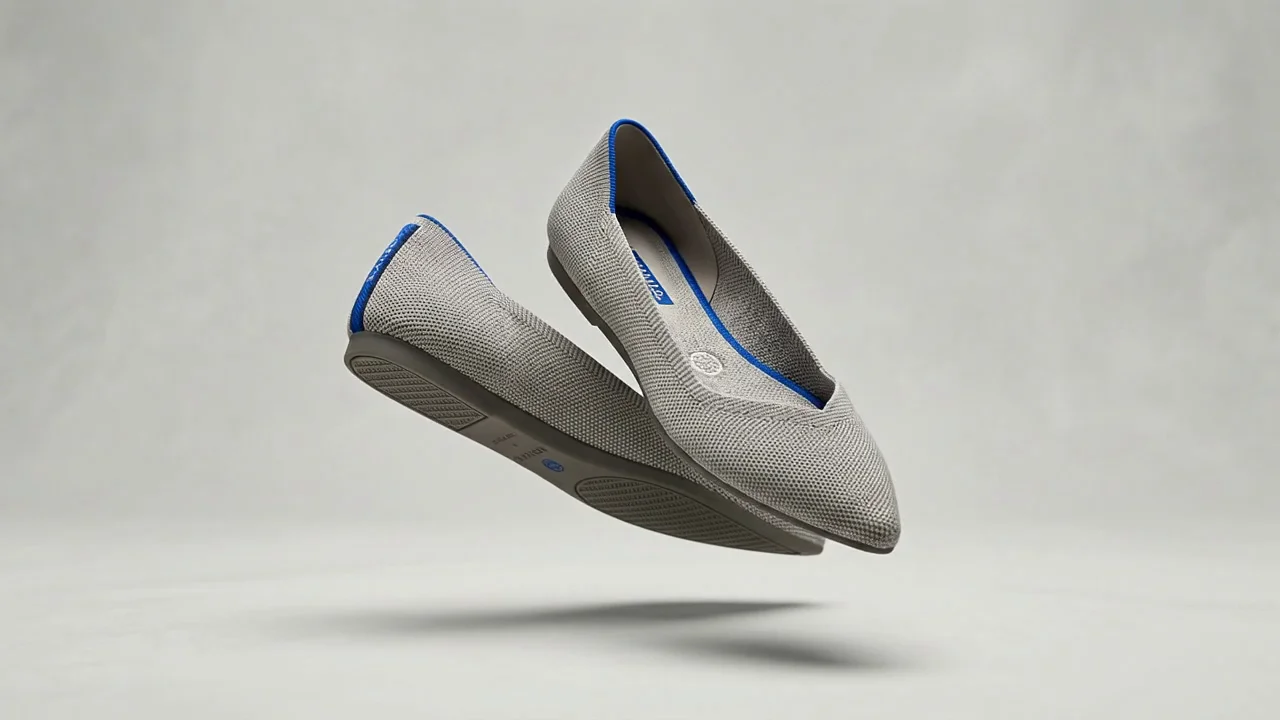
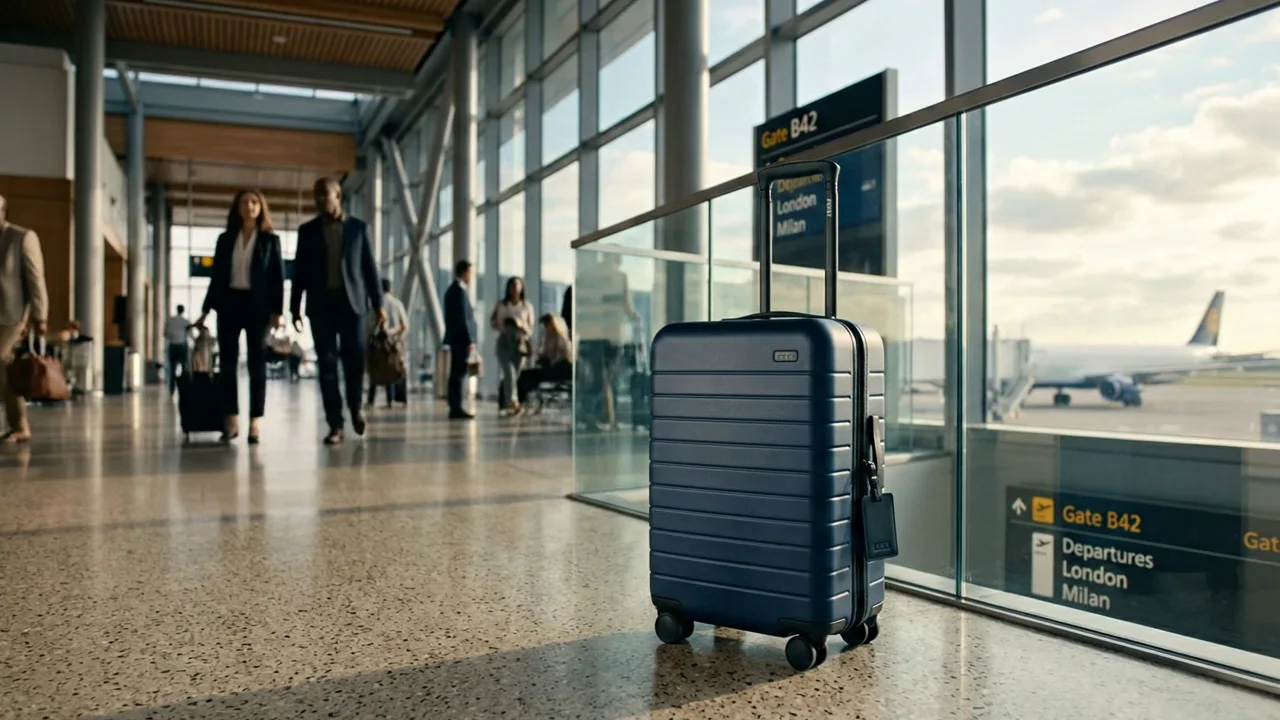
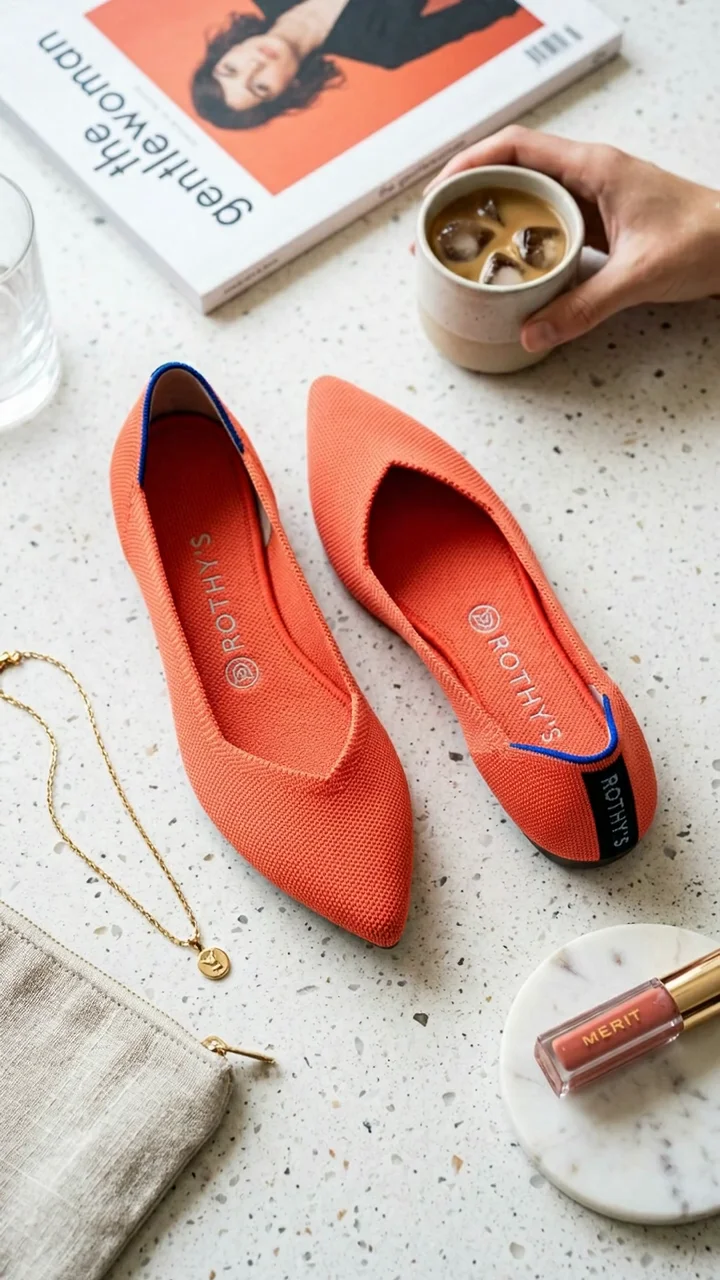
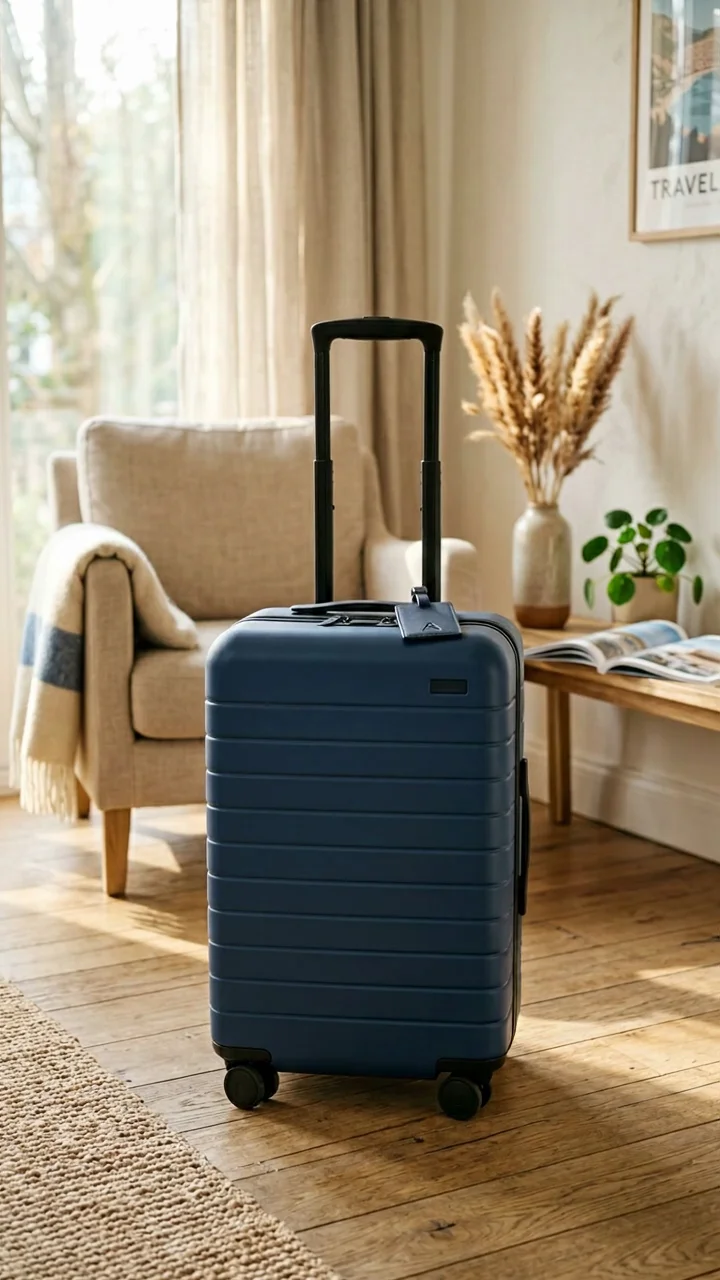
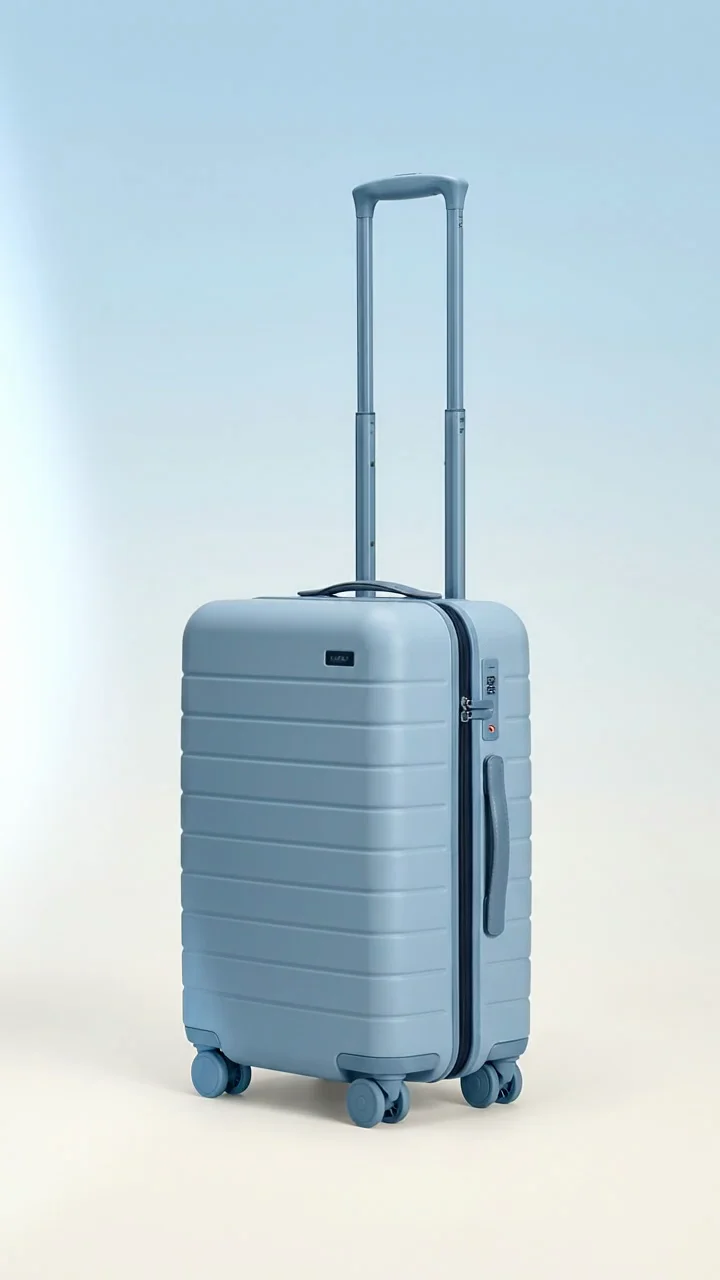
Generate cinematic video with audio produced in the same pass — dialogue, sound effects, and ambience together. Guide a shot with up to three reference images, choose 4, 6, or 8 seconds, and render at 720p, 1080p, or up to 4K.
Spots, scenes, and product moments made with Veo 3.1 — audio included, straight out of the generation.
Turn a brief into a finished shot with Google Veo 3.1 in three steps.
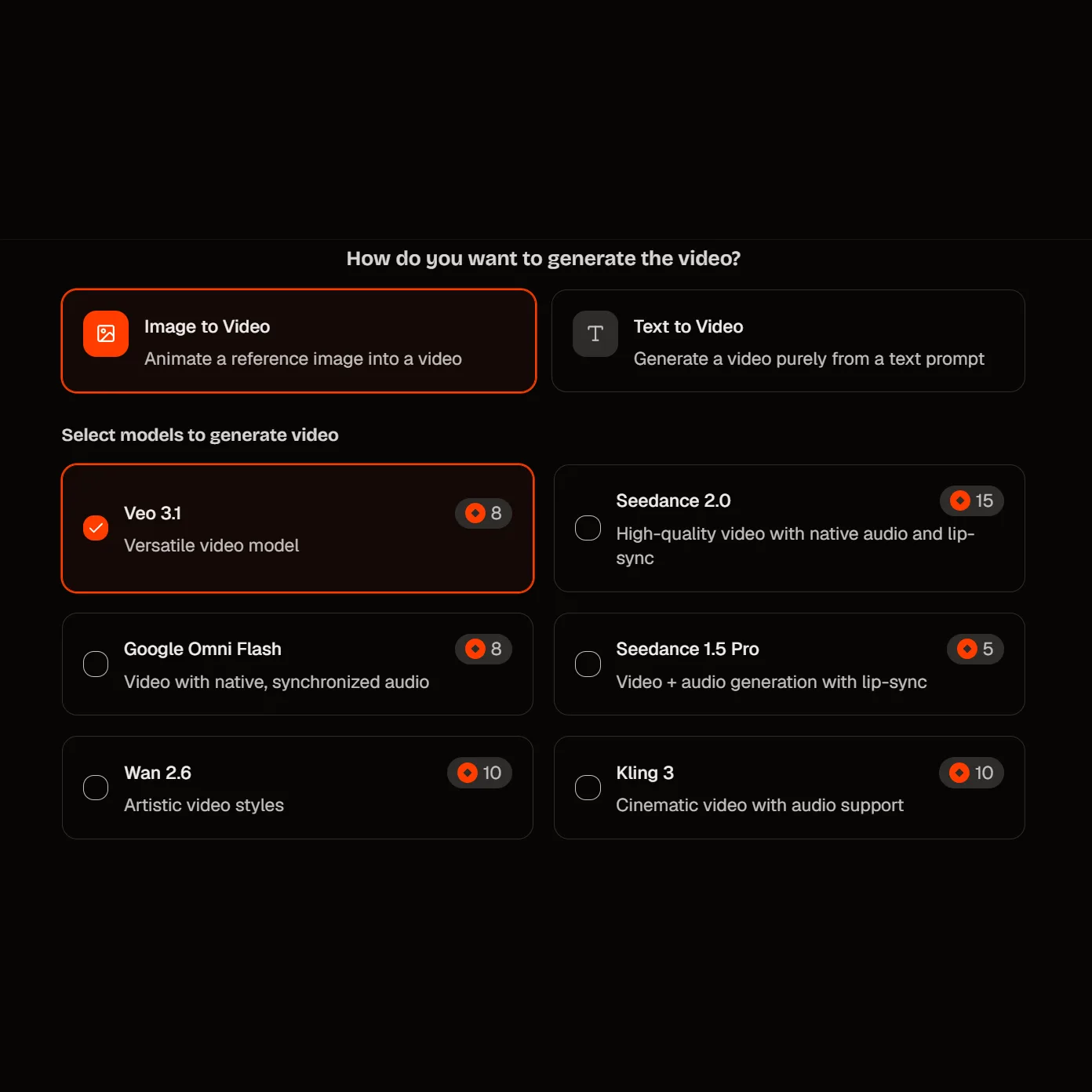
Select Veo 3.1 as your model. Choose the standard tier for final quality, or Fast when you're testing angles.
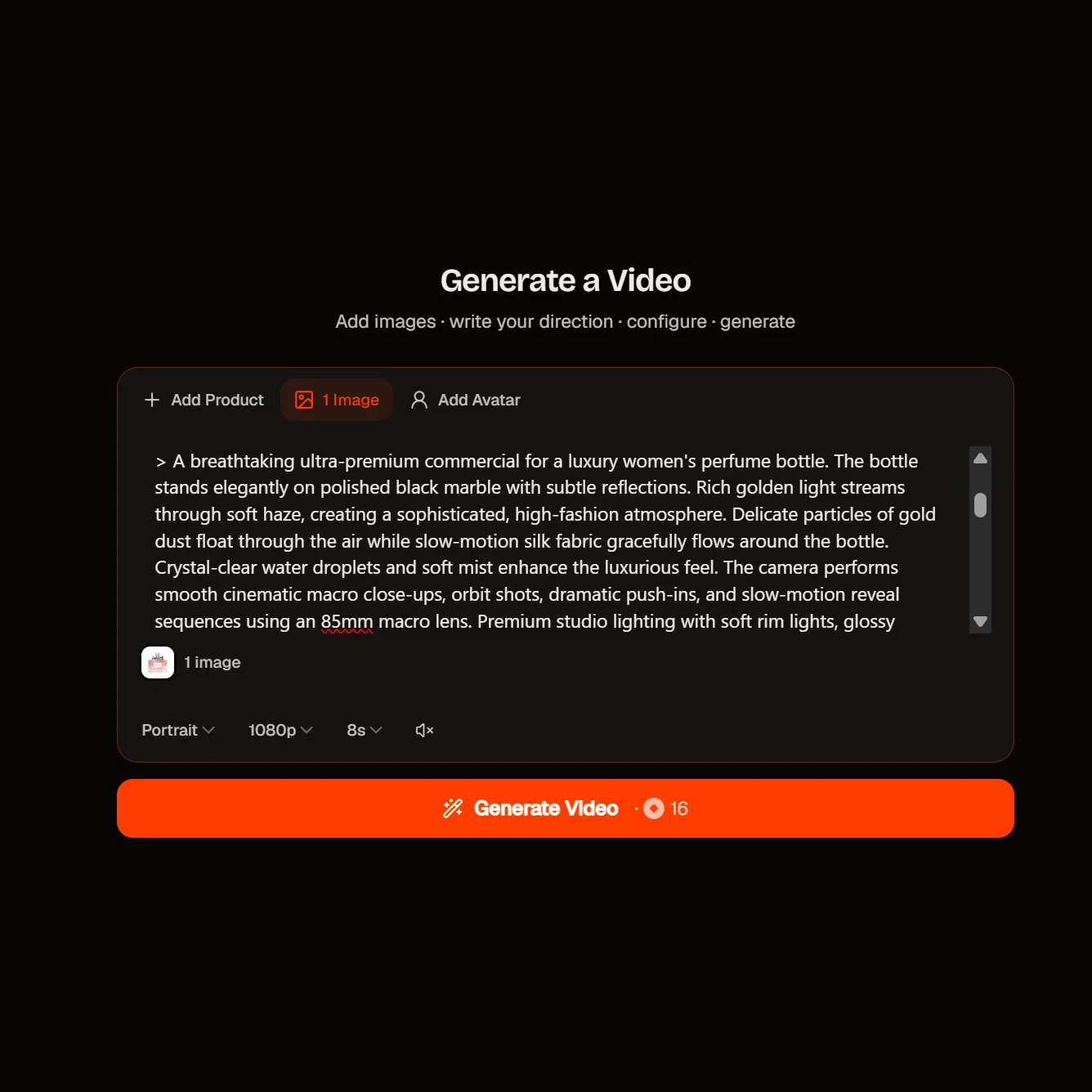
Describe the shot, the audio you want, and the camera move. Add up to three reference images to guide a character, a product, a set, or a look — or give a first and last frame and let the model fill the middle.
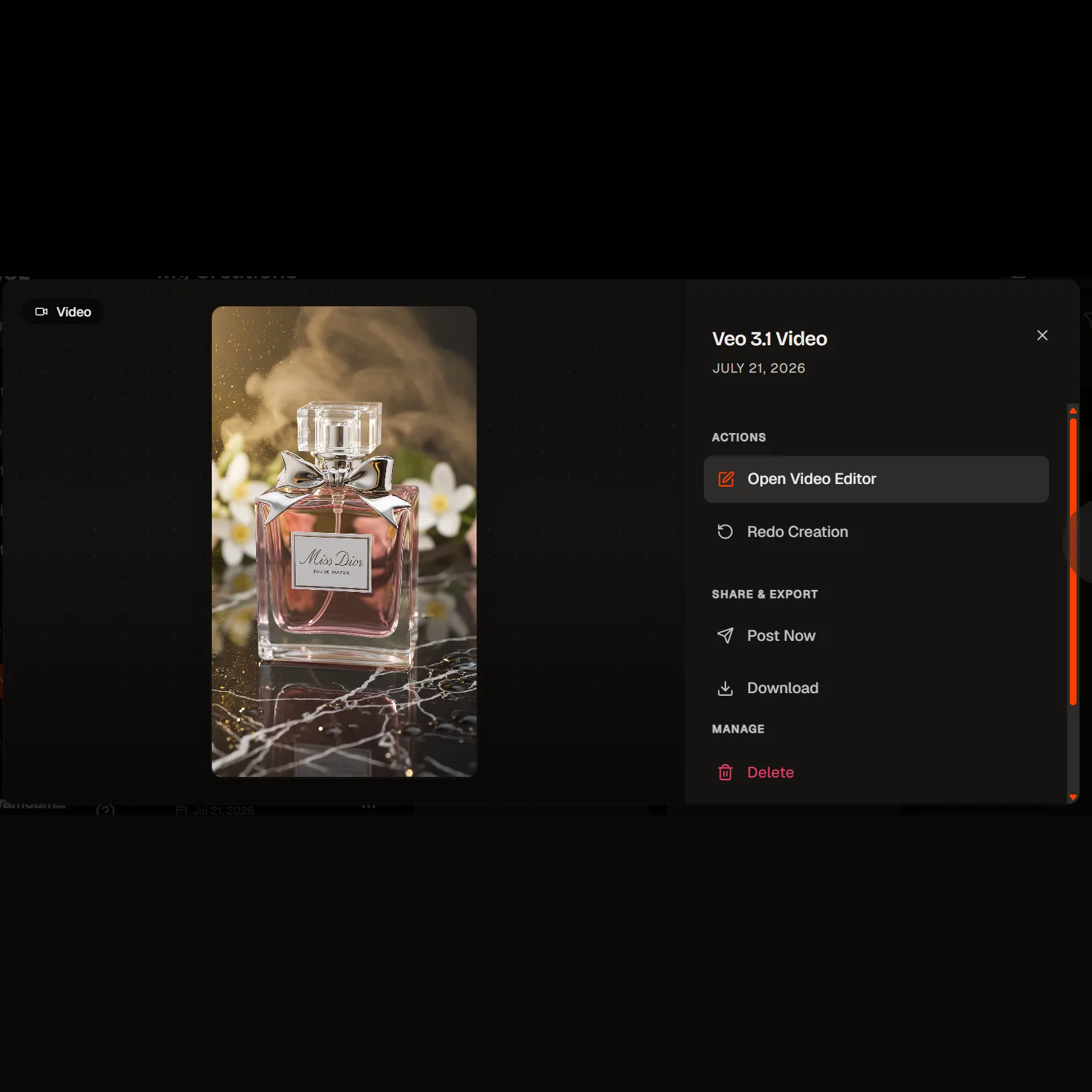
Watch it back, tune the prompt, and regenerate. When a clip is right, extend it to carry the story past the eight-second mark.
Veo 3.1 on HeyOz gives you reference-guided shots, audio generated alongside the picture, and clips you can extend into a sequence — wired into your brand kit and your ad formats.
Upload up to three images — a spokesperson, your product, a set, a style plate — and Veo 3.1 references them while it generates. Google added this in 3.1; earlier Veo generations had no reference-image path at all. It's how a mascot or a real SKU stays recognisable from one shot to the next instead of drifting every time you re-roll.
Each generation runs 8 seconds at most. Scene extension continues a clip you already have, so you can chain beats into a longer narrative rather than stitching unrelated takes. Two things to plan for: extension renders at 720p, so finish your hero shot at the tier you intend to ship, and the Lite tier doesn't extend.
Dialogue with matching lip movement, sound effects, and room tone arrive with the video in one pass — no separate scoring step. Veo 3.1 is Google's richer take on the audio the family has carried since Veo 3. Worth knowing: the Add and Remove Object edit still runs on Veo 2 and produces no audio, so treat it as a picture-only tool.
Pick 4, 6, or 8 seconds — the older Veo generations only ever gave you 8. Render at 16:9, 24fps, for YouTube and display placements. Resolution runs 720p, 1080p, and up to 4K. Note that the longer 8-second setting is required once you move to the higher resolutions or use the reference features.
Hook-length social cuts, TV-style spots, and multi-shot campaigns — with the sound already in them.
Google points to work from QuickFrame AI and a partnership with MNTN, both using Veo to build TV and digital ads without a traditional production cycle. Those are Google's own partner accounts, not independent tests — but the shape of the workflow is real, and it's the one this model is tuned for.
Hook-length cuts at 4, 6, or 8 seconds, sized for the feed. That maps cleanly onto the short social placements where most testing happens.
Give the model your spokesperson, mascot, or packshot as references and build a run of shots that read as the same campaign — then extend the ones that land.
Set a first frame and a last frame and let Veo 3.1 generate the move between them, audio included. Google flags this path for controlled camera moves and before-after reveals.
Google cites Pocket FM running Veo across 100+ team members weekly and reporting a 30–40% uplift in user retention against live-action promos. It's a vendor-supplied case study, so read it as a direction rather than a benchmark — but volume creative is what the Fast and Lite tiers exist for.
Veo 3.1 is Google DeepMind's video generation model. It arrived in paid preview on 15 October 2025 and reached general availability on Vertex AI on 17 November 2025, with a feature update in January 2026 that added 4K and upsampling. It generates video and audio together, and it accepts reference images to guide characters, products, and scenes.
Yes — and it's the only one. Google shut down Veo 3 and Veo 2 on 30 June 2026, so Google Veo 3.1 isn't the newcomer in the family, it's the default. It has had roughly nine months of production use behind it, which is a reasonable thing to want from a model you're spending ad budget through.
That's the point of it here. Google's own customers use Veo 3.1 for TV and digital spots; on HeyOz it comes out on-brand and sized for Meta, TikTok, and more.
Start on HeyOz for free — no card up front. Our pricing page has the detail on each plan.
4, 6, or 8 seconds per generation — 8 seconds is the hard cap, and one generation returns one video. To go longer, use scene extension to continue a clip you've already made. Google describes extension as reaching well past a minute but hasn't published a firm ceiling, so plan your edit around the clips you get rather than a promised total.
720p, 1080p, and up to 4K, all at 24fps. Two caveats worth having up front: Google's own documentation isn't consistent about the 4K tier, so treat it as availability-dependent rather than guaranteed on any given run; and scene extension renders at 720p regardless, which means you can't build a long 1080p sequence out of extensions alone.
Three tiers of the same model. Standard is the full version, Fast trades some fidelity for turnaround and cost, and Lite is the cheapest for volume. The trade-off matters: Lite doesn't do reference images, scene extension, or 4K, so draft wide on Fast or Lite and finish on standard when the shot needs references or a higher tier.
Text and images. Prompts run up to 1,024 tokens, and you can supply up to three reference images or a first and last frame. Every output carries Google's SynthID watermark, and Google holds generated files on its servers for two days — so download what you want to keep.
Pick the right engine for the job — all in one place.
Anyone can give you Veo 3.1. Only HeyOz turns it into your ad.
HeyOz reads your brand and keeps every asset on-color, on-voice, on-message.
Seedance, Veo, Kling, GPT Image, and more — no juggling subscriptions.
Sized and formatted for Meta and TikTok, straight out of the box.
Not just a model — templates, avatars, and an agent that does it all.
Start Now. No agency, no brief, no blank screen.