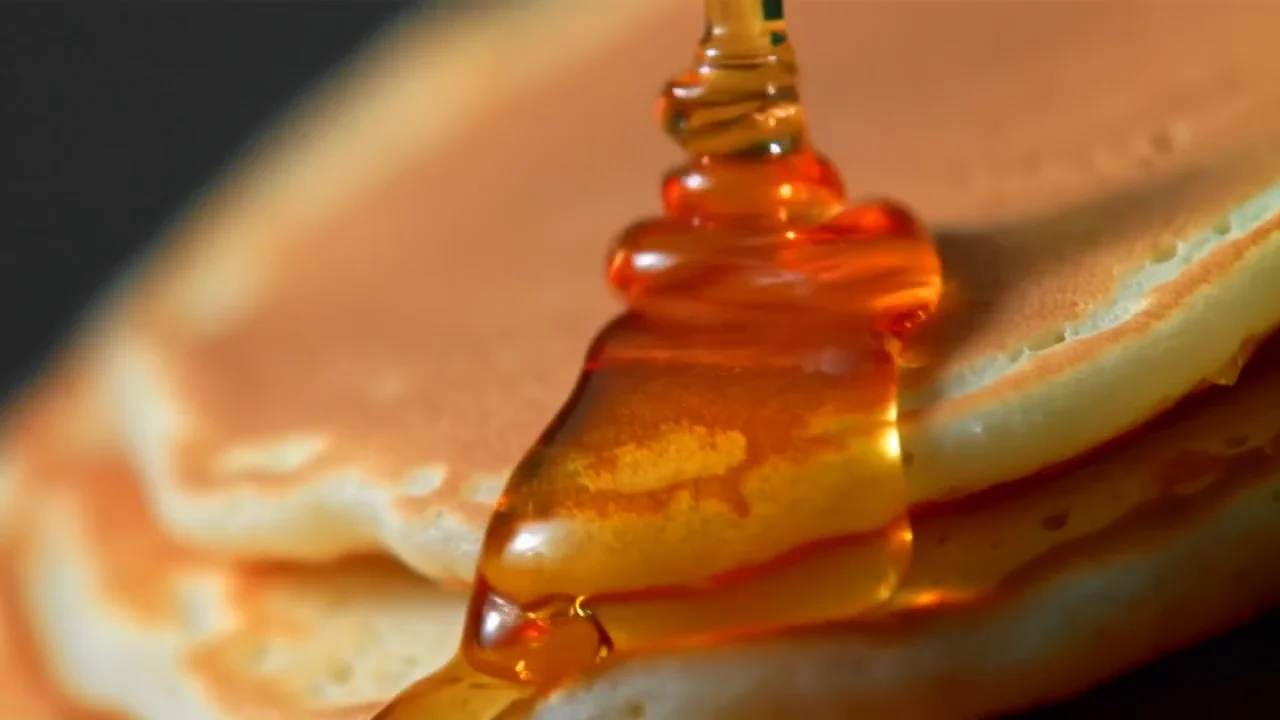
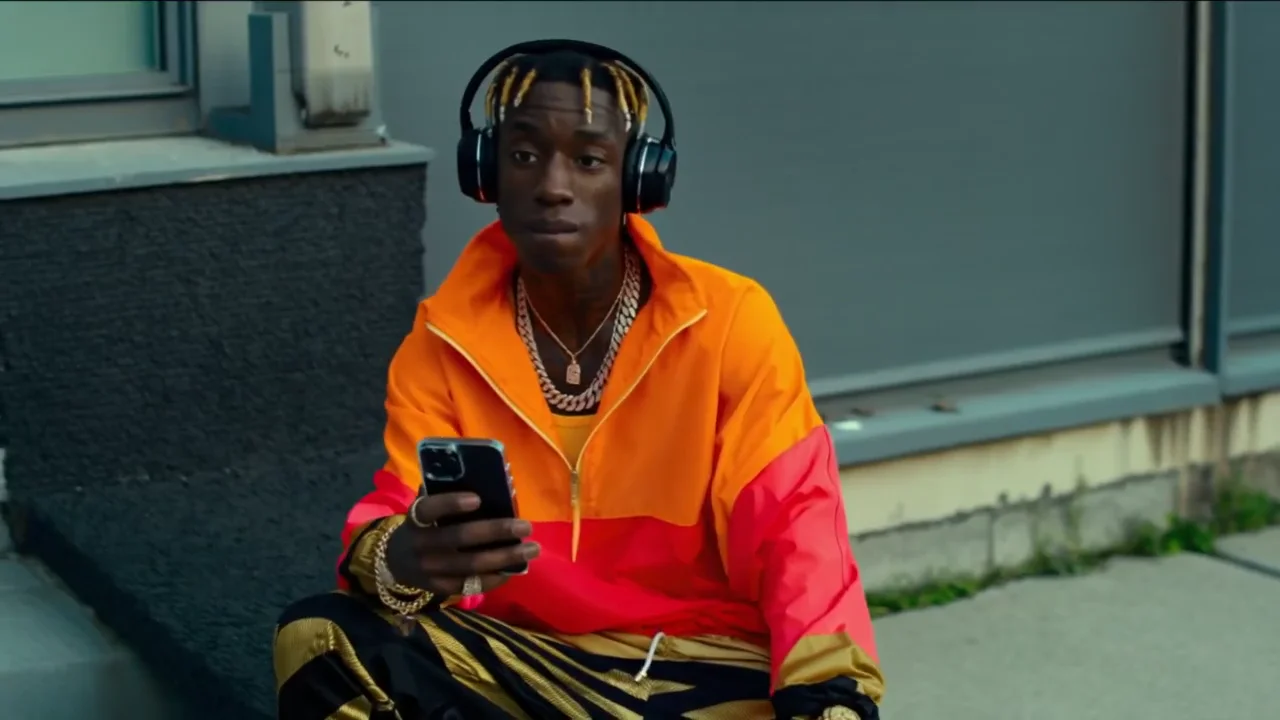
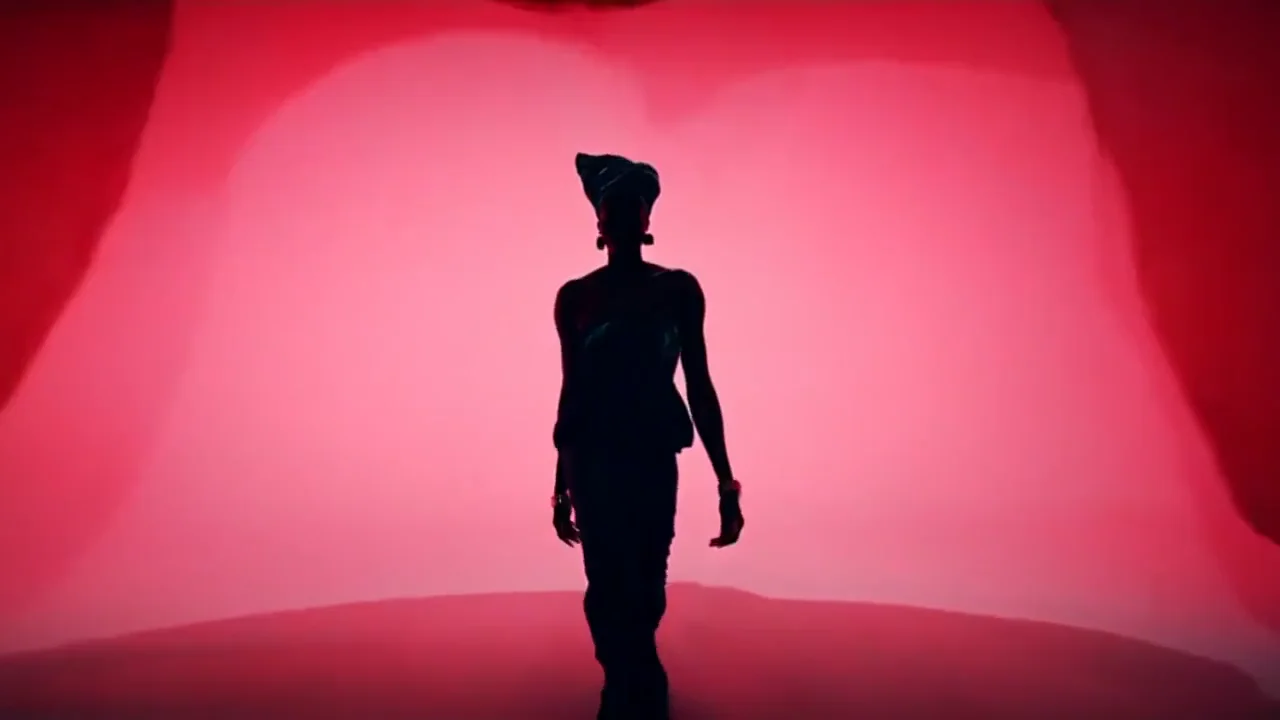
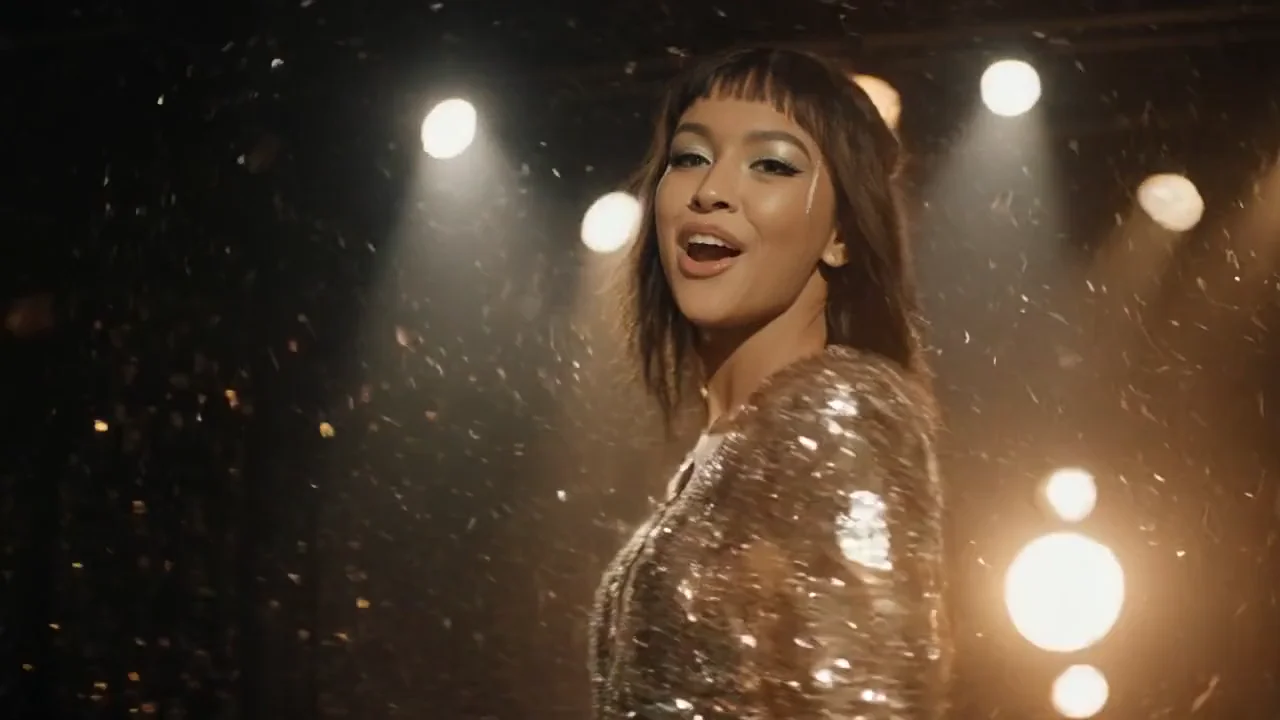
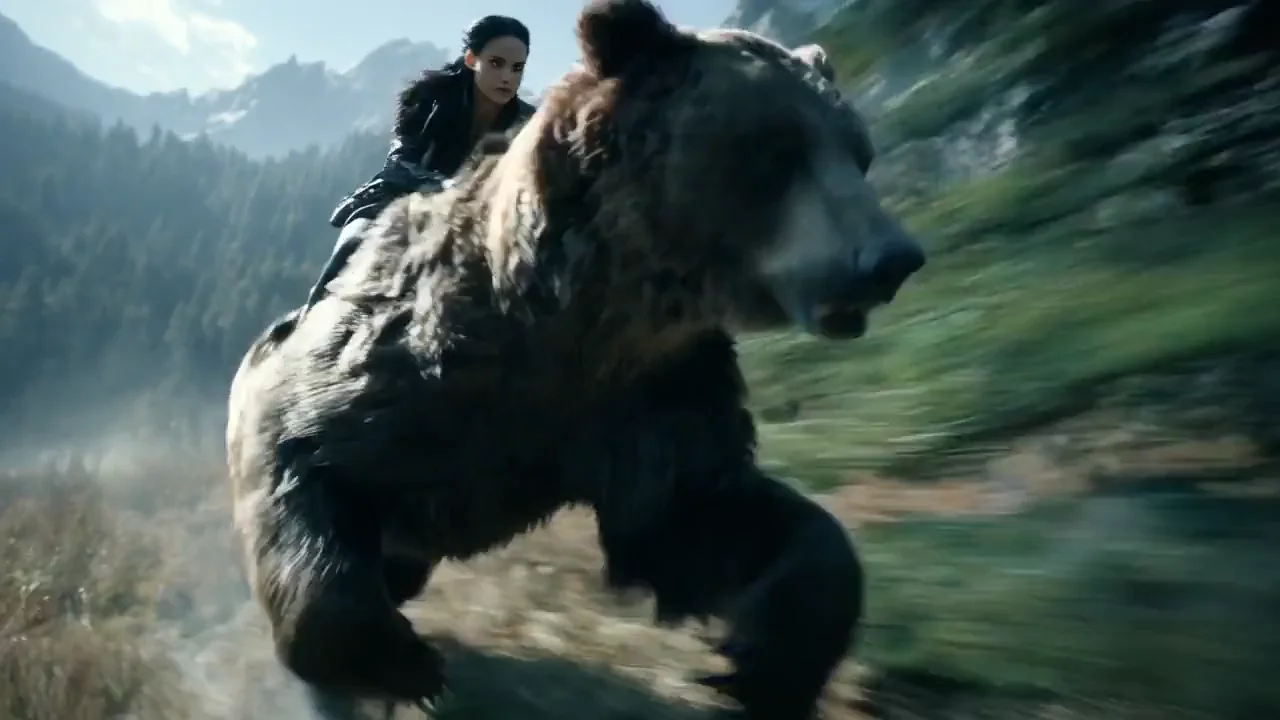
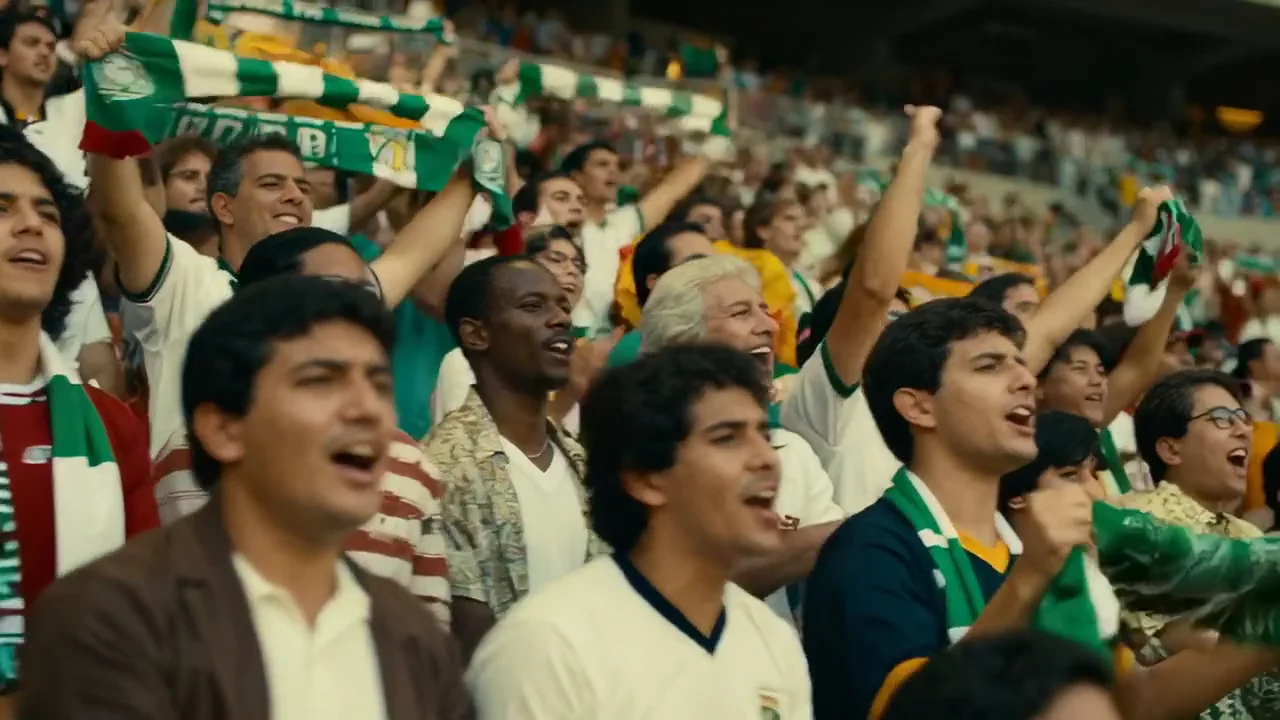
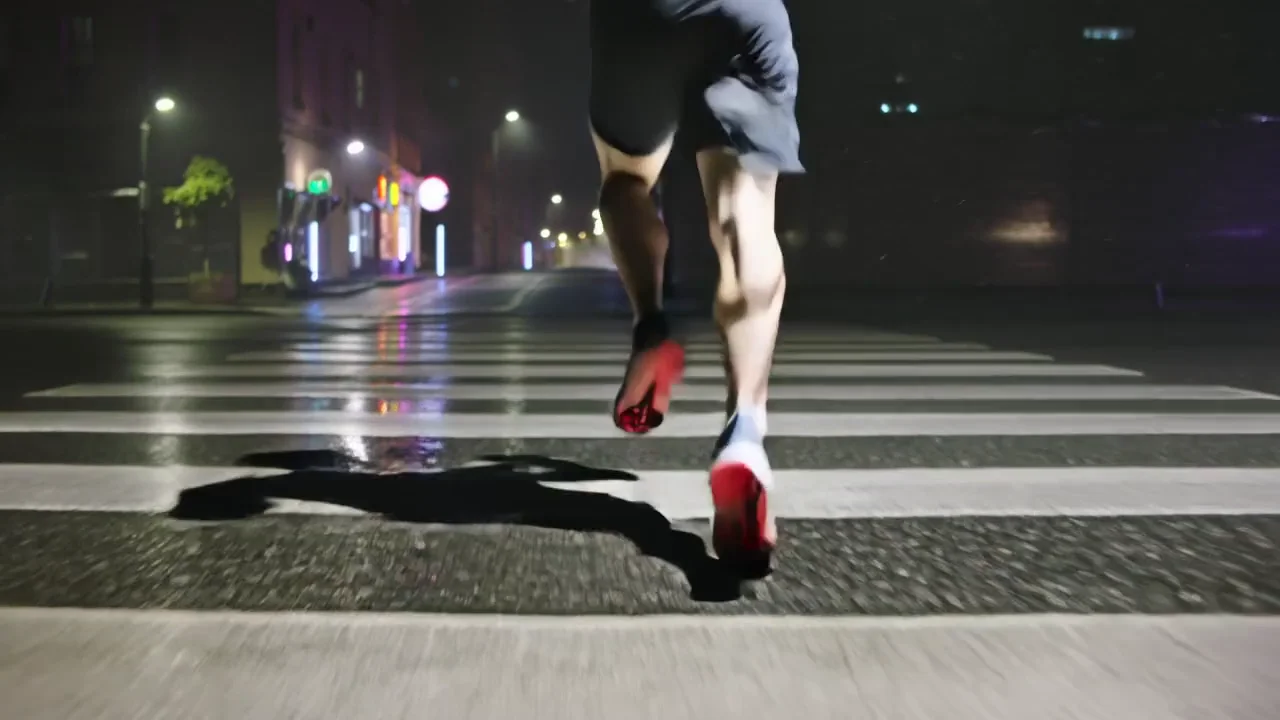
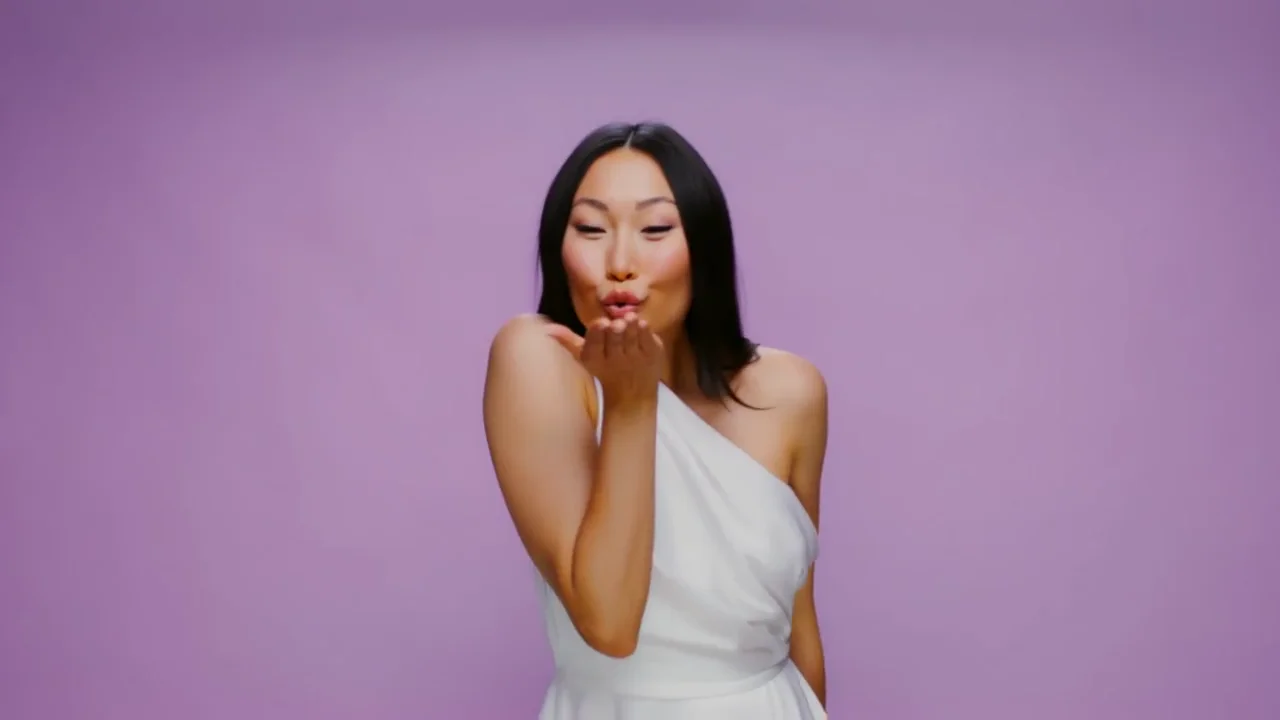
Direction goes in, cinema comes out. Luma Ray 3.2 lets you pin up to sixteen keyframes inside a single clip, carry a real performance from one shot to the next, and reshape the frame after the take. Native HDR and 16-bit EXR mean what comes out is a gradeable asset, not just an AI clip. All of it inside HeyOz.
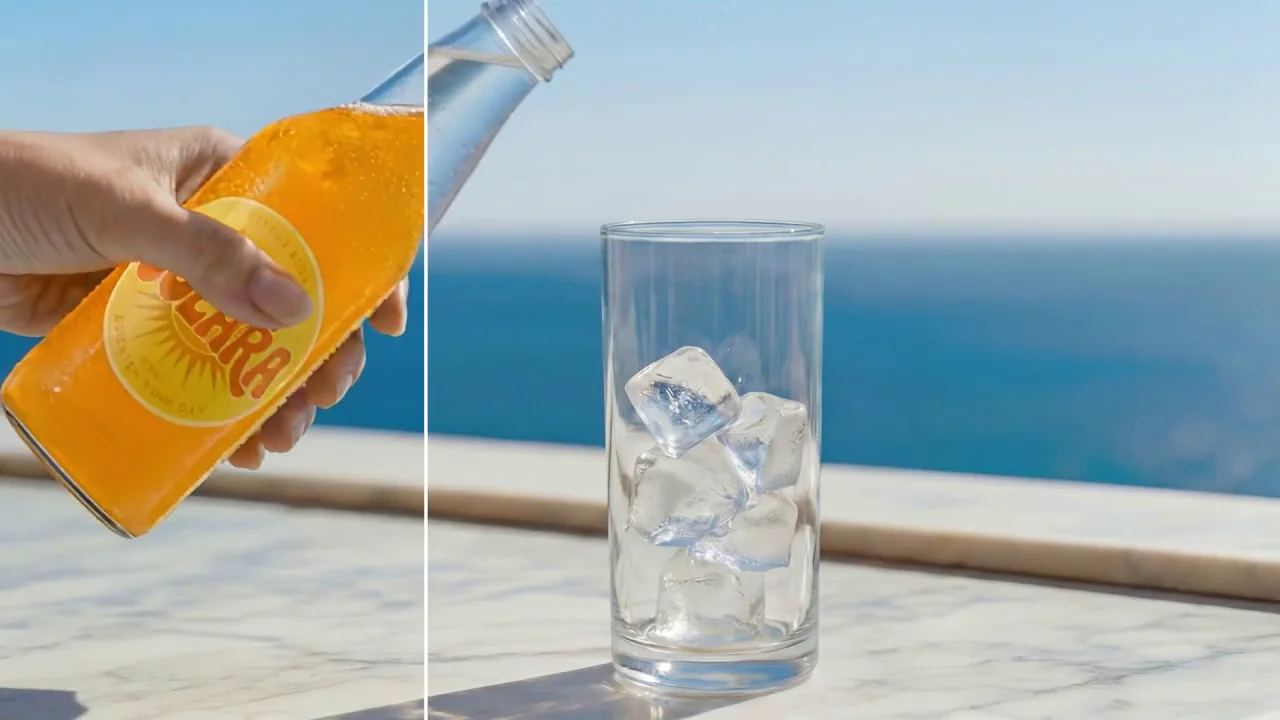
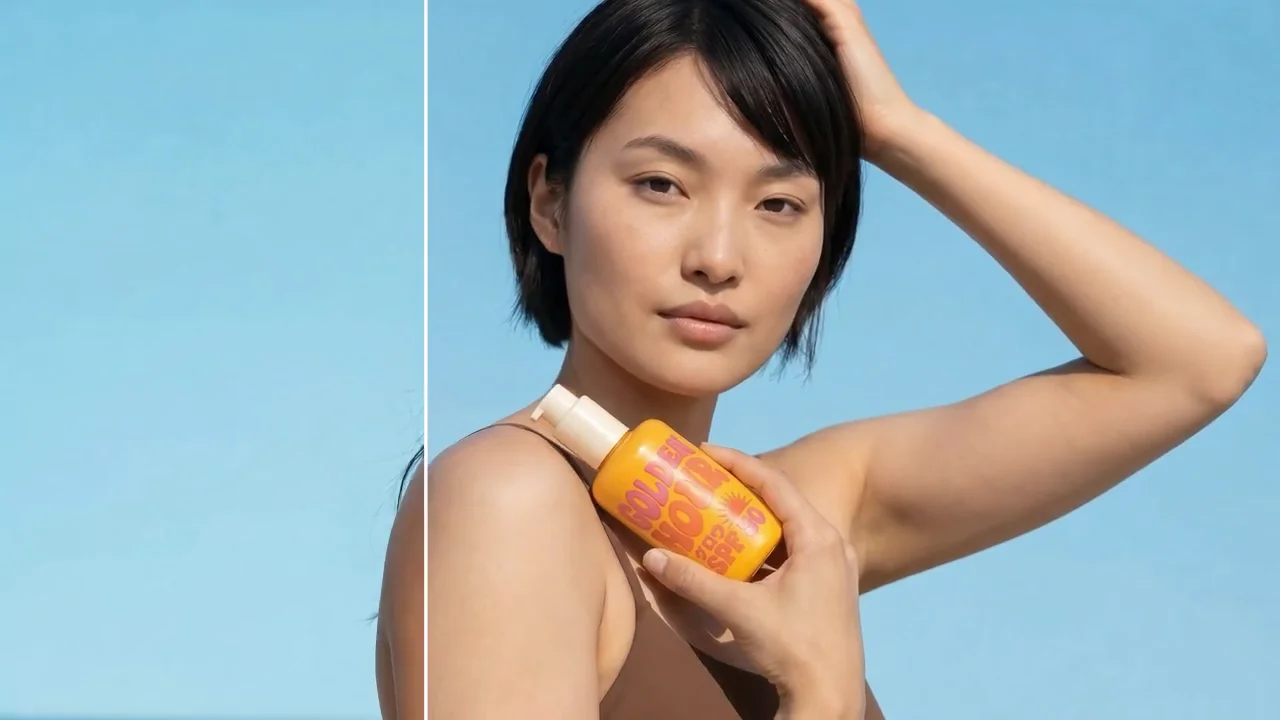
Brand films, product reveals, and market variants built with Luma Ray 3.2 on HeyOz. One spot, every SKU. One shoot, every region. Directed frame by frame instead of regenerated and hoped over.
Cinematic footage you actually directed, without the shoot day.
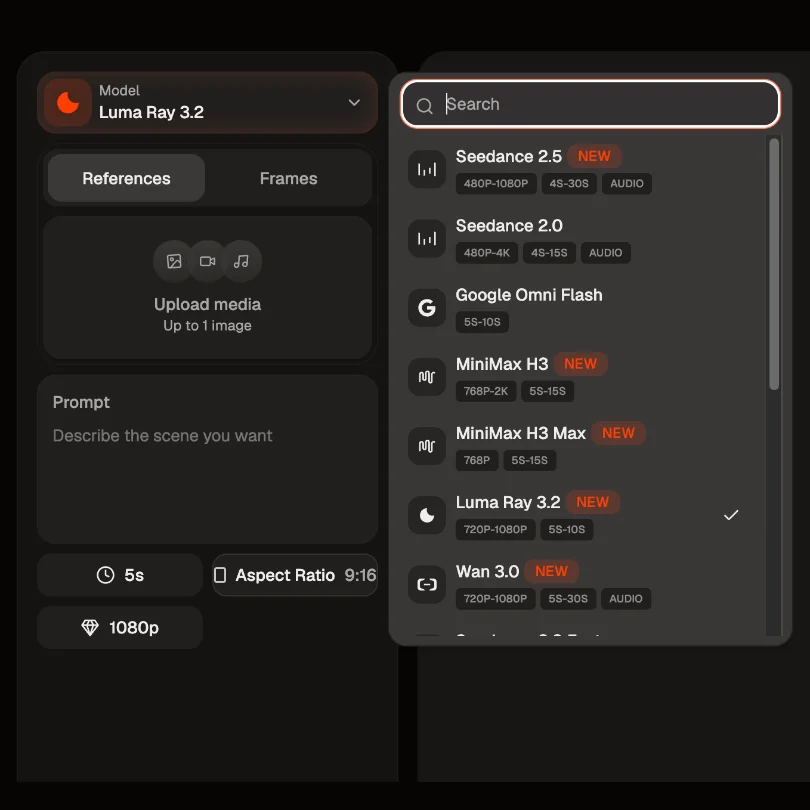
Open the Content Studio and select Luma Ray 3.2. Start from a prompt, animate a first frame, or bring in footage you want re-rendered. Reference images lock the subject and the style before you write a word.
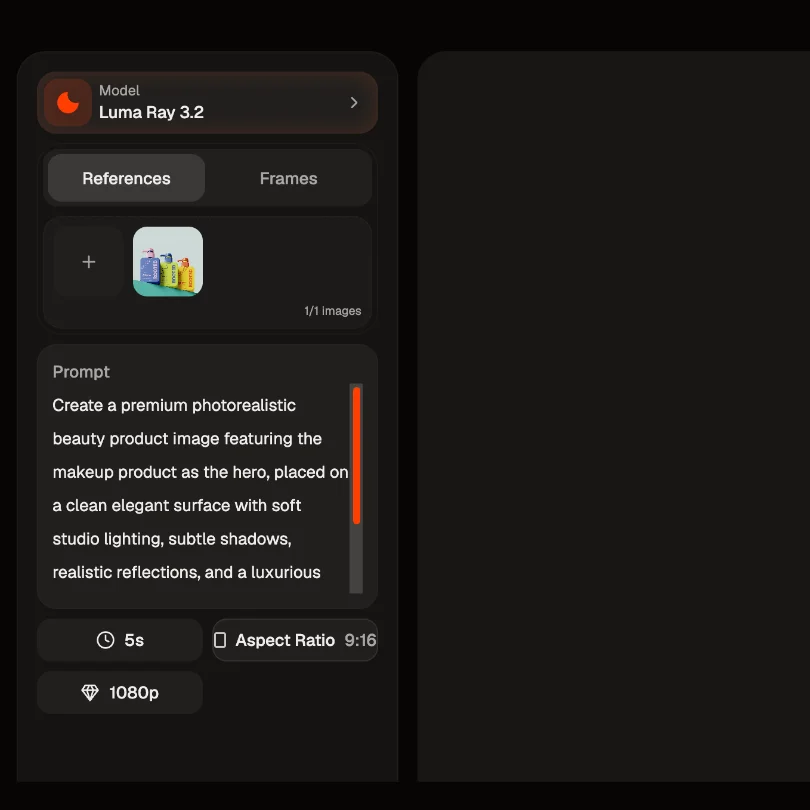
Describe the setting, the lighting, the subject, and the camera path. Then pin your keyframes where the beats belong, whether that is a product hitting frame at two seconds or a logo landing on the final frame. Ray 3.2 rewards specific direction and structured shots.
Choose 540p, 720p, or 1080p, a five or ten second duration, and your aspect ratio from 21:9 through to 9:16. Turn on HDR and EXR export if the clip is heading into a grade, or seamless looping on a five second clip. Click Create, then refine with an edit rather than a re-roll.
Luma built Ray 3.2 with people from film, advertising, and games. It is less a prompt box and more a director's chair.
Multi-Keyframe lets you pin up to sixteen frames inside a single clip and place each one at an exact point on the timeline. You decide where the look changes, where the motion lands, and where the beat hits. Ray 3.2 interpolates the rest. That is how a storyboard survives contact with a video model.
Expressive Facial Performance transfers the full expression state frame by frame, for up to eight faces at once, rather than tracking a handful of points. Camera Tracking holds the camera path and framing steady, and Improved Motion Transfer lifts the motion from one clip onto a new subject or scene. The read on the actor's face stays the same across every variant.
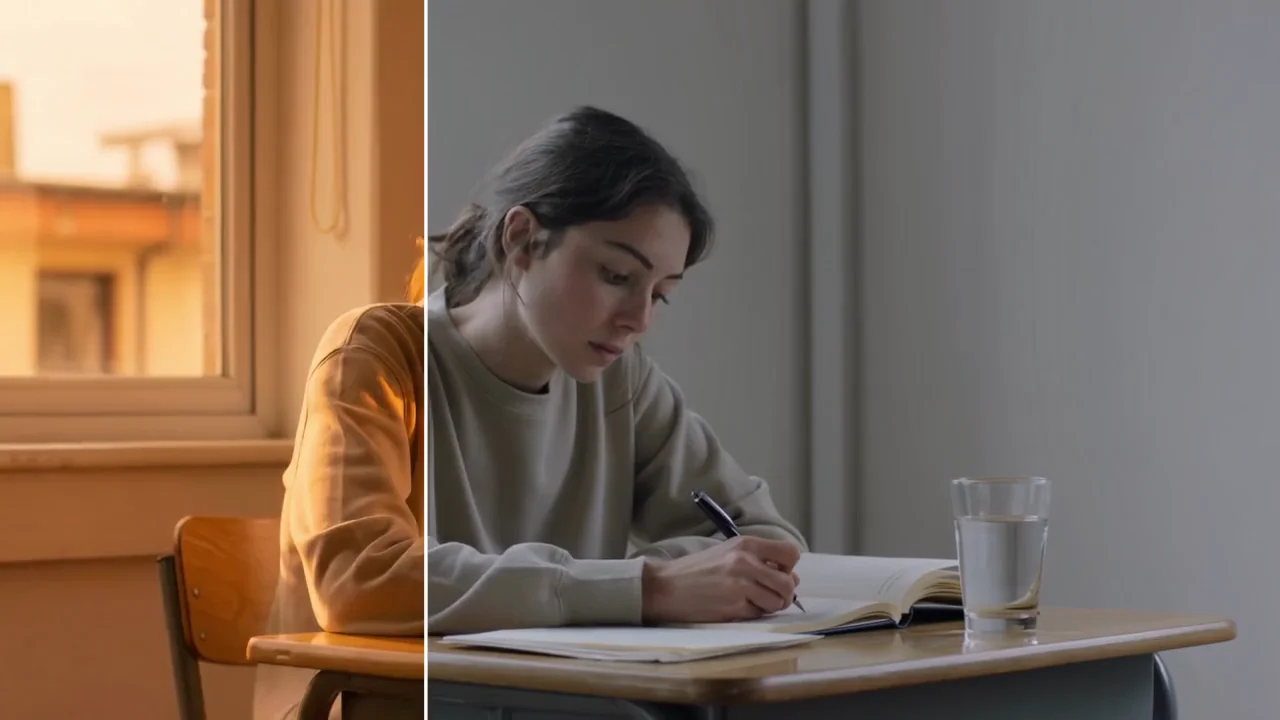
Reframe changes the aspect ratio, extends the frame, and replaces the background while the original lighting holds. Modify Video V2 re-renders footage you already shot or generated, and you choose how far it goes: adhere to stay close to the source, flex for balance, or reimagine to push it. Client feedback becomes a targeted edit instead of a reshoot.
Ray 3.2 generates native 16-bit HDR colour, wide gamut and gradeable from the first render, and exports 16-bit EXR frames in ACES2065-1. That drops into Resolve for a colourist or Nuke for a comper as cleanly as any other source, sitting on the same timeline as live-action plates. Output is 1080p across the model.
One directed master, then every version you need from it.
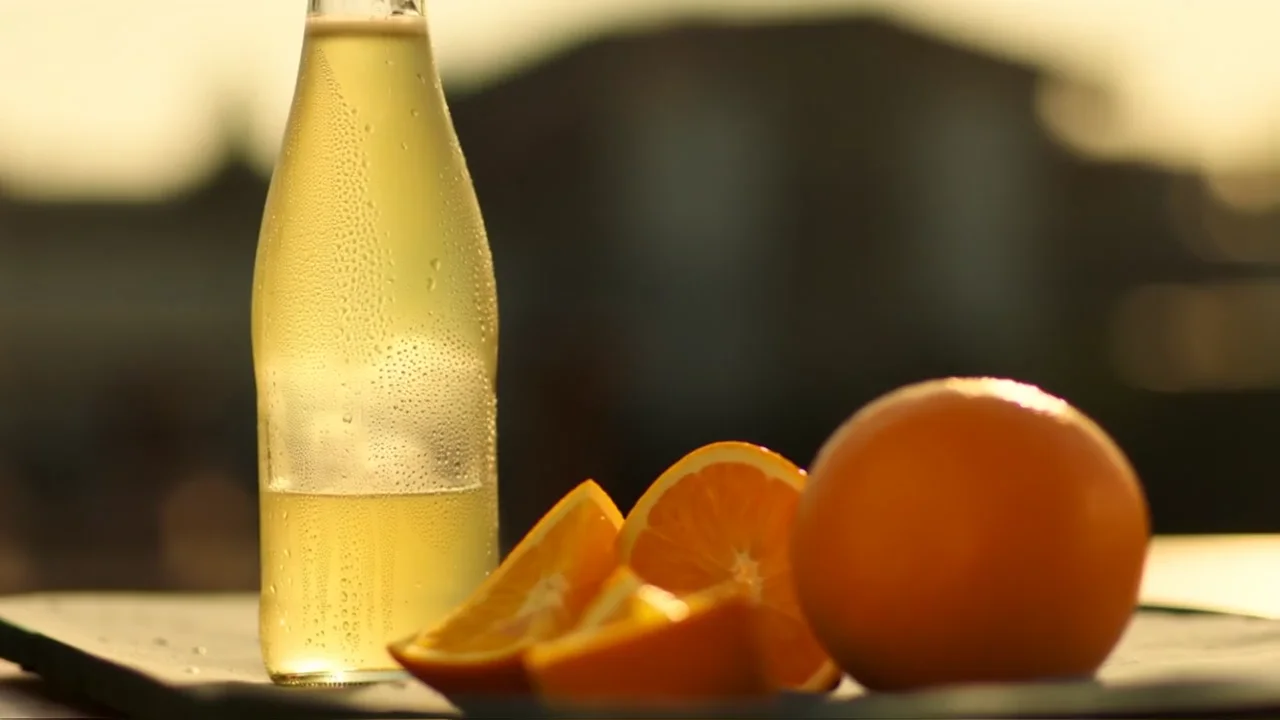
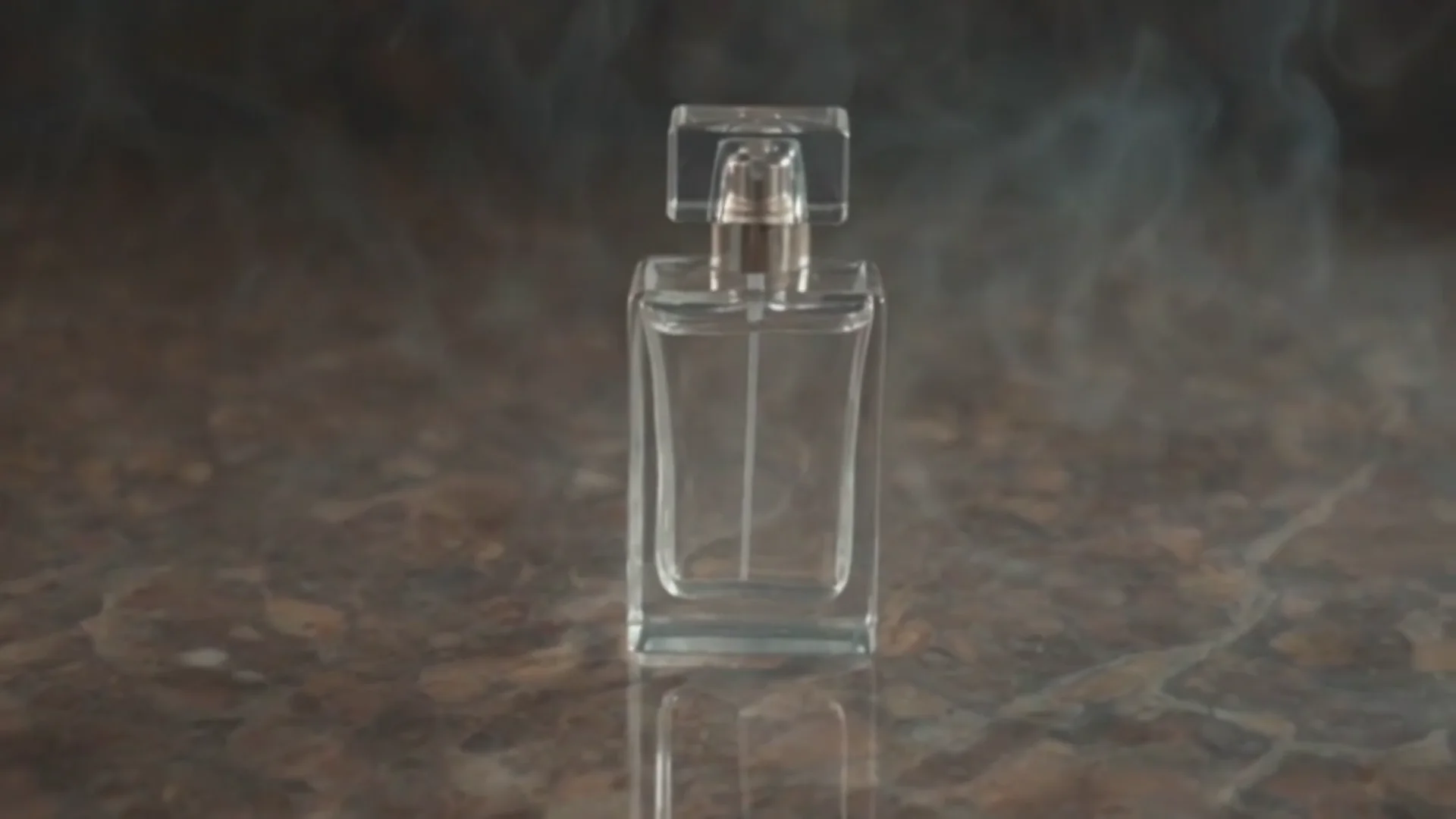
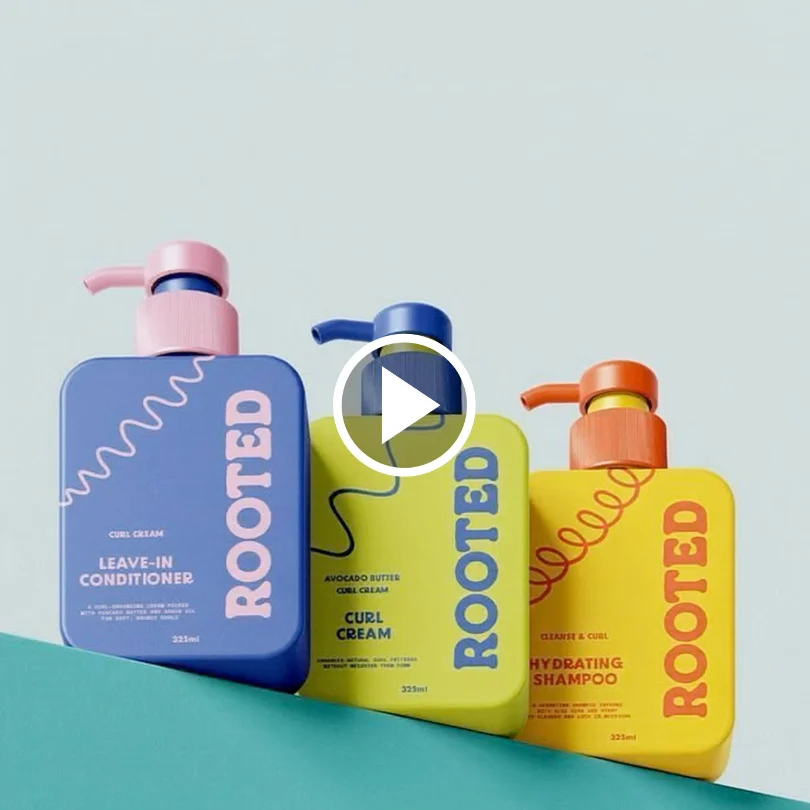
Same beat, different bottle. Multi-Keyframe locks the framing around the product reveal, then Modify Video V2 re-renders the scene with the new SKU or packaging swapped in. The hero's reaction and the lighting hold across every variant, so a range of twelve products does not mean twelve separate shoots.
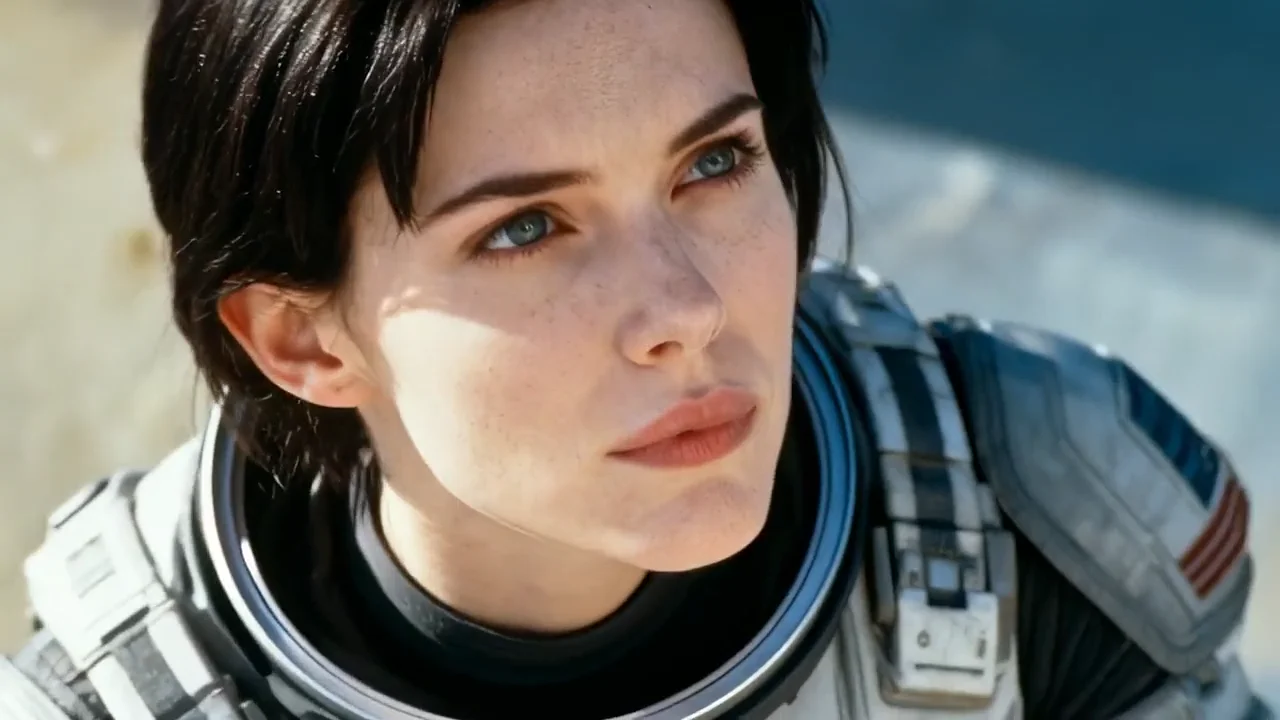
Build a face for your brand and keep the performance, not just the likeness. Ray 3.2 carries the full expression state frame by frame for up to eight faces, along with posture and gesture, so the same person reads the same way from clip to clip. Your audience starts recognising you rather than a different stock face each week.
Give Ray 3.2 an opening frame and a closing frame and it interpolates the move between them, or add keyframes in the middle to control exactly how the reveal unfolds. That suits before-and-after beats, day-to-night shifts, and reveals where a brand-safe first and last frame is not negotiable.
Cut once, then let Reframe do the rest. It reshapes a finished shot into 9:16 for Reels, 1:1 for the feed, or 21:9 for a hero banner, extending the frame with content that matches the scene instead of cropping your subject in half. Reflections, shadows, and lighting stay consistent in the space it adds.
Luma Ray 3.2 is Luma Labs' current video model, released in June 2026 and available inside HeyOz. It is built for direction rather than prompting: frame-level keyframe control, performance and camera transfer, reframing after the take, and native HDR with EXR export. It also marks the first time the Ray model has been exposed as a full API.
Multi-Keyframe lets you set up to sixteen individual frames inside a single clip, each pinned to an exact position on the timeline. You can export a frame, restyle it in an image tool, and feed it back in at the same index, and Ray 3.2 will interpolate the look across the rest of the shot. It is what makes narrative timing repeatable.
No. Ray 3.2 is a picture-only model, so audio is a separate pass. Add score, voiceover, or effects with a dedicated audio model afterwards. If you need dialogue and ambience generated in the same take as the video, use a model with native audio instead and keep Ray 3.2 for the shots that need directing and grading.
Text to video and image to video run at 540p, 720p, or 1080p in five or ten second clips, across 21:9, 16:9, 4:3, 1:1, 3:4, and 9:16. Modify Video V2 goes up to twenty seconds, at ten, fifteen, or twenty. Seamless looping works on five second clips only, and HDR plus EXR export needs 720p or above.
Pick the right engine for the job - all in one place.
Start Now. No agency, no brief, no blank screen.