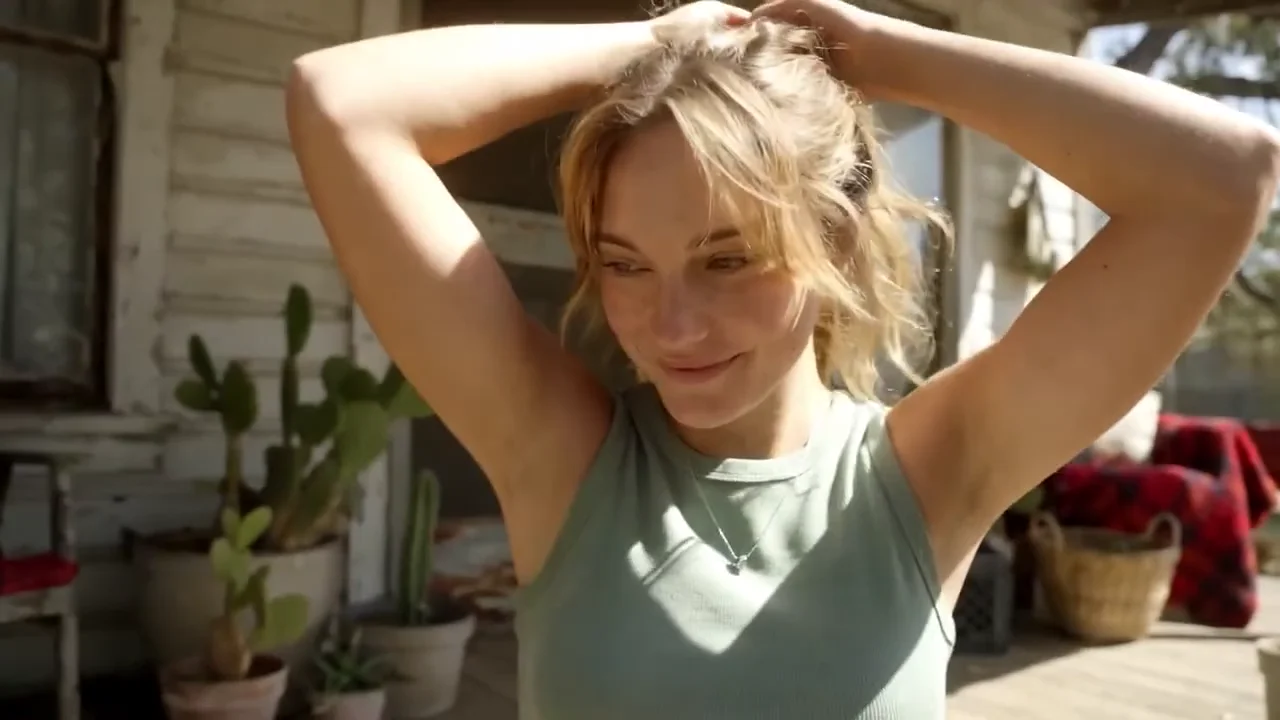
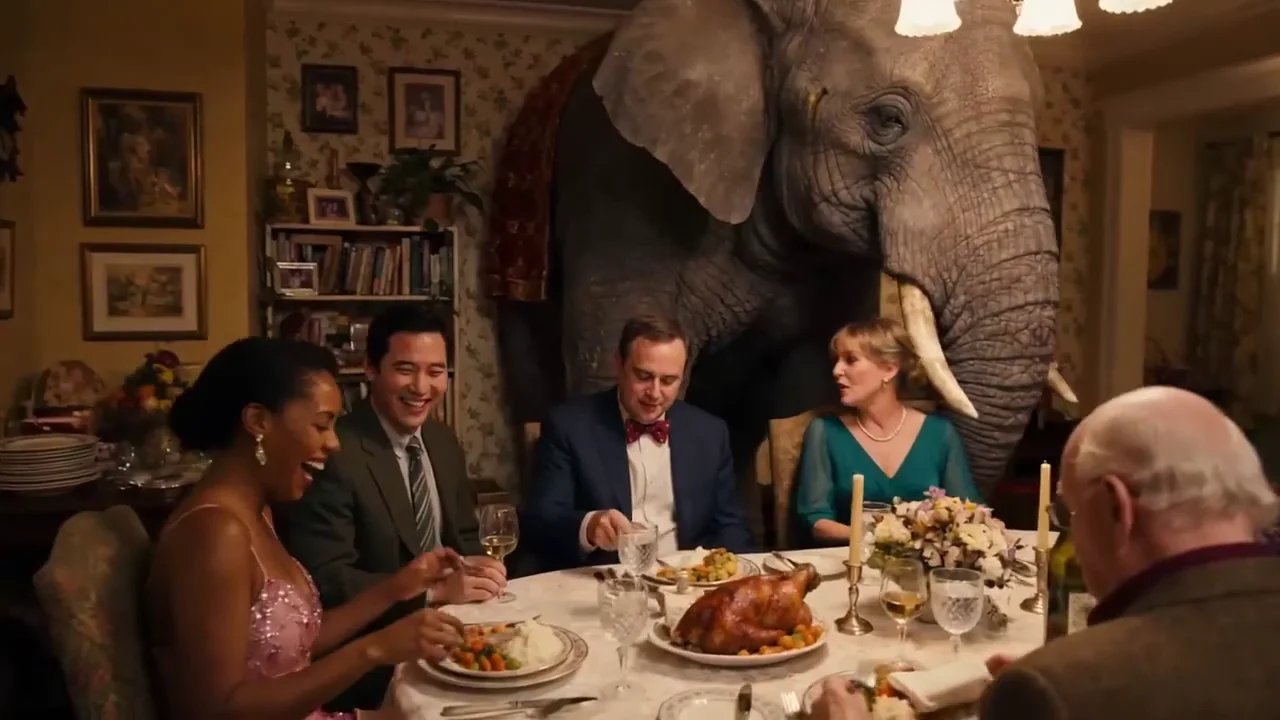
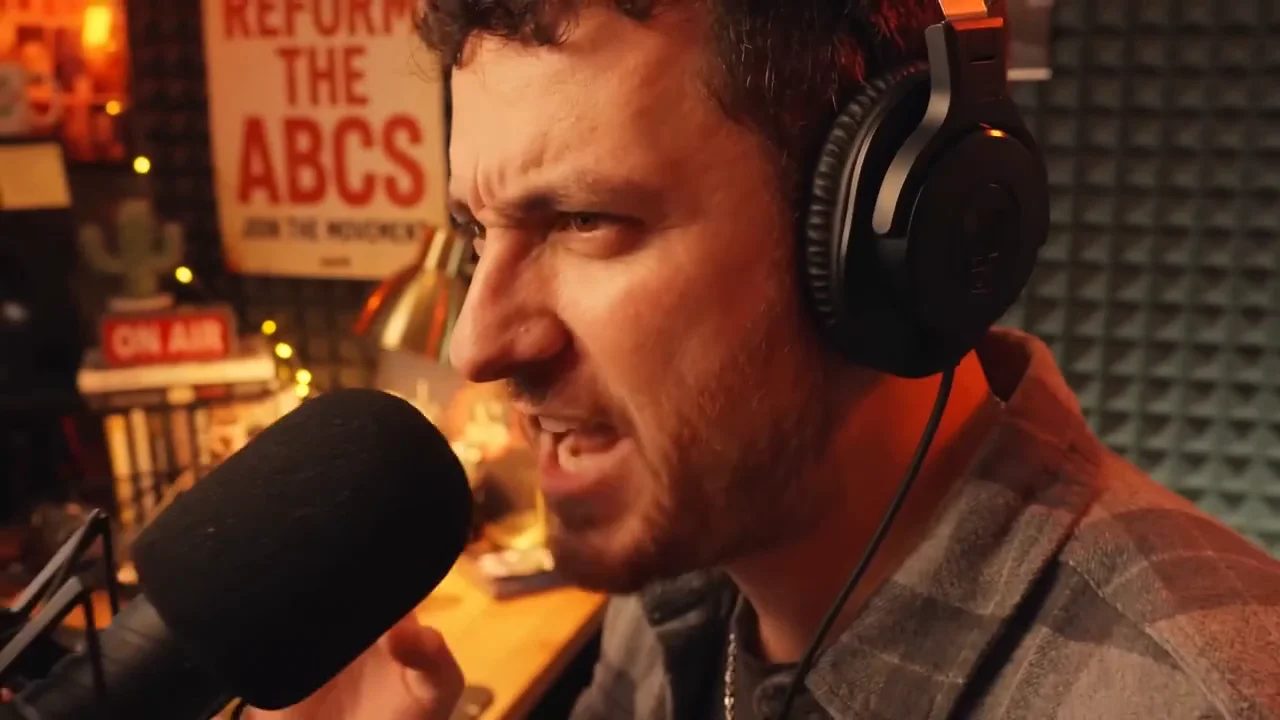
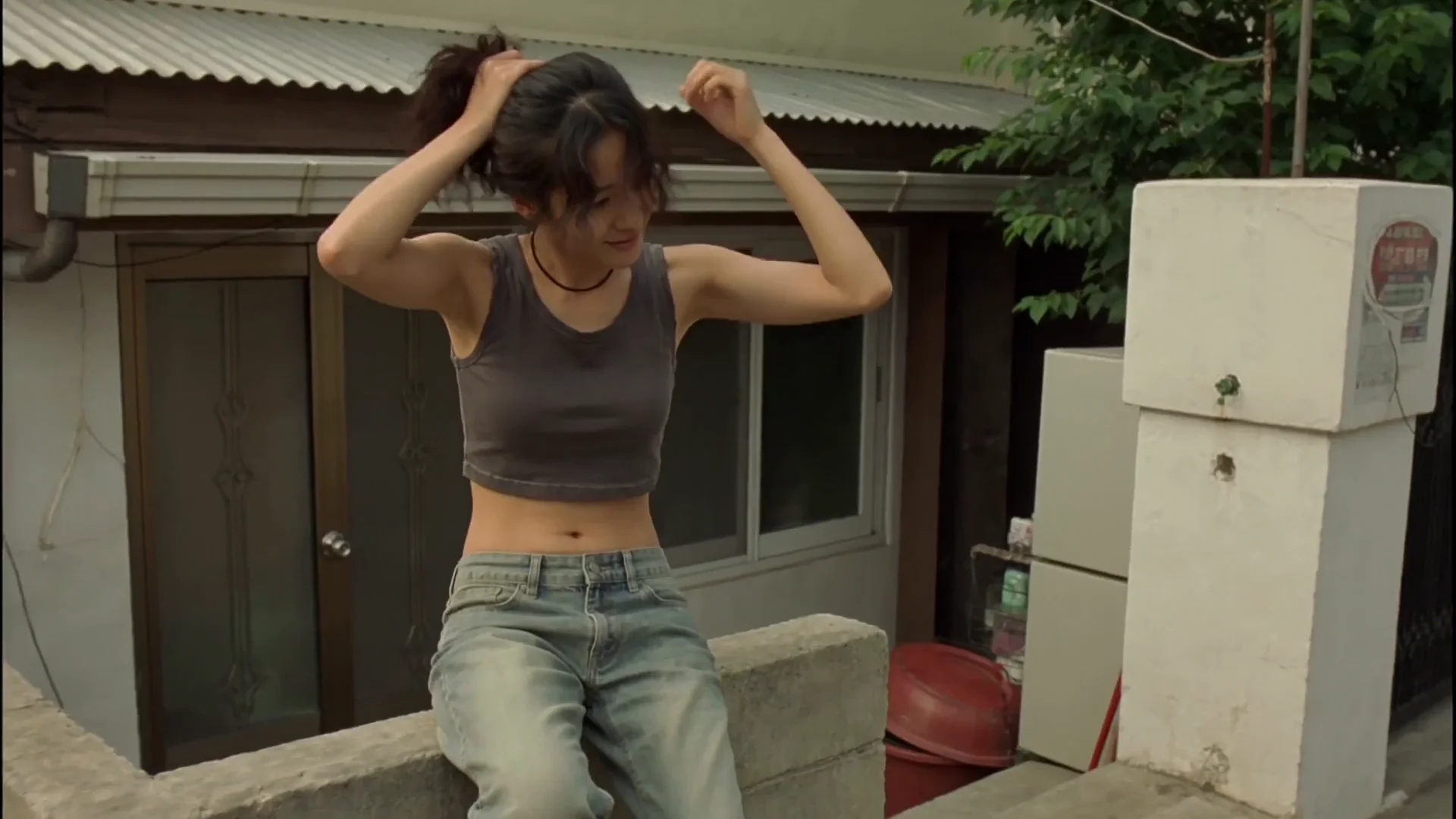
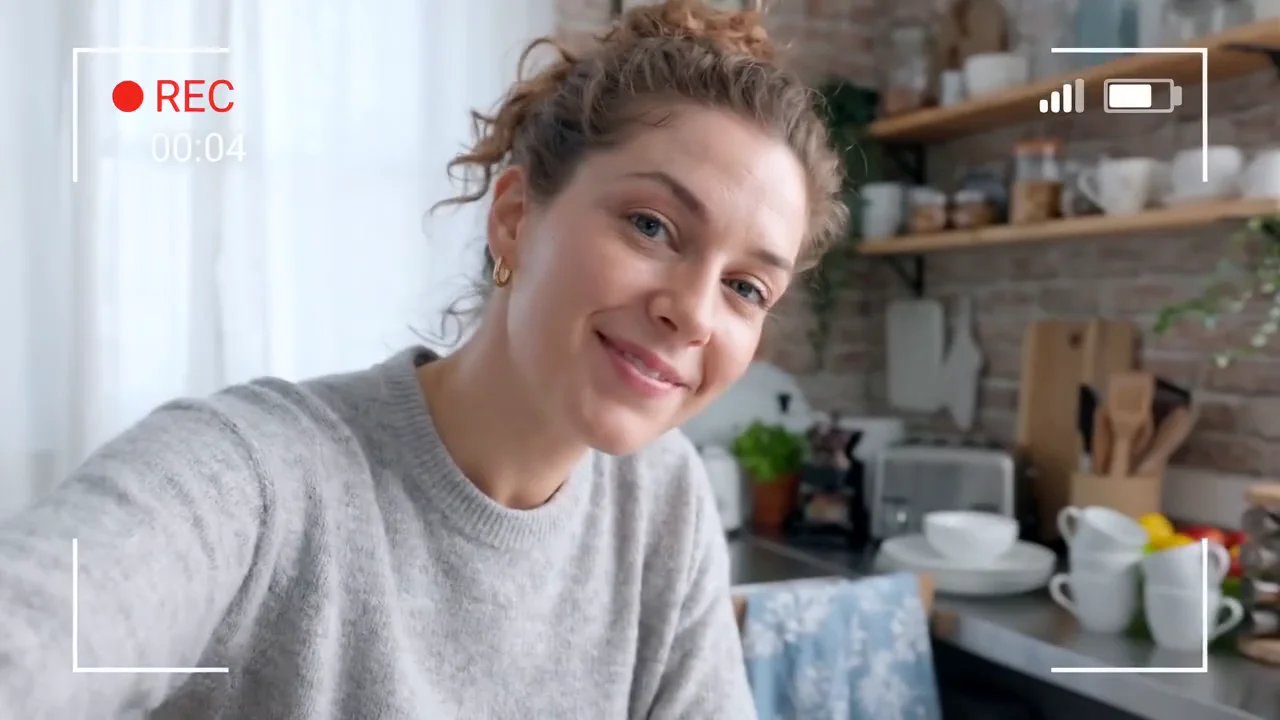
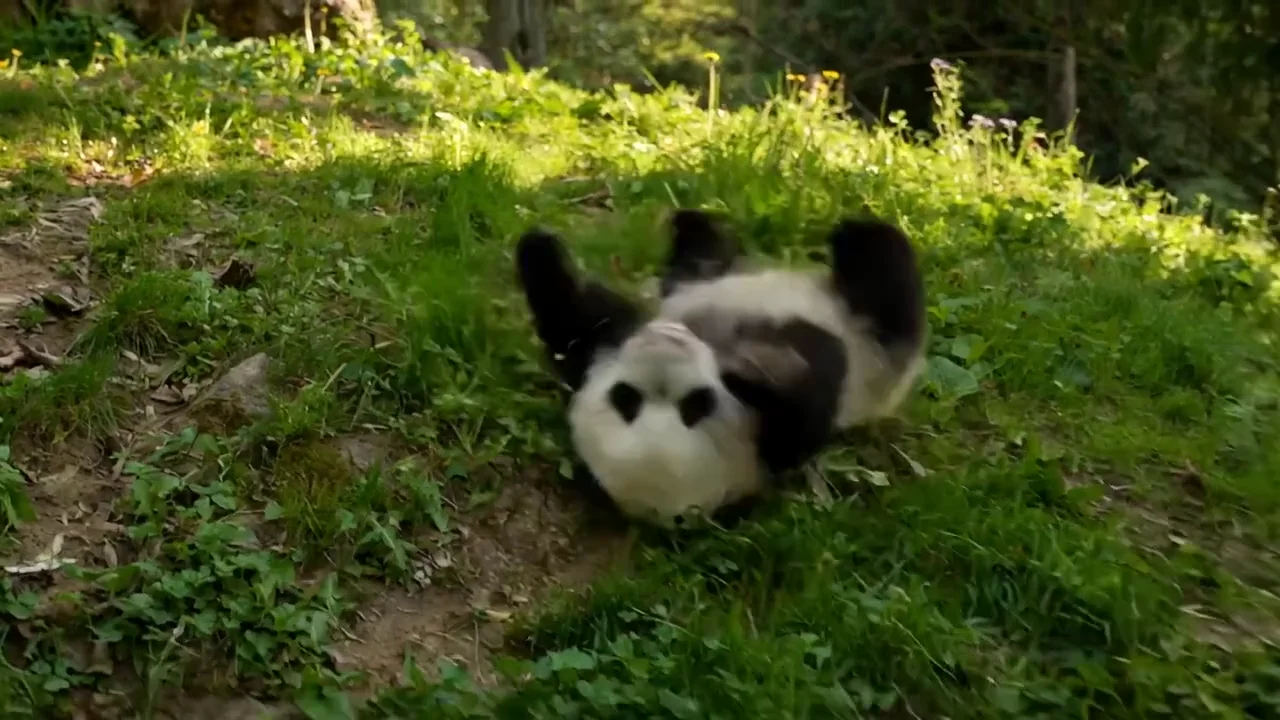
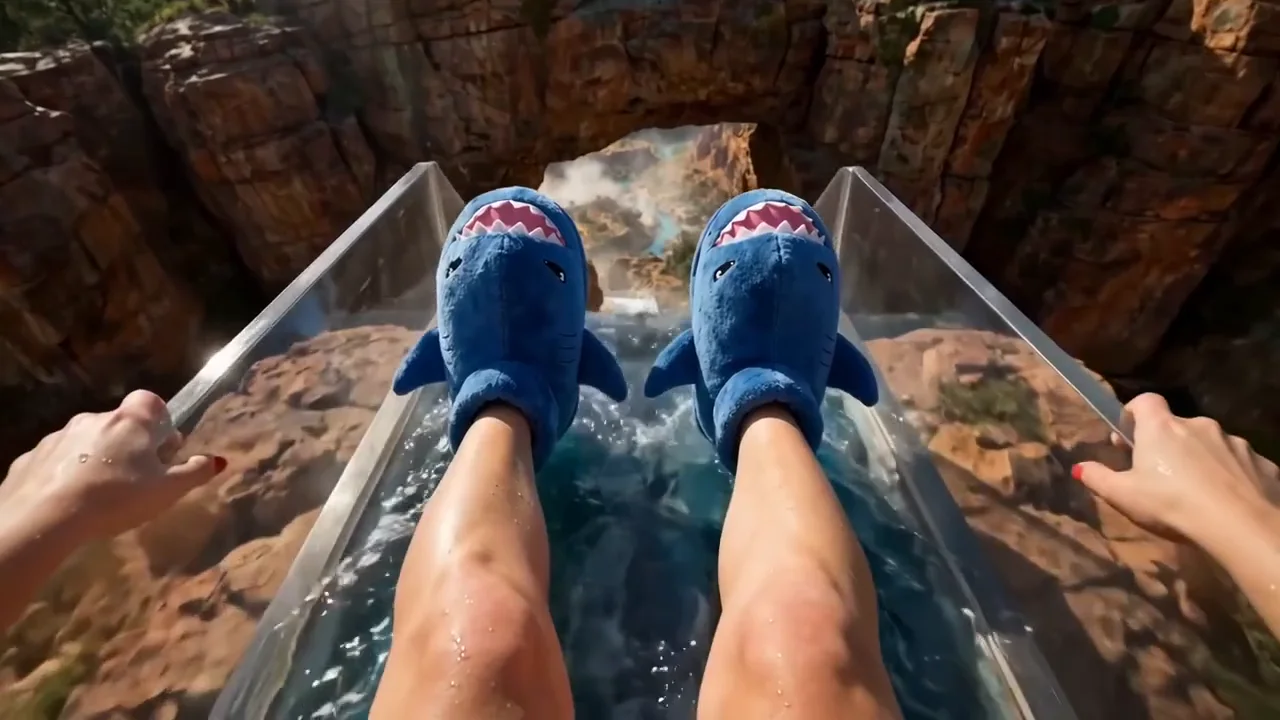
One model for every modality. MiniMax H3 reads text, images, video, and audio in a single context and returns up to fifteen seconds of 2K video with native stereo sound. Generate a scene, lock a character from a reference, or edit footage you already have, all from the same model inside HeyOz. No camera. No crew. No separate audio pass.
Brand films, product reveals, character work, and stylized animation, all built with MiniMax H3 on HeyOz. One model for generating, referencing, and editing. Picture and sound in the same pass, at 2K.
Creator-grade footage, without the shoot day. Three steps, one model, three ways in.
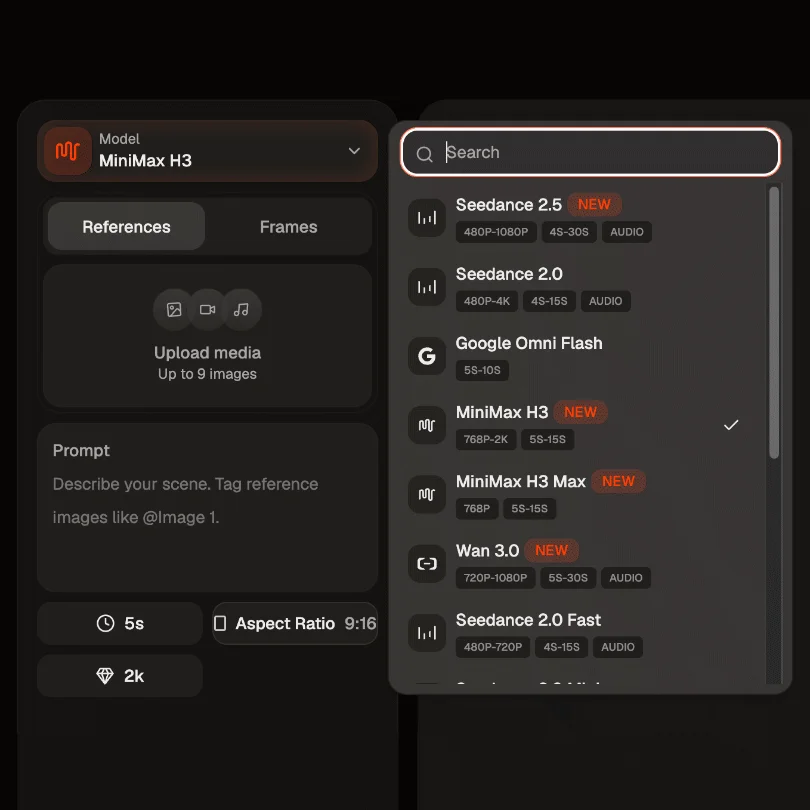
Open the Content Studio and select MiniMax H3. Start from text alone, hand it an opening and closing frame, or upload your references: product shots, a face, a clip whose camera move you want, an audio track. Whatever you bring anchors the look before you write a word.
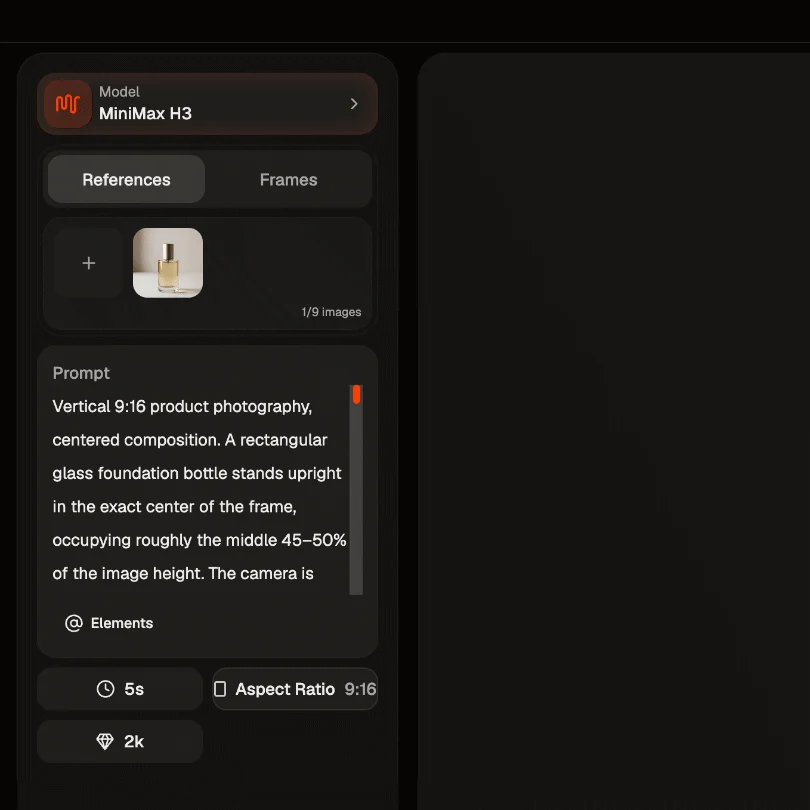
Name what each input is for. Image 1 is the locked character, Video 1 sets the motion, Image 2 sets the style. Then write the scene, the lighting, the camera path, and the sound. Prompts run up to 7,000 characters, so a full timed shot list fits in one request.
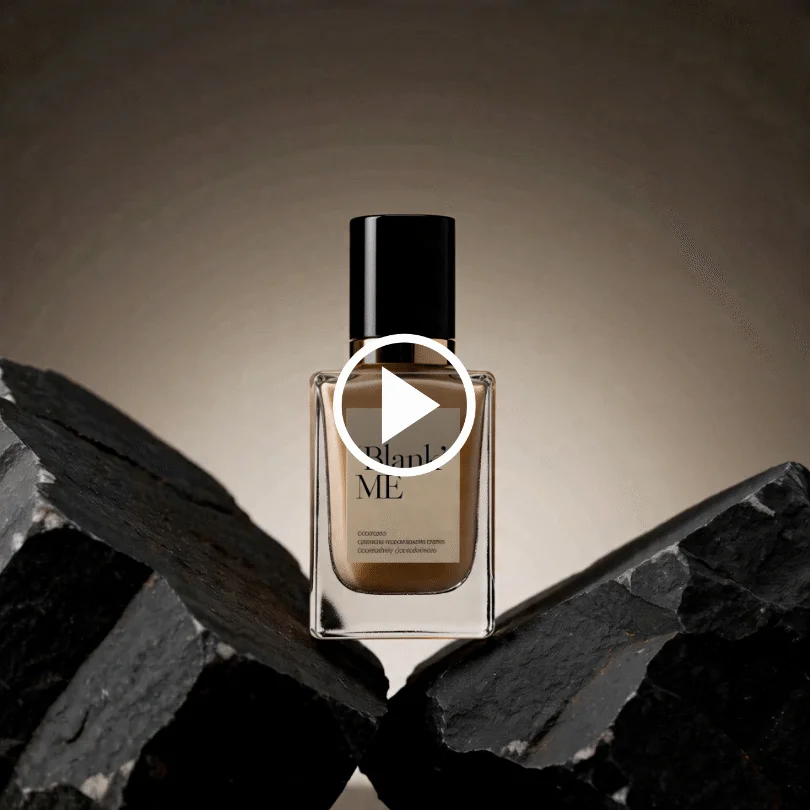
Choose a duration between five and fifteen seconds and an aspect ratio, from 21:9 down to 9:16, or let the model pick the one that suits your references. Click Create. MiniMax H3 builds picture and sound together at 2K. Preview it, edit a detail with a follow-up prompt, and download it clean.
An open-weights, general-purpose video model. Where older pipelines needed a different tool for every job, MiniMax H3 does generation, referencing, and editing in one.
Pass up to nine reference images, three video clips, and three audio tracks in a single generation, twelve files in total. MiniMax H3 reads identity from a photo, camera language from a clip, cutting rhythm from a reference edit, and a voice from a recording, then carries all of it into one coherent result. Give every reference an explicit job in the prompt and it holds to it.
Swap a product, rewrite signage, replace a line of dialogue, relight a scene from day to night, or add and remove objects. The edit lands where you asked for it and the rest of the shot stays stable. That means you keep iterating on footage you already like instead of rolling the dice on a fresh generation.
Every generation returns native stereo audio: original score, dialogue, foley, and room tone timed to the cut. Hand MiniMax H3 a reference recording and it transfers or clones that voice onto your character while keeping the performance intact. It can also replace a spoken line in existing footage. No stitching. No drift. No second app.
MiniMax H3 renders at 2K and 24 frames per second, putting 1,440 pixels on the short edge and reaching roughly 3.7 megapixels on wider formats. It also renders type properly, so titles, subtitles, packaging copy, and brand marks come back readable rather than approximated. Crop for a feed or reframe for another platform and it still holds up.
One model for the content your brand actually needs.
Feed in your real product photos as references and MiniMax H3 keeps that exact item at the centre of the shot, label and finish included. Direct the camera to push in on the detail that sells it, and the sound arrives with the picture, so the pour, the click, and the snap all land where they belong.
Build a face for your brand and reuse it. Pass a locked character reference and MiniMax H3 holds the face, hair, wardrobe, and proportions through pose, scene, and lighting changes. Add a voice recording and the same person sounds the same too. Your audience starts recognising you, not a different stock face every week.
Hand MiniMax H3 an opening frame and a closing frame, then describe the change between them. The model builds the bridge as one unbroken move. That makes it a fit for before-and-after beats, day-to-night shifts, and clean product reveals where the start and the end both matter.
You have a clip that works and now you need six versions of it. Change the product on the shelf, rewrite the on-screen offer, swap the language of the voiceover, move the scene from day to night. MiniMax H3 edits in place, so the winning creative stays intact while everything around it changes.
MiniMax H3 is an open-weights, general-purpose multimodal video model, available inside HeyOz. Rather than a separate model for each task, it reads text, images, video, and audio in one context and generates from any mix of them. That covers text to video, first and last frame, reference to video, and precise editing of footage you already have.
Yes. Every generation includes native stereo audio: original score, dialogue, foley, and ambience timed to the picture. It can also transfer or clone a voice from a reference recording onto your character, and replace a line of dialogue in existing footage while adjusting the performance to match.
Up to nine reference images, three video clips, and three audio tracks, with a maximum of twelve files in one request. Video and audio references run two to fifteen seconds each, and audio has to be paired with at least one image or video. Cite each one by order in your prompt and give it a job, and prompts can run up to 7,000 characters.
H3 is the full frontier model: 2K output, five to fifteen seconds at 24 frames per second, seven aspect ratios, plus the reference and editing endpoints. H3 Max is fal's post-trained variant, tuned for prompt adherence and speed, generating at 768p in under three seconds for a five-second clip. Reach for H3 when you need 2K, references, or edits, and H3 Max when you want volume and speed.
Pick the right engine for the job - all in one place.
Start Now. No agency, no brief, no blank screen.