Midjourney is not one of the models on HeyOz. GPT Image 2.5 is, and for ad production it solves the things Midjourney was never built for: your actual product in the frame, one element changed without redrawing the rest, transparent backgrounds, and headline copy that renders correctly. Different tool, different job.
Static ad creative, product variants, brand faces, and layout work built with GPT Image 2.5 on HeyOz. Twenty edits deep and still the same asset, not a slowly mutating cousin of it.
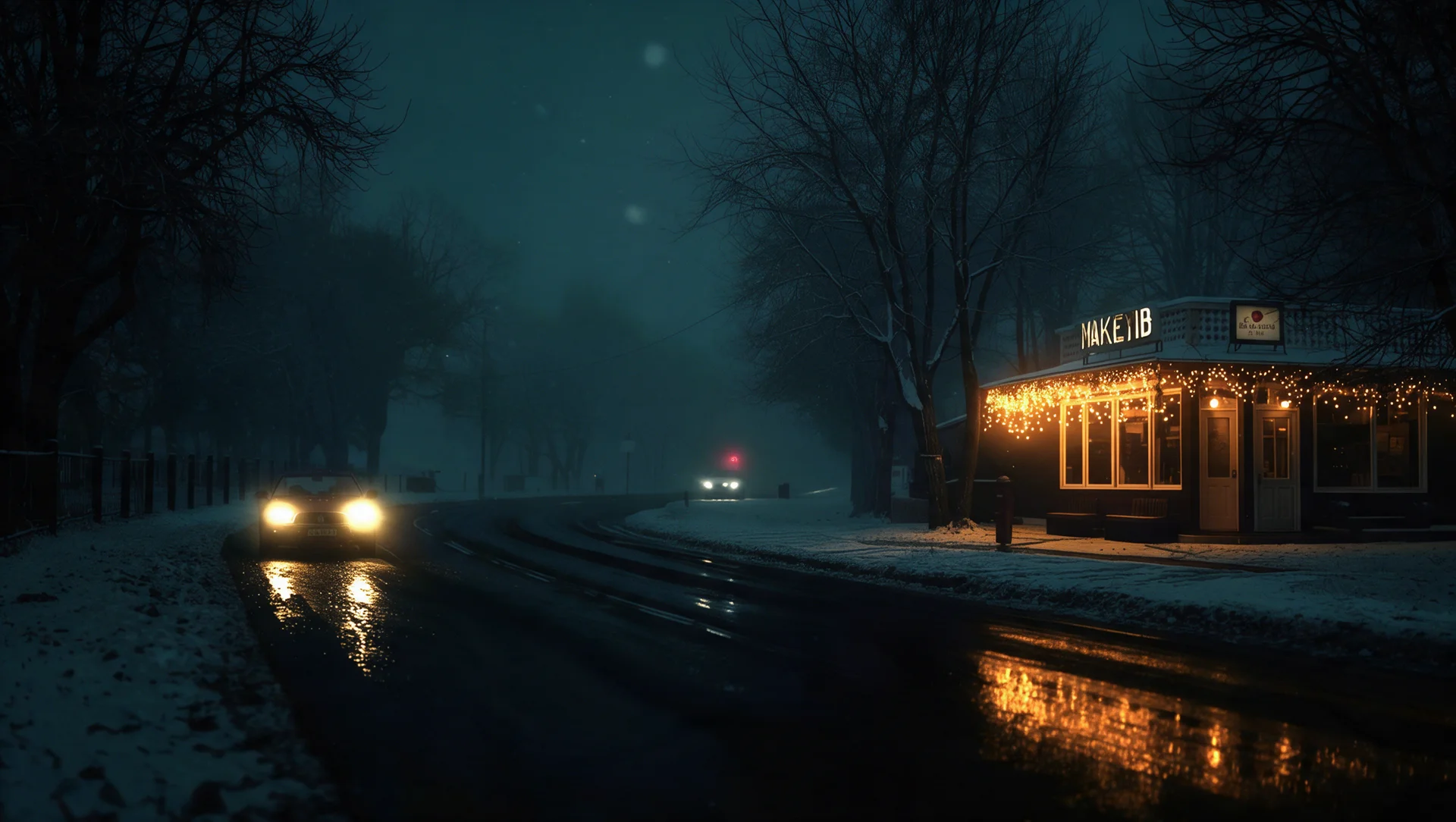
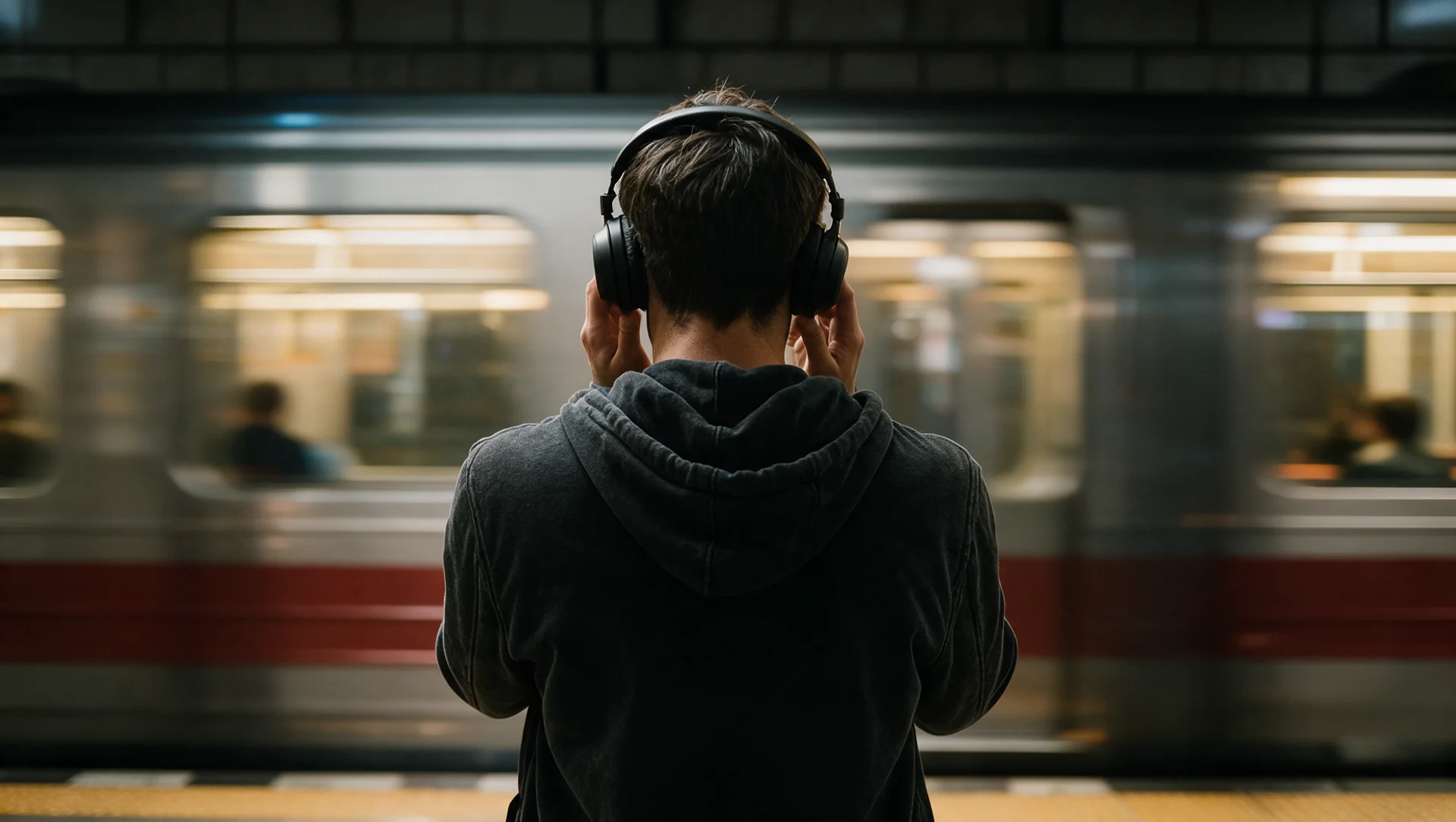
Keep the frames you love. Change how you refine them.
Upload whatever you already have. A Midjourney frame you want to build from, your product photography, a person, a packaging flat, a brand asset. Those references are what GPT Image 2.5 anchors to, so anything that has to stay accurate should go in here.
This is the habit that takes a day to unlearn. No parameter flags, no weights, no stacking modifiers until something clicks. Describe the subject, the setting, the lighting, the layout, and any copy you want in the frame, in plain sentences. Complex structured instructions are what this model is strongest at following.
Generate, look at it, then say what to change. Move the logo, warm the light, swap the flavour, shorten the headline. Each instruction lands on its own without touching the rest, so refinement is a conversation rather than a slot machine. Ask for a transparent background when the asset is heading into a layout.
Nobody is claiming Midjourney makes ugly images. It makes the best ones. It just does not do the parts of commercial work that come after the frame looks good.
If you came here looking for Midjourney specifically, we do not host it, and there is no version of this page that pretends otherwise. What we host is GPT Image 2.5, OpenAI's newest image model, chosen because ad production needs precision more than it needs another aesthetic. If you already have a Midjourney subscription, keep it, and upload those frames here as references.
The familiar Midjourney loop: you get a frame that is 90% right, ask for one adjustment, and get back a different image entirely. GPT Image 2.5 edits the element you named and leaves the subject, the composition, and the treatment untouched. You can run edit after edit in one session, and earlier changes hold instead of quietly degrading.
Midjourney will give you a beautiful bottle. It will not give you your bottle. Upload reference photos to GPT Image 2.5 and the real label, finish, and proportions carry into every new setting and style, and faces stay recognisably the same person. For a catalogue of forty SKUs or a recurring brand face, that is the whole difference between usable and decorative.
Ad assets need to drop into templates and size variants without a cleanup pass. GPT Image 2.5 handles complex layouts, supports transparent backgrounds directly, and renders in-image copy accurately enough to put the headline and the visual in one frame. Images also carry C2PA metadata, which matters increasingly for brand and platform compliance.
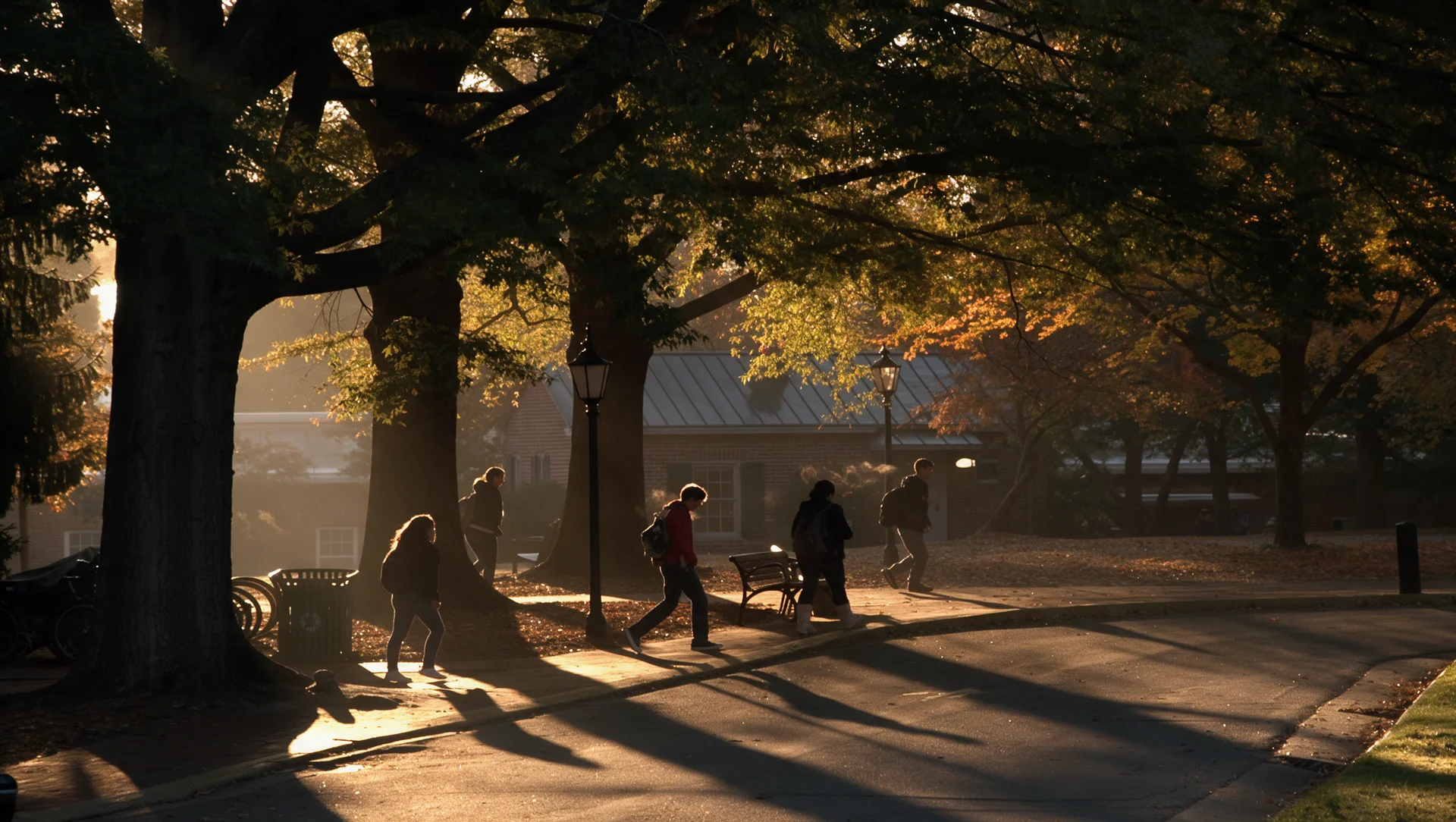
The work that starts after the pretty frame.
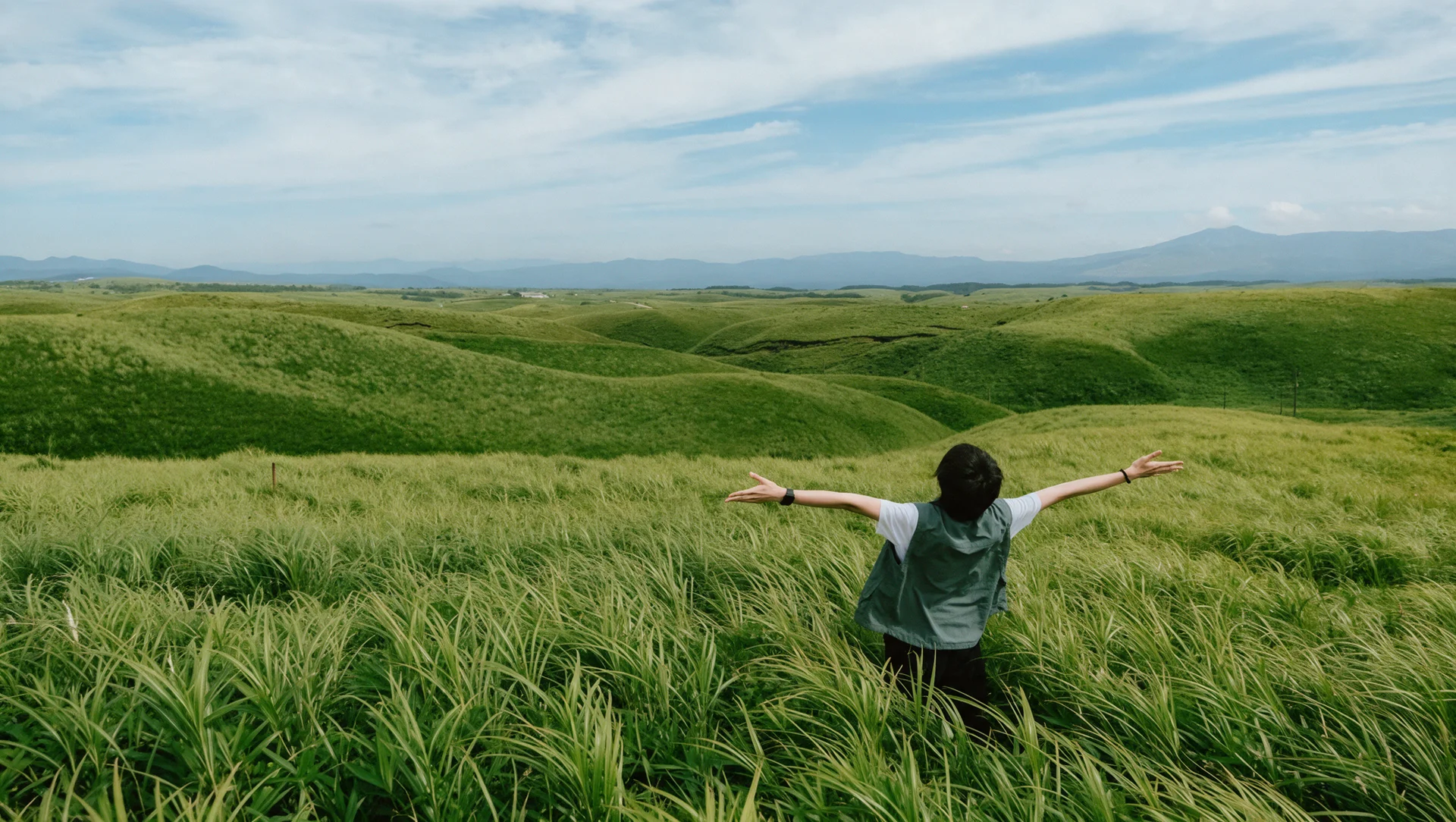
One product photo becomes a full shoot. Put the same item on a marble counter, in a picnic scene, and on a clean studio sweep, and it stays the same item throughout, with the real label and the real finish. Midjourney can give you the mood board for that. This gives you the assets.
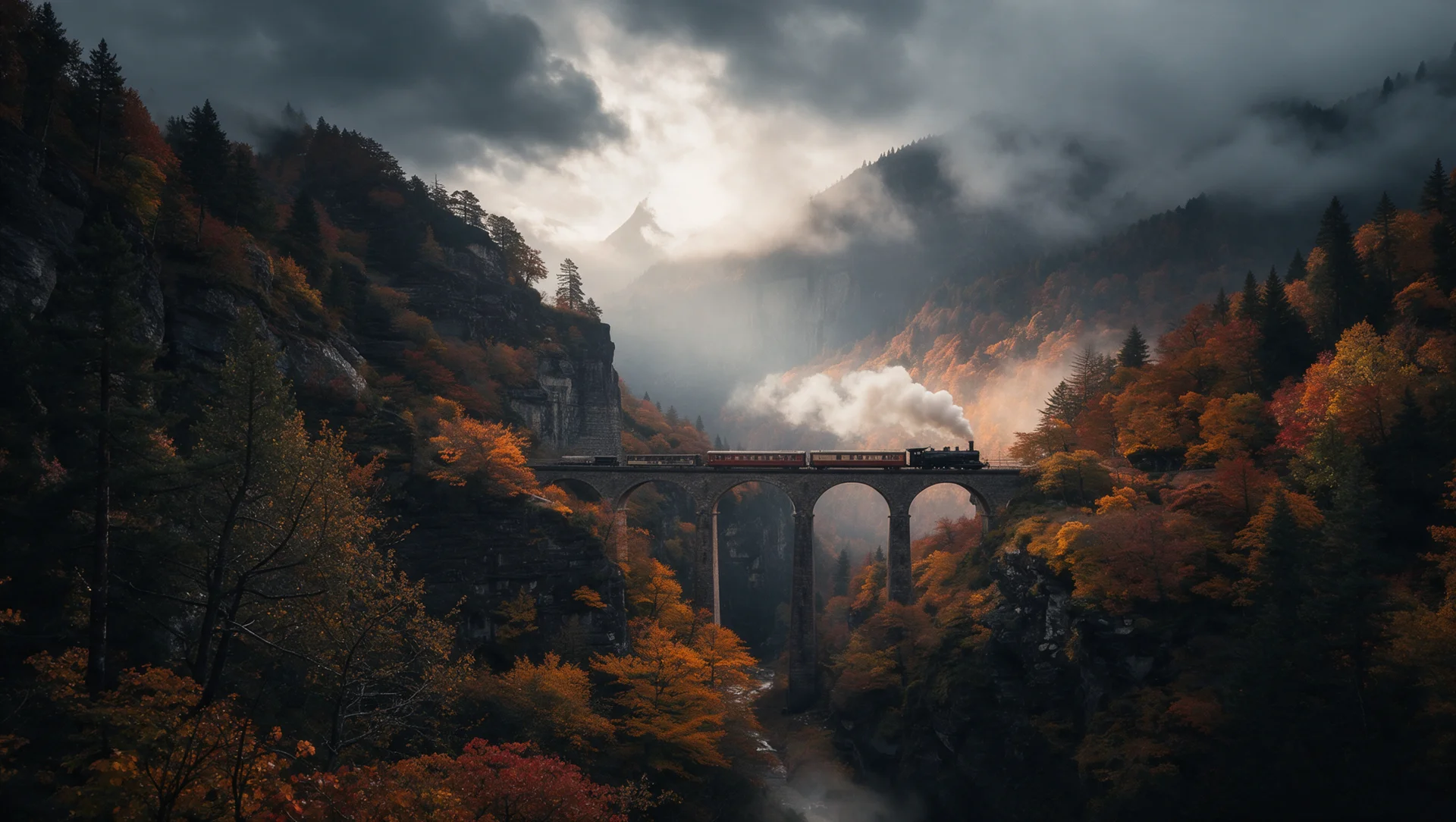
Reference a person and they stay recognisable across outfits, settings, and visual styles, with the features that make them look like themselves carried through. That makes a consistent presenter viable across a whole campaign rather than a face that quietly becomes someone else by the fifth asset.
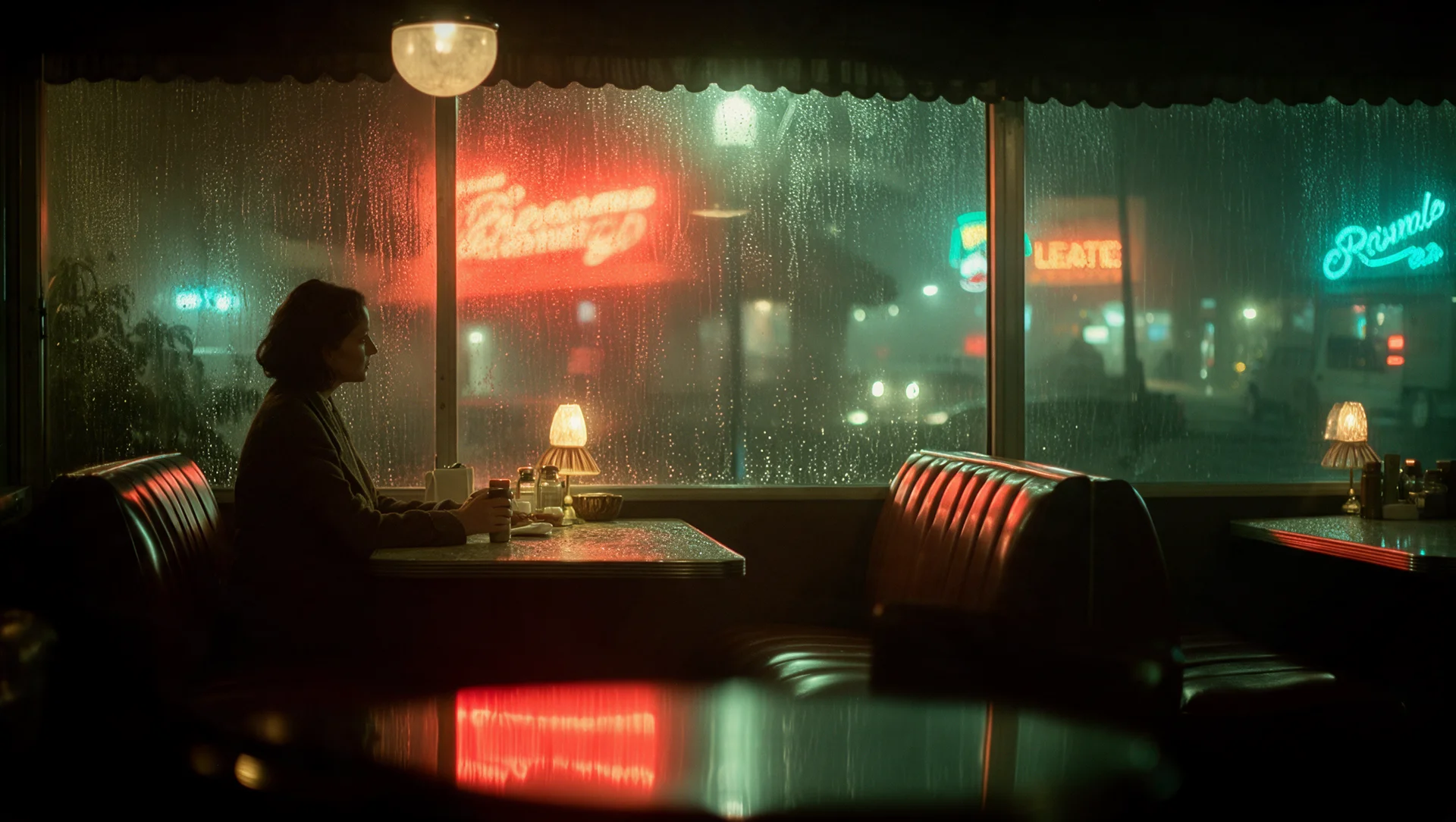
Paid social statics and display banners need the visual and the copy working together in one frame, then the same idea rebuilt at six sizes. Generate the layout with the type in it, then produce the variants by editing rather than regenerating, so the set stays consistent instead of ten cousins of the original.
Images that carry information are where most generators embarrass themselves, Midjourney included. GPT Image 2.5 returns more accurate real-world content and holds a defined structure, so charts, comparison graphics, presentation visuals, and interface concepts keep the hierarchy you asked for rather than inventing their own.
No. We do not host Midjourney, and if its specific look is what you need, its own platform is where to get it. For image work here we run GPT Image 2.5, OpenAI's newest image model, selected because commercial production depends on precision, reference accuracy, and editing more than on any single house style.
Aesthetic control, and it is not close. Style reference codes, adjustable style weight, reusable moodboards, and a Personalization profile trained on your own taste are genuinely unmatched, and its images have a quality other models still chase. It also renders 2K natively with aspect ratios out to 14:1. If the look is the deliverable, use it.
Yes, and plenty of people do exactly that. Generate the look in Midjourney, then upload the frame here as a reference and use GPT Image 2.5 for the production work around it: placing your real product into it, building the size variants, adding the headline, cutting the background out. The two tools sit either side of the same workflow.
Simpler, and it catches people out. There are no parameter flags to learn and no weighting syntax. You write plain instructions and then refine by describing changes, which means the skill shifts from crafting the perfect prompt to knowing what to ask for next. Most Midjourney users are comfortable within an afternoon.
Pick the right engine for the job - all in one place.
Usually people with a beautiful gallery and a production deadline.
You have been generating lifestyle imagery and hitting the same wall: it will not show your actual SKU. Reference your existing photography, generate the scenes around it, then edit a colourway or a background without regenerating the set. New drop, new backdrops, same afternoon.
A clean test needs one variable changed at a time, which is exactly what a reroll cannot give you. Keep the image identical and rewrite only the headline, or hold the copy and change only the setting. The results mean something because nothing else moved.
Midjourney boards are how a lot of pitches get won. This is how the approved work gets delivered. Long revision chains hold up without the asset degrading, so round four still looks like what you presented in round one, and you bill for the thinking instead of the rework.
You are producing more assets than the calendar allows for. Transparent backgrounds, accurate in-image type, and layouts that hold their structure mean output lands closer to finished, and precise editing means a near-miss gets fixed in a sentence instead of a reroll.
Start Now. No agency, no brief, no blank screen.