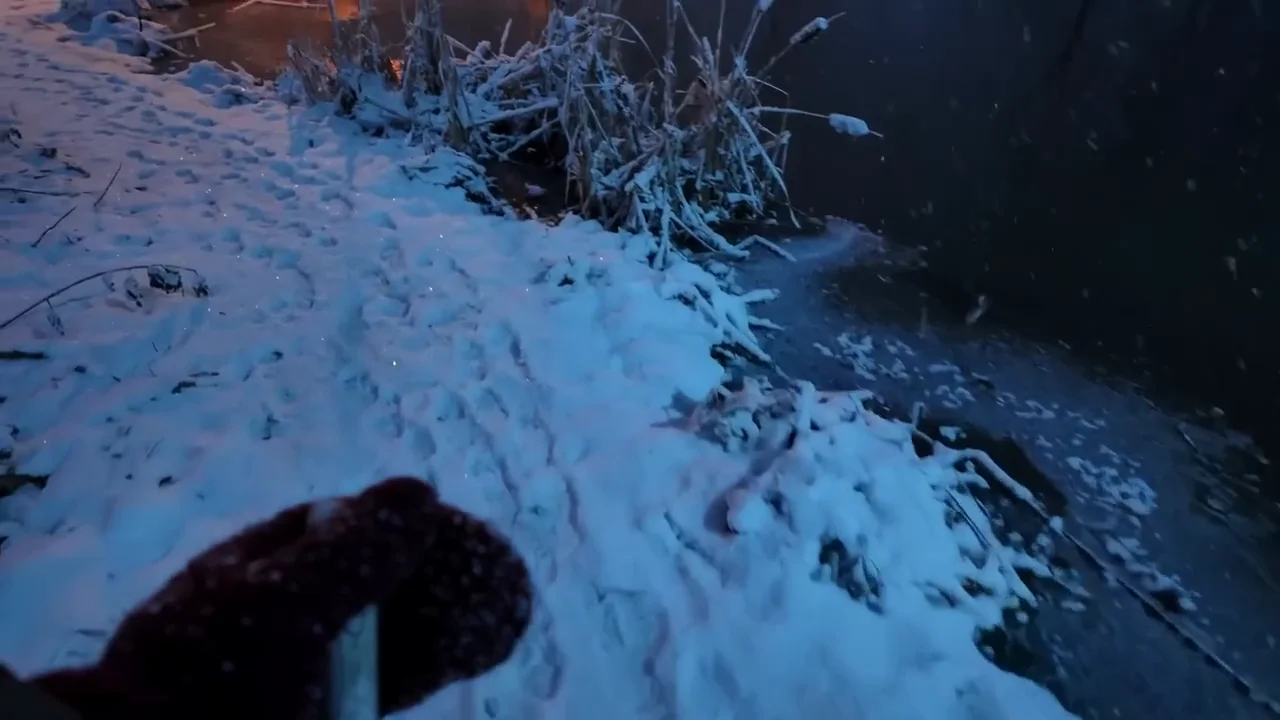
Create images that hit the mark on the first try. Muse Image reads your prompt, thinks it through, and builds exactly what you asked for. Now inside HeyOz. No back and forth. No fighting the tool to get one usable result.
Real product shots, edits, and blended scenes built with Muse Image generation on HeyOz. Precise instructions. Clean edits. Multiple references pulled into one image that actually looks like you pictured it.
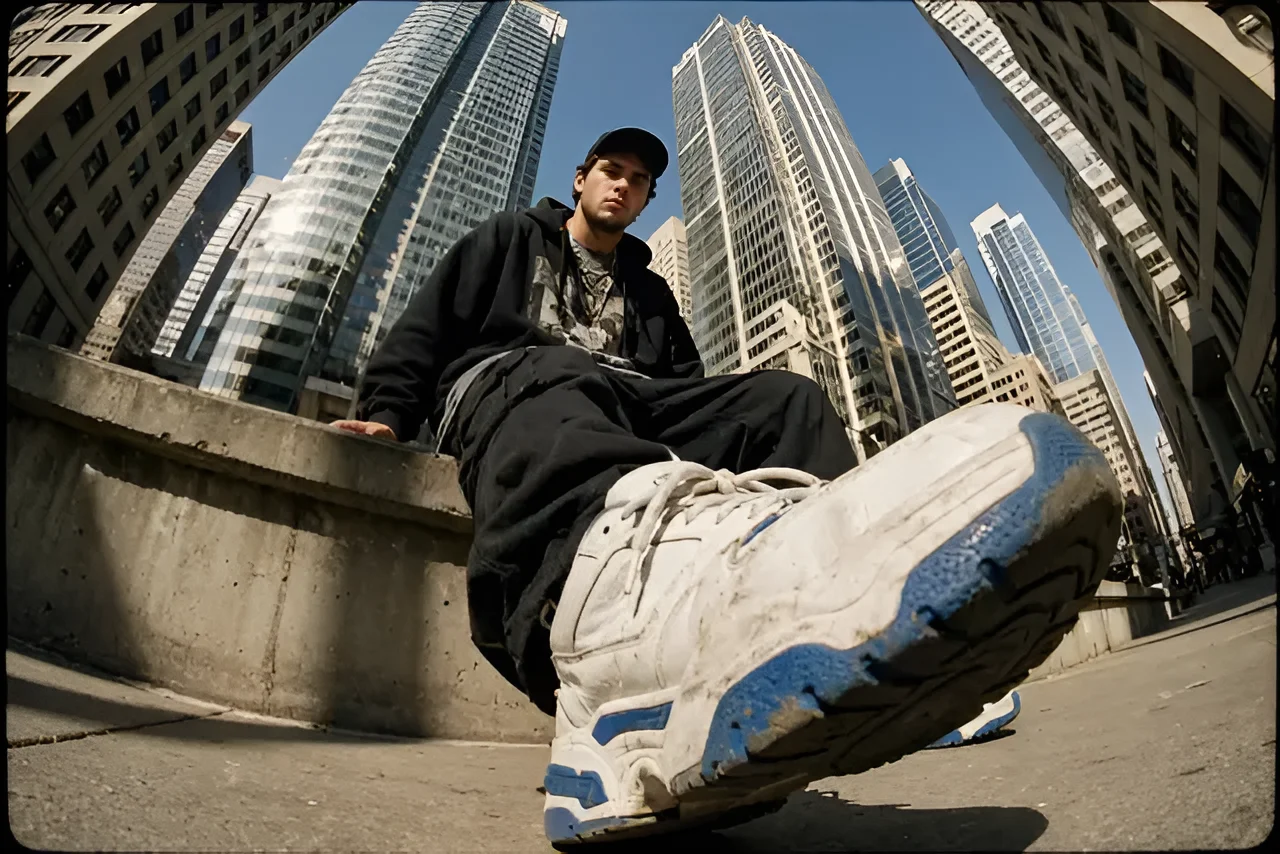
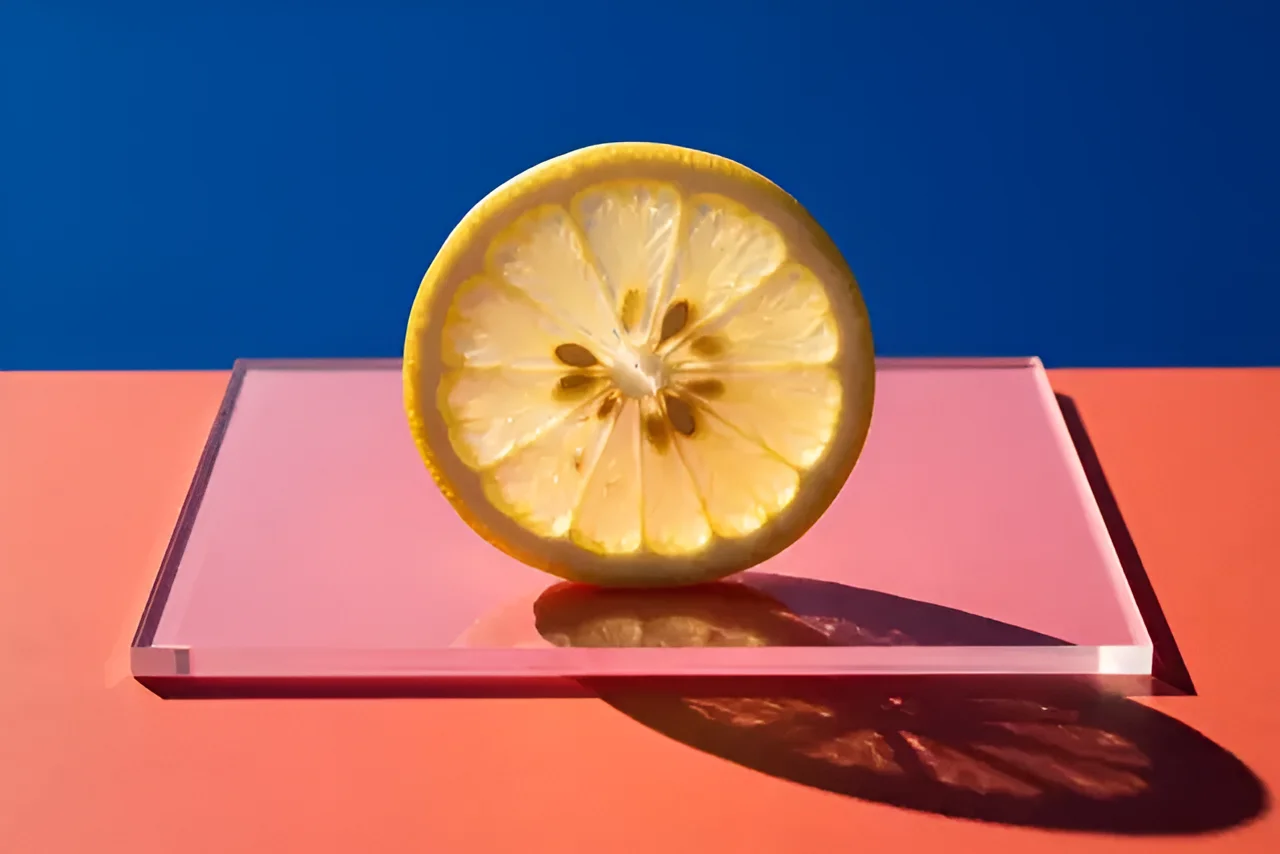
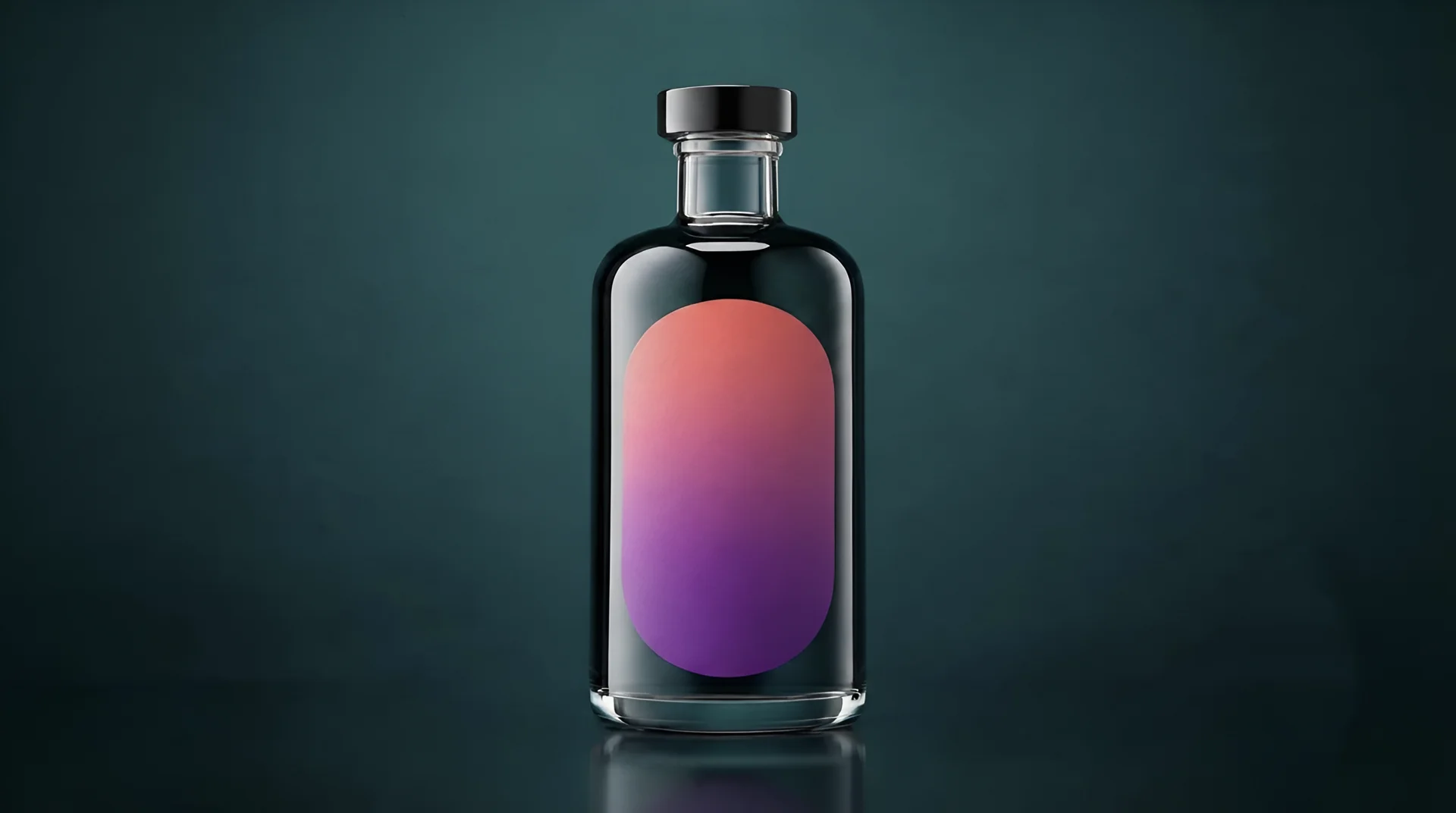
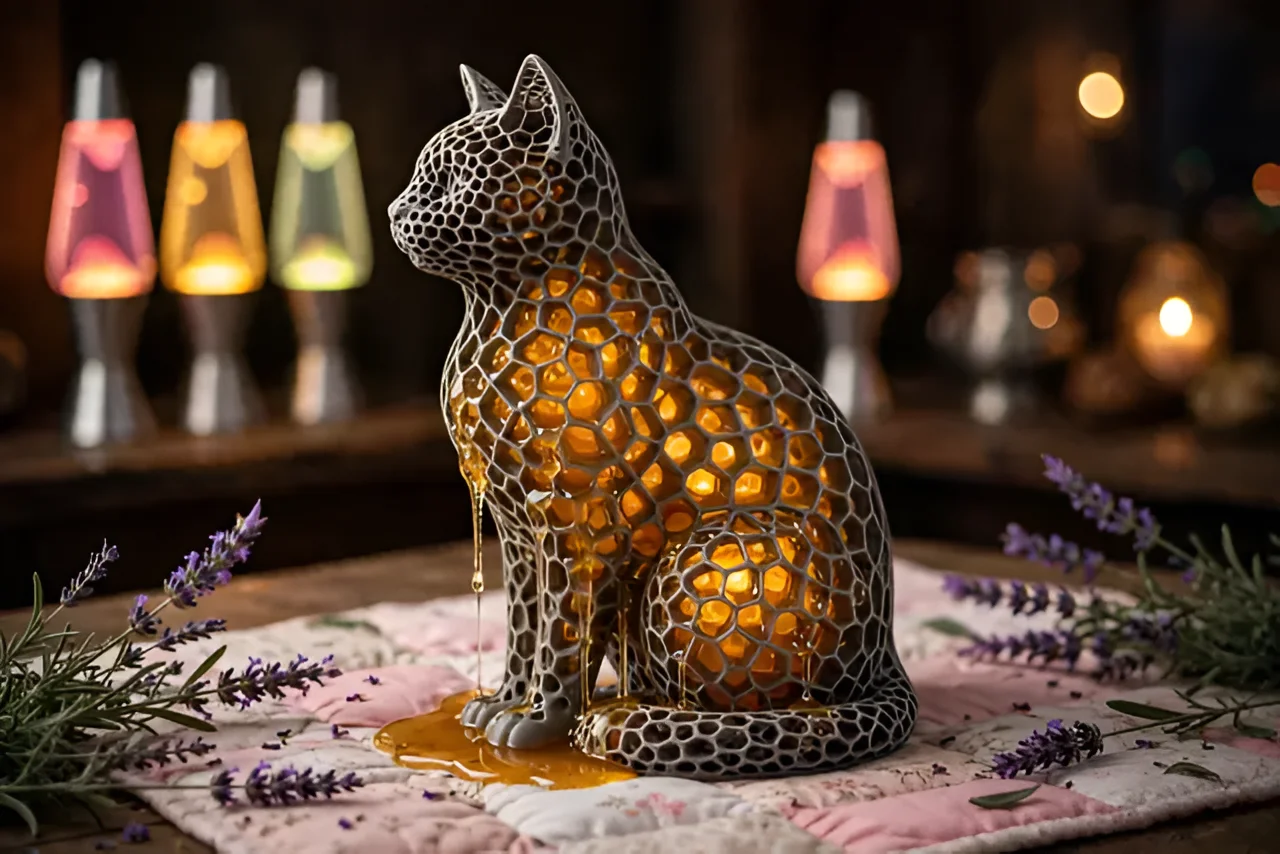
Sharp, on-brand visuals without a designer or a stock library. Ready to post.
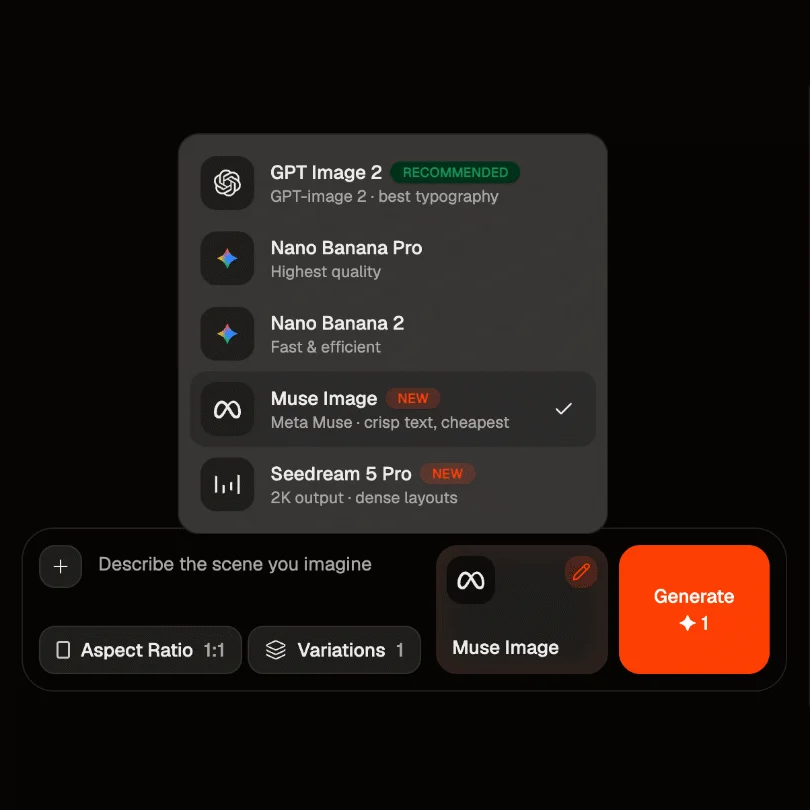
Open the Content Studio and choose Muse Image from the model list. Add a product photo or reference images if you have them. This gives the model a starting point to build from.
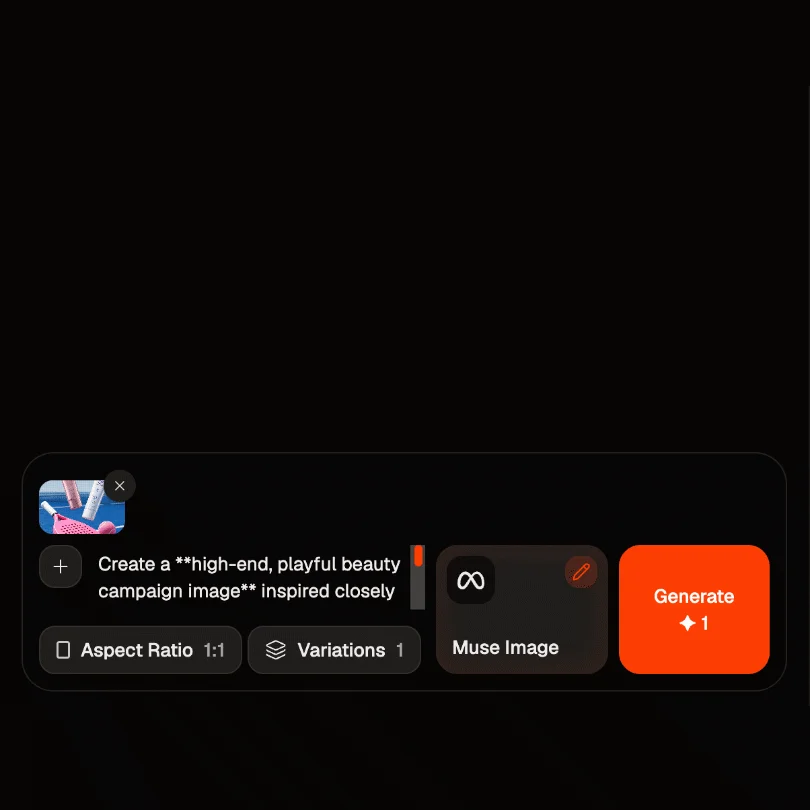
Describe the image in plain words. The subject, the setting, the mood, the details that matter. The clearer you are, the closer the first result lands. Muse Image reads it closely before it starts.
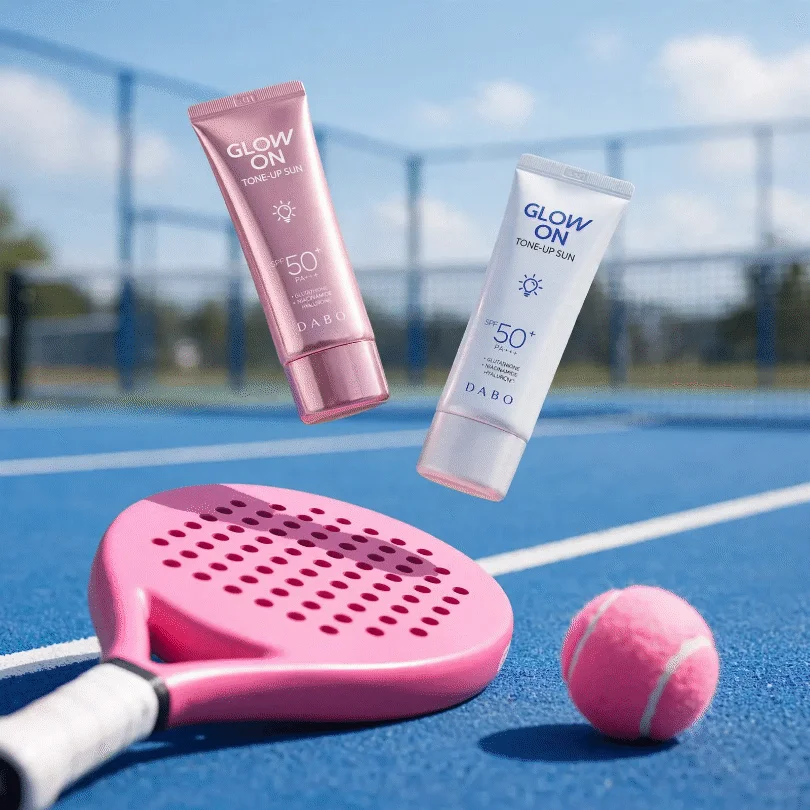
Click Create. Muse Image thinks through your prompt, composes the shot, and hands you a finished image. Preview it, make a precise edit if you want one, and download it clean.
You bring the idea and the references. Muse Image handles the thinking, the composition, and the fine detail.
Most image tools guess at your prompt and hope. Muse Image works through it first. It reasons about what you asked for, then generates. So a detailed request comes back looking like the request, not a rough version of it.
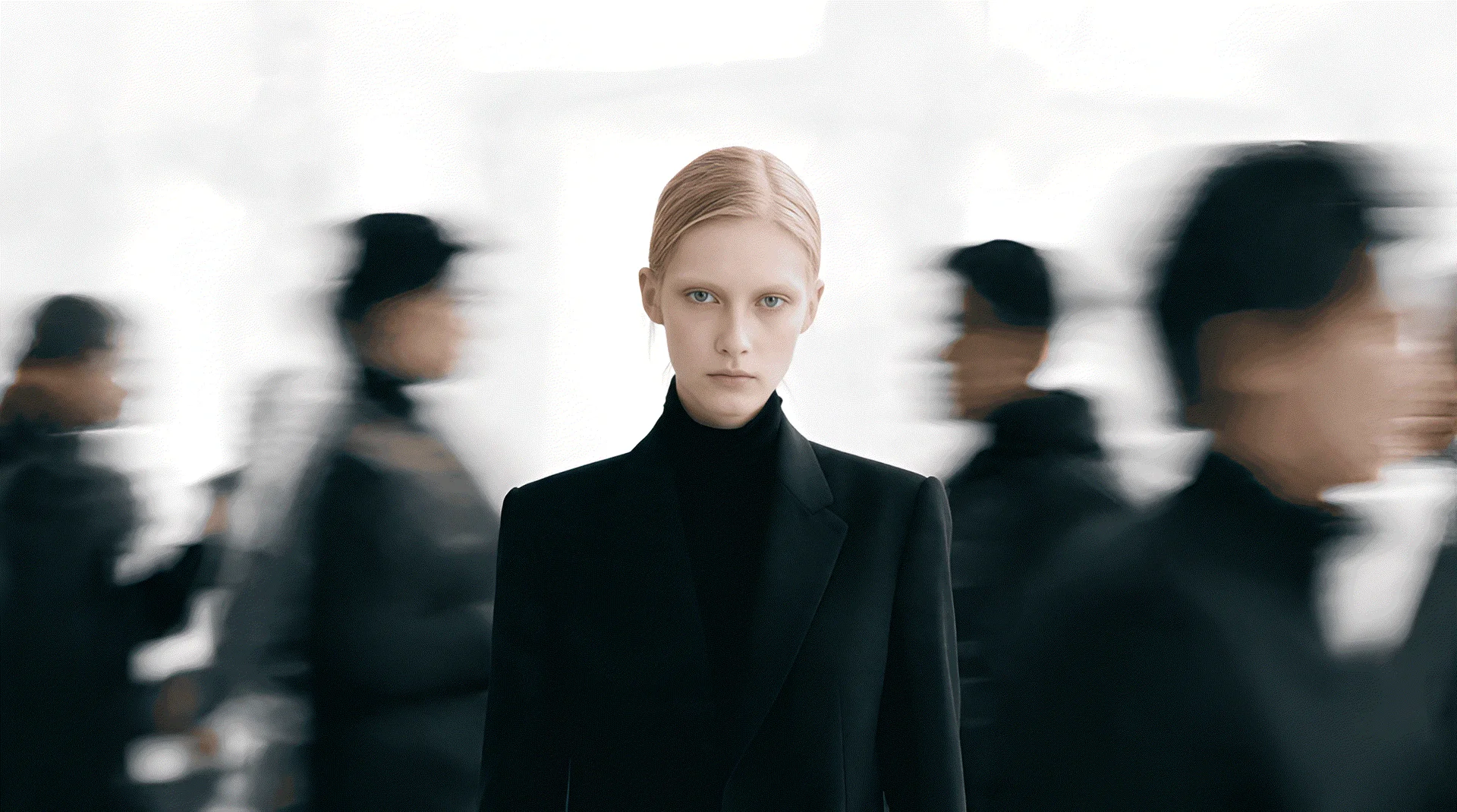
Muse Image checks its own output and cleans up the flaws before you ever see them. Give it more room to think and the result gets sharper. You spend less time regenerating and more time using what it made.
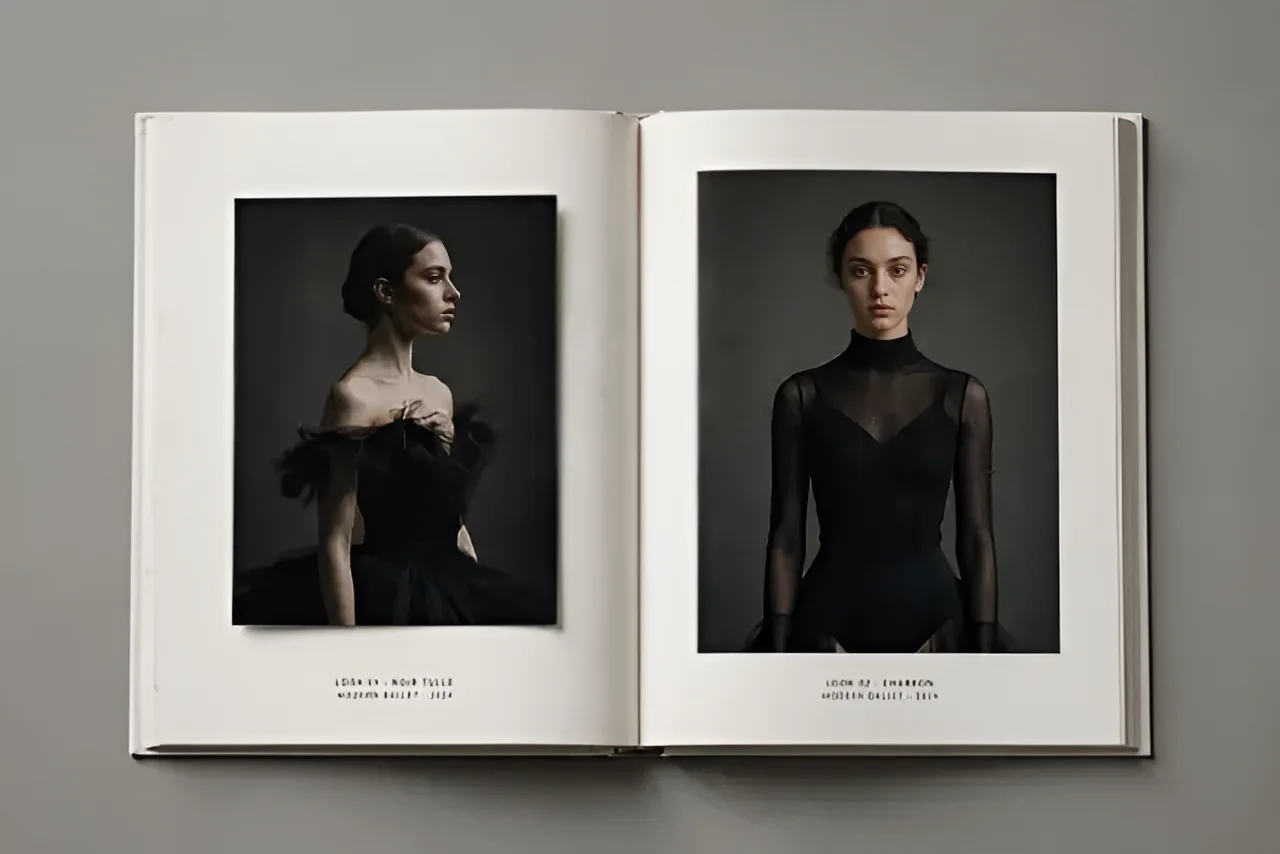
Feed Muse Image AI a handful of reference photos and it composes them into a single clean image. Your product, your style, your look, pulled together the way you meant. This is what makes it a fit for real brand work, not just random art.
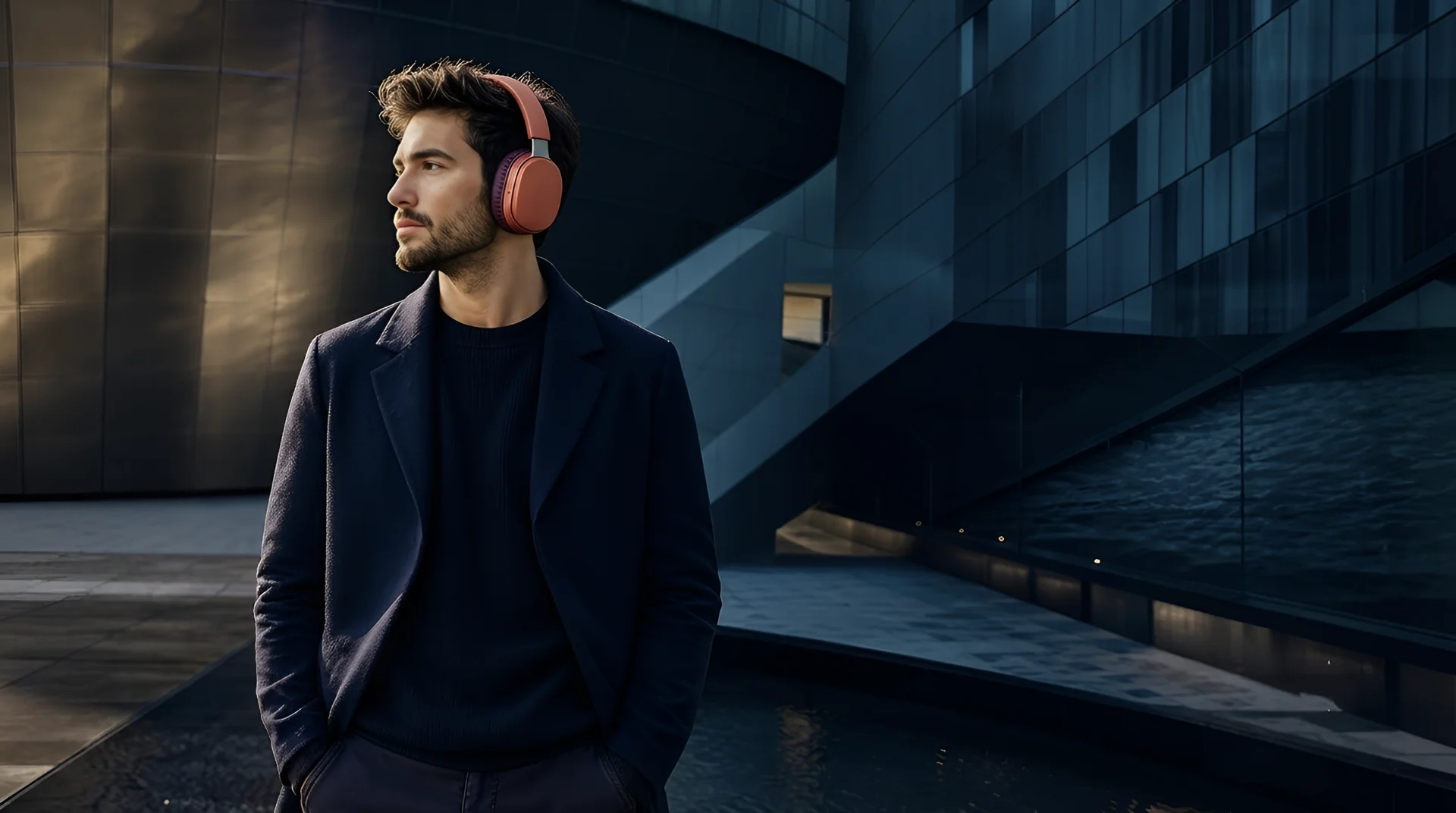
Point at what you want changed and Muse Image changes only that. Swap a background. Adjust the details. Fix a small flaw. The rest of your image holds steady, so one edit does not wreck the whole picture.
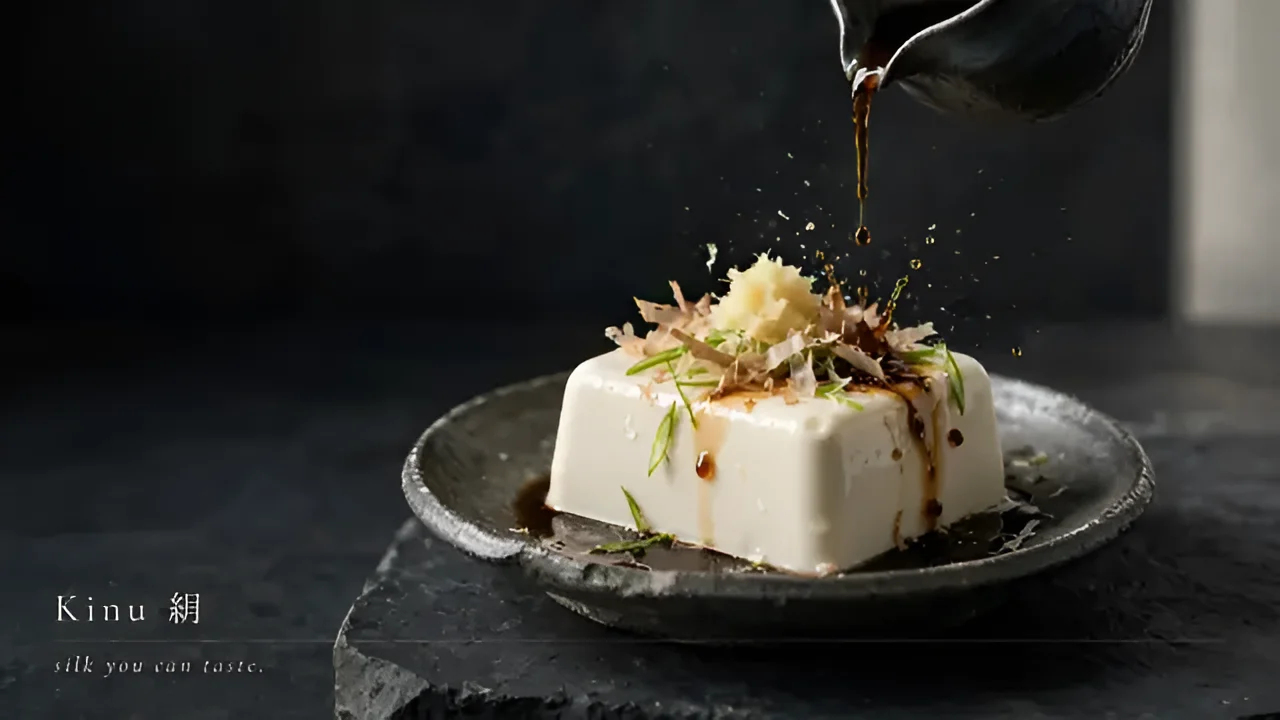
One model for the visuals your brand actually needs.
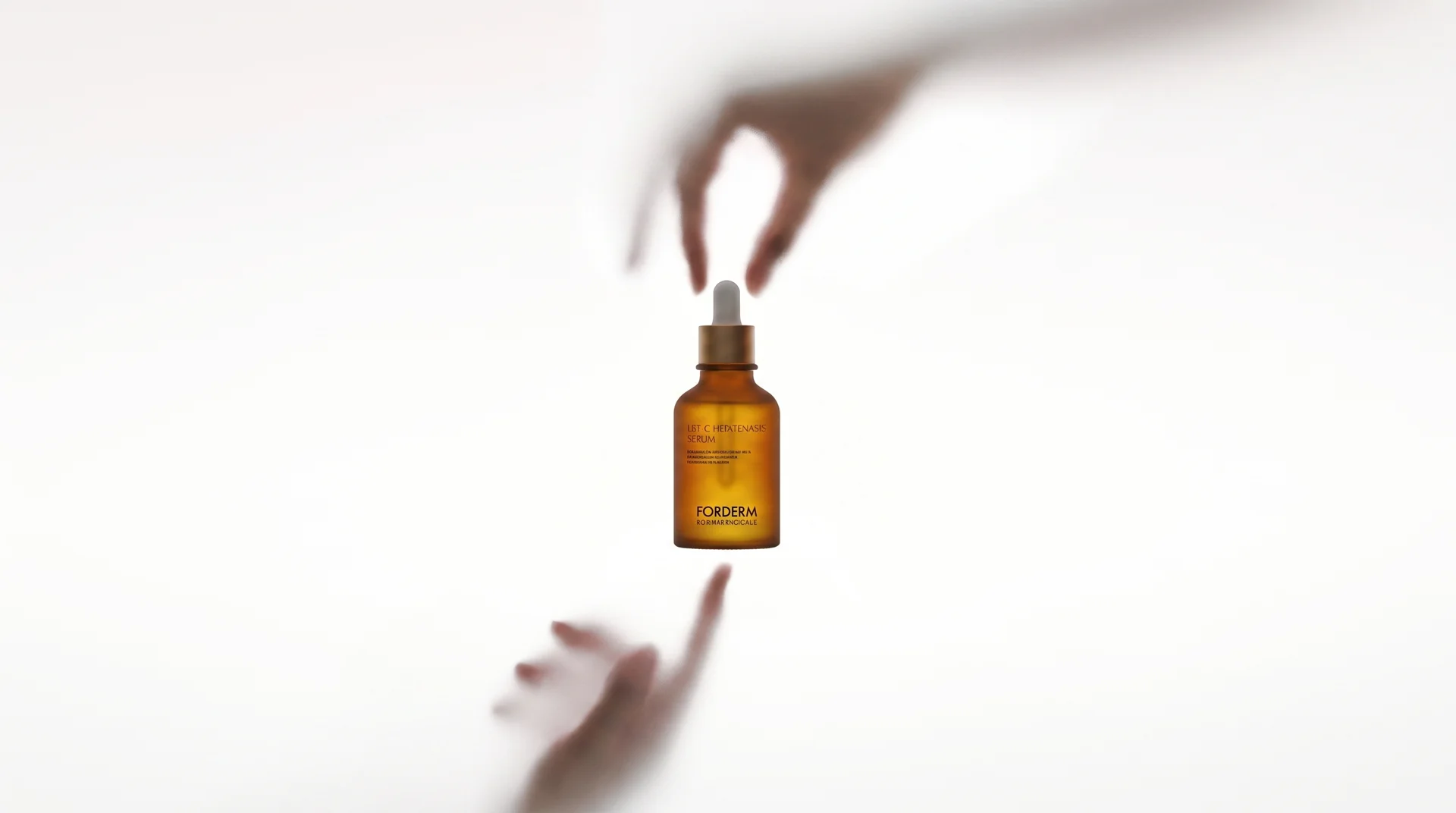
Get studio-style product shots without the studio. Describe the scene, drop in your product, and Muse Image places it in a clean, on-brand setting. Sharp detail, right lighting, ready for a listing or an ad. No booking a photographer for every SKU.
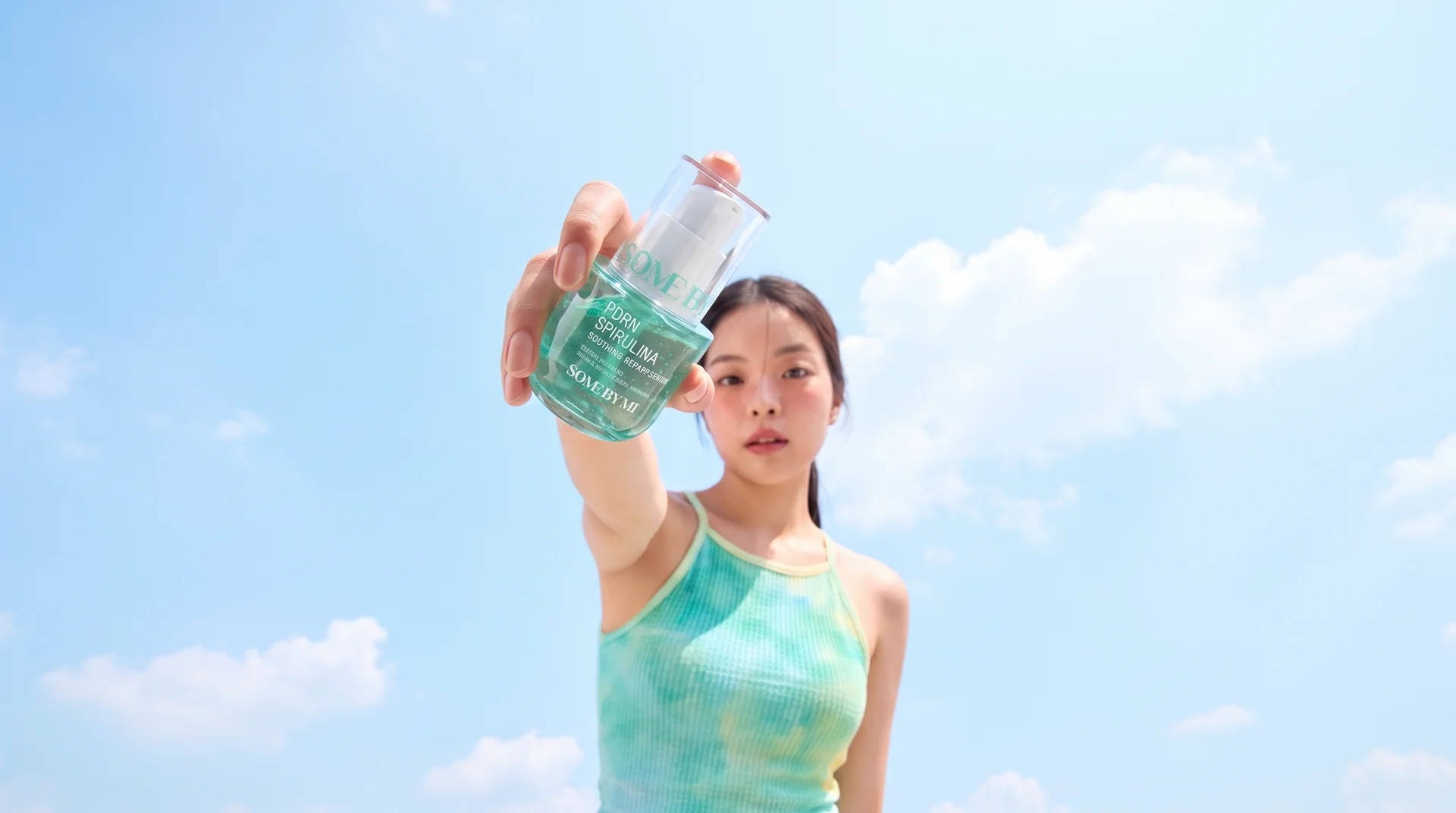
Hand the model several photos and let it blend them into one image. Combine your product, a background, and a style reference into a single shot that looks composed on purpose. It holds each reference together instead of mashing them into a mess.
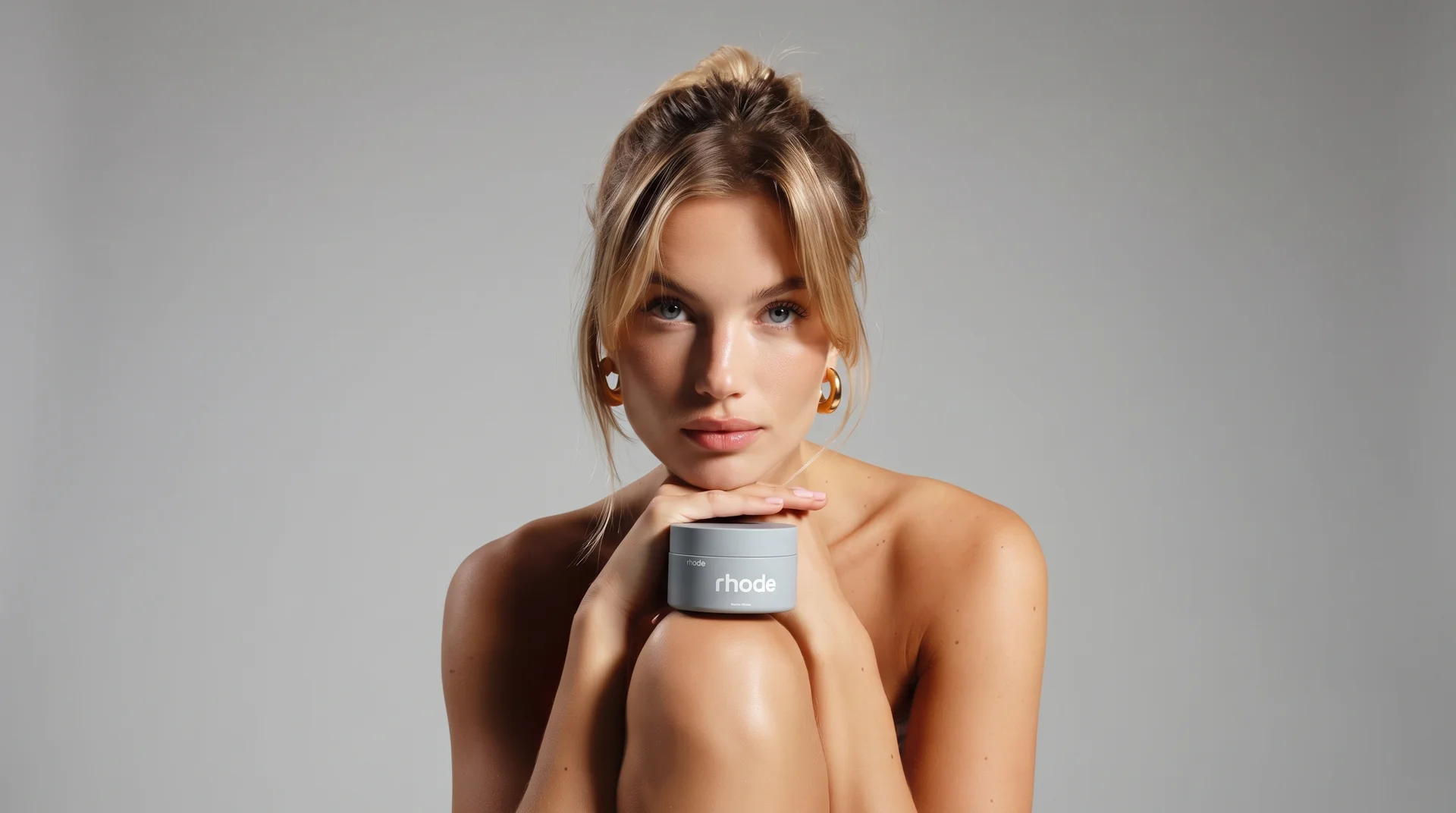
Take an image you already have and change what needs changing. Muse Image edits with precision, so you adjust one element and leave the rest untouched. Backgrounds, small fixes, quick swaps, all without starting over.
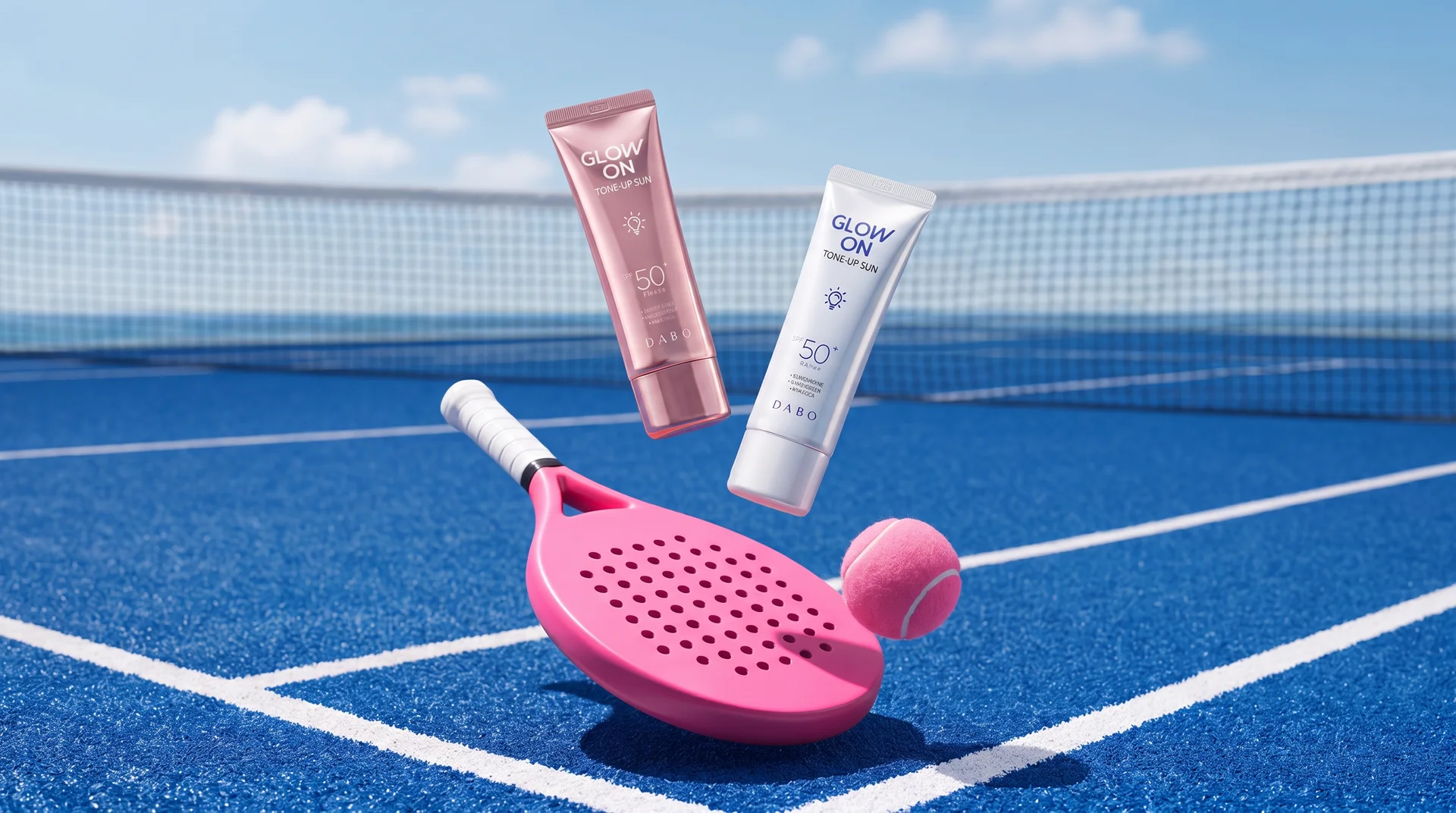
Feeds move fast and dull images get scrolled past. Generate scroll-stopping visuals sized for your channels, with the exact look your brand runs on. Test five versions of a shot in the time it used to take to shoot one.
It is an AI image model you use inside HeyOz. You type what you want, add reference photos if you have them, and it produces a finished image. It reasons through your prompt first, so you get closer to what you meant on the first try.
Muse Image plans before it generates and refines its own output before handing it back. That means fewer flawed results and less time spent regenerating the same prompt over and over.
Yes. Muse Image composes from multiple references. Feed it your product, a background, and a style reference, and it pulls them into a single clean image that holds each element together.
Yes. Muse Image edits with precision. Point at the part you want changed and it adjusts only that, leaving the rest of your image untouched.
Pick the right engine for the job - all in one place.
Start Now. No agency, no brief, no blank screen.