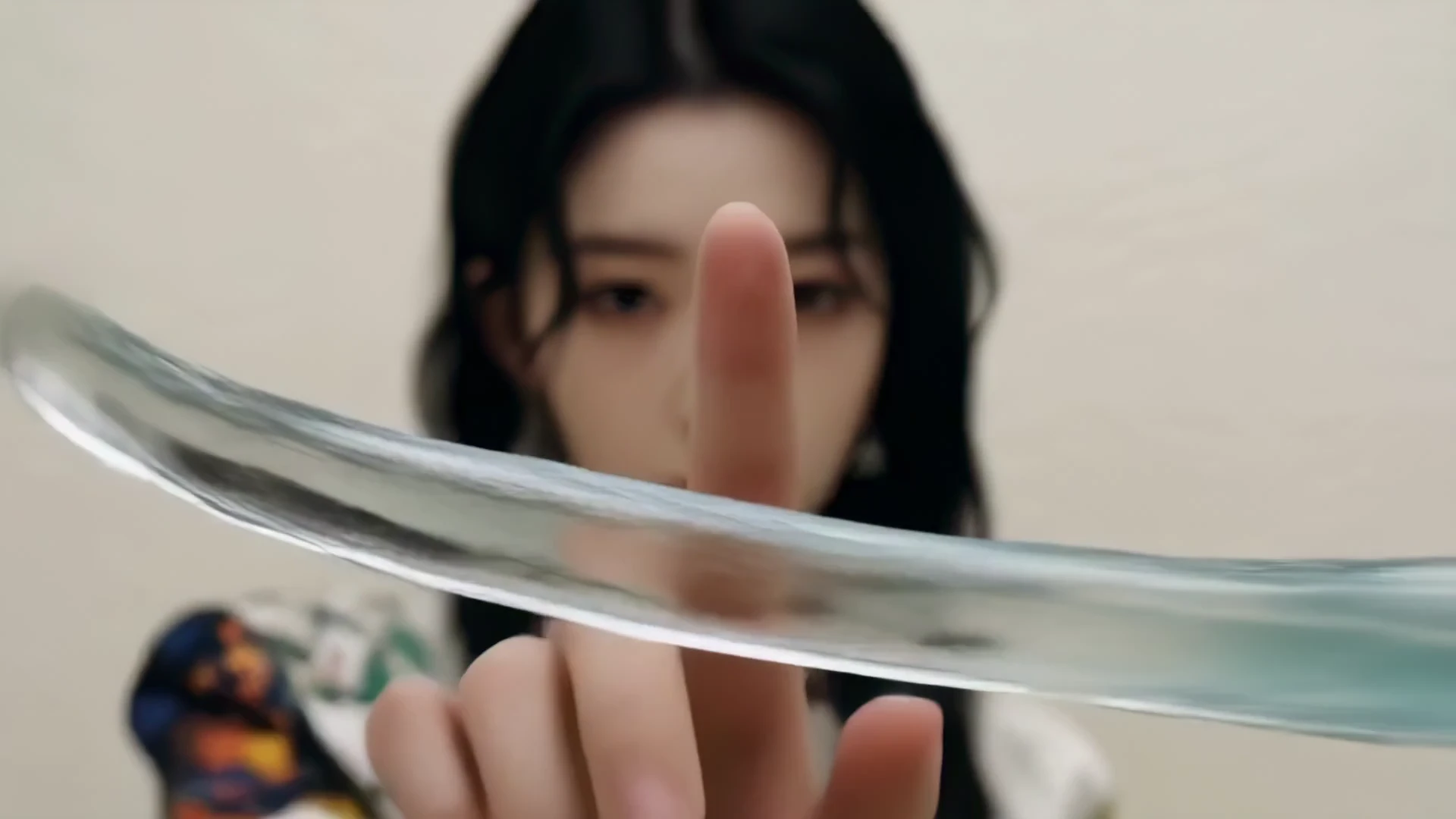
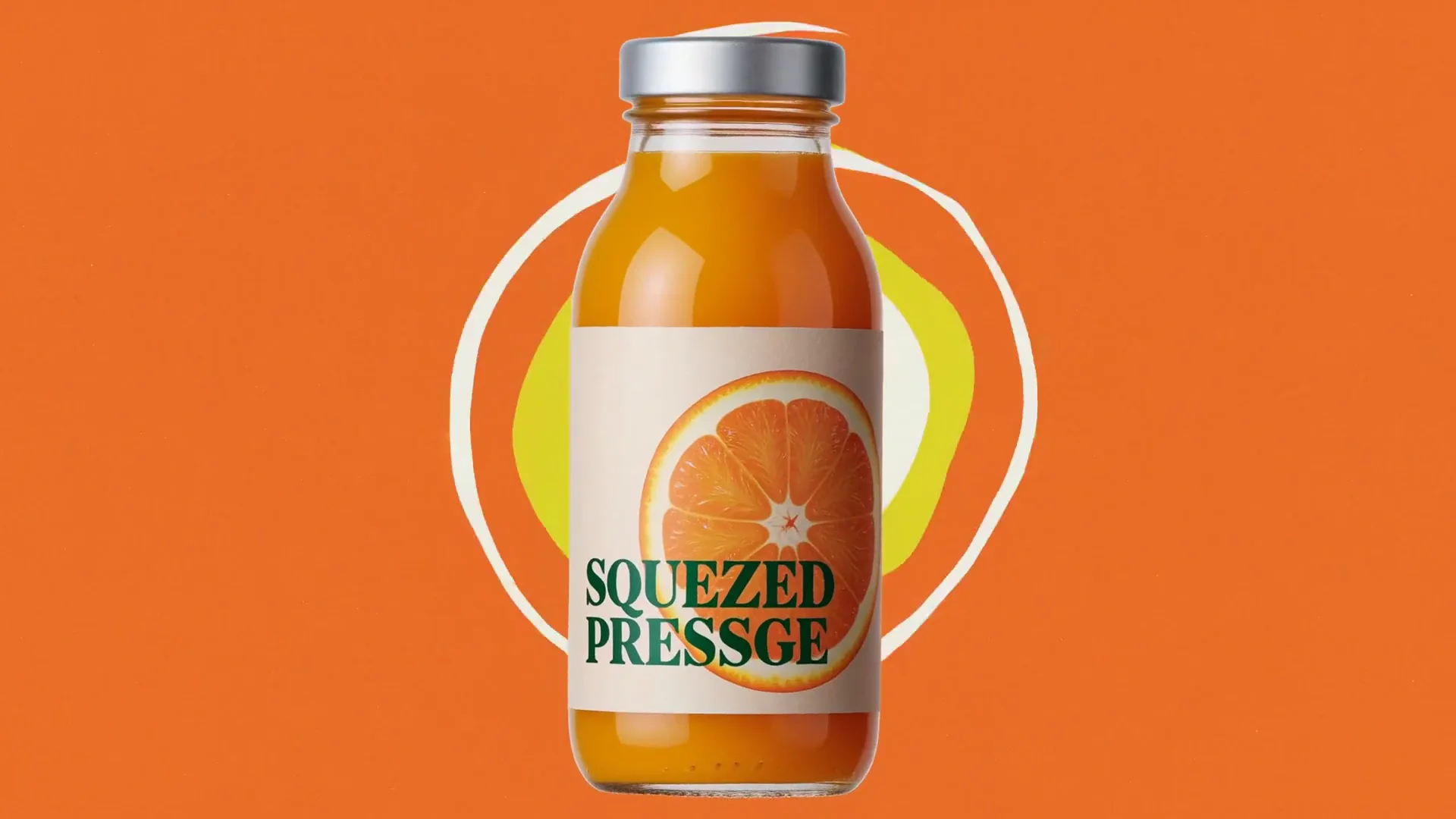
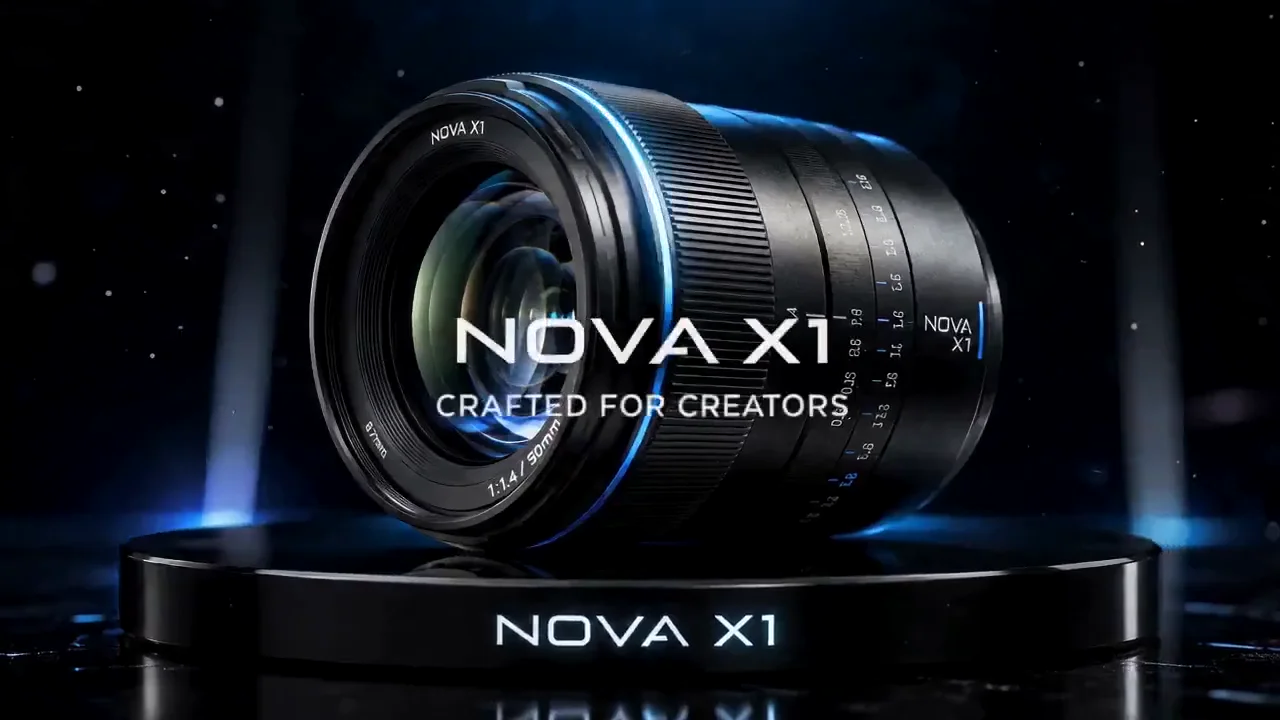
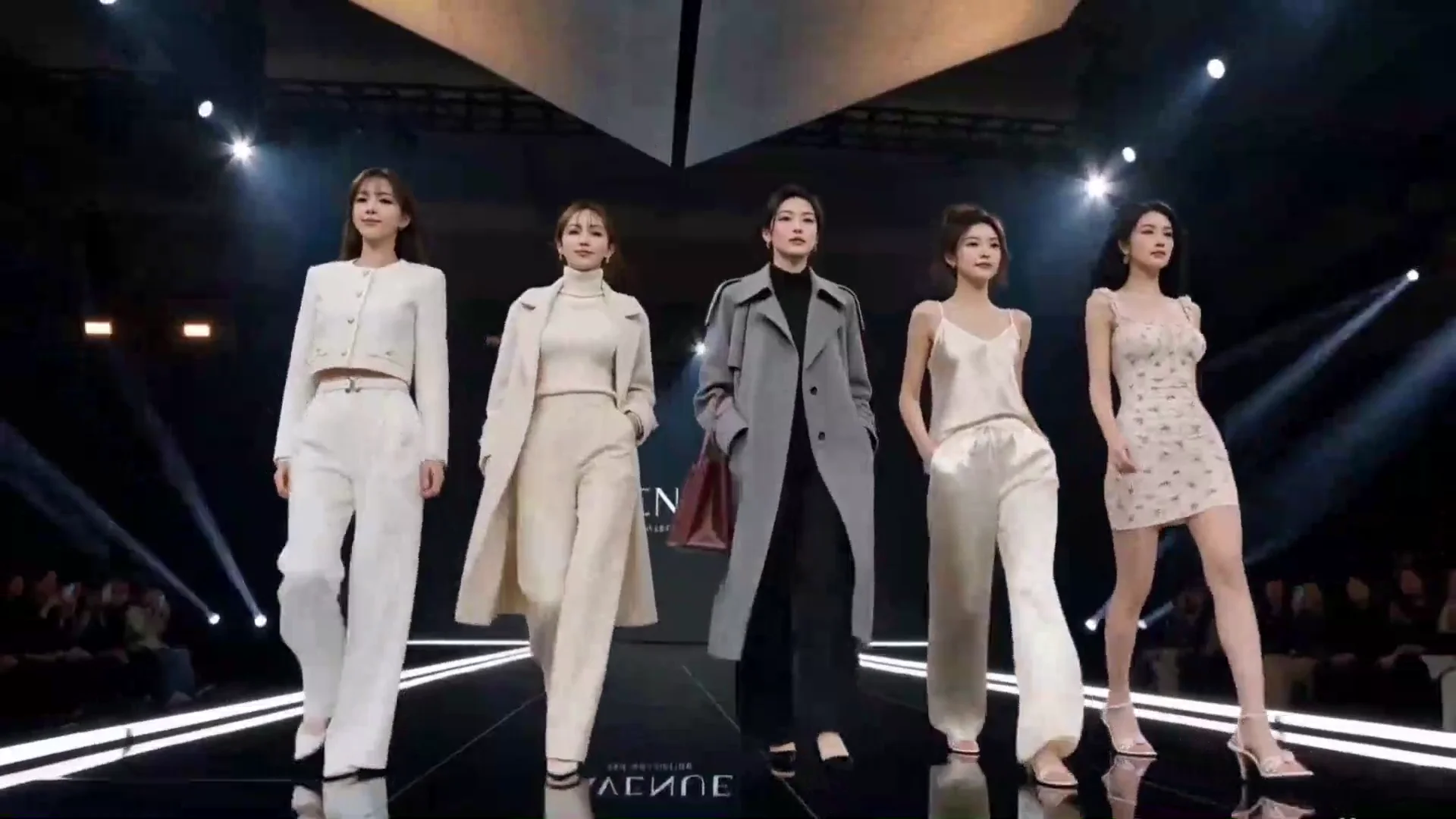
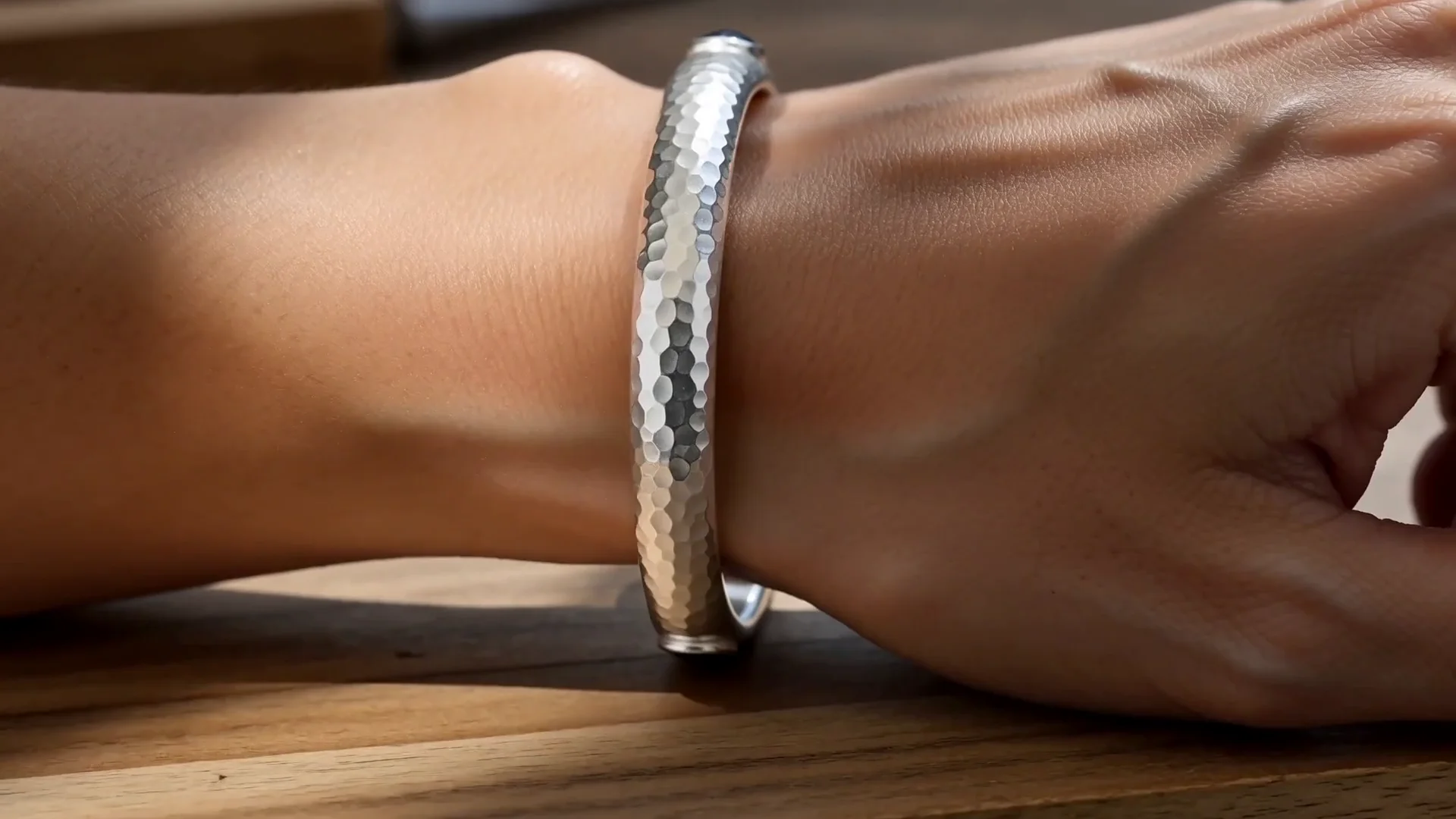
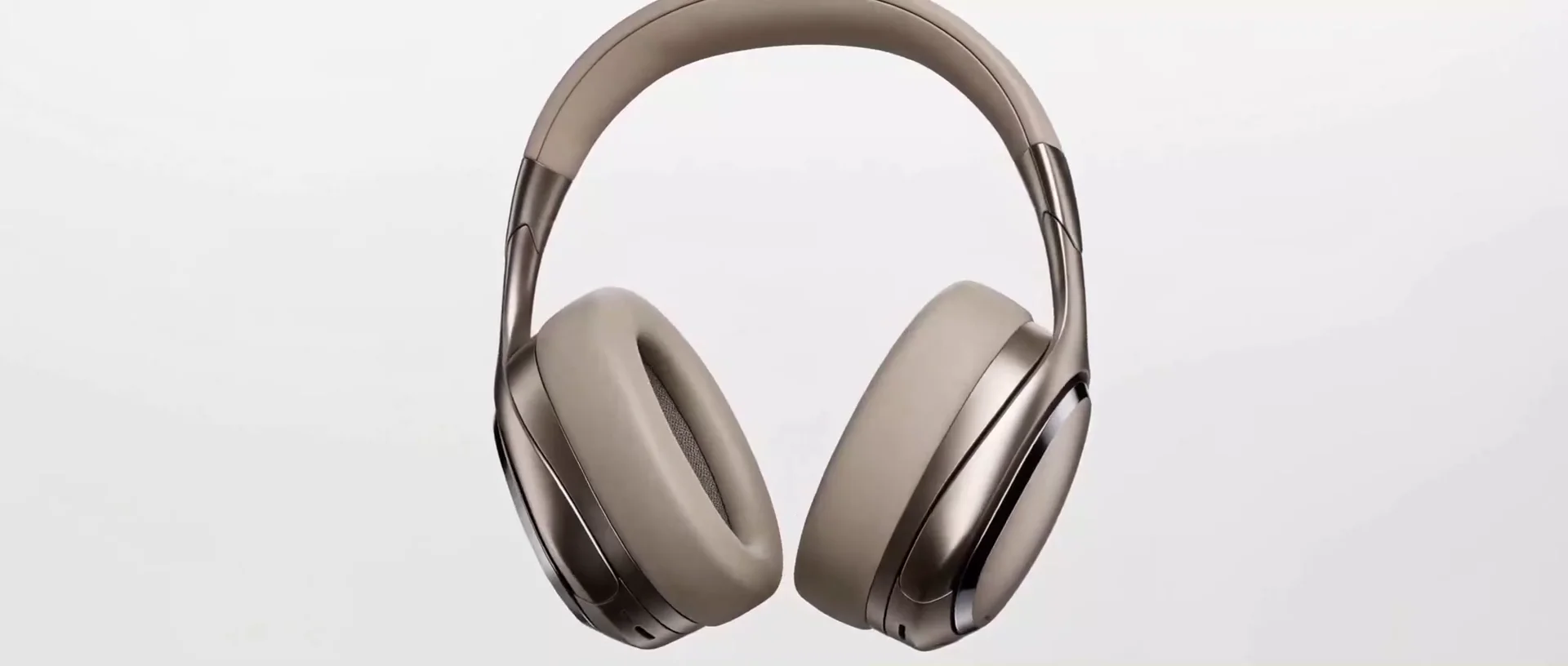
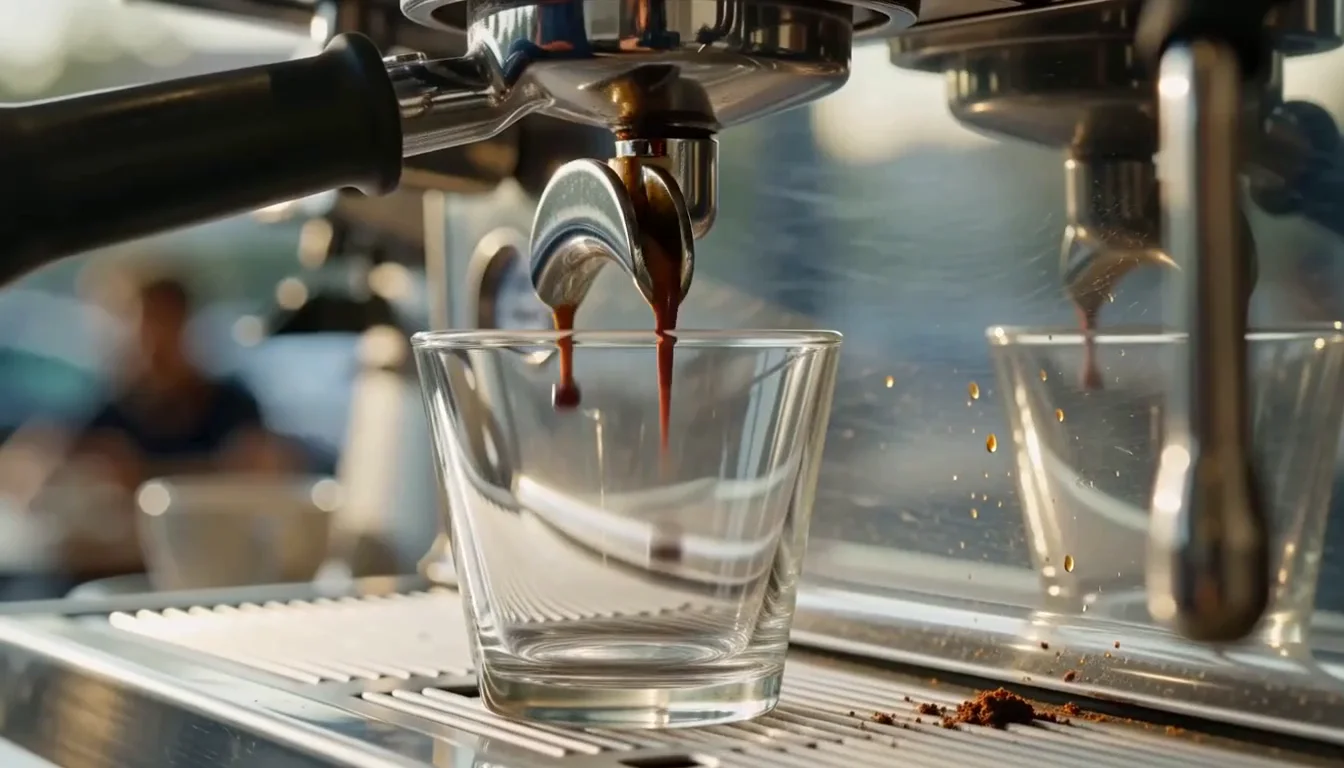
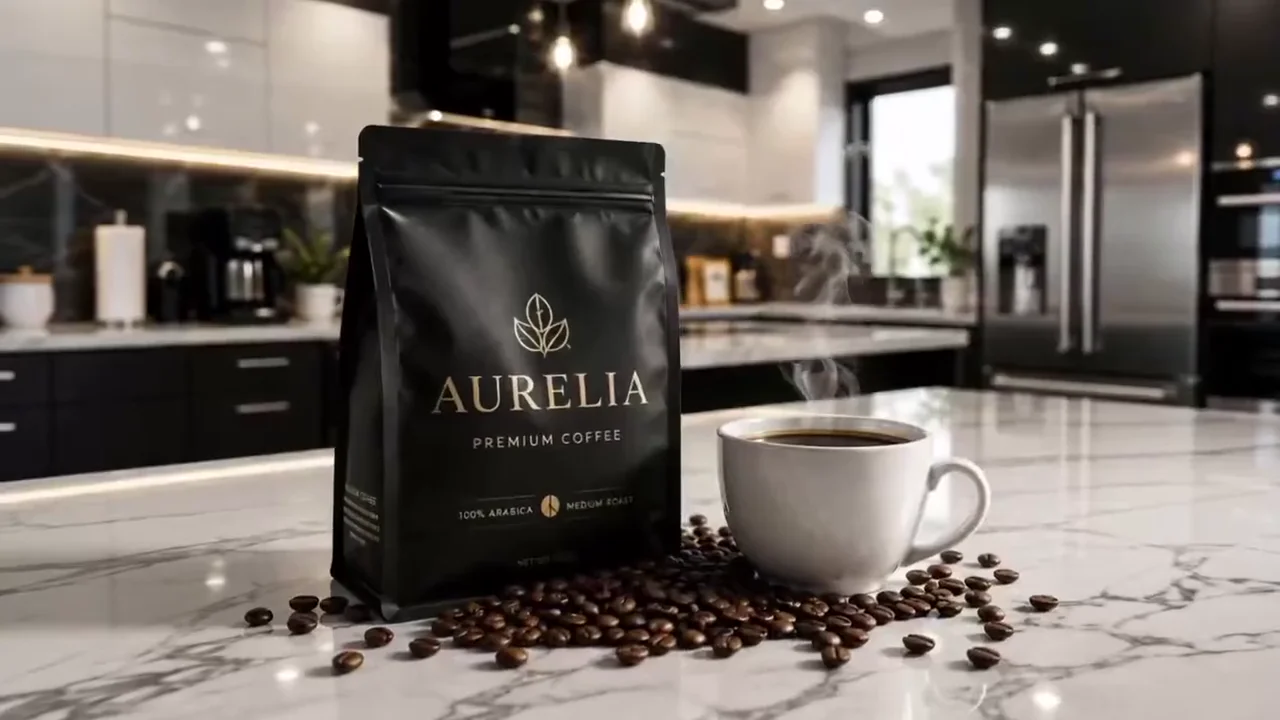
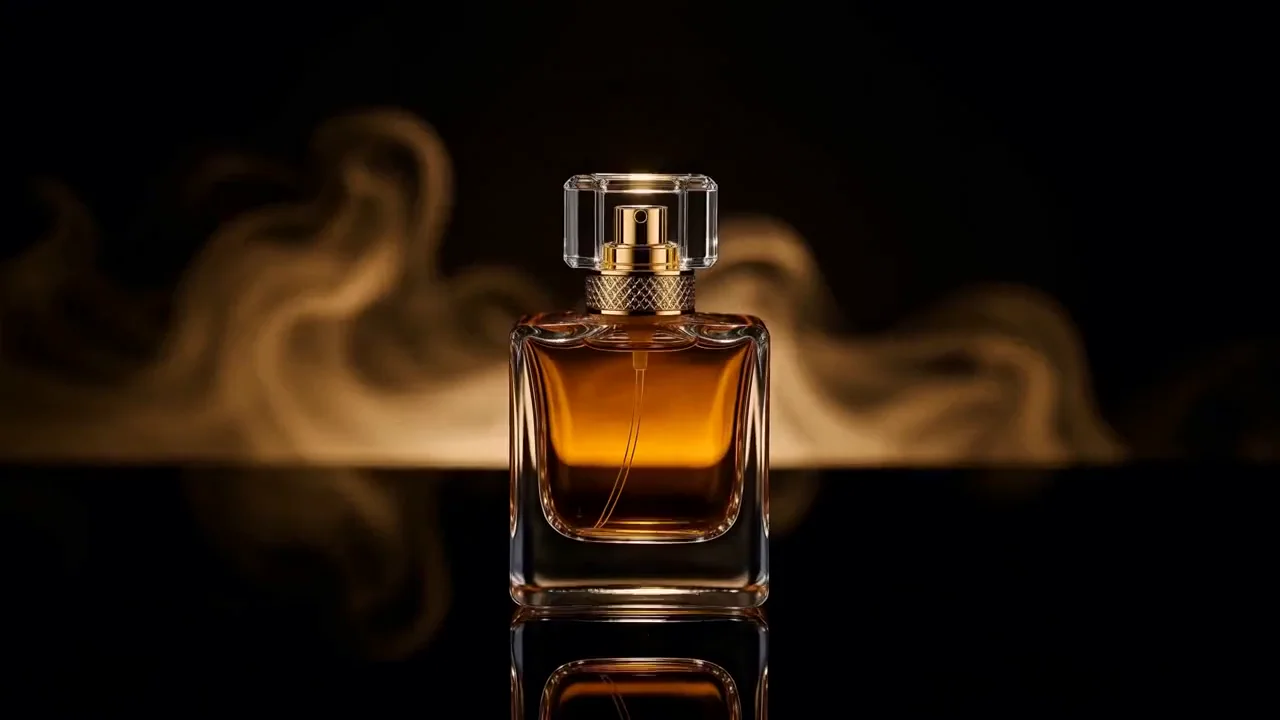
The number one ranked image to video model, now inside HeyOz. MiniMax H3 Max is fal's post-trained H3, tuned for prompt adherence and aesthetics and rebuilt for speed, so a five-second clip comes back in under three seconds with sound already in it. No camera. No crew. No separate audio pass.
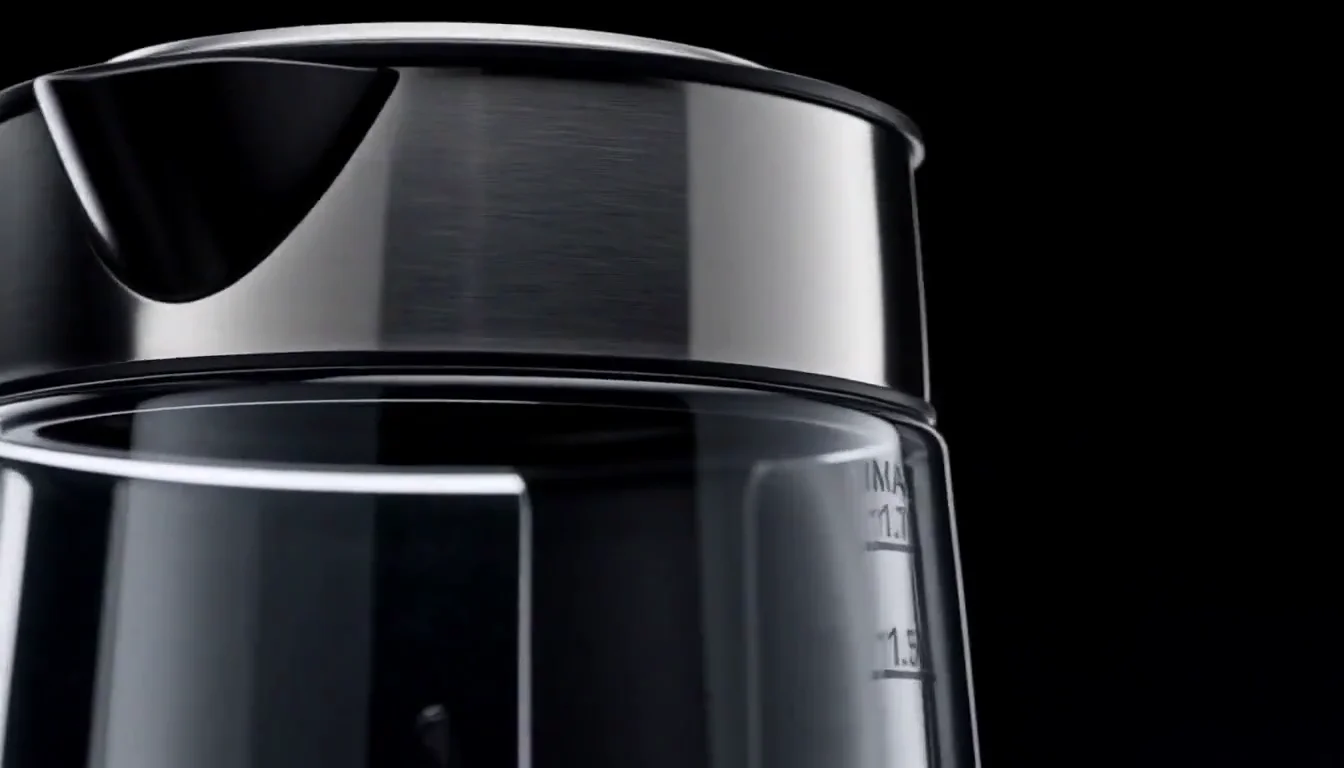
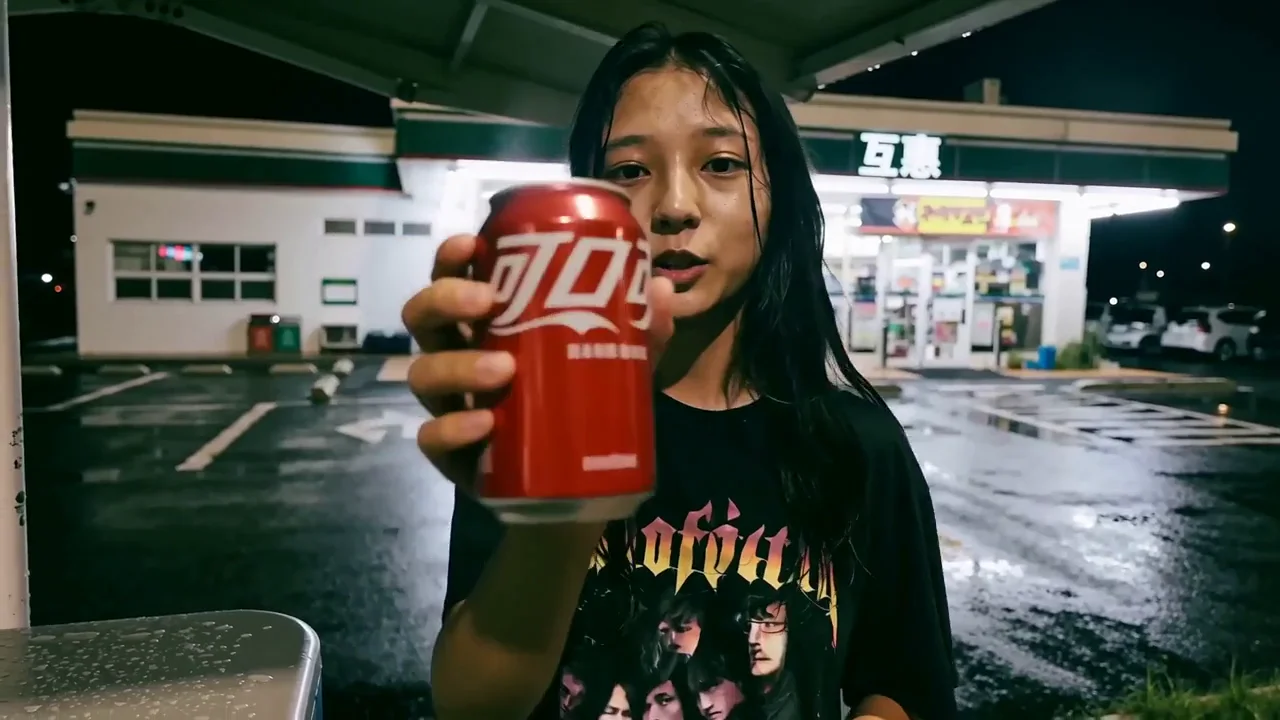
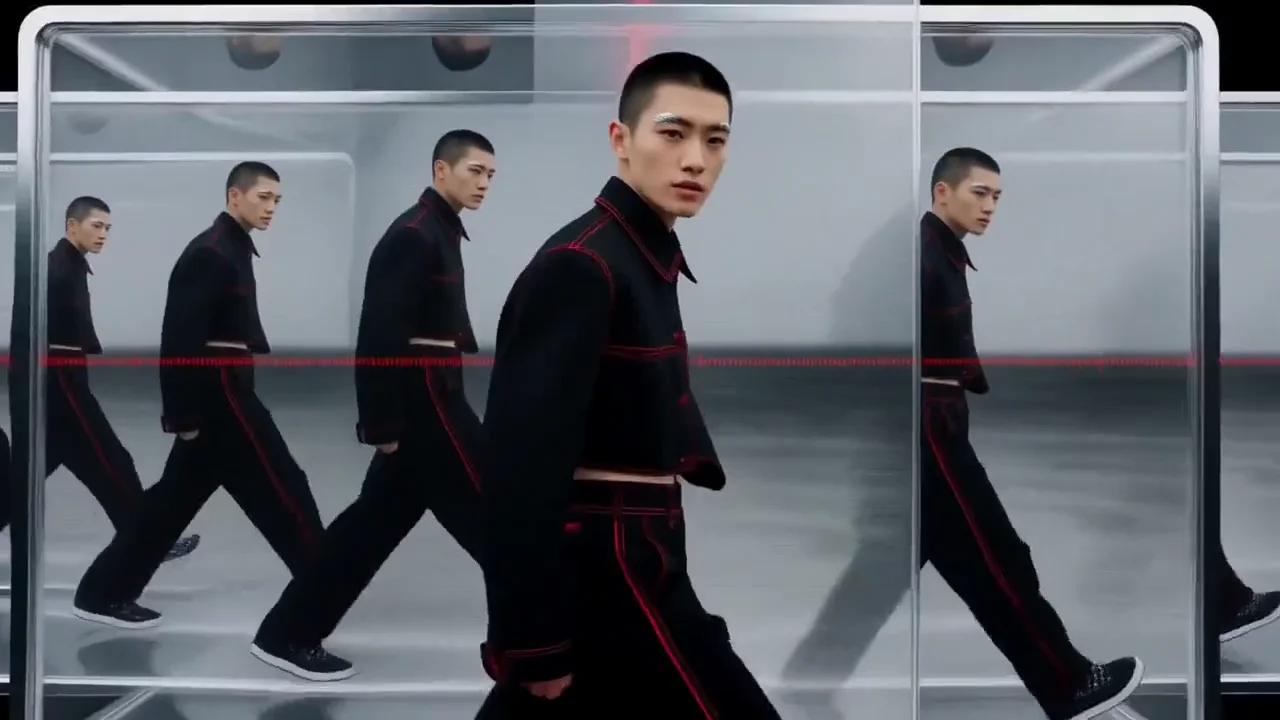
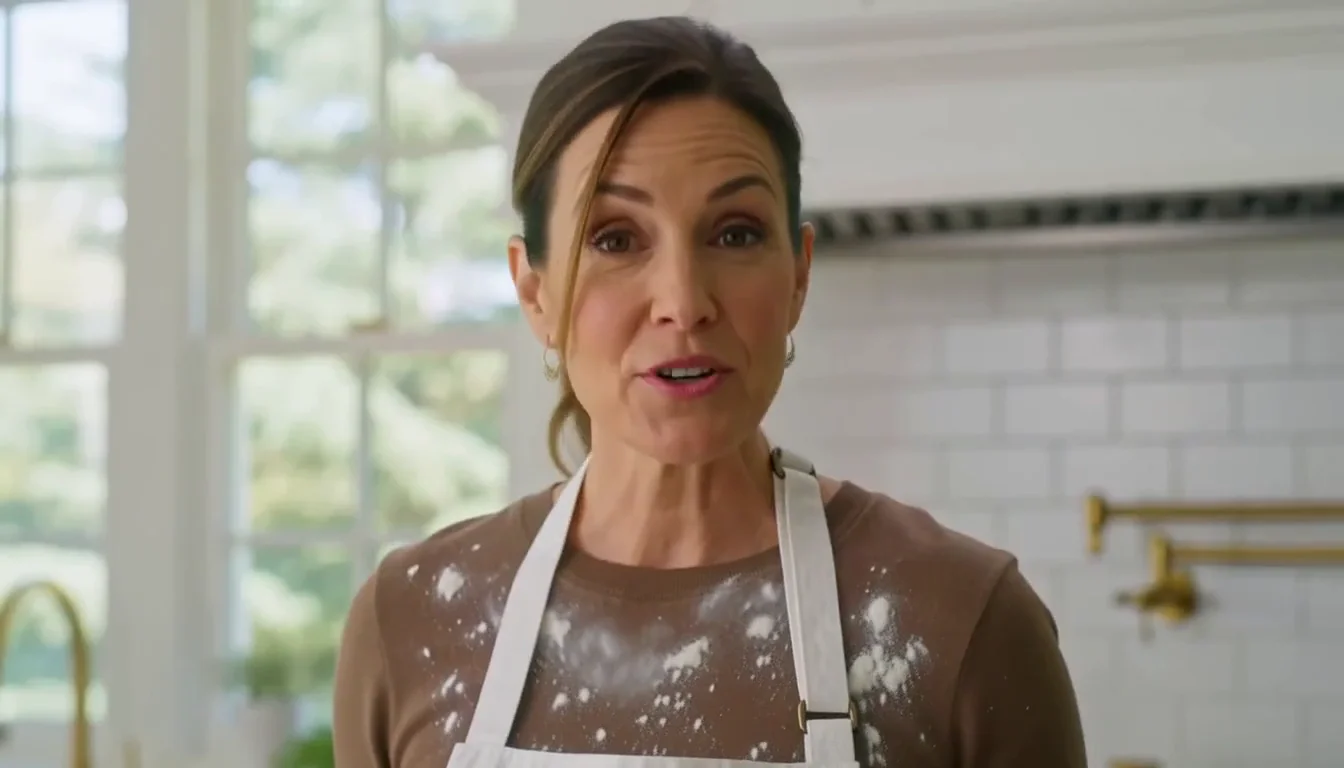
Real ads, product reveals, and short scenes built with MiniMax H3 Max on HeyOz. Five to fifteen seconds. Picture and stereo sound in the same pass. Most of them back faster than the clip takes to watch.
Creator-grade footage, without the shoot day. Three steps and a few seconds of render time.
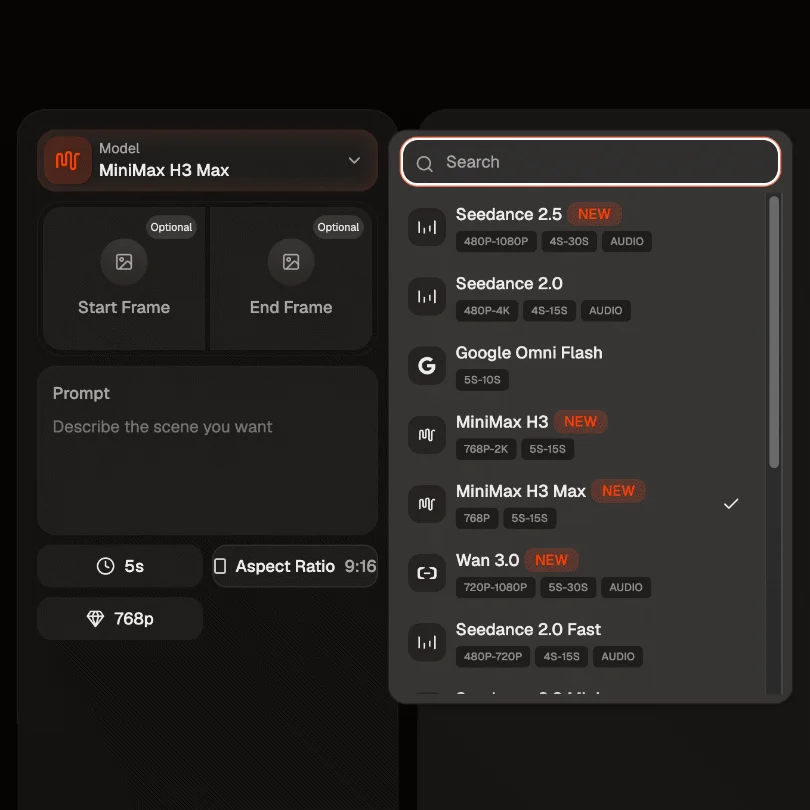
Open the Content Studio and select MiniMax H3 Max from the model list. Start from text alone, or drop in an opening frame. Add a closing frame too and the model animates the whole journey between the two.
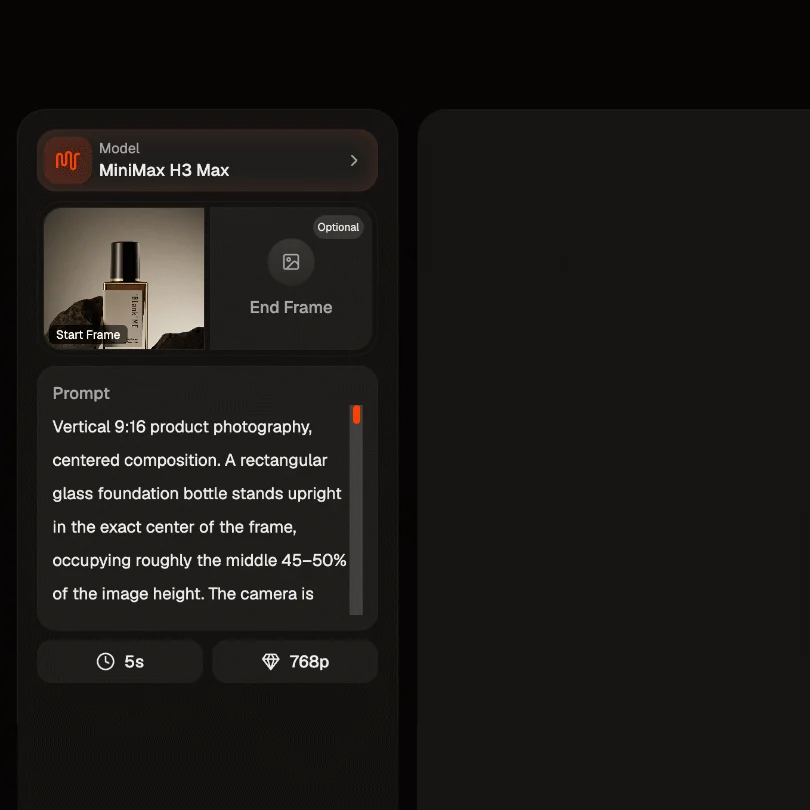
Write the setting, the lighting, how your subject moves, and the camera path. Then direct the audio the same way, naming the effects, the room tone, and any line of dialogue. Audio is generated with the picture here, so it is worth briefing.
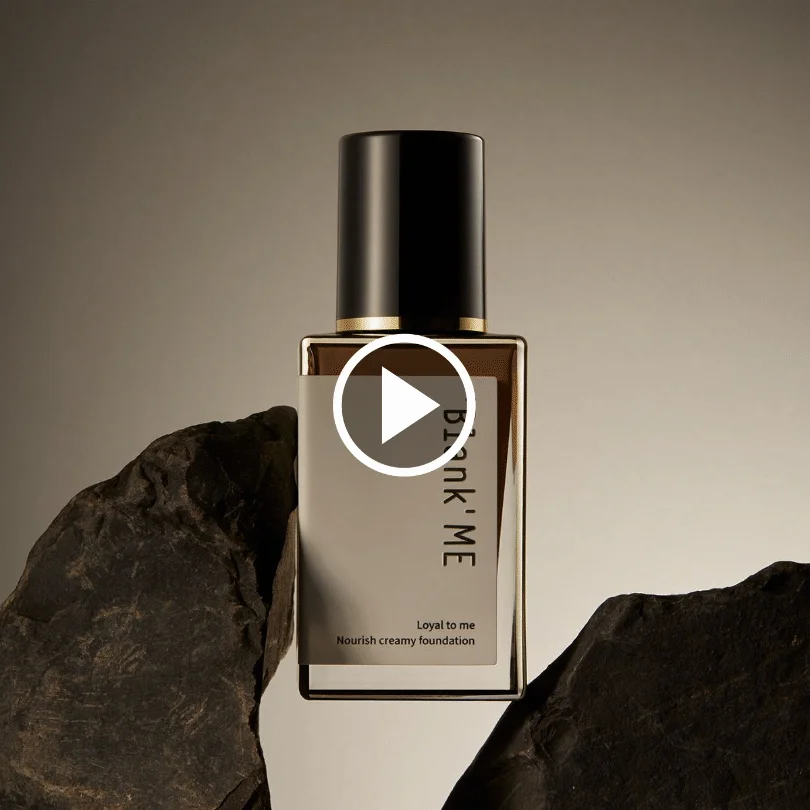
Choose a duration between five and fifteen seconds, pick your aspect ratio, and click Create. MiniMax H3 Max builds picture and sound together and hands back a finished clip in seconds. Preview it, adjust the prompt, run it again. Download it clean.
Post-trained by fal for adherence and aesthetics, then co-designed with fal's own inference engine. You write the scene. MiniMax H3 Max brings the camera, the cast, and the sound.
MiniMax H3 Max renders faster than real time. A five-second clip at 768p lands in under three seconds, roughly 35 times the throughput of the official H3 endpoint and about 15 times faster than models of the same quality. That changes how you work. You stop queueing renders and start iterating live.
Design Arena scores H3 Max at an Elo of 1,341 on its image to video board, ahead of the base model it came from and every other model listed. Artificial Analysis ranks it first with audio at an Elo of 1,201, and it is the cheapest model in that board's top fifteen. fal's own head to head tests against twelve leading video models put it first on quality, prompt understanding, and aesthetics.
Most tools make you add audio later. MiniMax H3 Max predicts sound and picture together, so every generation returns native stereo audio. Dialogue, room tone, foley, and music arrive already cut to what is on screen. Write the sound into your prompt and it lands in the same pass. No stitching. No drift. No second app.
Adherence is what fal's post-training targeted first, using verifiable reinforcement learning against real generation workloads. Write a timed shot list and the beats arrive in sequence. Ask for a word on screen and it comes back legible and correctly set. The more precise your brief, the more of it survives to the render.
One model for the content your brand actually needs.
Show your product moving, catching light, and living in a real scene. Name the camera move and the beat you want it on, and H3 Max holds to the brief instead of approximating it. Macro sound arrives with the picture, so the pour, the click, and the hiss all sit where they belong.
One generation can cut between six locations and keep the same person through all of them. Face, hair, wardrobe, proportions. Holding a character steady across cuts is the hard part of this work, and H3 Max does it inside a single request, so a fifteen-second spot reads as one shoot rather than six random faces.
Hand MiniMax H3 Max an opening frame and a closing frame, then describe the change between them. The model builds the bridge as one unbroken move. That makes it a fit for before-and-after beats, day-to-night shifts, and clean product reveals where the start and the end both matter.
Feeds move fast and silent video gets skipped. MiniMax H3 Max generates in 9:16 natively and delivers finished audio in the same take. Dialogue and ambience come baked in, so your clip lands with sound the second it hits the timeline, and it renders quickly enough to post the same hour.
It is fal's post-trained version of the open-weight MiniMax H3 model, available inside HeyOz. fal retrained it for prompt adherence, audio-visual quality, and aesthetics, then co-designed the serving path around it. You type a scene, add an image if you want one, and it returns a finished clip with picture and sound in the same take.
A five-second clip at 768p renders in under three seconds, which is faster than real time. Longer durations scale from there, so a fifteen-second clip takes around fifteen seconds. That is roughly 35 times the throughput of the official H3 endpoint and about 15 times faster than models of comparable quality.
Yes. It generates native stereo audio in the same pass as the video. Dialogue, ambience, foley, and music come out already synced to the picture, so you skip the separate audio step most tools force on you. Describe the sound in your prompt and it is treated as part of the brief.
H3 Max generates at 768p by default, which is 1344 x 768 at 16:9, running at 24 frames per second. Durations run from five to fifteen seconds, and text to video covers 21:9, 16:9, 4:3, 1:1, 3:4, and 9:16. On image to video the output follows the aspect ratio of the image you pass in. If you need 2K, use standard MiniMax H3 instead.
Pick the right engine for the job - all in one place.
Start Now. No agency, no brief, no blank screen.