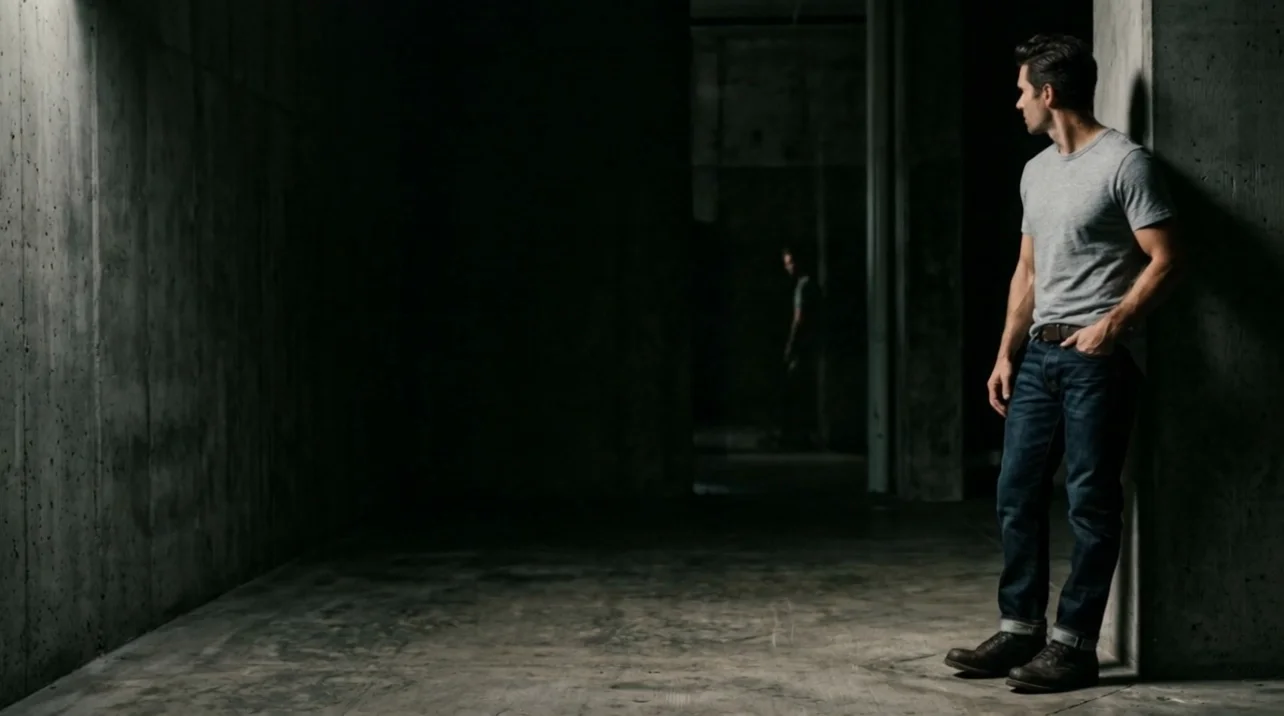
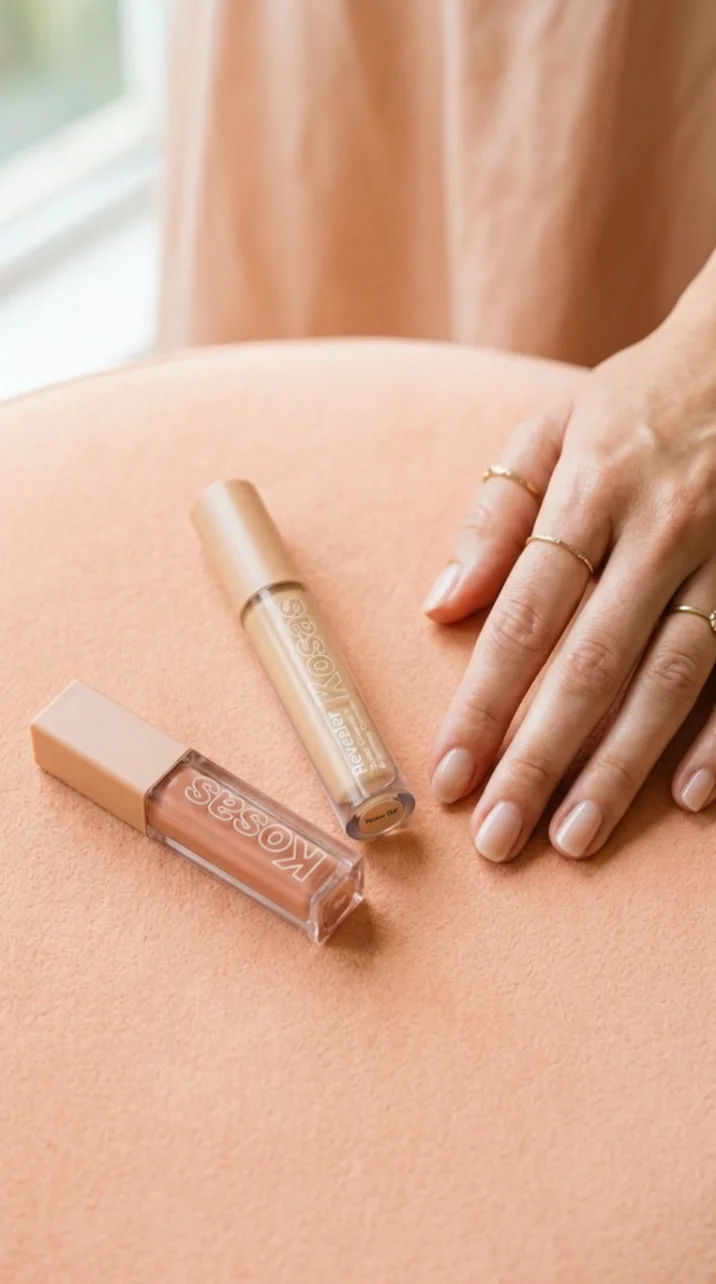
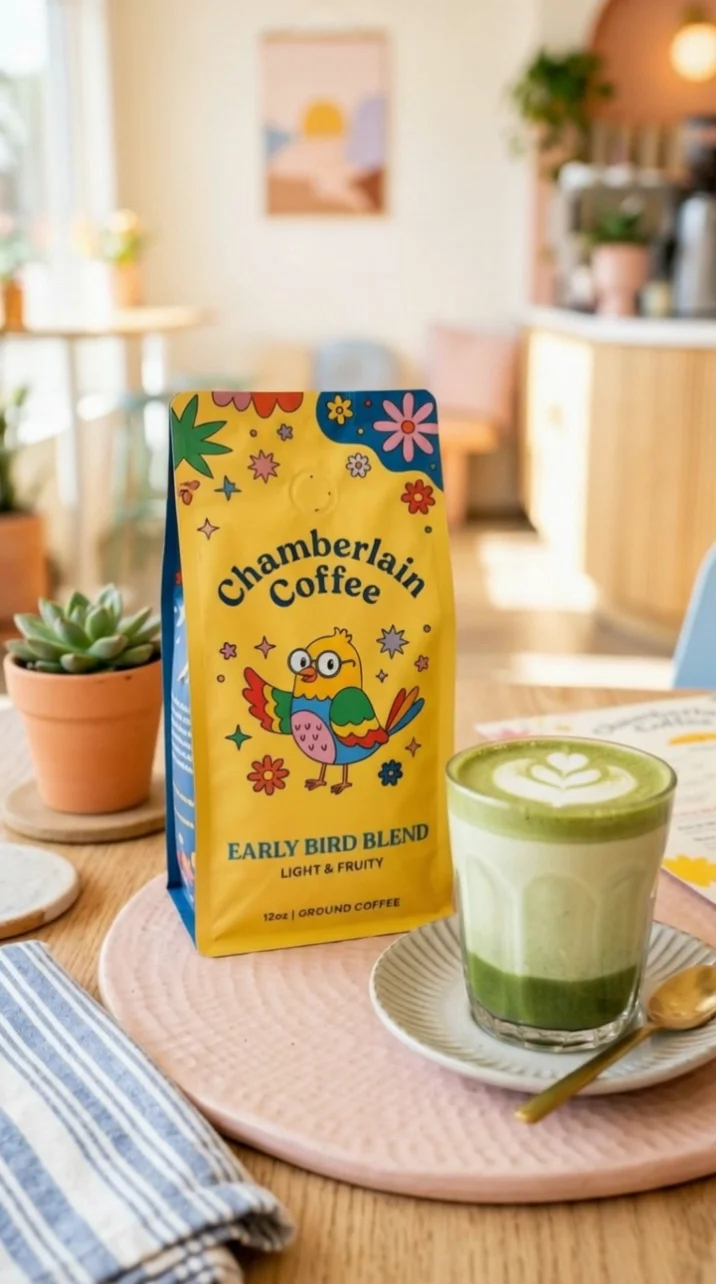
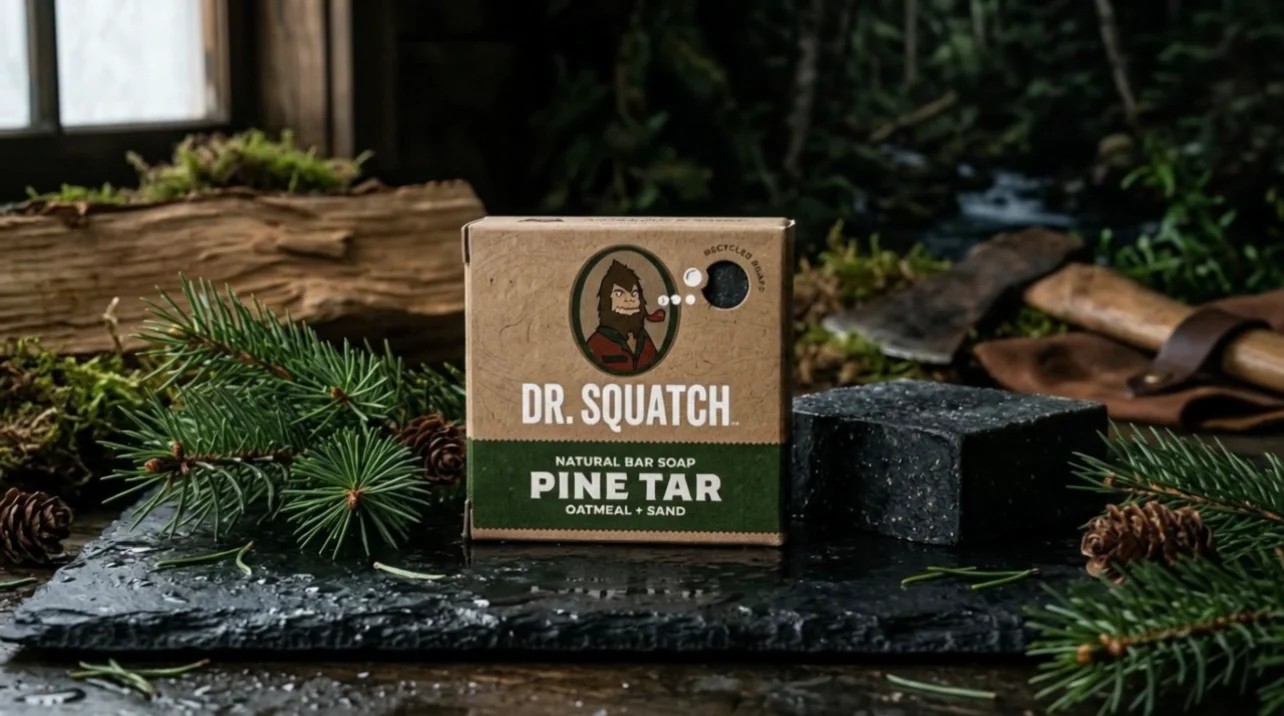
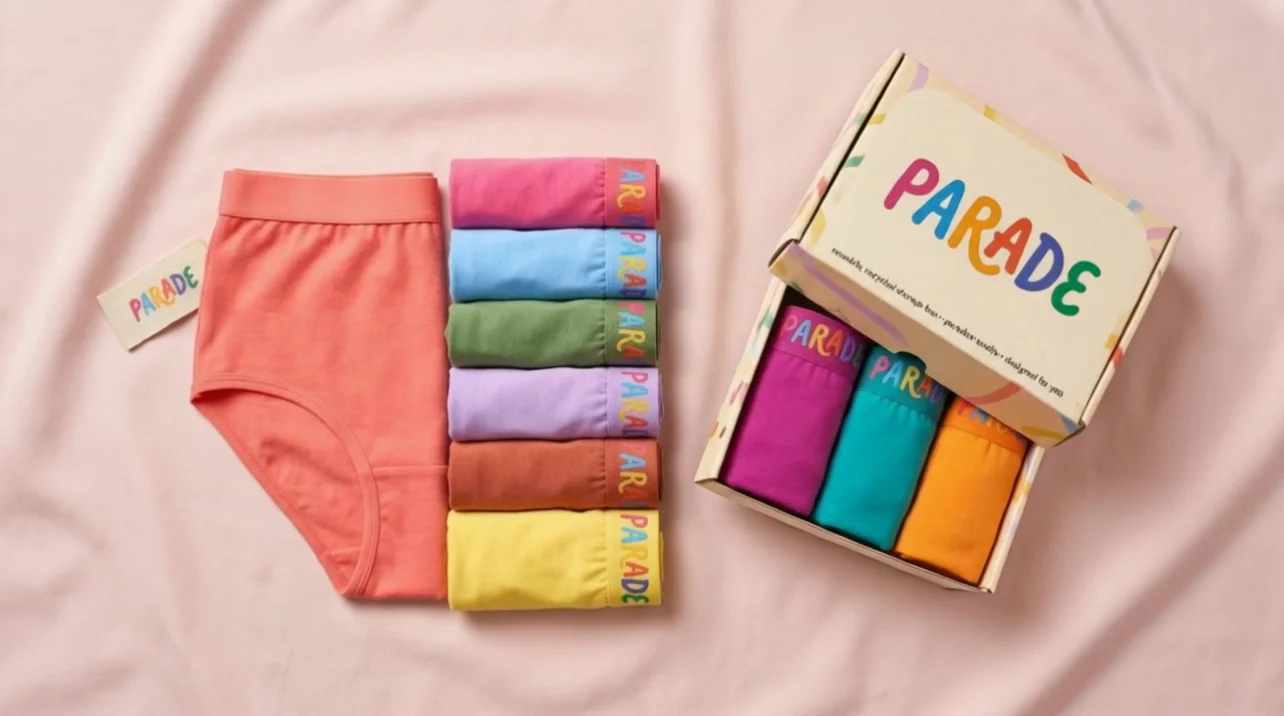
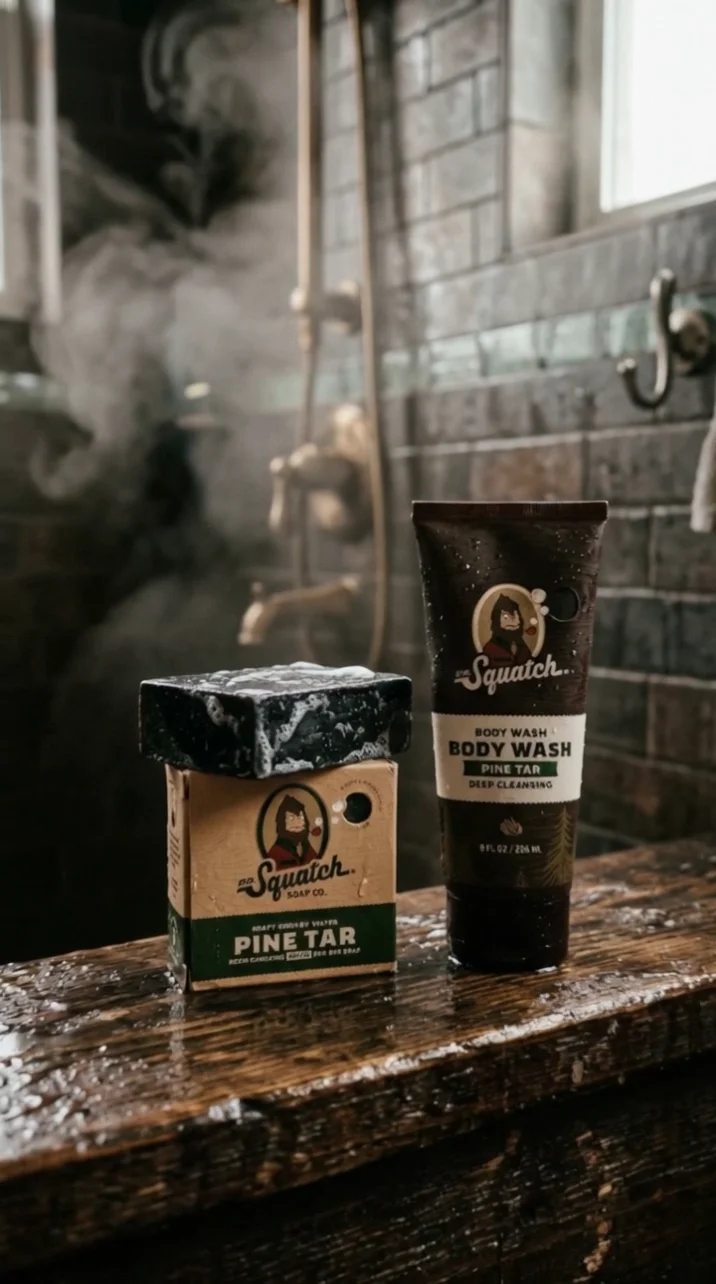
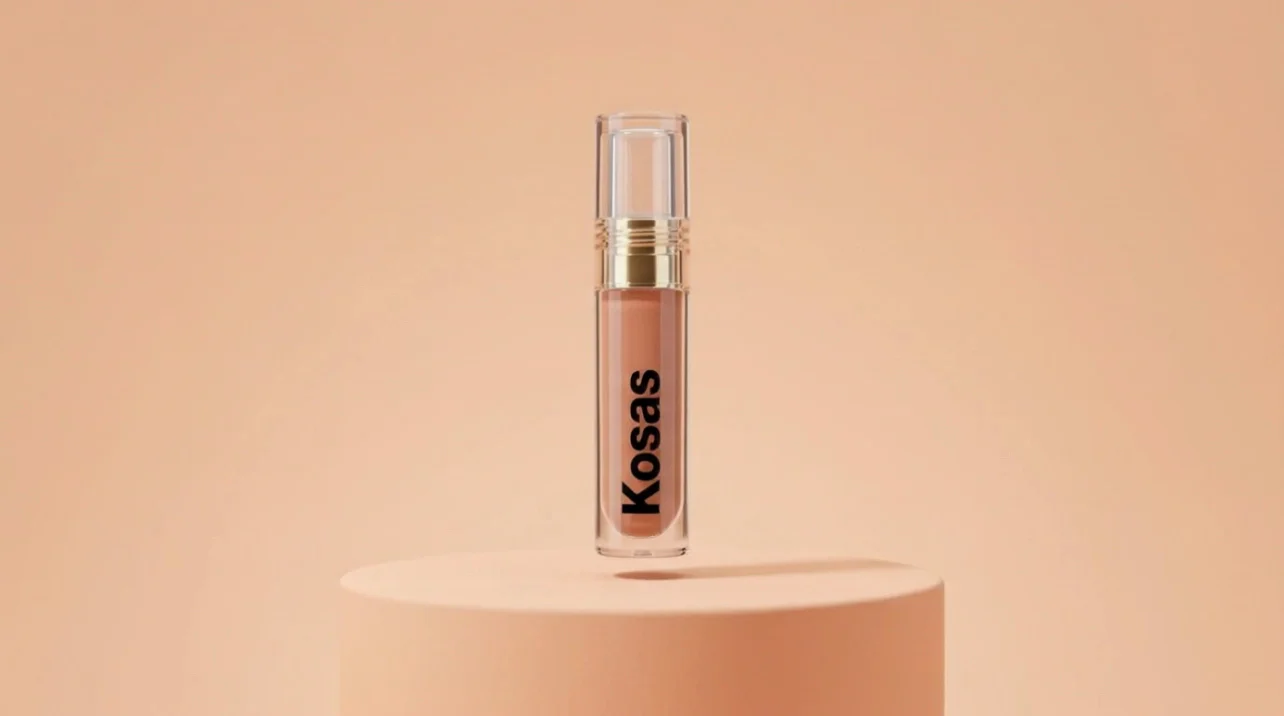
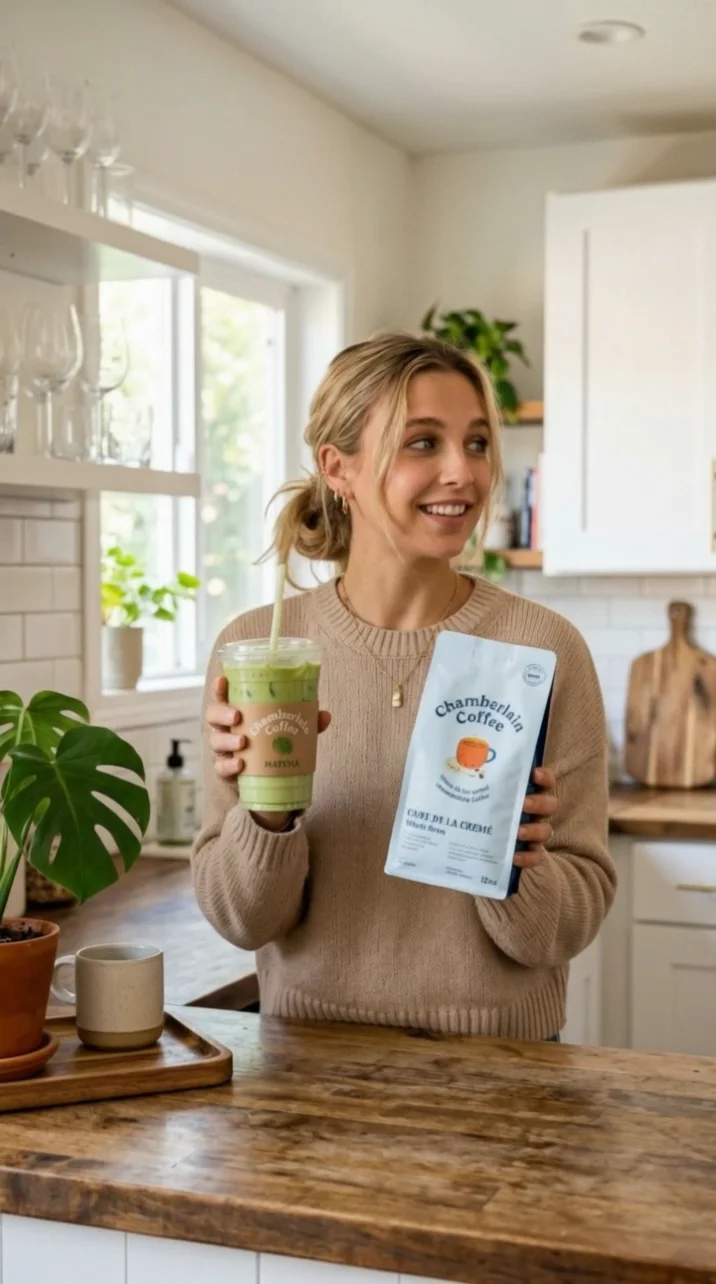
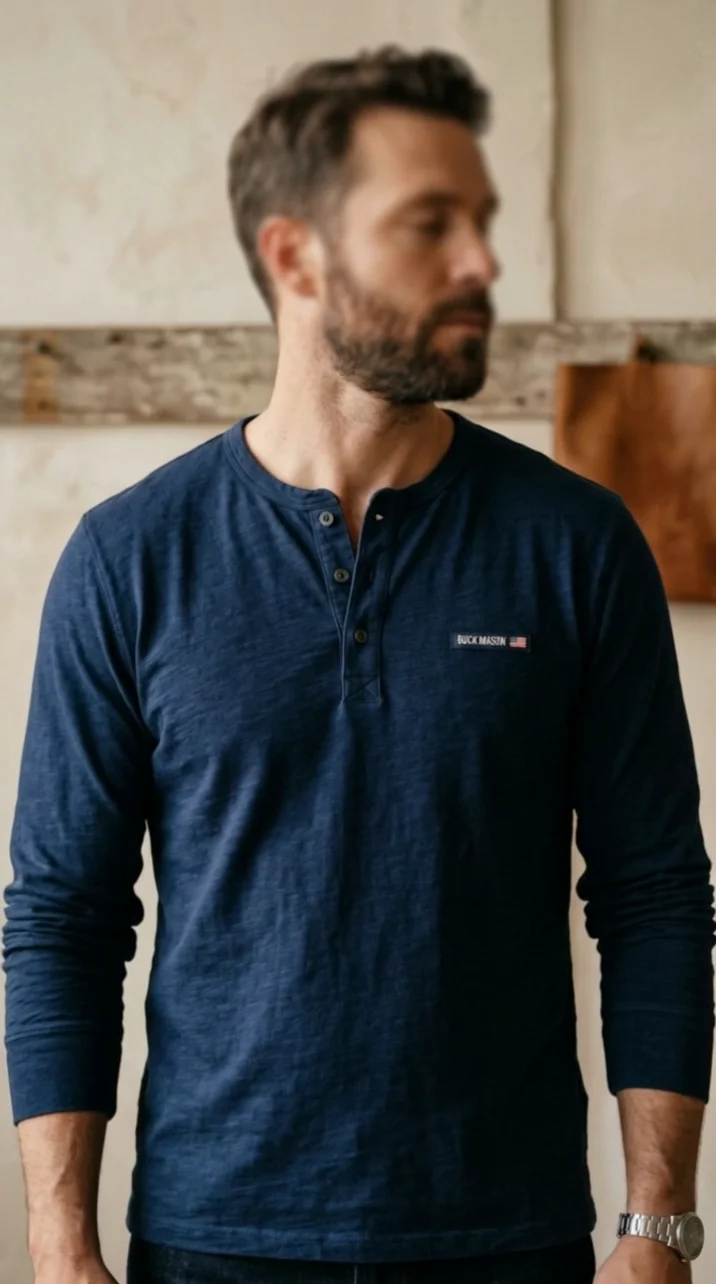
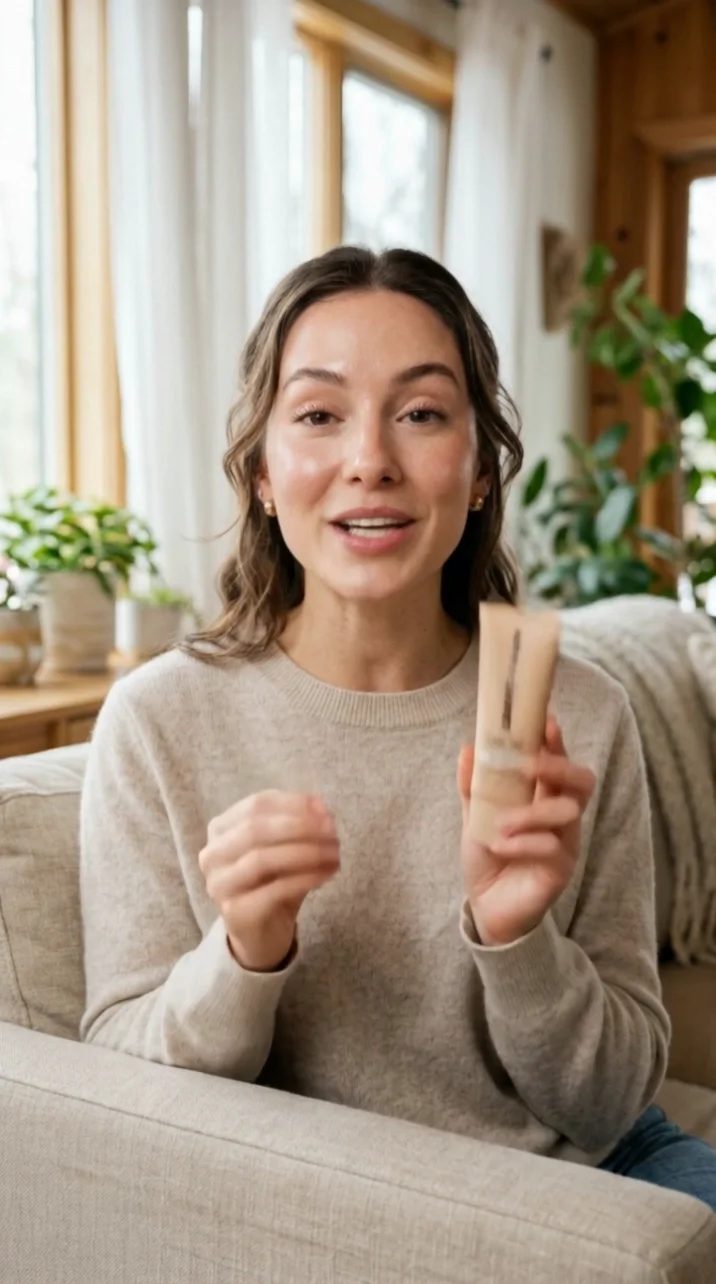
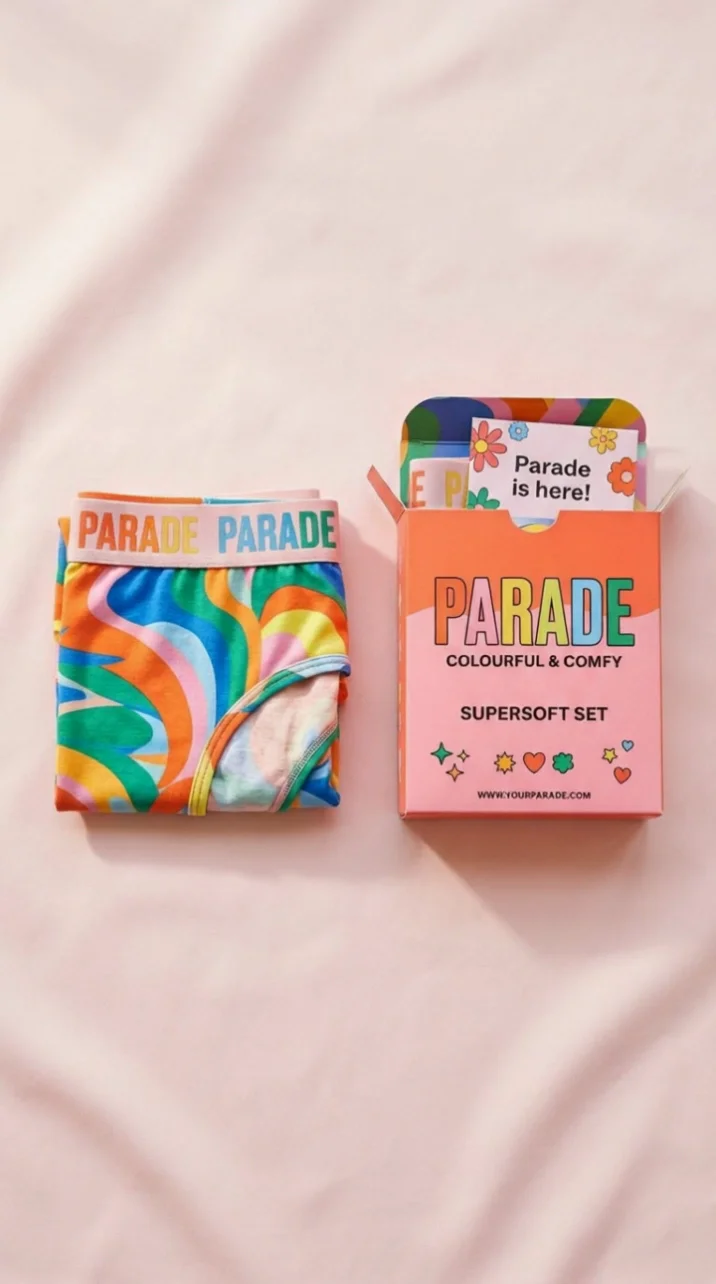
Cast your spokesperson from one short clip. Kling Video 3.0 Omni — also called Kling O3 — takes a reference video and carries that person's look and voice character into new 3 to 15 second scenes at 720p.
Real spokespeople, real products, new scenes. Browse what teams are building from a single reference clip.
Turn a reference clip into a set of on-brand ads in three steps.
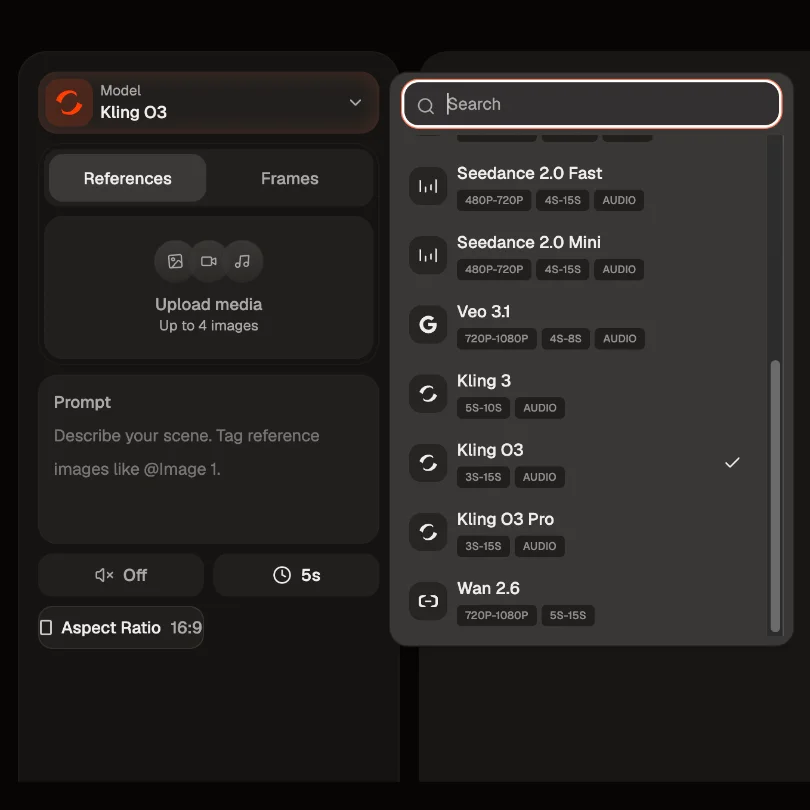
Select Kling Video 3.0 Omni as your starting point. This is the 720p Standard route, built for fast, cheap iteration.
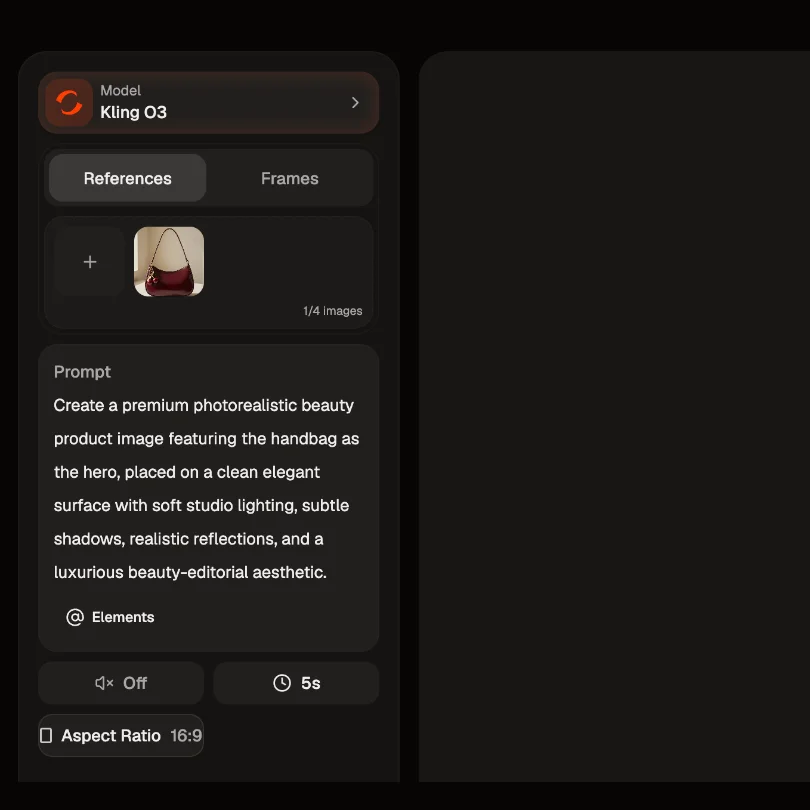
Upload a 3 to 10 second reference video of your spokesperson, up to 200MB, plus product photos. Then write the shot and point at each file by name with @Video1 or @Image1.
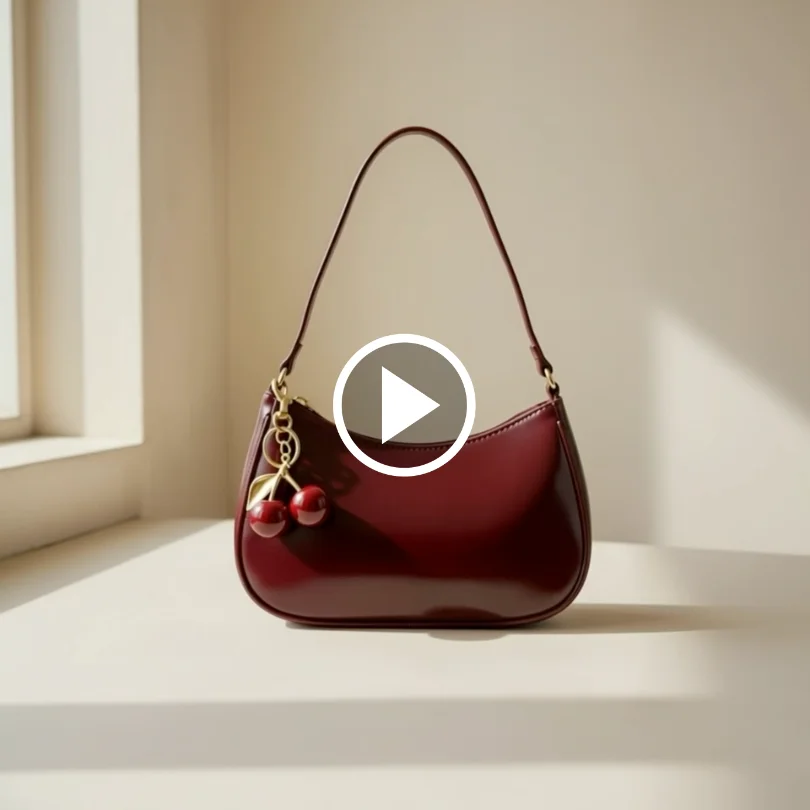
Standard returns a clip in roughly a third the time Pro takes, so you can run angles back to back. Tune the prompt, then send the winner to Kling Video 3.0 Omni (Pro) for the 1080p finish.
Kling Video 3.0 Omni on HeyOz is the reference-driven route in the Kling 3.0 family. Where Kling Video 3.0 works from your prompt, Omni works from your footage: a reference video guides a character's look and voice characteristics into scenes that were never filmed, and the same model handles editing and style transfer without a second tool.
Film your founder or spokesperson once, 3 to 10 seconds, and Kling Video 3.0 Omni draws on that clip's visual traits and voice characteristics to place them in new scenes. Same face, same voice character, angles you never shot. Use it with people who have agreed to appear in your ads and whose likeness you have the rights to.
Bring up to 7 reference images into a generation, or 4 alongside a reference video. Address each one in the prompt with @Image1 or @Video1 so the model knows which face, which bottle, which label. Your real SKU, in the shot you asked for.
Storyboard several shots inside a single generation and set duration, shot size, perspective and camera movement for each one. A 15 second spot arrives cut, not stitched — no timeline, no re-rolling shot three because shot one changed.
Add, remove or replace an element, or restyle a clip, using the same model that generated it. When an ad is working and only the pack shot changed, edit that instead of regenerating a spot you already approved.
Built for teams testing volume: many variants of one spokesperson, fast and cheap, before you commit to a finish.
Film your creator once, then generate twenty hooks around them. The reference clip keeps the face and voice recognisable across the whole set instead of drifting into a new person per cut.
Start from a photo of the actual SKU and add an optional end frame. Packaging and label stay the product you sell, not an approximation of it.
Skip the reference video and switch native audio on: dialogue, music and effects generate alongside the picture, no separate voiceover stage.
New offer, new price, new hero colour. Instruct the edit on the clip that already performed rather than starting the generation over.
Render at 16:9 for YouTube and display, or 1:1 for feed, all from the same references.
It's Kuaishou's reference-driven video model, announced on February 5, 2026 as part of the Kling 3.0 series and available now. It's widely listed as Kling O3, which is where the shorthand comes from — Kuaishou itself writes Kling Video 3.0 Omni. It generates, edits and restyles video in one model, and it's the route to use when your inputs are footage and photos rather than a paragraph of description.
Kling Video 3.0 is the prompt-driven cinematic route: you describe a scene and it builds one. Omni is the reference route: you hand it a video or images and it carries what's in them into new shots. If you're writing the scene, pick Kling Video 3.0. If you're supplying the person or the product, pick Omni.
Same model, two modes. This page is Standard at 720p; Pro runs the same generation at 1080p. Standard is roughly three times quicker to render. Draft your angles here, then finish the winner on Pro.
No — native audio and reference-video input are mutually exclusive on this model, so a single pass gives you one or the other. In practice: use the reference video when carrying a real person's look and voice into a scene matters most, and switch to native audio when you need generated dialogue, music and effects. Plan the ad around one or the other rather than expecting both from one generation.
720p on this Standard route and 1080p on Pro. Those are the two tiers Kling Video 3.0 Omni offers — there's no 4K video here; Kuaishou's launch release attributes 2K and 4K to Image 3.0, not to video. Clips run 3 to 15 seconds, 5 by default, in 16:9 or 1:1.
Text, a start image and an optional end image, up to 7 reference images, and a reference video in .mp4 or .mov running 3 to 10 seconds at 200MB or less. If you supply a reference video, the image count drops to 4 alongside it. Multi-shot prompting lets you set a separate brief, duration, shot size, perspective and camera move per shot.
English and Chinese are generated natively; other supported languages are auto-translated rather than spoken natively, so check the read before you ship a localised cut. English comes in American, British and Indian accents. Audio applies when you're not using a reference video.
Yes, you can start free on HeyOz. Since Standard is the cheaper, quicker mode, it's the sensible place to spend your first credits.
Pick the right engine for the job — all in one place.
Anyone can give you Kling Video 3.0 Omni. Only HeyOz turns it into your ad.
HeyOz reads your brand and keeps every asset on-color, on-voice, on-message.
Seedance, Veo, Kling, GPT Image, and more — no juggling subscriptions.
Sized and formatted for Meta and TikTok, straight out of the box.
Not just a model — templates, avatars, and an agent that does it all.
Start Now. No agency, no brief, no blank screen.