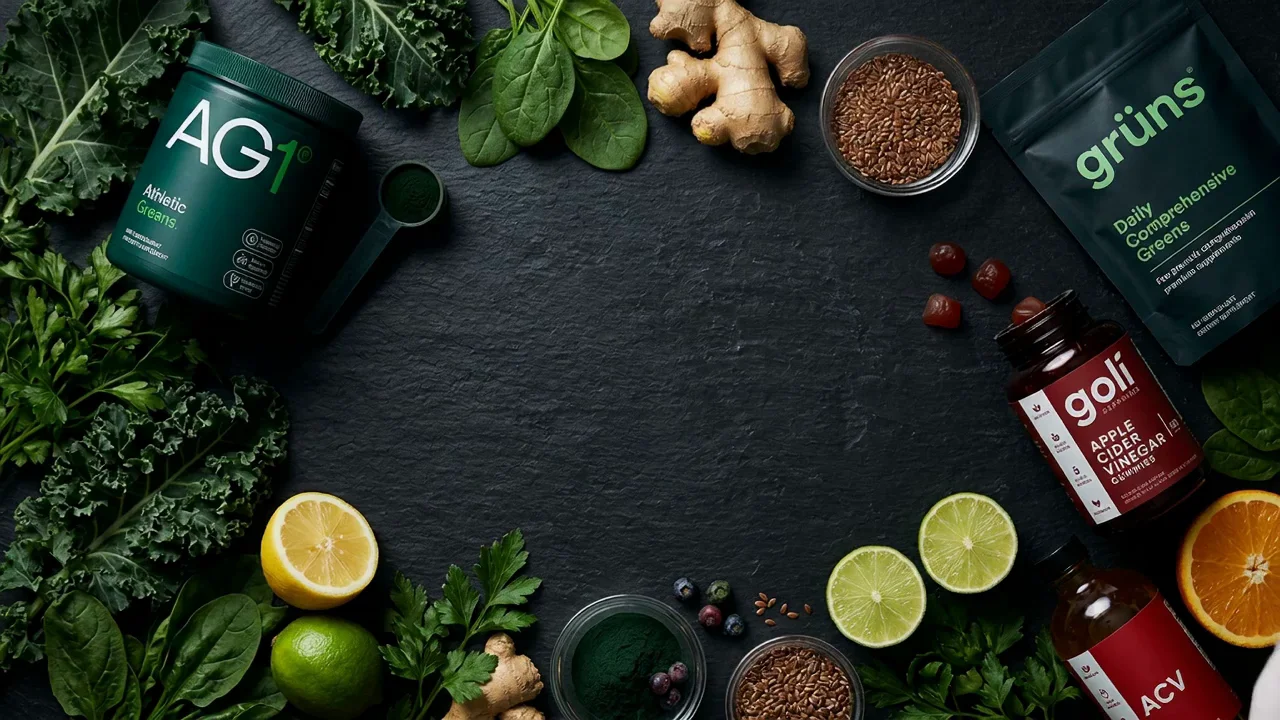
Google's Gemini 3.1 Flash Image — generate and edit still ads at 512px, 1K or 2K, with legible in-image text, up to 10 product references per shot, and Google Search grounding for subjects that have to look like the real thing.
Static ads, posters, packaging mockups and infographics made with Nano Banana 2 — see what the model does before you write your first prompt.
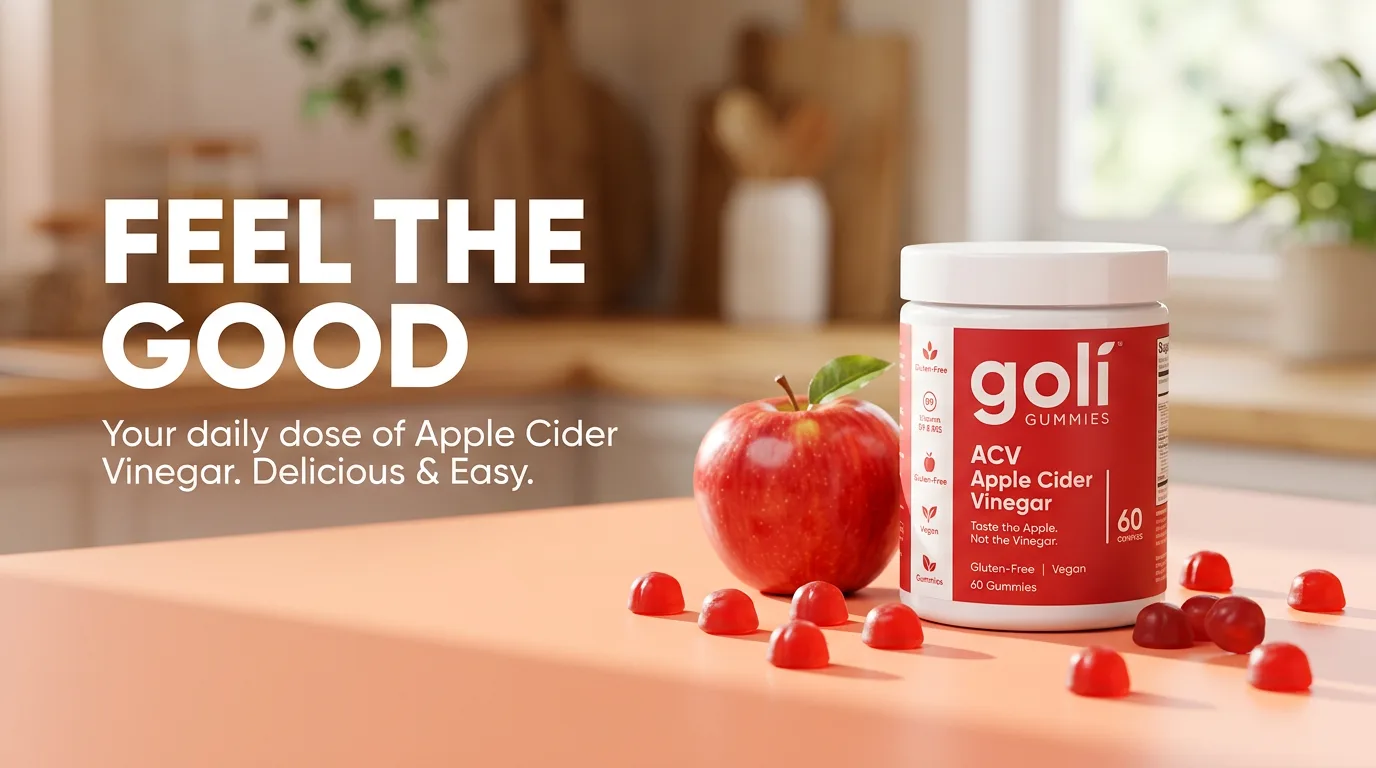
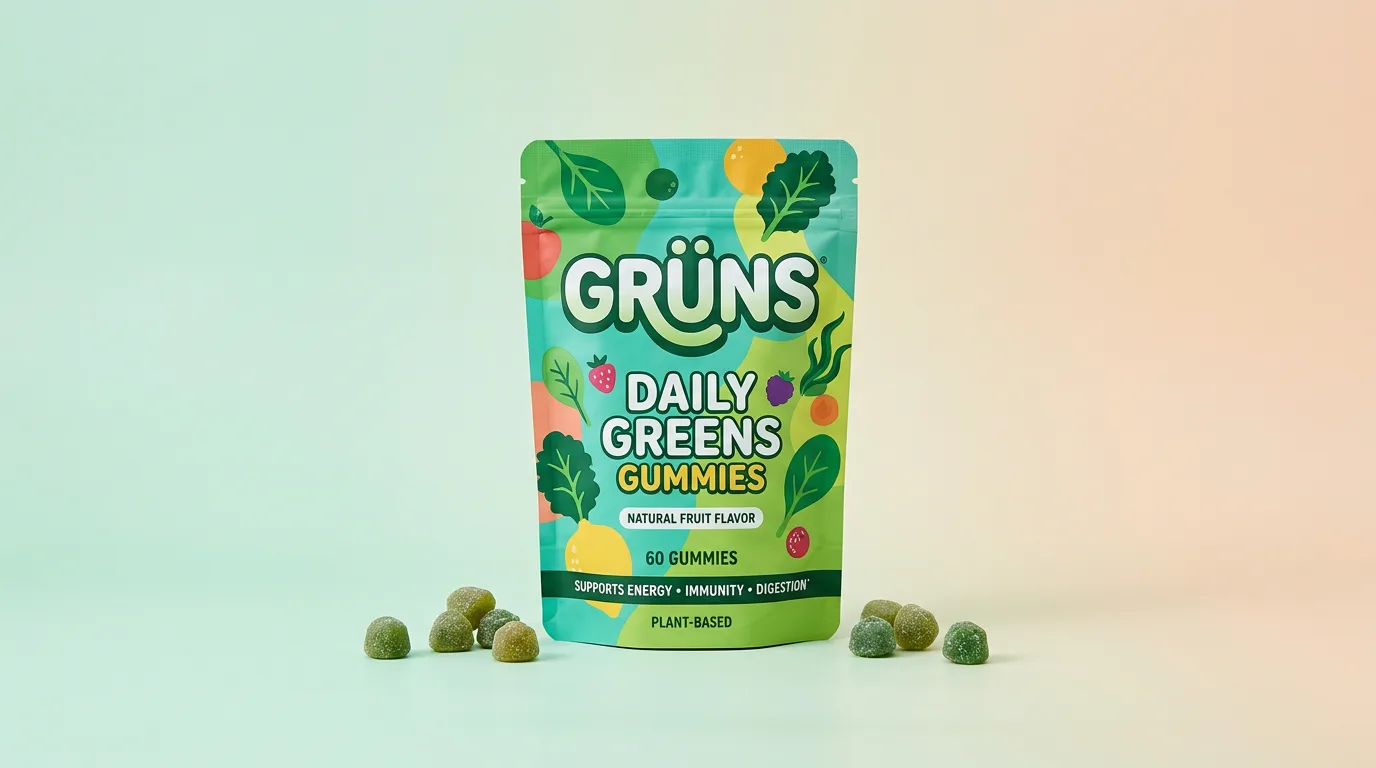
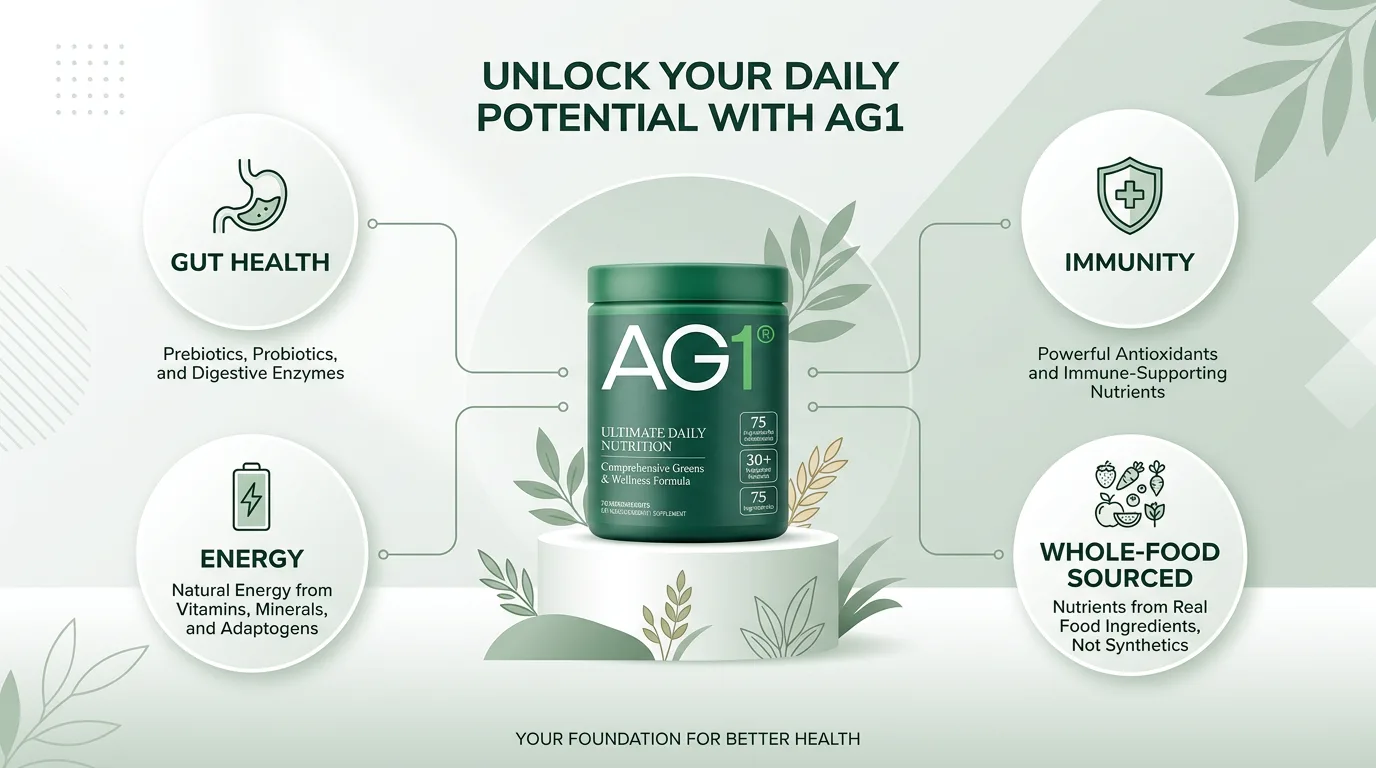
Turn a product photo and a line of copy into a finished ad using Google Nano Banana 2 in three steps.
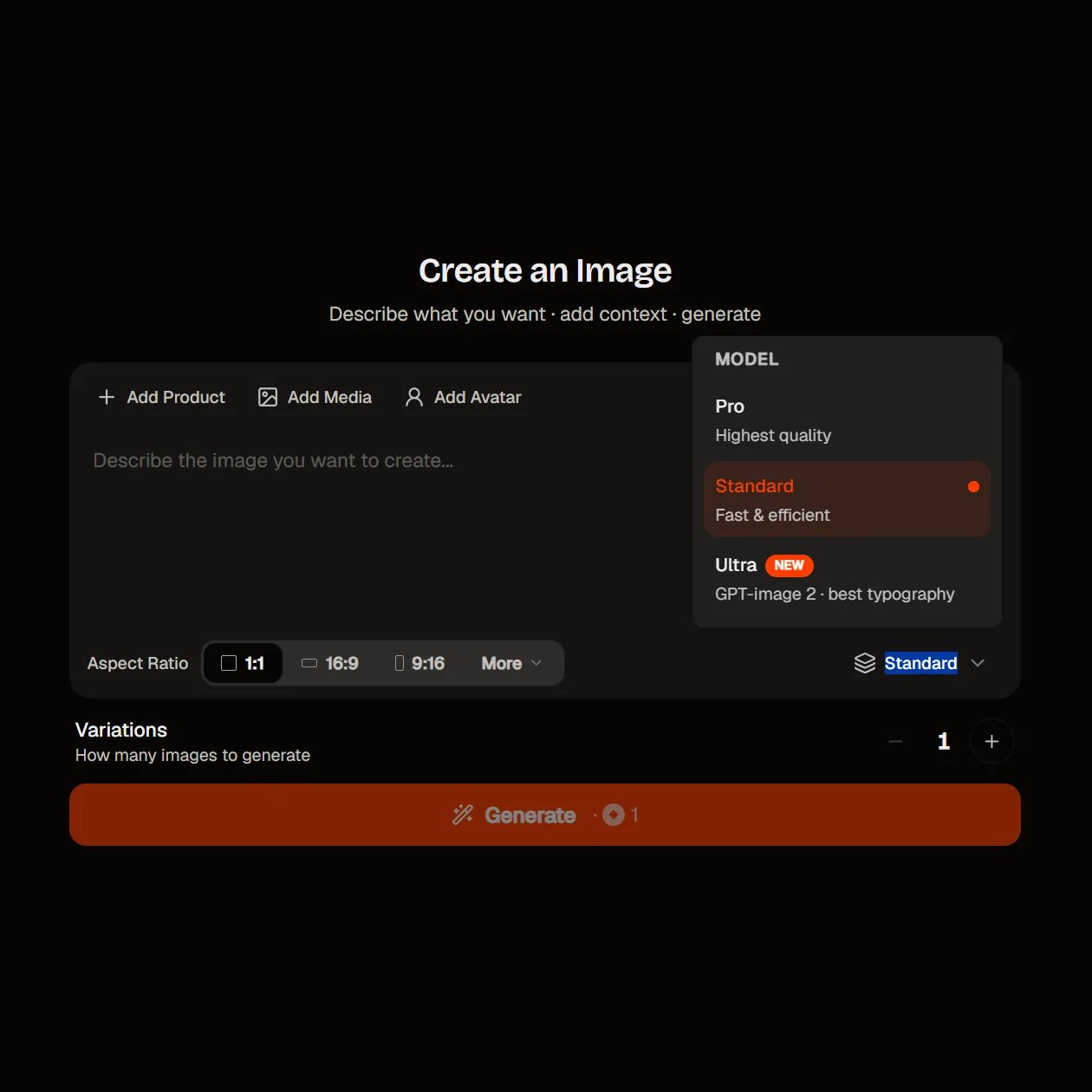
Select Nano Banana 2 as your image model to get started.
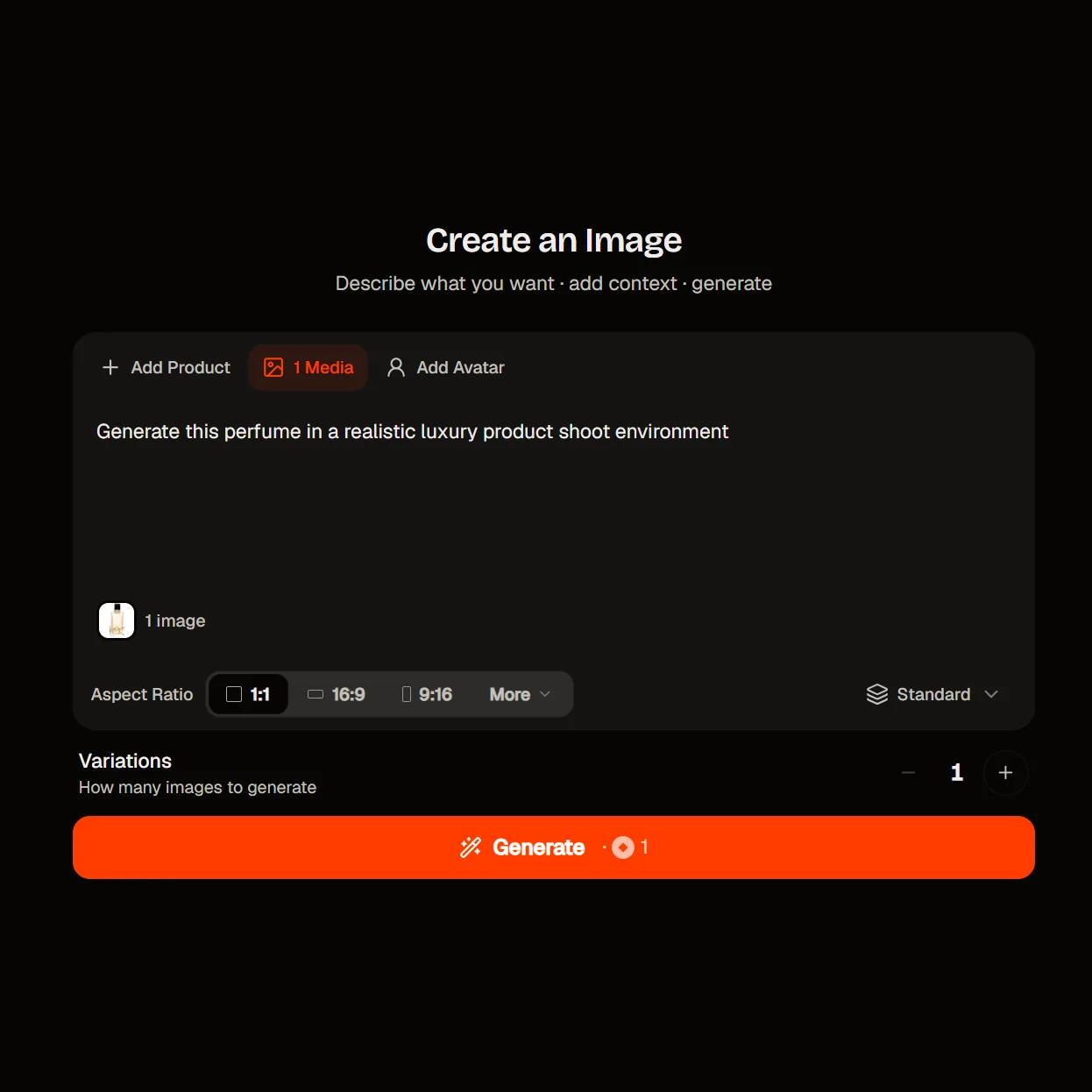
Describe the shot, or upload references first — your product, your talent, a style board. Set your size and aspect ratio, and type the headline you want rendered inside the image.
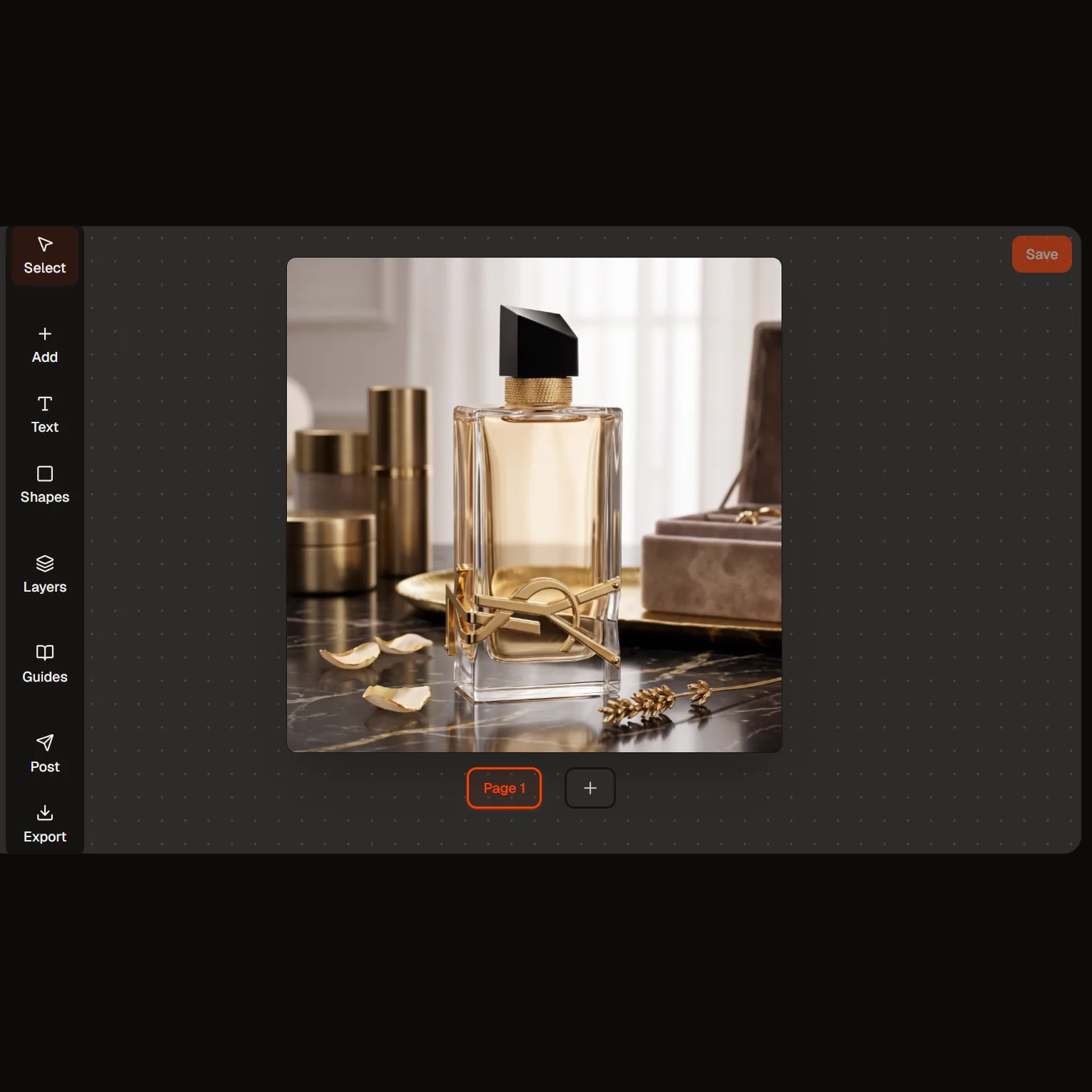
Review the result and refine it in conversation. Ask for a different background, a relit scene or a new headline, and keep the parts you already approved.
Nano Banana 2 on HeyOz is Google's recommended default for new image work — the tier they say delivers around 95% of Nano Banana Pro's capability at roughly half the price. For ad teams running volume, that ratio is the point. It renders readable text inside the frame, holds your real product across compositions, and can look up reference photos before it draws.
At 1K it costs about half what Nano Banana Pro does, and Google's own guidance puts it at around 95% of Pro's capability for that half the spend. Drop to the 512px tier for rough angles, or send a batch job through at half price. Pro still has the edge on the most tangled prompts and on maximum factual precision; for everything else Google now points new projects here.
Nano Banana 2 can search the web — and search Google Images — for photographs of your subject before it renders anything. That matters when the frame has to contain a real place, a specific plant or a particular animal species rather than an approximation. It's the one capability the Pro tier doesn't carry. The first 5,000 grounded prompts each month are free; past that, grounding is billed separately from generation.
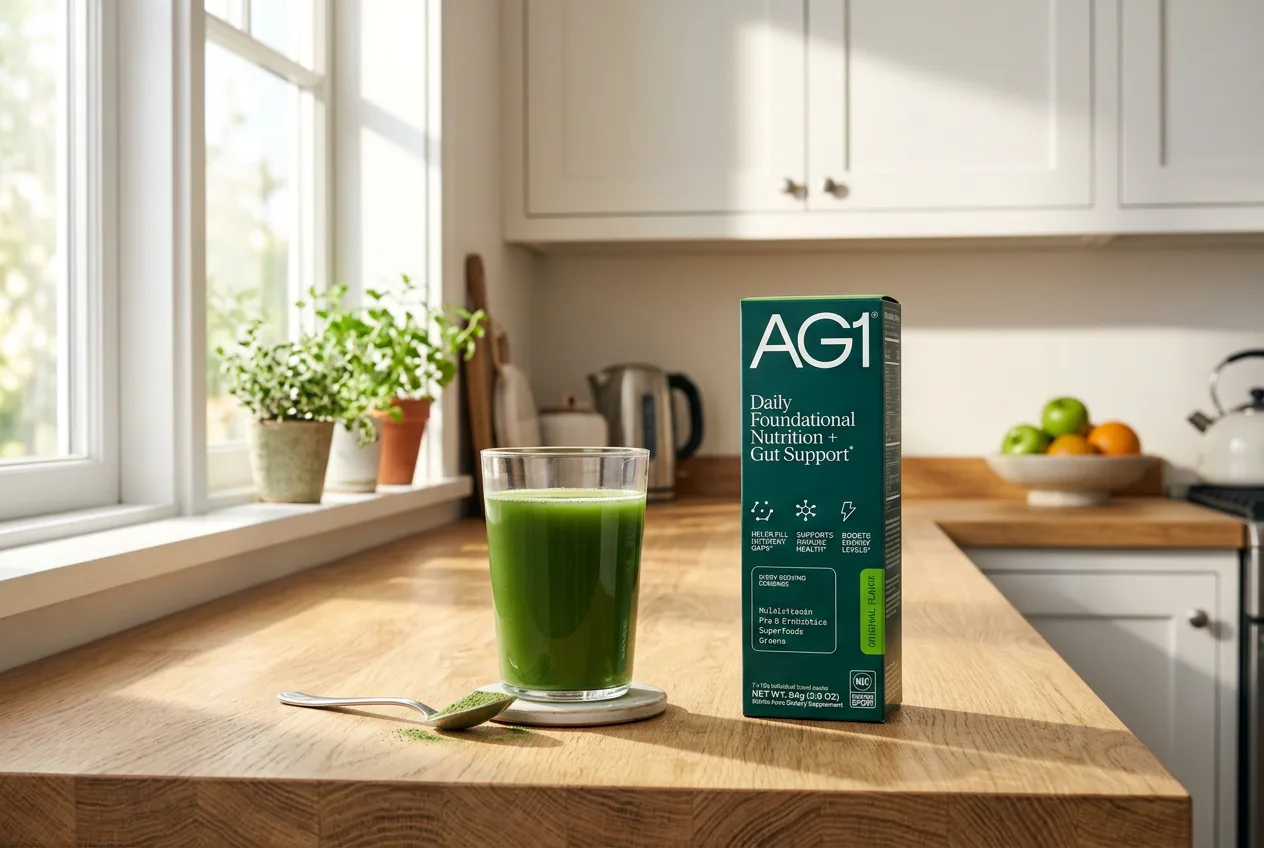
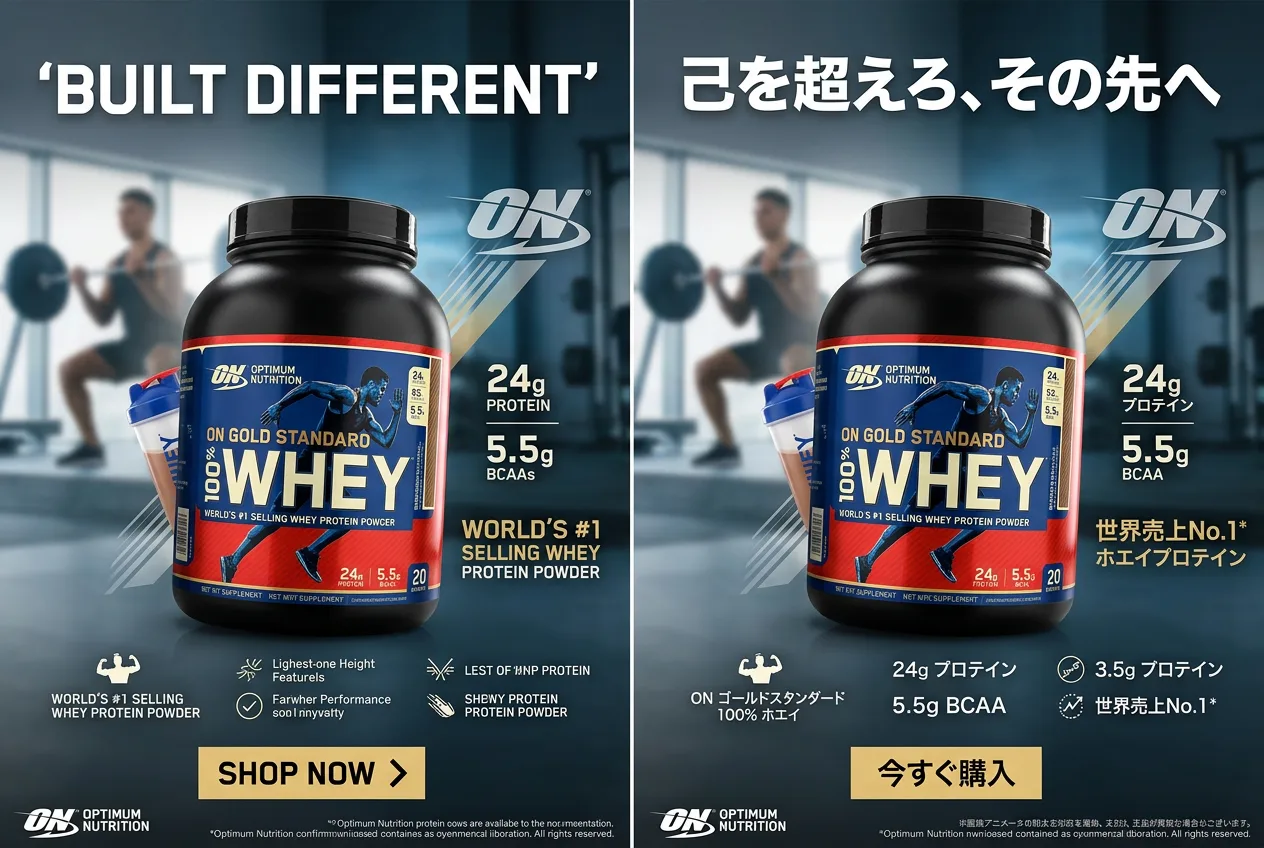
Type the copy and the model sets it inside the frame — legible, stylised, multilingual. Then ask it to translate the text in the creative you already approved, and you get the same layout with the copy rewritten for the next market. One art direction, one asset, a version per locale, without rebuilding the composition each time.
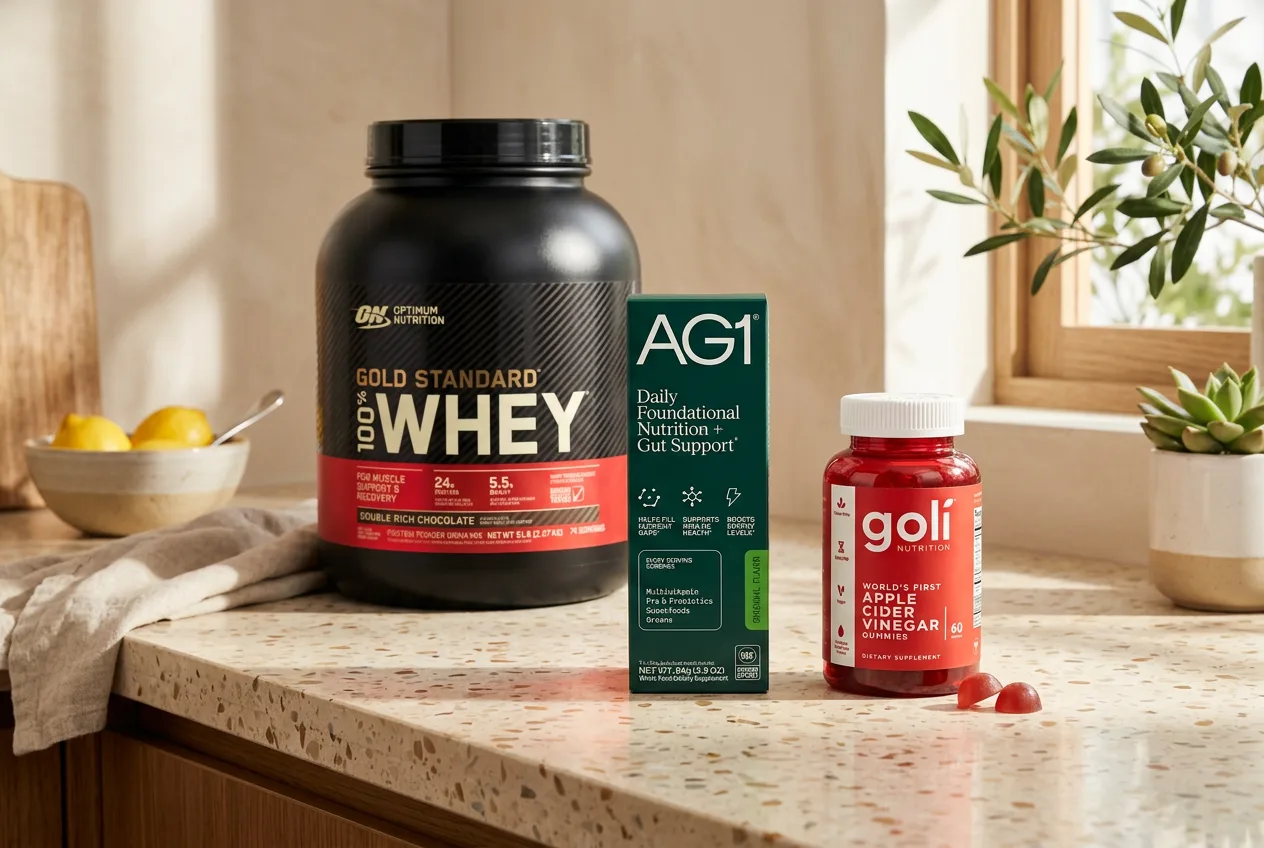
Per Google's API docs, a single generation takes up to 10 high-fidelity object references, up to 4 references for character consistency, and up to 3 style references. Load the real packaging from several angles and composite it into a hero or lifestyle scene. That object budget is wider than the Pro tier's, which caps at 6 — though Pro allows one more character slot than the 4 here.
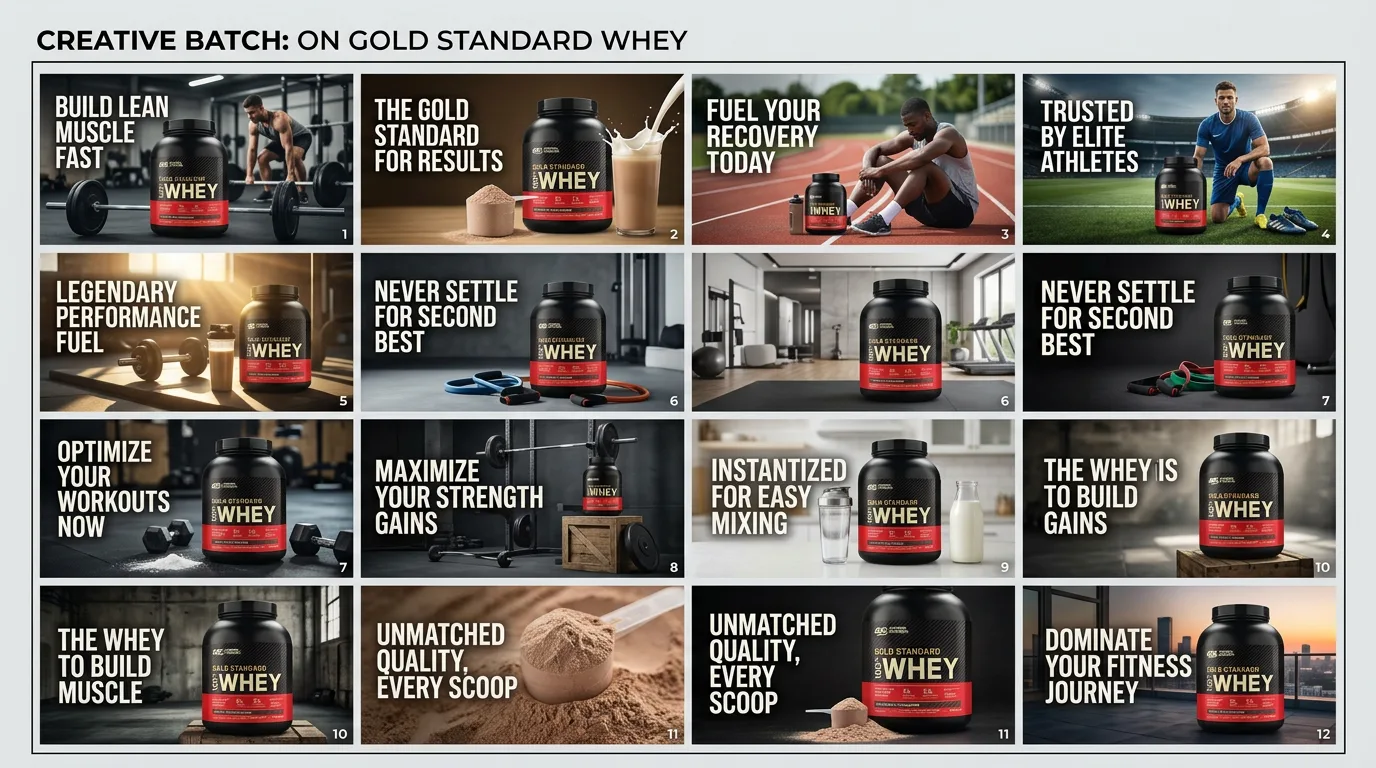
Static ads, packaging mockups, infographics and banners — priced so you can test twenty versions instead of arguing about two.
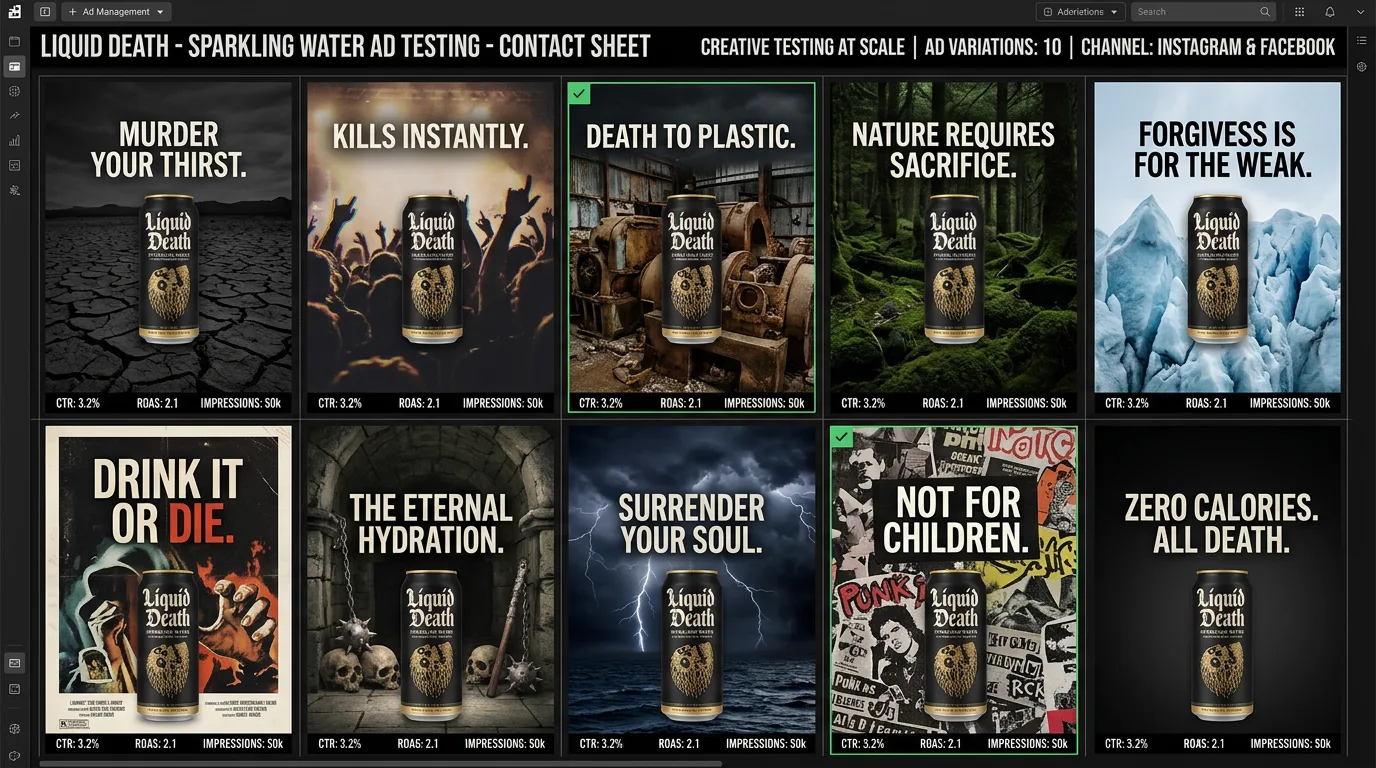
Run a wide set of angles at the 512px tier, pick the winners, finish those at 1K or 2K. The price gap between drafting and shipping is what makes broad testing worth doing.
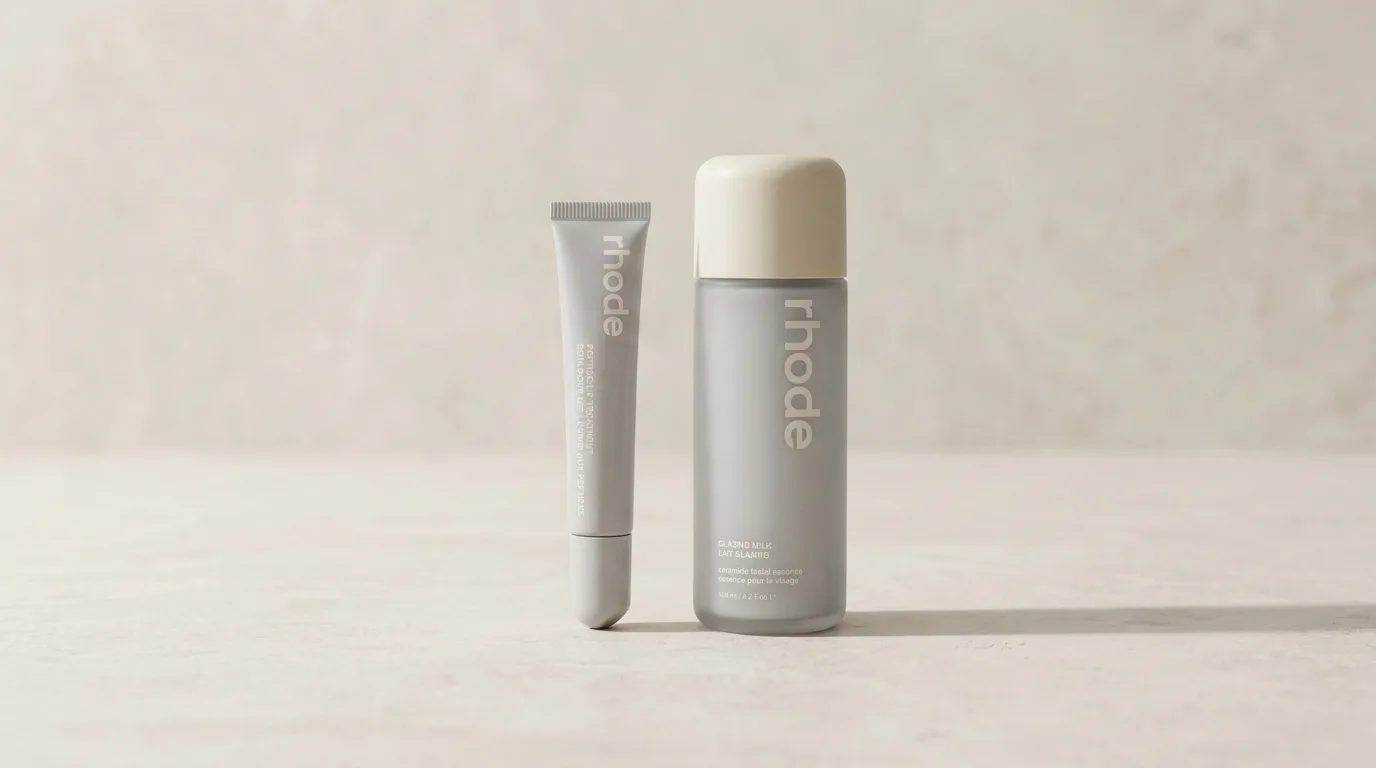
Composite your real tin, bottle or box into a studio or lifestyle scene, with the label copy legible enough to read at feed size.
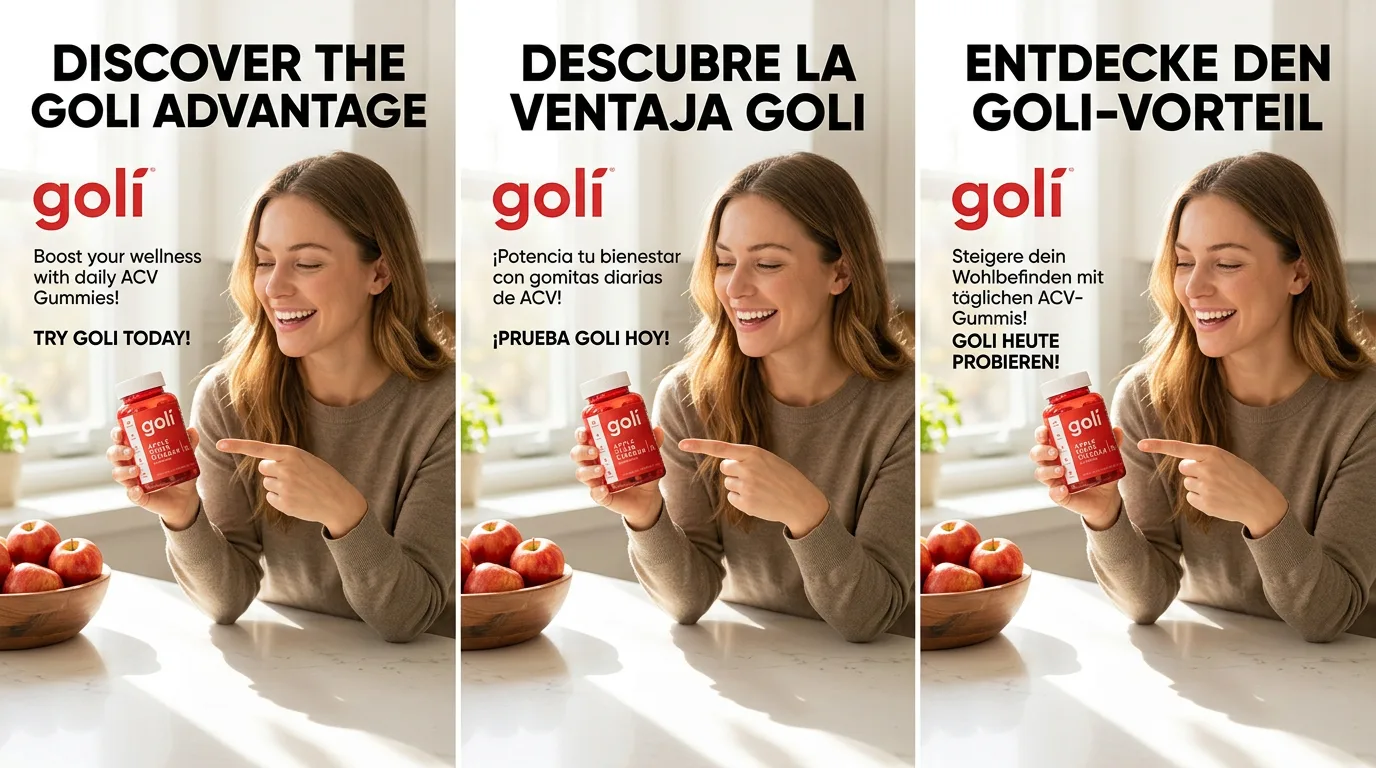
Approve one creative, then have the in-image copy translated per market. The art direction stays put while the words change.
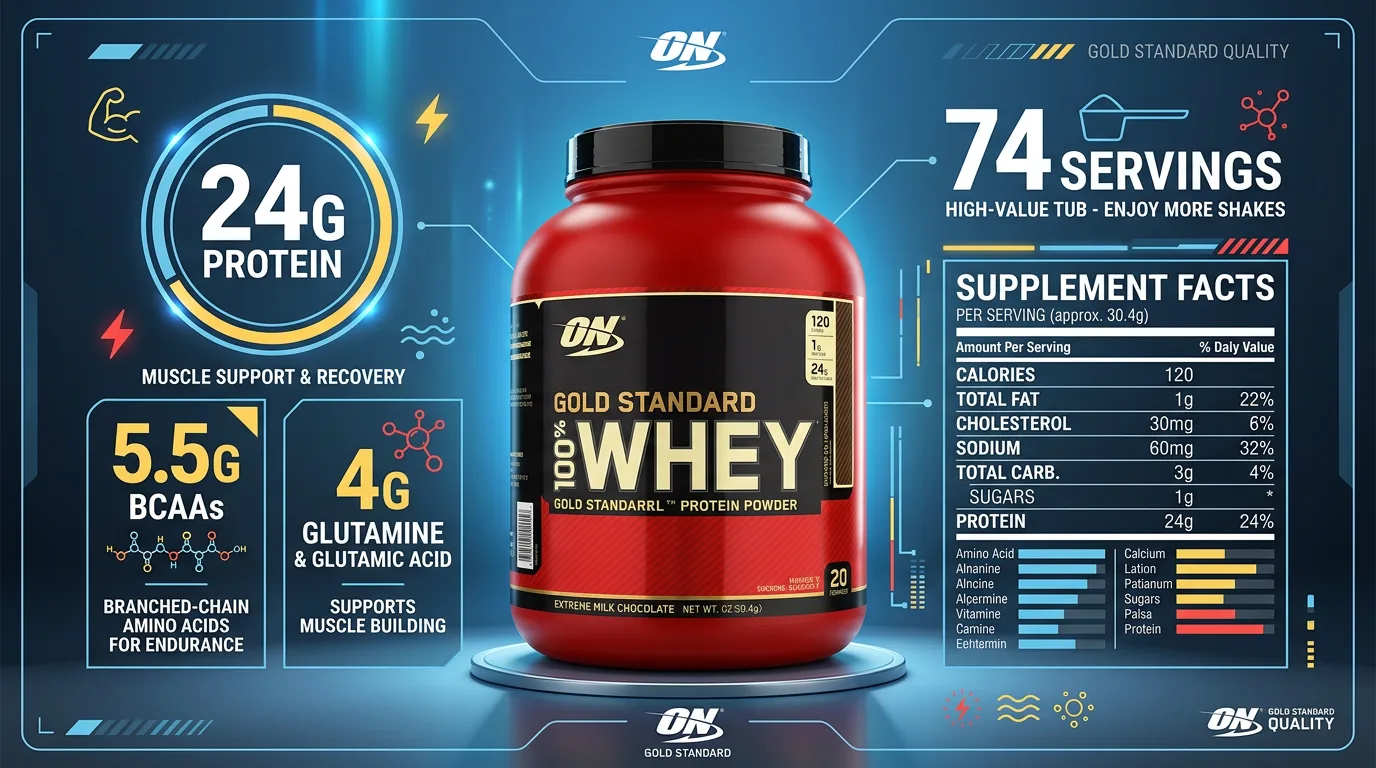
Hand over your notes and get a diagram or data panel back with the labels set inside the image — a use case Google calls out directly.
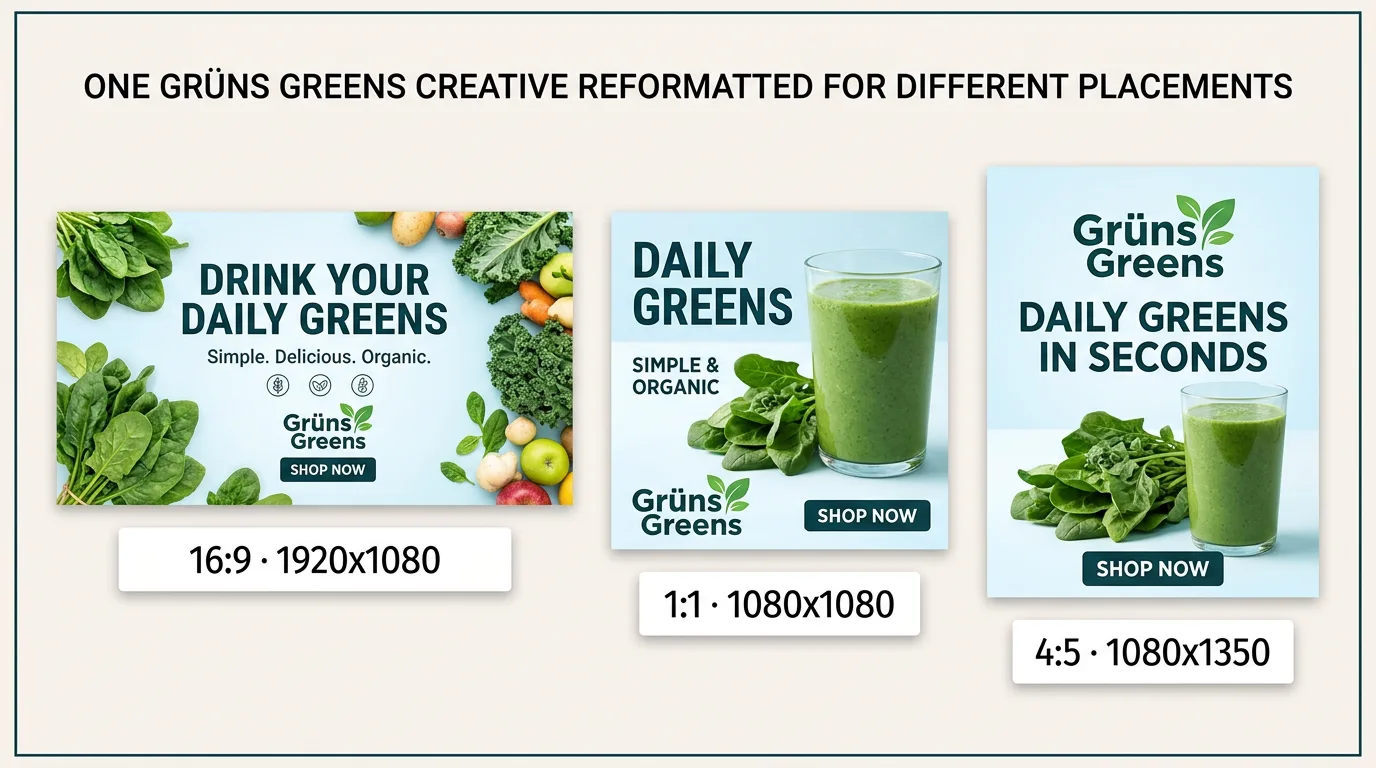
16:9 and 21:9 for display, 1:1 for grid, 4:5 for feed — plus 4:1 and 8:1 ultra-wide for header banners.
Nano Banana 2 is Google's image generation and editing model, formally named Gemini 3.1 Flash Image and built on Gemini 3.1 Flash. It landed in preview on 26 February 2026 and reached general availability on 28 May 2026. It handles text-to-image, image editing, multi-image composition and conversational refinement, and Google recommends it as the default for most new projects. On HeyOz it's wired into your brand kit and ad formats.
Yes — and this trips people up. Nano Banana 2 shipped in February 2026; Nano Banana Pro shipped in November 2025. "Pro" is a tier, not a generation, so the two are siblings rather than a version split — there's no combined Pro edition of the 2 generation. The lineup is Nano Banana 2 Lite for budget work, Nano Banana 2 as the default, and Nano Banana Pro as the premium tier for the most complex prompts.
Start here. Google's guidance is that Nano Banana 2 gives you roughly 95% of Pro's capability at about half the cost, and it has grounding in Google Images plus a wider object-reference budget that Pro doesn't offer. Reach for Pro when a prompt is highly complex and multi-layered, or when factual precision has to be as tight as it can get.
Four size tiers: 512px, 1K, 2K and 4K. The 512px, 1K and 2K tiers are generally available; 4K is still in preview, so treat it as such when you're planning a paid placement. Aspect ratios cover 16:9 and 21:9, 3:2, 4:3, 5:4, 4:5 and 1:1, plus the ultra-wide 4:1 and 8:1 that this model added.
Google's API docs list three separate budgets for one generation: up to 10 high-fidelity object references, up to 4 character-consistency references, and up to 3 style references. Google's blog post cites higher figures for characters and objects than the docs table does. We've gone with the documented numbers here rather than the marketing ones.
On HeyOz you can start creating for free — see our pricing page for what each plan includes. Cost scales with the resolution you pick, so 512px is the cheap tier for rough angles and 4K the priciest; batch jobs run at half rate. One thing to know up front: Search grounding is billed separately once you pass 5,000 free prompts a month.
Yes. Advanced editing and conversational refinement are both supported, so you can keep talking to the model about an image you already have — swap the background, change the lighting, rewrite the headline — instead of starting over. It can also take a video file as a prompt input, though that path is still in preview.
Yes. Google applies SynthID, an invisible watermark, to the model's outputs, and it can't be switched off. It isn't visible in your creative and doesn't affect how the image looks, but it does mean outputs stay identifiable as AI-generated — worth knowing if your ad platform or market has AI disclosure rules to meet.
Pick the right engine for the job — all in one place.
Anyone can give you Nano Banana 2. Only HeyOz turns it into your ad.
HeyOz reads your brand and keeps every asset on-color, on-voice, on-message.
Seedance, Veo, Kling, GPT Image, and more — no juggling subscriptions.
Sized and formatted for Meta and TikTok, straight out of the box.
Not just a model — templates, avatars, and an agent that does it all.
Start Now. No agency, no brief, no blank screen.