HeyOz HeyOz
INTRODUCING GPT IMAGE 2.6 BY OPENAI

GPT Image 2.6 Image Generator

GPT Image 2.6 is now one of the image models on HeyOz. Point at the part of an image you want changed instead of rewriting the whole prompt, pick Flare for speed or Sunburst for depth, and pull subjects out on a transparent background.

What People Are Making With GPT Image 2.6

Campaign frames, product sets and cutouts made on HeyOz.

GPT Image 2.6 Image Generator AI generation
Prompt

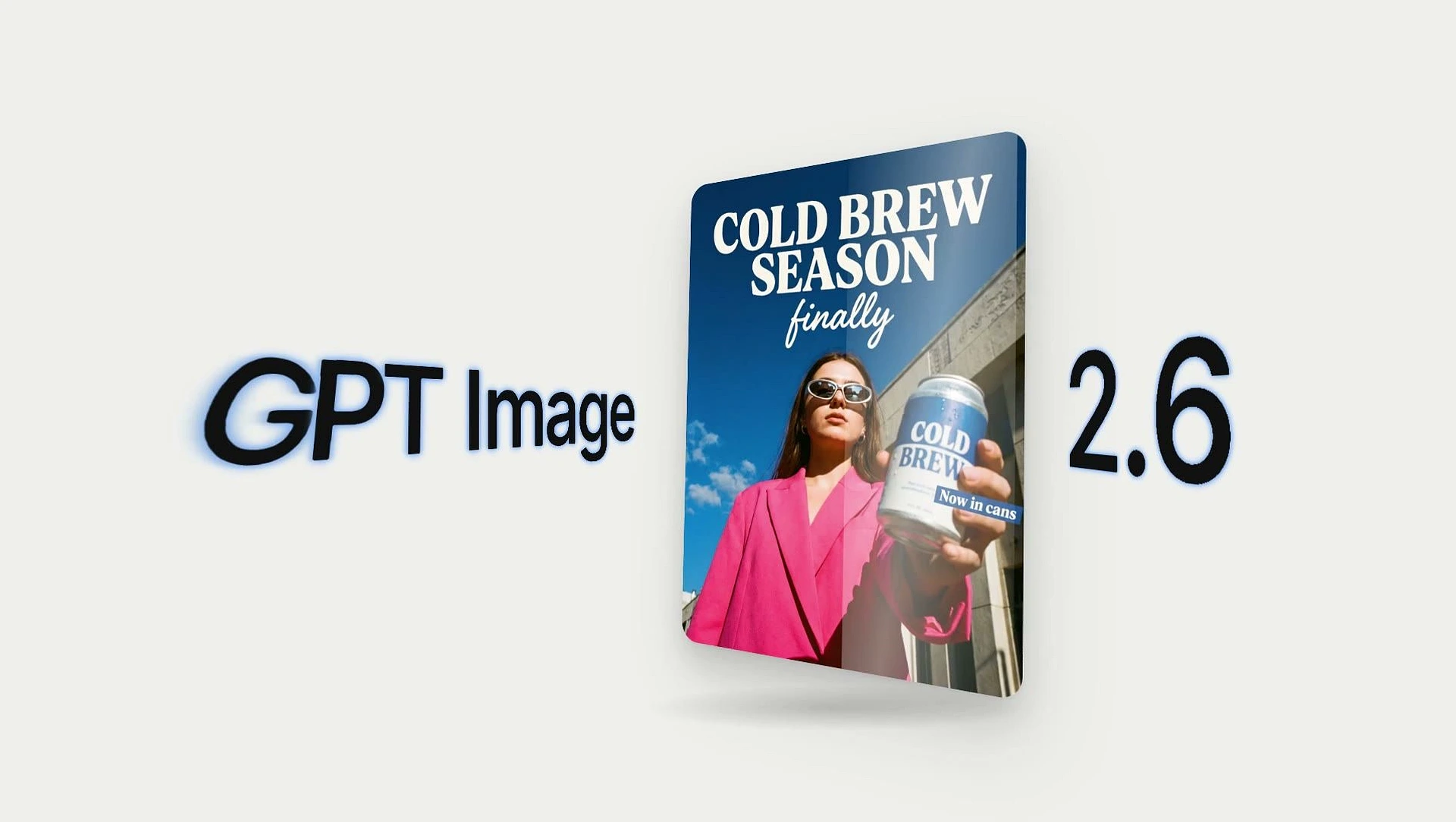
A “Cold Brew Season, finally” poster — model in a hot-pink suit holding the can against a bright sky, headline set in clean editorial type.

GPT Image 2.6 Image Generator AI generation
Prompt

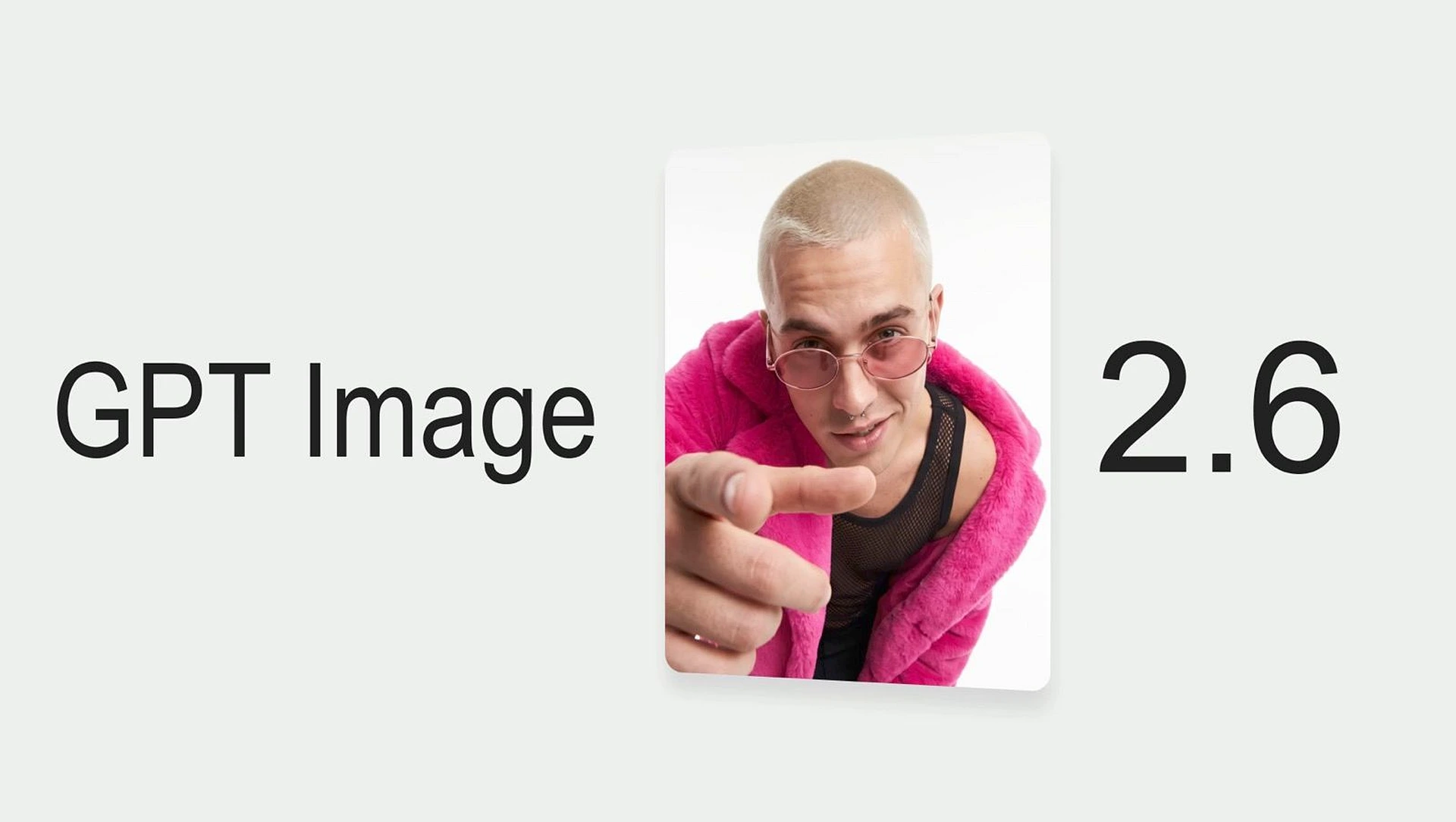
Studio portrait card — pink faux-fur jacket, tinted glasses, pointing straight down the lens on a soft off-white backdrop.

GPT Image 2.6 Image Generator AI generation
Prompt

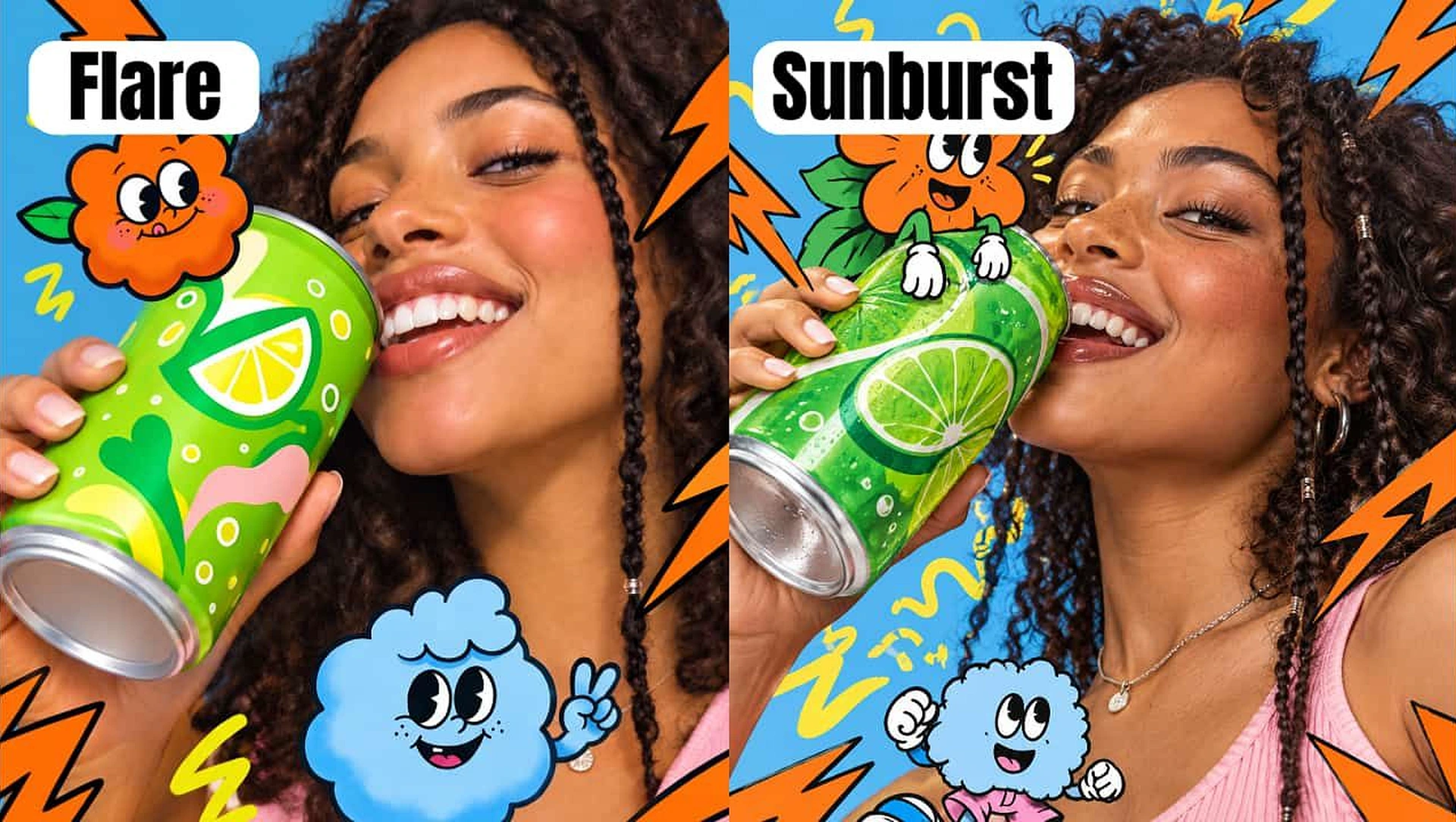
Lime soda can held to the mouth, hand-drawn sticker characters and lightning bolts layered over the photo in brand colours.

GPT Image 2.6 Image Generator AI generation
Prompt

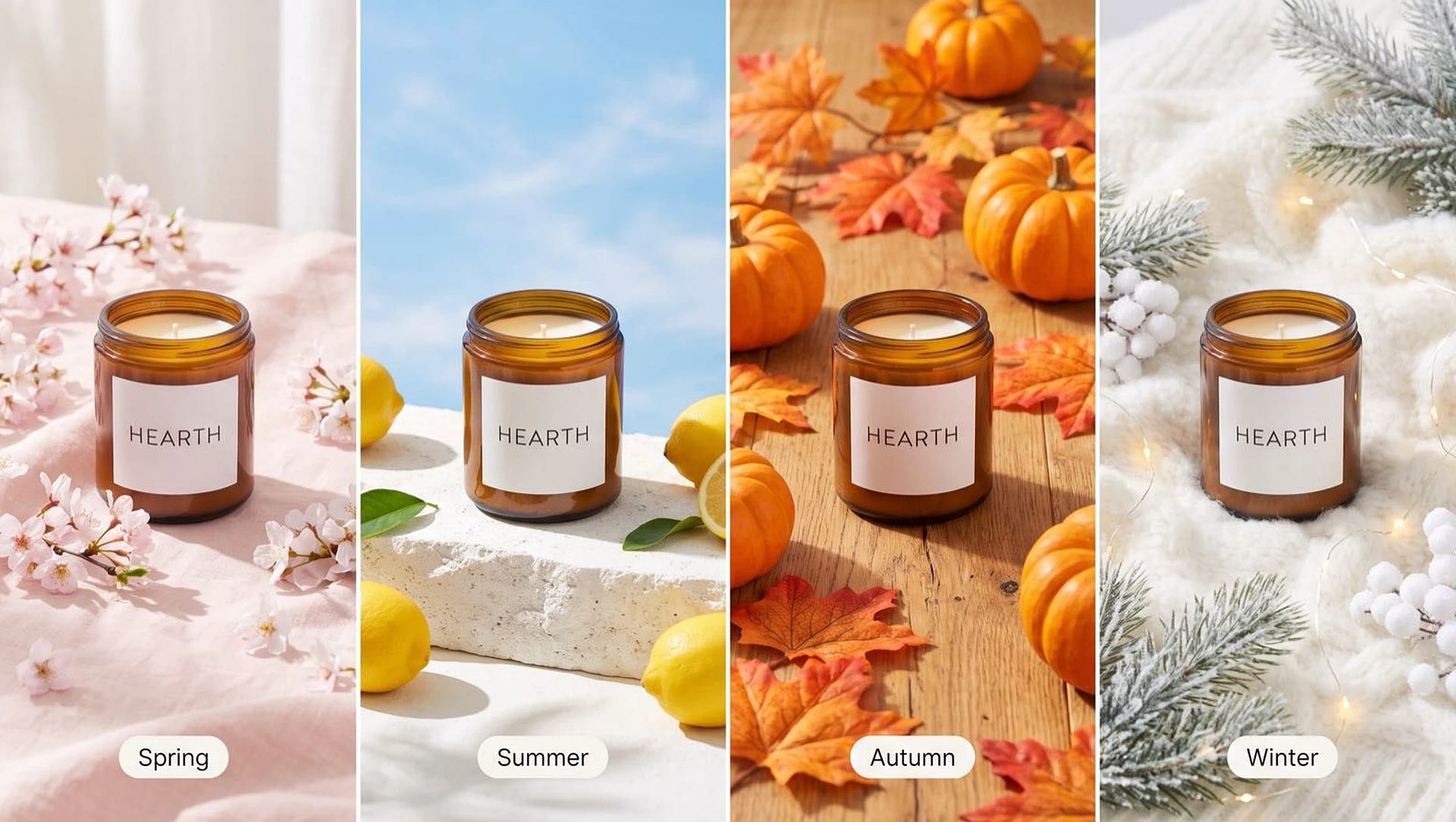
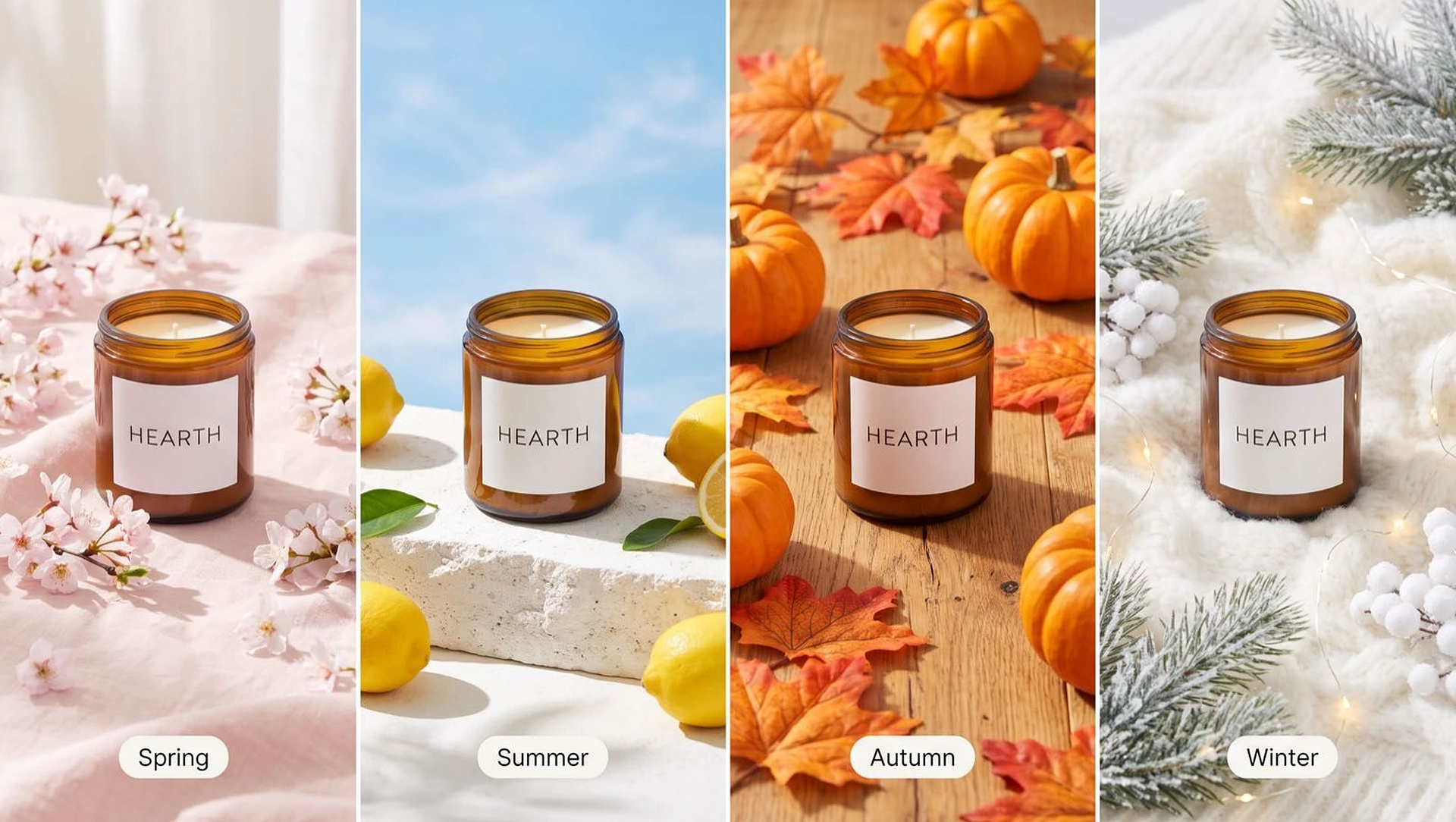
One candle jar shot four ways — cherry blossom, summer stone, autumn leaves and winter pine — same label, same lighting logic.

GPT Image 2.6 Image Generator AI generation
Prompt

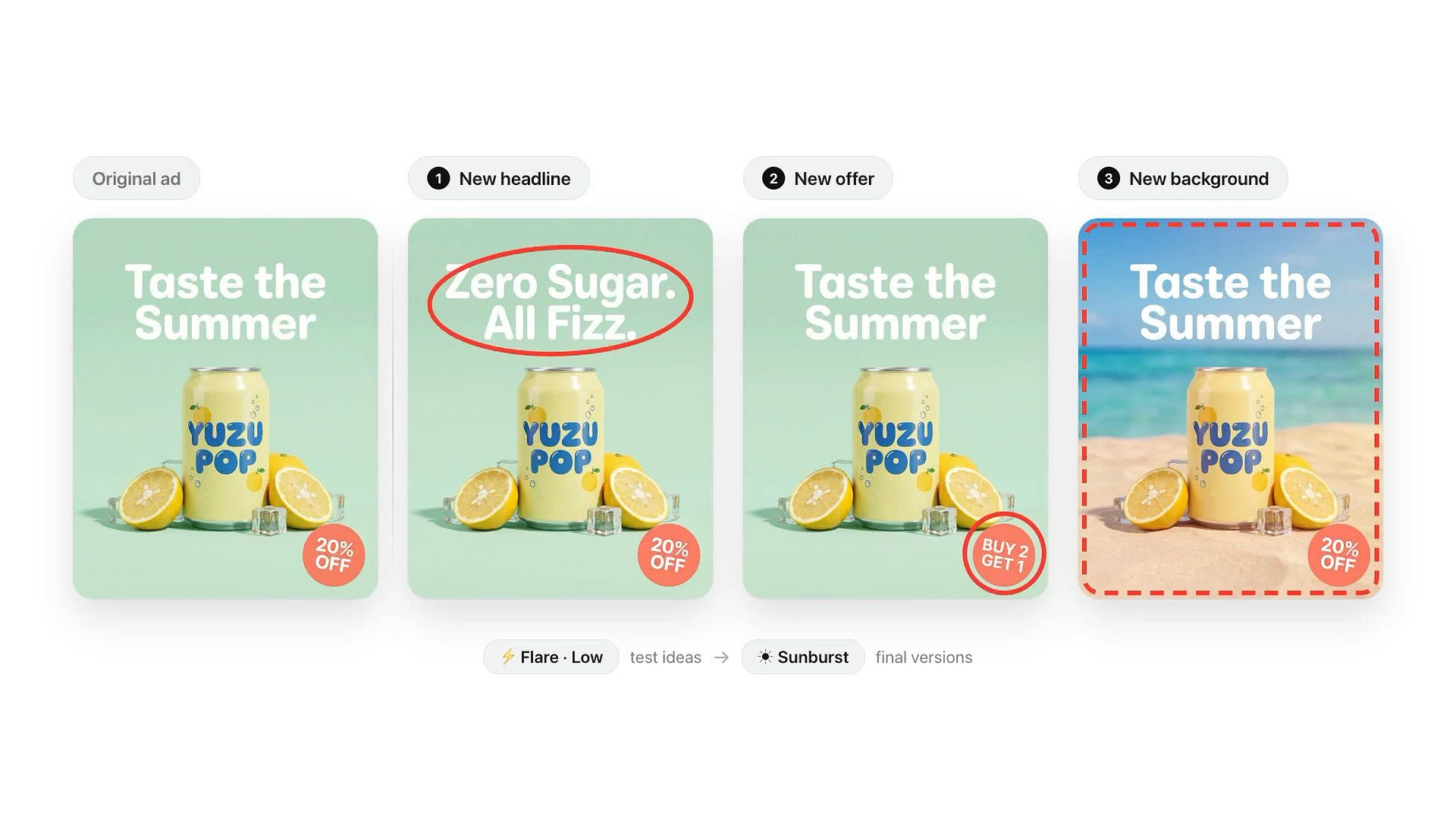
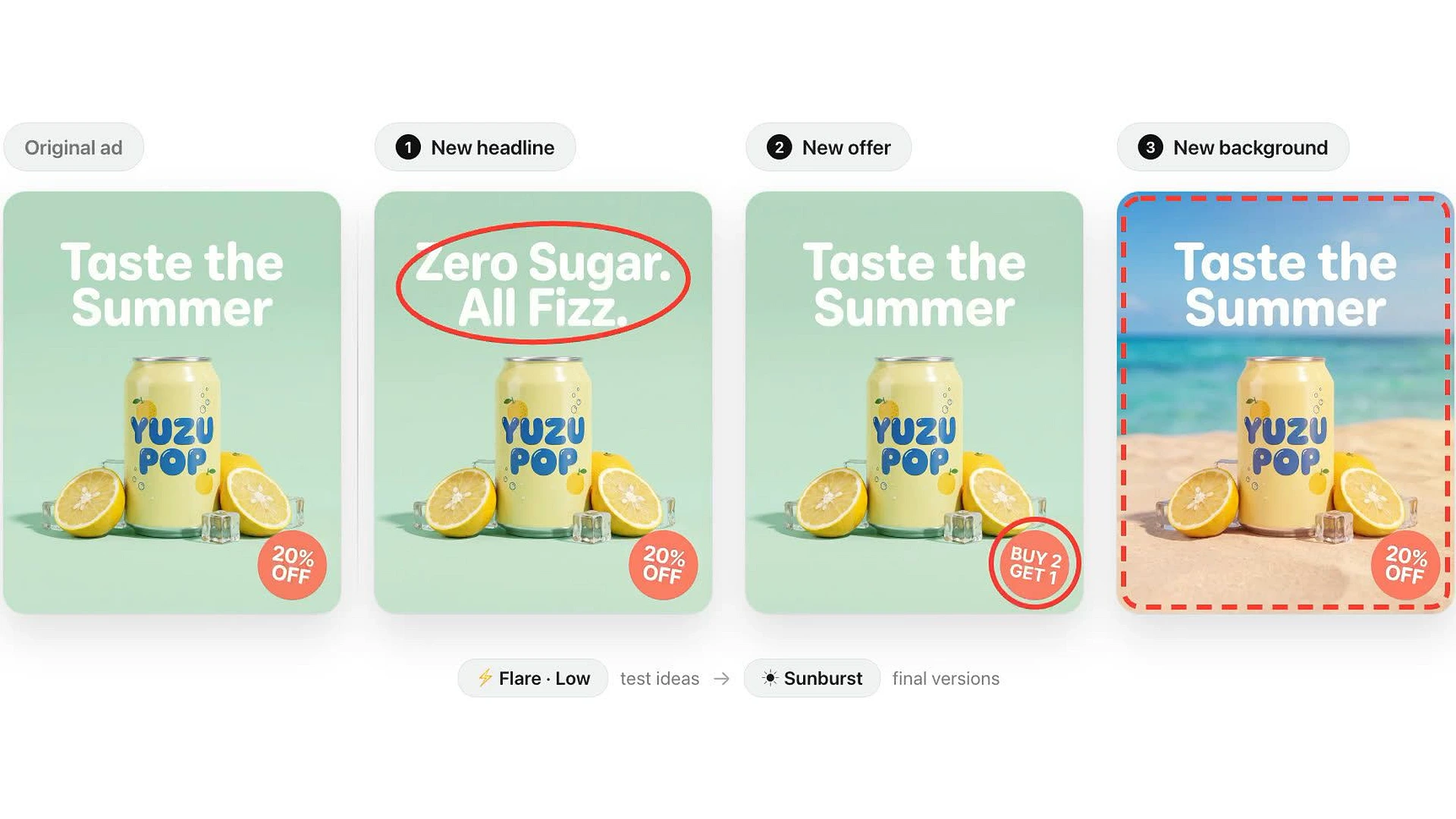
One soda ad reworked three ways: new headline, new offer, new background, with the product and layout held steady.

Start creating for free

How to Make an Image With GPT Image 2.6 on HeyOz

From prompt to finished frame in three steps.

PICK GPT IMAGE 2.6
STEP 1

PICK GPT IMAGE 2.6

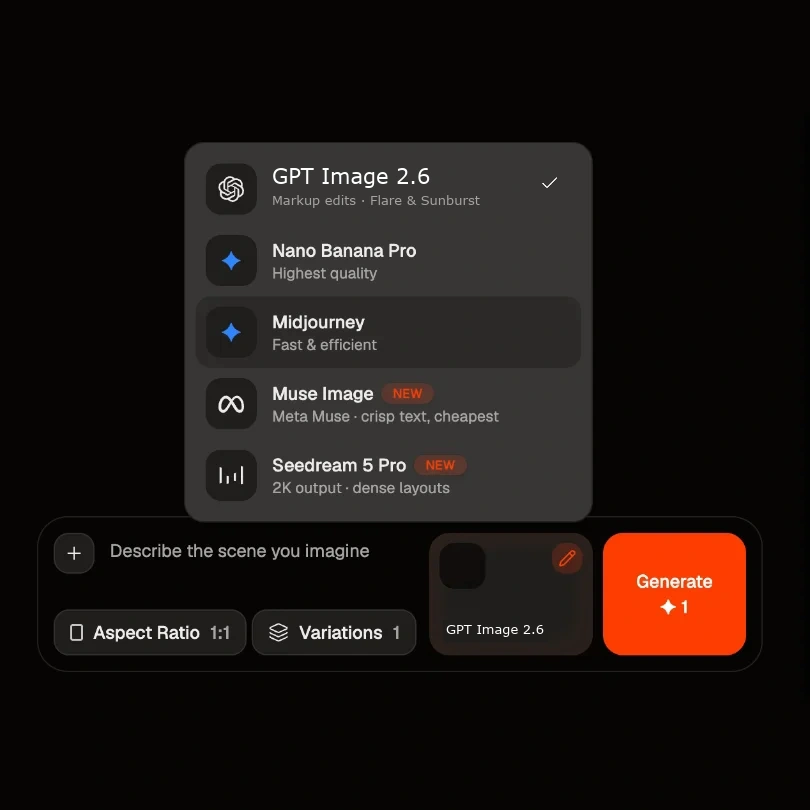
Open the image generator and choose GPT Image 2.6 from the model list. Pick Flare when you want speed, Sunburst when you want depth and editing control.

WRITE THE BRIEF
STEP 2

WRITE THE BRIEF

Describe the frame, or start from a reference image you already have. Say what the subject is, where the light comes from, and any text that needs to render.

GENERATE AND REFINE
STEP 3

GENERATE AND REFINE

Set your aspect ratio and run it. Keep what works, change the one thing that does not, and take the finished frame into video or an ad format.

Key Features of the GPT Image 2.6 Image Generator

Point-and-edit control, two speed modes, and cutouts that drop straight into a layout.

MARKUP EDITS

Point at What You Want Changed

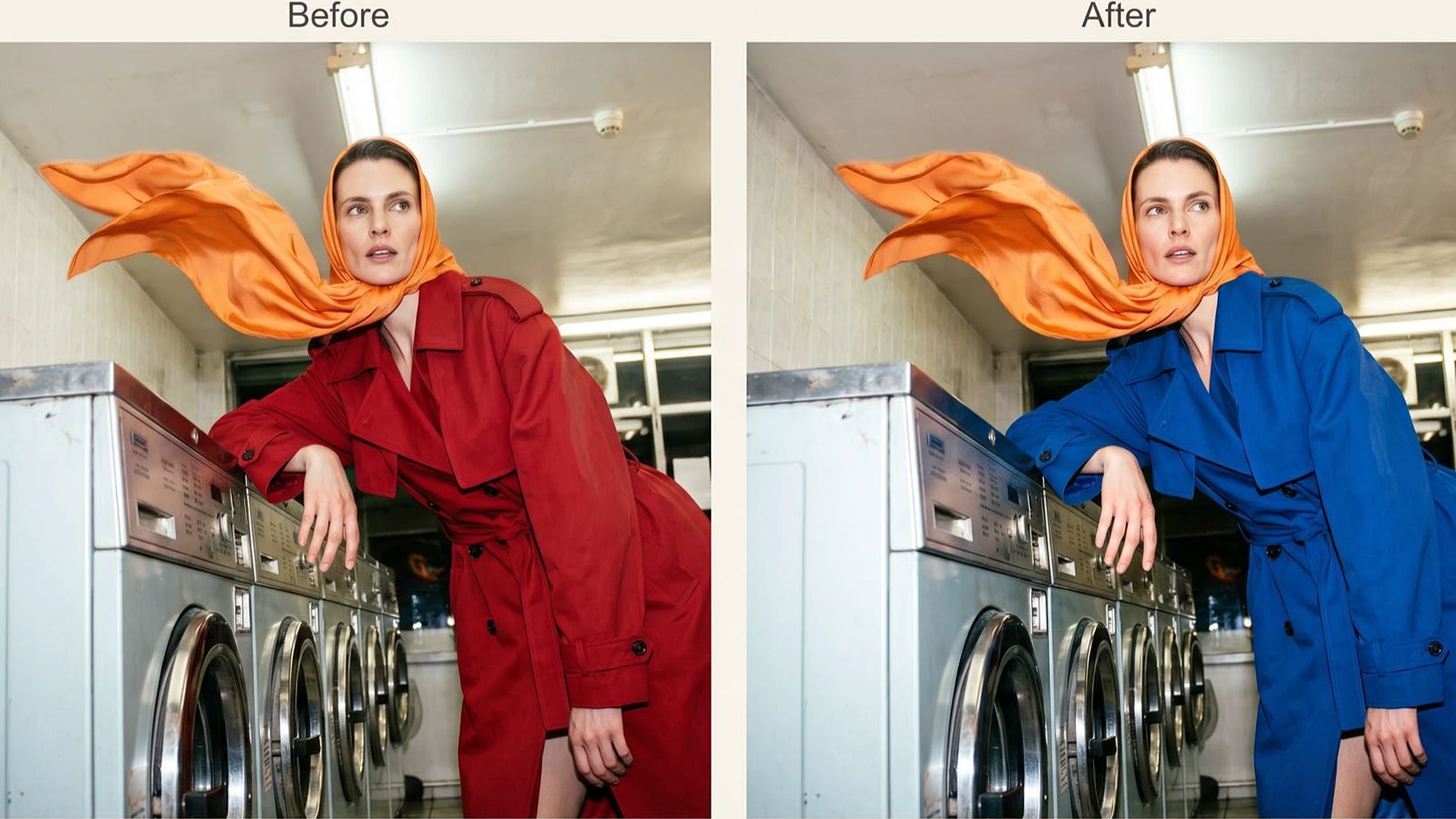
Mark the area and say what belongs there instead. Change the words on a sign, recolour a coat, clear people out of the background — without rewriting the prompt and hoping the rest survives.

Point at What You Want Changed
Try it Now
FLARE & SUNBURST

Two Modes, One For Each Job

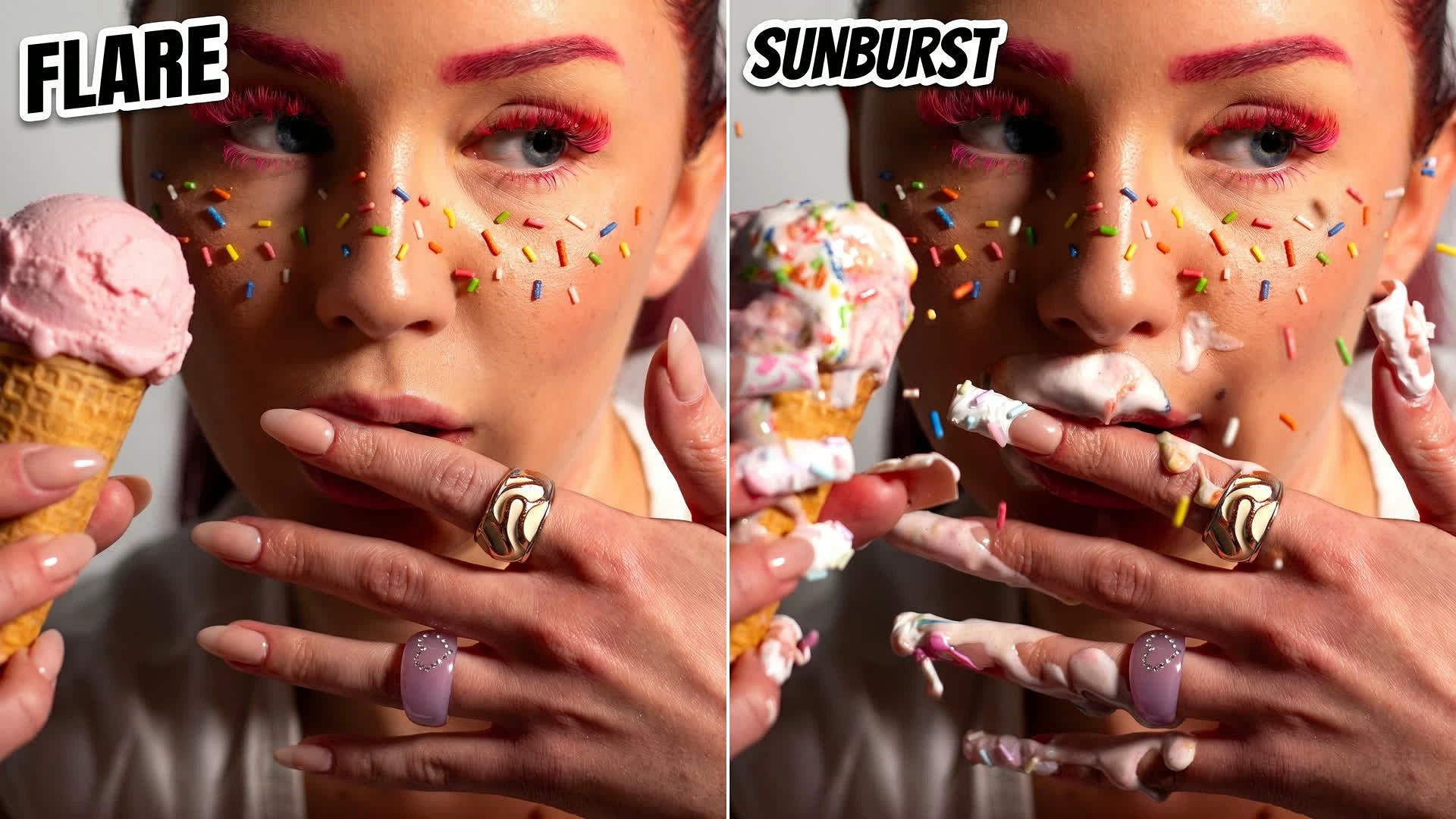
Flare is the fast one — drafts, variations, everyday social. Sunburst takes longer and holds up to scrutiny: editorial frames, product shots and detailed layouts.

Two Modes, One For Each Job
Try it Now
TRANSPARENT BACKGROUNDS

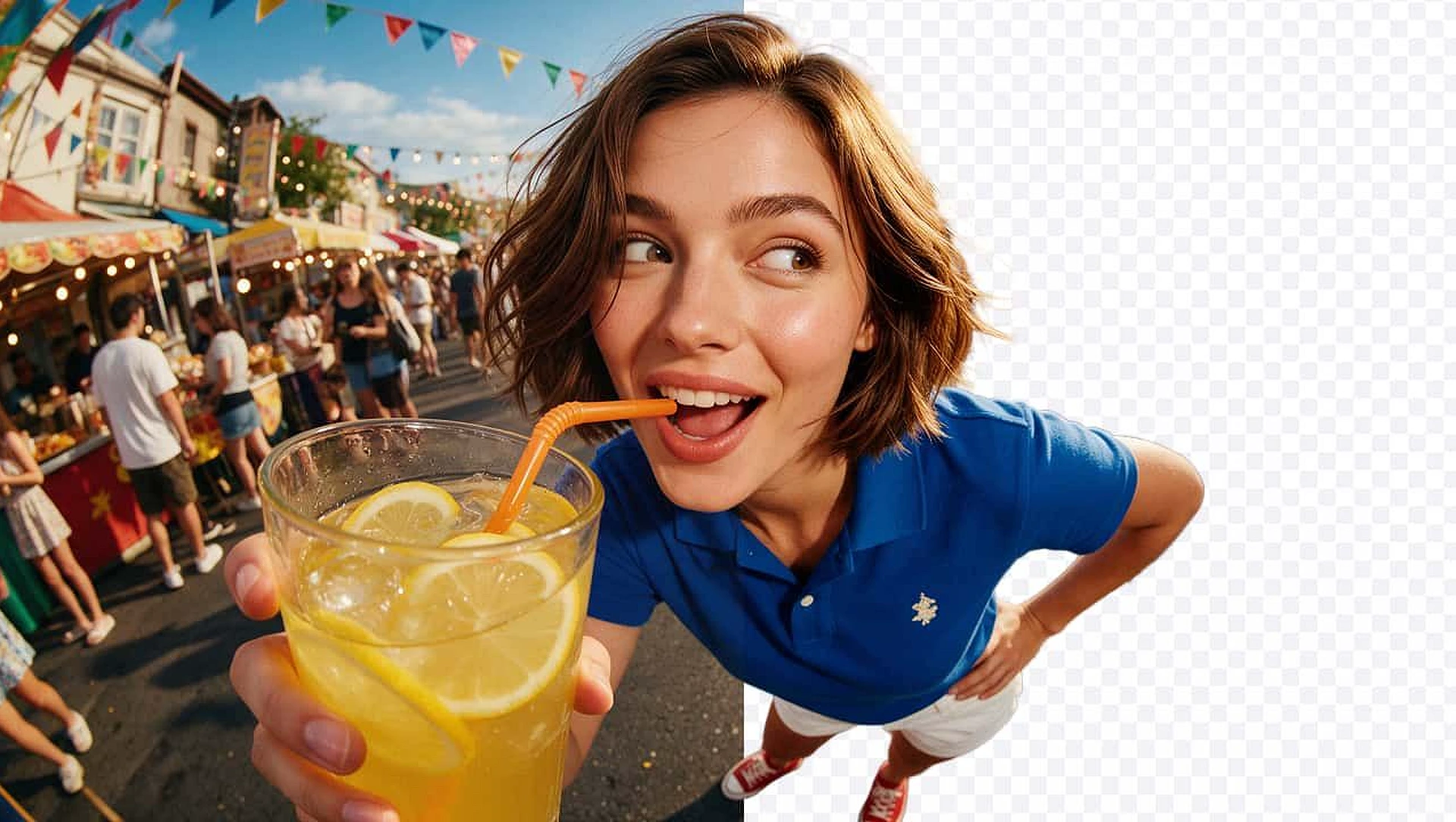
Cutouts, Not Rectangles

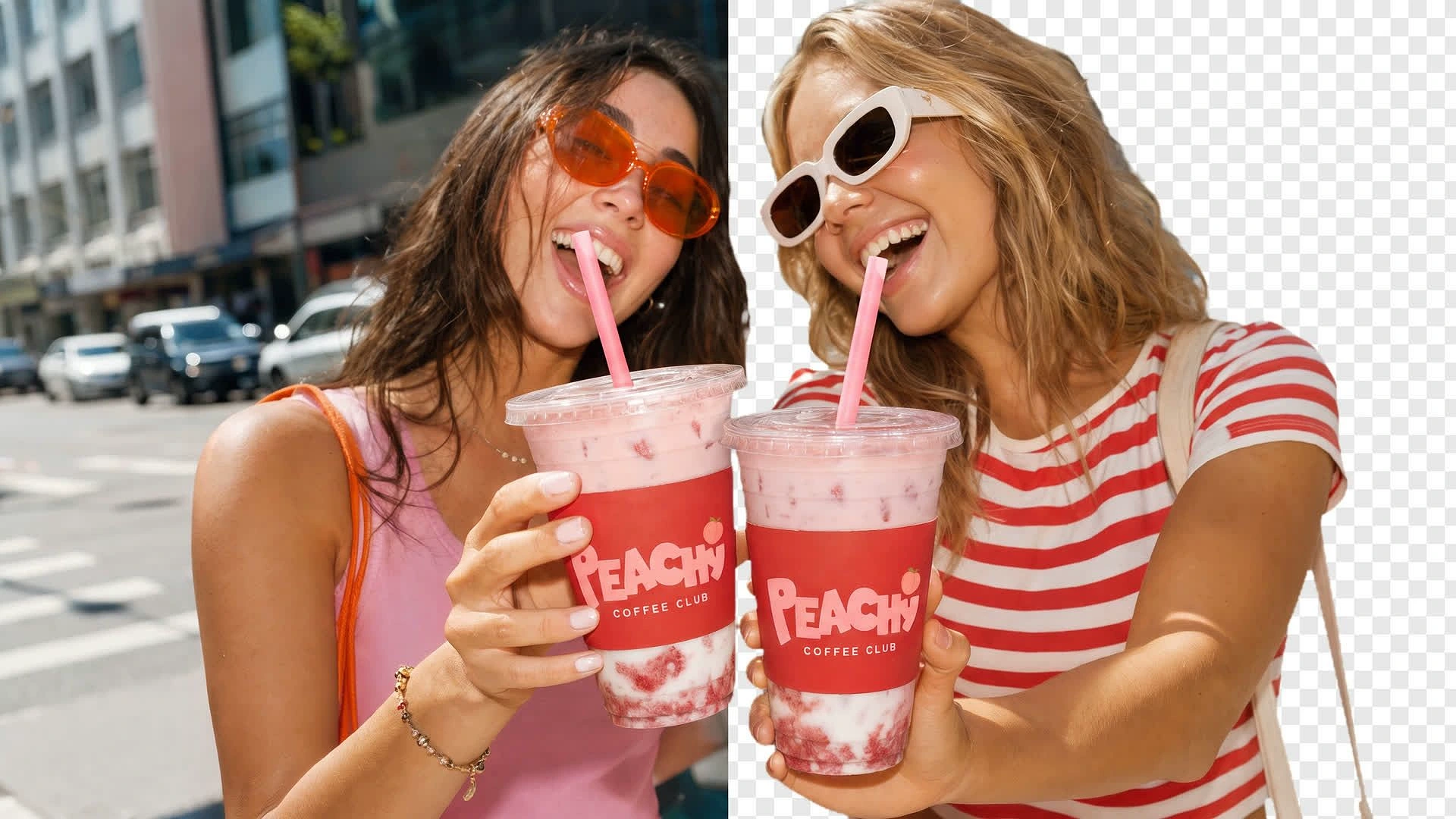
Ask for the subject on a transparent background and it arrives clean. Drop the same cutout into a story, a product page, an email and a banner without erasing anything by hand.

Cutouts, Not Rectangles
Try it Now
VARIANTS AT SCALE

Change One Thing, Keep the Rest

Hold the product and the layout steady while the headline, the offer or the background changes. That is how you get a test set instead of five unrelated images.

Change One Thing, Keep the Rest
Try it Now

Built for Every Kind of Image

One model for the frames a brand actually ships.

GPT Image 2.6 Image Generator AI generation

Seasonal Product Photography

One product, four seasons, no reshoot. Same label and lighting, different world around it.

GPT Image 2.6 Image Generator AI generation

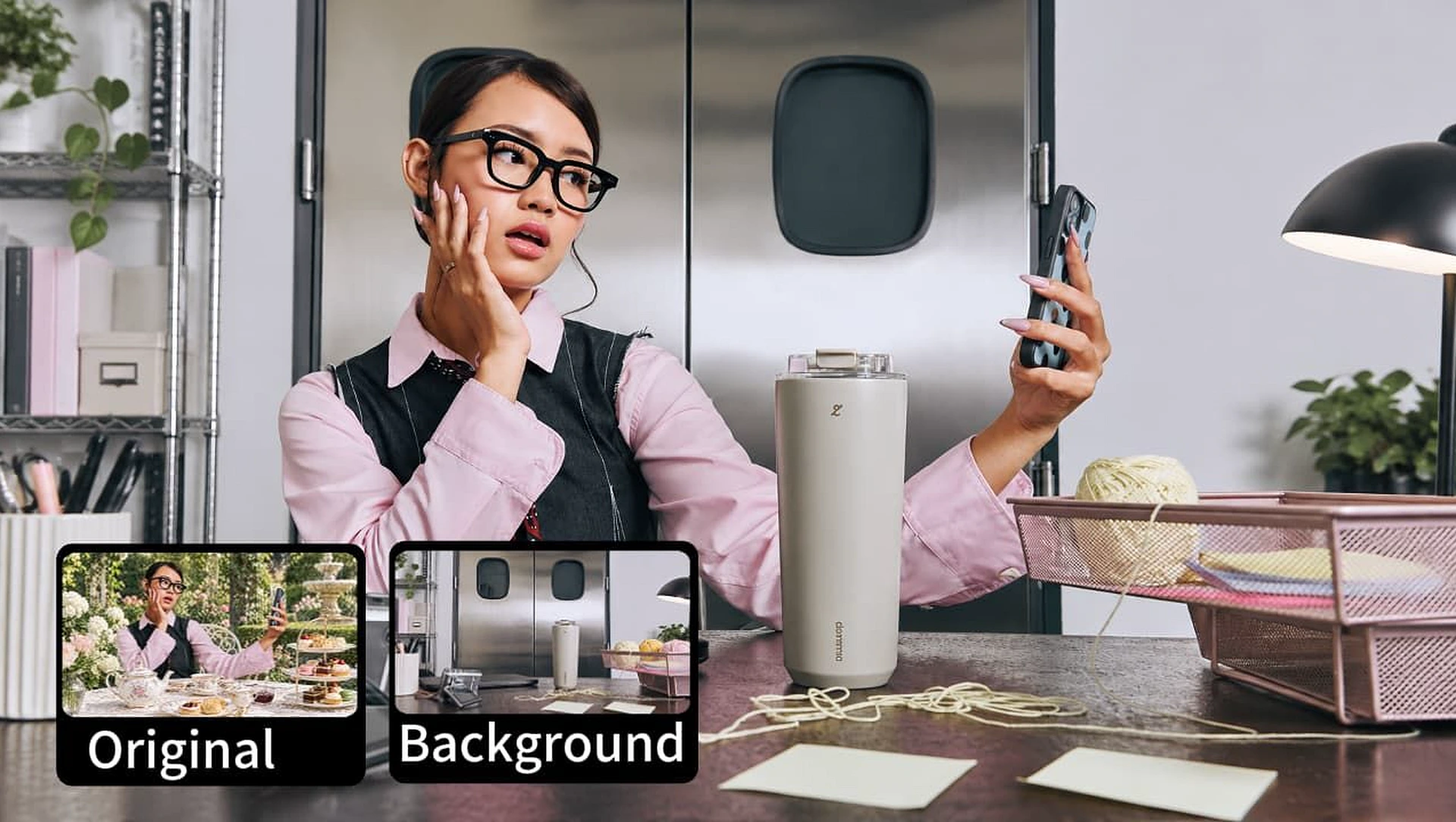
Swap the Background, Keep the Product

Move a product shot into a new setting without losing the thing you are selling.

GPT Image 2.6 Image Generator AI generation

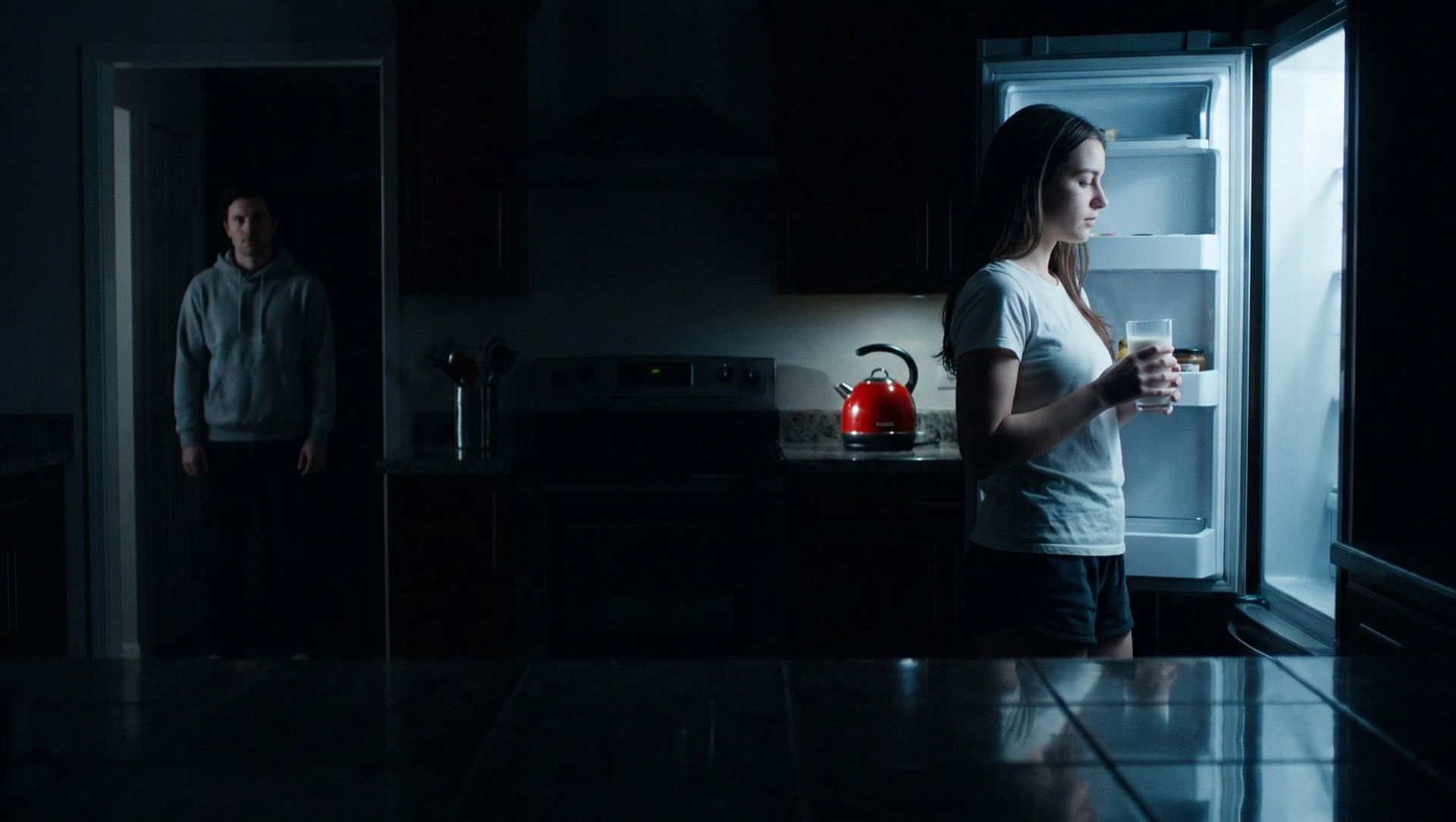
Cinematic Stills

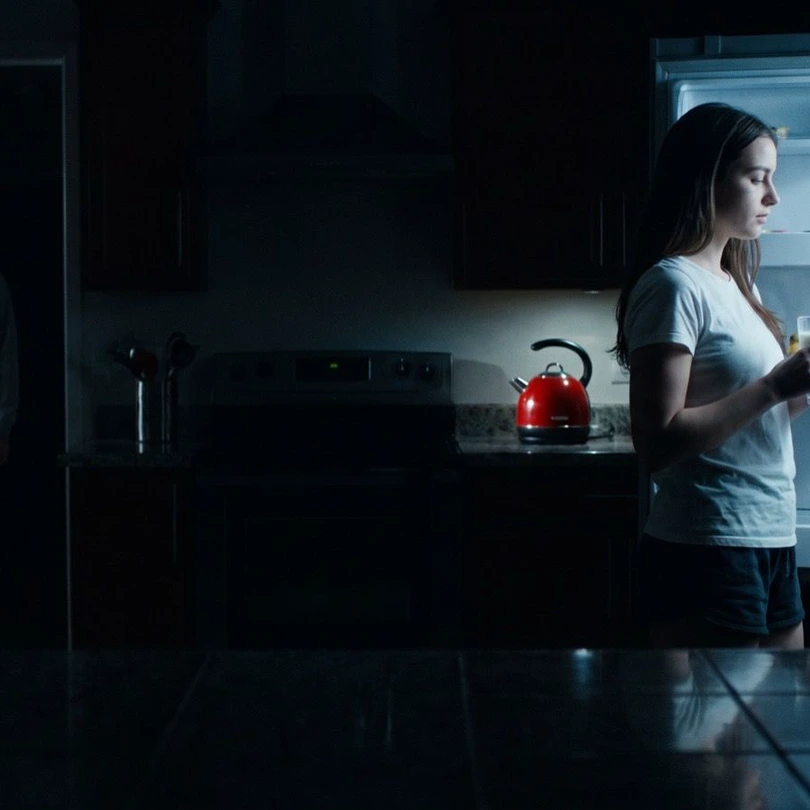
Moody, directed frames for a trailer beat, a title card or a campaign that needs to feel like film.

GPT Image 2.6 Image Generator AI generation

Cutouts for Social

Subjects lifted off the background, ready to sit on any colour a story or carousel throws at them.

FAQs

Is GPT Image 2.6 available on HeyOz?

Yes. GPT Image 2.6 is one of the image models in the Content Studio. Choose it from the model list and generate — there is nothing to install.

What is the difference between Flare and Sunburst?

Flare is the faster mode, built for drafts, quick variations and everyday social posts. Sunburst spends longer and gives you more quality and editing control, which suits editorial frames, product photography and detailed layouts.

What are markup edits?

Instead of describing where a change goes, you mark the part of the image you want changed and say what should be there instead. It is the difference between “change the sign on the left-hand wall” and simply pointing at the sign.

Can it make images with transparent backgrounds?

Yes. Ask for a cutout and the subject arrives without a background, so the same file sits cleanly on any colour — a slide, a product page, an email or a wider design.

How is it different from the other image models on HeyOz?

GPT Image 2.6 is the one to reach for when an image needs changing rather than regenerating, and when you need legible text and clean cutouts. Other models win on different ground — Midjourney on aesthetic, Nano Banana Pro on raw quality.

Which model should I use for text-heavy designs?

GPT Image. Typography and in-image text are what this family is strongest at, which makes it the default for posters, packaging mockups and ads where the words have to read.

Every leading model, on HeyOz

Pick the right engine for the job - all in one place.

Nano Banana Pro Wan 2.5 Kling 3 Kling O3 Kling O3 Pro Seedance 2 MiniMax H3 MiniMax H3 Max Muse Image Wan 3.0 Runway Gen-4.5 Veo 3.1 Google Omni Flash Wan 2.6 Luma Ray 3.2 GPT Image 2.0 Nano Banana 2 Seedance 2.5 HeyGen Midjourney

Why HeyOz

On-brand by default

HeyOz reads your brand and keeps every asset on-color, on-voice, on-message.

Every model, one place

Seedance, Veo, Kling, GPT Image, and more — no juggling subscriptions.

Ad-ready output

Sized and formatted for Meta and TikTok, straight out of the box.

A whole workflow

Not just a model — templates, avatars, and an agent that does it all.

Every ad your brand needs, in one place

Start Now. No agency, no brief, no blank screen.

Start creating now